Can Perific be added, usually sold together with Zaptec car charger
Which of the supported meters provides power use breakdown by device?
For that, you’ll need plugs with power-measuring capabilities or devices that can report their own power usage. These energy meters only measure the total power flowing through your main meter and don’t differentiate between individual devices.
Thanks @Doekse .
- So if I buy plugs with power-measuring capabilities, can I assign them to show up in Homey Energy with a Device name in the ‘Consumers’ section?
- Is there any instructions on how to do this?
- Which plugs work well for this particular use with the Homey Energy Dashboard?
I personally use INNR and Shelly smart plugs / power measurement devices. They show up in the Energy tab’s Top Consumers section automatically. In my case, on Homey Pro 2023, each of these devices have an ‘Exclude from Energy’ toggle in its settings. When enabling this option, the plug/device does not show up anymore in the Top Consumers section.
I believe this way of working is standard for all supported smart plugs with an energy metering function.
A possible resource to consider when choosing smart plugs is the available best buy guide: Smart Plugs | Best Buy Guide . Also check the Homey App Store to verify that the brand / model is supported. Finally, check the app section of this forum for further info on specific brand apps.
Bumping this up again. Any plans to support https://www.amsleser.no/ in the energy tab? @Doekse
Hi everyone,
I’m using a FRITZ!Smart Energy 250 plug and would like to use it as the main energy meter in Homey to measure the total household consumption.
In the documentation I’ve seen references that for cumulative measuring devices (like P1 meters or current clamps), the driver needs to expose the capability energy.cumulative: true.
If import/export values are available, the driver can also define cumulativeImportedCapability and cumulativeExportedCapability so that the device is recognized correctly as a whole-home meter in the Homey Energy dashboard.
 My question:
-
Is this already supported for the FRITZ!Smart Energy 250 in the FRITZ!Box bridge app?
-
If not, is there a way to enable it (e.g. via driver configuration), or would this require an update of the integration?
At the moment, the Smart Energy 250 only shows consumption as a “normal” plug, but I’d like Homey to treat it as the cumulative energy source for the house.
Thanks a lot for any clarification!
We’re currently in contact with FritZ regarding an official integration of their products. The integration will most likely be enabled through Matter, although the details are still under discussion.
That sounds great  – hopefully this feature will be available soon
  , since I guess especially in Germany there are a lot of FRITZ! products in use.
Do you have any idea whether by when and if it will then work directly with the FRITZ!Box, or if the FRITZ! Smart Gateway would also be required? Thx
Just wanted to share my findings here when it comes to using an ”unsupported” smart meeter for full house consumption (energy tab, import/export).
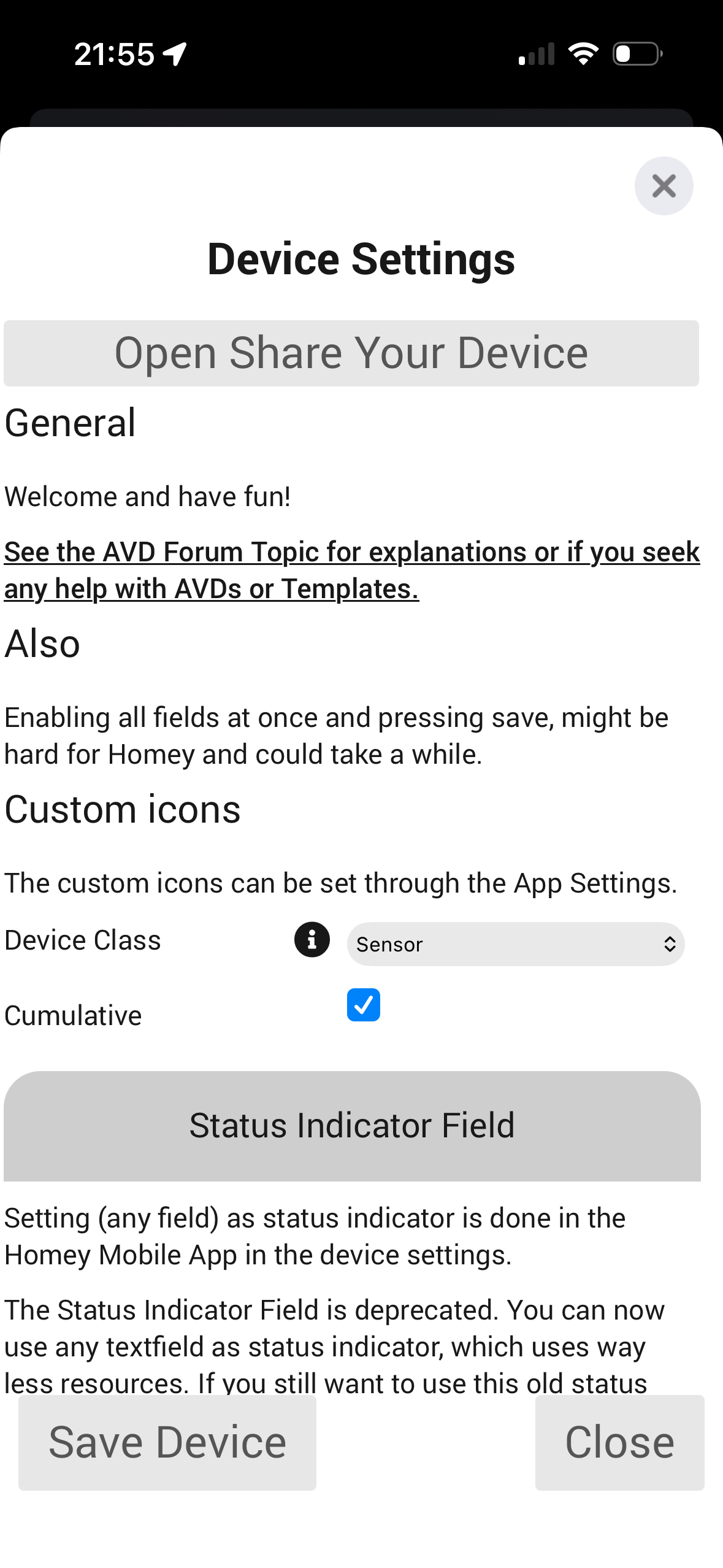
I am using a Qubino 3phase smart meeter, which does not support the config necessary to be picked up in the homey tab for full household import/export. After understanding that it is unlikely that Qubino will ever update their drivers to fix this, I turned to other solutions. And found one: the Devive Capabilities app
In the DC app you can create a virtual sensor, assign it ”cumulative” reporting, and set it to ”reflect” the power meeter you wish to be your main meeter - in my case the Qubino smart meeter. This solved the issue for me.. full usage of energy tab, with ”unsupported” meeter 
The three phases are reported by Qubino, whereas the 4th meeter is a virtual device reflecting the import/export values on the Qubino meeter (which are for driver reasons not reported correctly to Homey):



Hi,
I’m having trouble understanding how the Energy Dashboard calculates and displays the data.
My Zendure system is fully compatible with Homey Pro, yet it does not appear in the Energy Dashboard. This seems to be a limitation on the integration side, but it still affects the overall monitoring.
The second issue concerns plug-ins associated with a solar panel. When the panel produces energy, the device correctly reports a negative value (for example: –221.7 W). However, the Energy Dashboard does not display this production at all. The solar production line remains flat at zero, even though the device is clearly sending negative power values.
You can see the issue in this screenshot: the solar panel reports –221.7 W, but the dashboard still shows no production.
Is this behaviour expected, or is it a bug? Do I need to adjust any specific configuration parameter to ensure solar production is displayed correctly?
Thank you.

Maybe your device(s) suffer from the same driver/config issues as my Qubino does. Read my post from yesterday, and see if you can solve your issue with virtual meeters as well. This worked for me.
Here another one who would like to see that happens.
Although, have you tried it with the ESPhome app ?
I was lazy and bought the Homey Energy Dongle…
It must be possible to do stuff with virtual devices, MQTT and advanced flows. I was able to get my unsupported solar panels in the energy tab that way.
Hi there,
I was trying to add my Zendure P1 meter, and although from the community app perspective there is a possibility to turn on the Energy tab plug-in, this does not bring any changes and my P1 meter does not provide the data to the Homey Energy tab. I had another P1 meter (homewizard) before, but the Zendure P1 meter directly controls the output of the battery, and therefore I need to switch. Could the option of reading out the data for Zendure P1 meters be supported? Or is there another recommendation, to get it working?
Kind regards,
Eric
I will forward this feedback to the Zendure team to see if they can add the energy meter as a device to the official app.
Thank you! Maybe good to note is that the Zendure 2400 AC batteries are also only in a community app. Maybe it would be good to evaluate whether these van be added to the official app.
They are already available in the test version!
But it seems there are currently some major issues with Zendure and the Homey Zendure app; see this thread → Zendure App : please repair : Hyper2000 charge level + status
I also can’t connect my Zendure SolarFlow 800 Pro, even though it’s listed as supported in the changelog of the test version.
But I don’t know, if Zendure 2400 AC works as it should.
