Hi,
I have a Homey Pro23, and it sync with Google Home/Assistant (+ 2 Google mini’s in the house). I have 5 shutters, and in the past I could say: Hey Google open all the shutters. Then 5 shutters opened. Worked fine.
Since this summer I have 3 new solar blinds (Brel). I have these now in Homey also. Work fine, but these screens are now also in Google Home.
When I say, Hey Google open all shutters (rolluiken), now all 5 shutters open but also the 3 screens open. I dont want the screens to open, only the shutters.
How can I fix this issue ? 
Create an automation which takes the voice command “open all shutters” as starter
(This should replace the automatic selection by Ghome of all shutters / blinds);
as action, select the shutters and select the ‘open’ command.
Alternative (less work but not tested):
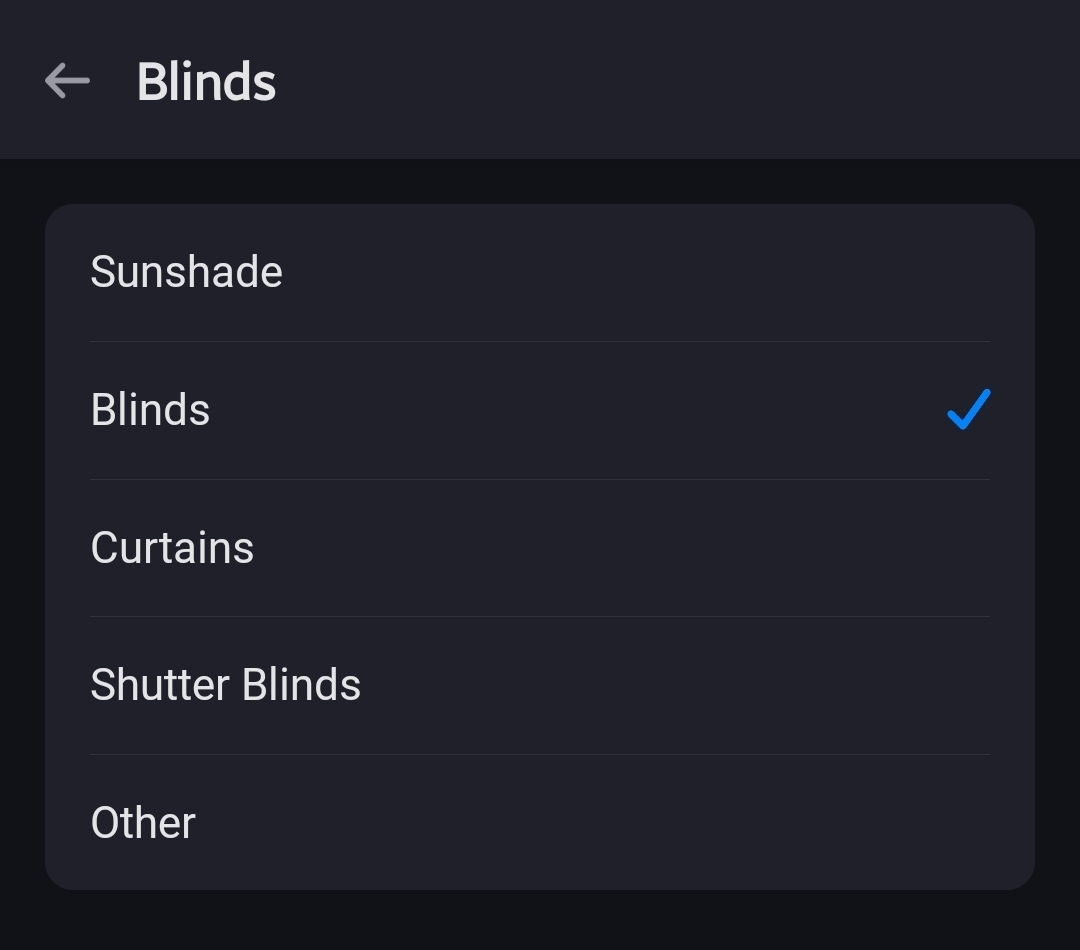
Make sure, on Homey, to change the device ‘type’ for the solar blinds to Blinds, and check if the shutters device ‘type’ is set to Shutter-blinds:
In theory, Ghome should not consider the blinds to be shutters anymore. This stuff you can fiddle with.
Thanks!
In Homey I cannot change the type of the screens. The Shutters are already at shutter. So I think I have to try your option 1.
If this does not work, can I create a second HOME and set the screens to the second home? Or does this effect also Homey…I dont want to mess things up. 
How you organise Homey based devices in Ghome doesn’t affect Homey.
AFAIK when you don’t add (new) devices to a home & room in Ghome, they’re excluded from voice commands like “close all shutters”, turn all lights on".
If that’s a wrong assumption, you’d move them to an other home to “exclude” them.
Because my Pro can’t disasble individual devices from sync, I use a second home to move devices to, which shouldn’t be in Ghome