Define tile action

Hi, I’m probably stupid but I can’t figure out how you define what the action should be if you press a tile in the dashboard.

For example I got a yale doorman. If I press the tile I want it to lock or unlock the door.

But if I press nothing happens, only long press get you to the functions.

I thought that perhaps it was a flow card but I could not find any one that matched the function.

Am I missing something?

This is defined by the app internally (using the “uiQuickAction” property in a capability manifest), and cannot be modified. You should ask the app developer

1 Like

Ah I see, that’s a shame :neutral_face:

Thank you for the answer!

1 Like

From what I know it’s default behaviour, dictated by Athom; possibly designed like that to prevent accidentally (un)lock actions.
Developers can’t work around it.

The only way to circumvent it is to add a virtual device and have it control the lock like a switch.
Example:
https://community.homey.app/t/homey-dashboards-megathread/116963/1261

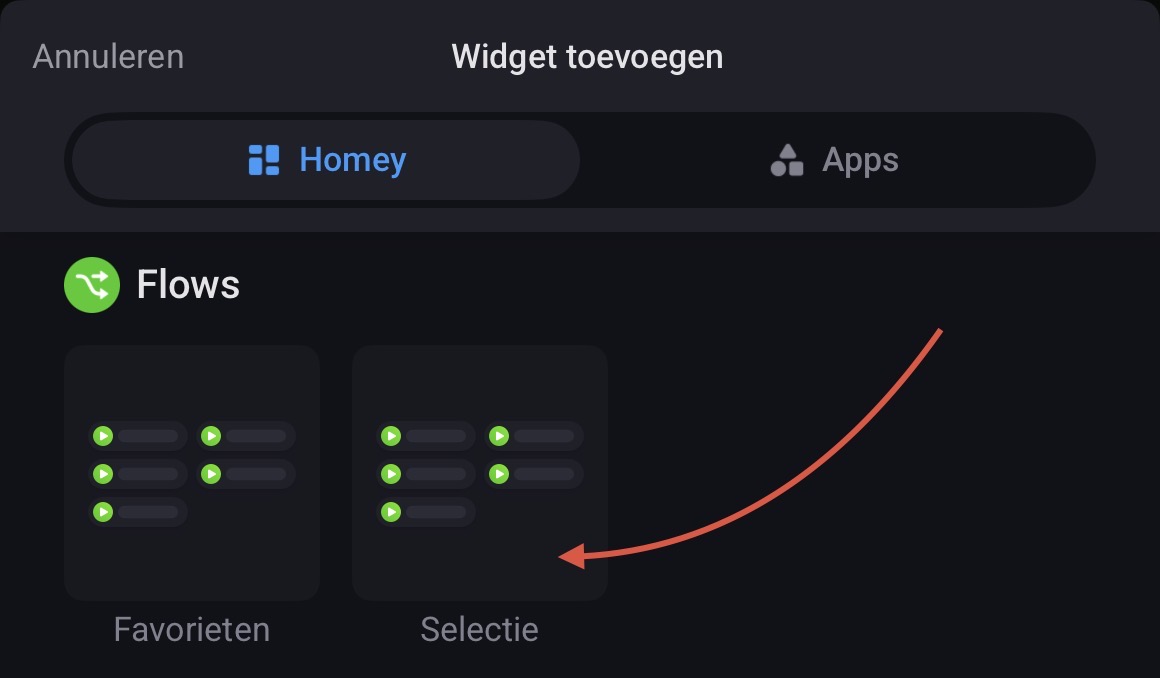
Another option, if you don’t specifically need the device tile on your dashboard, is to create a toggle on/off flow and then add a button to start the flow to your dashboard, like in the following example. You can add flows using the standard flows widget:

Absolutely!

It’s not a big problem, was just a bit surprised that you could not define the action.

Will go for flows or virtual devices instead :slight_smile: