Does anybody know how to control a Panasonic Air Conditioner via IR directly with the help op a HP 2023?
I have the following model Panasonic CS-FZ35UKE. The corresponding remote is shown in the picture
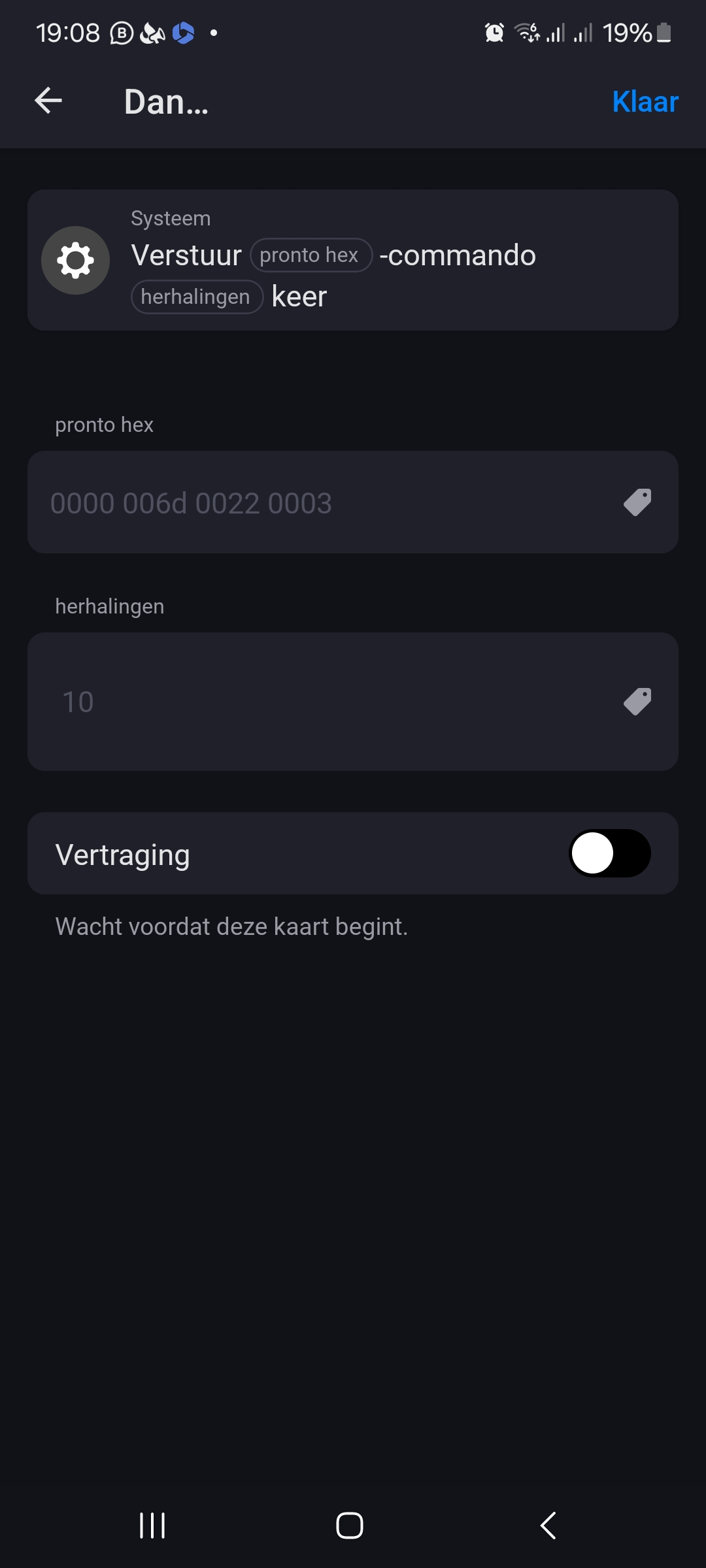
Thank you @Undertaker . But is it also possible to send direct pronto hex commands via homey. And if so, how do i get these?
Dijker
January 13, 2024, 6:11pm
5
Ruud_Braat:
Panasonic CS-FZ35UKE
There are quite some device if you search on Climate adding an IR device
But if this isn’t a rebranded other device you need to:
Learn the codes and build a Homey app youself
Ask the brand (Panasonic) Support to create an InfraRed Homey App.
look if a Cloud Extension for your model exists: Panasonic Comfort Cloud App for Homey | Homey
Dijker
January 13, 2024, 6:14pm
6
Google, there are many IR Databases online,
Great comments @Dijker . I appreciate this.
Did any of our fellow homeys encountered this same problem, and if so how did you resolved this without the use of extra hubs as suggested?
Interesting because I’m struggling with the same issue.
Maybe this will help you a bit:
// Copyright 2015 Kristian Lauszus
// Copyright 2017, 2018 David Conran

/// @file
/// @brief Support for Panasonic protocols.
/// Panasonic protocol originally added by Kristian Lauszus
/// (Thanks to zenwheel and other people at the original blog post)
/// @see Panasonic https://github.com/z3t0/Arduino-IRremote
/// @see http://www.remotecentral.com/cgi-bin/mboard/rc-pronto/thread.cgi?2615
/// @see Panasonic A/C support heavily influenced by https://github.com/ToniA/ESPEasy/blob/HeatpumpIR/lib/HeatpumpIR/PanasonicHeatpumpIR.cpp
/// Panasonic A/C Clock & Timer support:
///   Reverse Engineering by MikkelTb
///   Code by crankyoldgit

#include "ir_Panasonic.h"
#include <algorithm>
#include <cstring>
#ifndef ARDUINO
#include <string>
#endif
show original
Reverse Engineering Air Conditioner IR Remote Control Protocol: Hi, this is my first instructable, hope you like it. To get into electronics I chose a home automation project: a system allowing me to control and program both air conditioner...
This is a quick tutorial on how to create a new Infrared (IR) device for homey. Which unfortunately is not as simple as it should be due to bugs in the tools section of homey.
This tutorial is for people who are comfortable creating homey apps, or capable to follow the instructions provided by athom.
In most cases you should always attempt to find your IR device using the generic built in approach. (Add device → Homey → IR → Search for your device).
However if your device is not available, i…
Hi! Did you ever get this to work? I have the same Panasonic device. /Andreas
Hi @Andreas_N
I managed to get it to work by buying a separate switchbot ir module, which is able to send the right signal. SwitchBot Hub Mini: Learn & Control Your Devices | SwitchBot EU
Hey @Ruud ,
We have the same indoor unit and I opted to used the Hub 2 from switchbot. The unit is nevertheless not supported in their library. Therefore not al functions are available. Do you encounter similar issues or how did you get it to work?