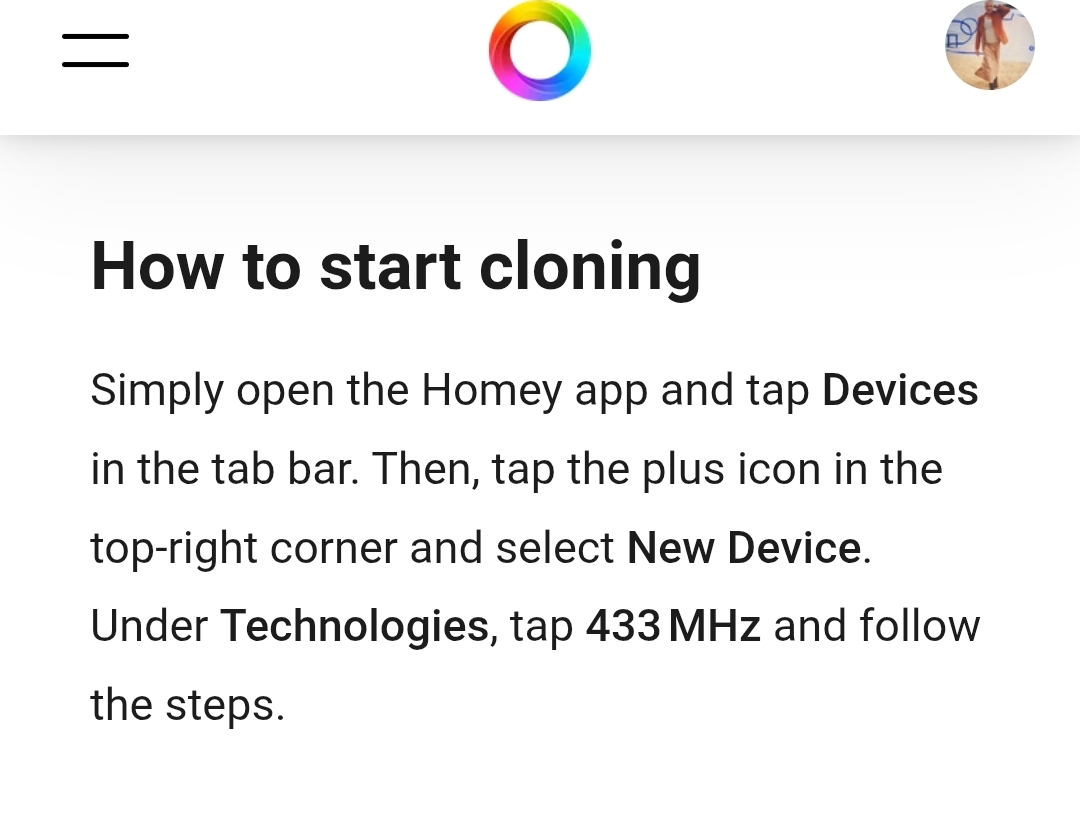
I have tried cloning a generic LED strip remote and although all buttons can be cloned and the device is added, when I try to use is I get an EINVAL (2:write) error on all buttons.
No idea what’s going wrong here.
Gemini AI says about this error: The “Einval” error in Homey with 433 MHz devices usually means “Invalid Argument” or an invalid value. This indicates that Homey tried to send a command or interpret a signal that wasn’t correct, or there’s an issue with the 433 MHz module itself.
Doesnt work for me either.
No error messages, but using phone camera I see that iR tranmitter is not lighting up when I use cloned IR commands.
Testing with the built in infrared devices I see the IR transmitter light up in phone camera ok.
Must be a bug.
So is the new feature actually capable of cloning IR remotes? Because everywhere I read it states it’s for 433 Mhz remotes, which obviously is a completely different thing.
No rolling codes but not working for me also. And the device is next to homey. Homey learn the mhz but when i touch the button its just doesnt work at all. But as i see almost everyone got the same problem.
Works for a switch from nexa but only from the item created for 2 buttons wit on and off.
Trying to use any of the commands in a flow just does not work. Any one who knows how to use a 2 button switch each button handles one, on and off for each button?
Hi Peter,
Ive read the HowTo’s but do not think this is the issue here.
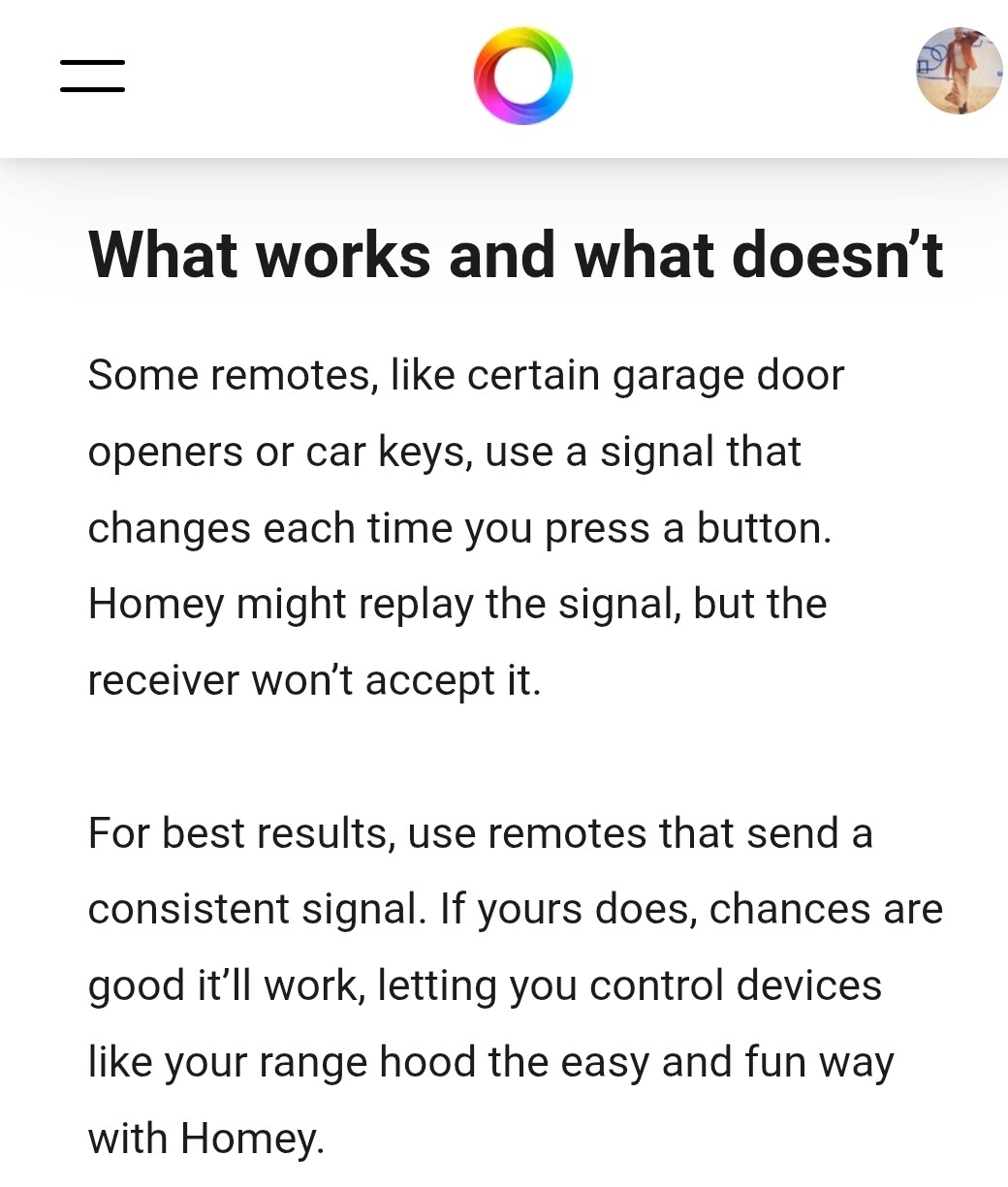
If you would use a remote with a rolling code, Homey would try to send the programmed signal, but it just wouldn’t do anything on the device you’re trying to control.
Since 433 is a one-way communication, it would not reply an error message, hence Homey cannot know there is a problem on the device side.
Since the app returns an Einvall error, the only logic explanation would be the error is in the app or firmware of homey (like our resident homey-guru @robertklep ) already stated.
I will keep trying when newer firmware and app versions if the problem is solved for me and report back.



 ) already stated.

