Hello,
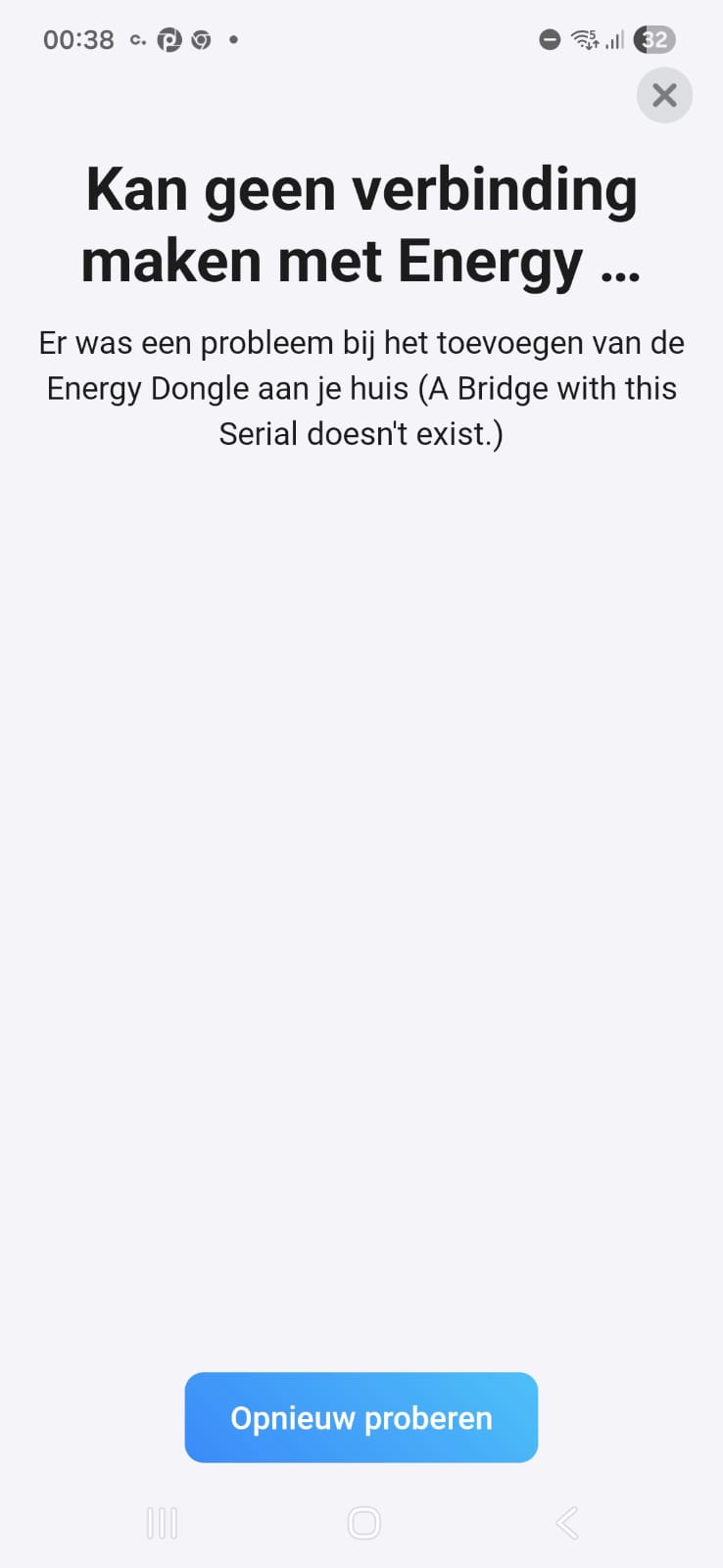
I noticed the Homey update/recovery tool is at usb.homey.app. I saw there was an option for Energy Dongle. I picked it and it showed to select USB JTAG. Now I don’t have an Energy Dongle but do know that it’s based on the ESP32. So I just plugged in my ESP32C6 devboard instead and selected that from the list. Now I was expecting it to check my ESP32 MAC at Athom’s server to see if it’s a real Energy Dongle.
I opened WiFiman on my phone in Bluetooth scan mode and saw nothing leading to the ESP32. Also Serial Monitor didn’t show anything, not even when I press the RESET button on my ESP32 board. I decided to unplug it and plug it back in
I expected that it would just partially flash the firmware, but not fully so only a real Energy Dongle can get the FW. But to my surprise, after PTPing the ESP32C6, I saw this in my WiFiman list:

So my ESP got flashed with Energy Dongle firmware successfully?
Now I don’t actually own any P1 ports/components, and I only have a Pro 2019 so i can’t test it further. But I thought it would be good to share here if someone else would be interested in it