"Zoney"/"Portal": New (unreleased) device from Homey

Update 23/02

There are more details, including the name Homey Portal and, by looking at the source code of a specific hidden website (playground.homeyportal.net, which they’ve now pulled so it’s no longer available), I think we can conclude that it’s a dashboard display/screen.

But there’s also stuff about volume. “Performance overlay“ is probably for dashboards, but the Volume part looks like some sort of speaker. I think it might be both in 1.

UPDATE

I was able to clone the Bluetooth signal with an ESP32, allowing the Homey app to discover it as a Zoney device. Here are some screenshots:
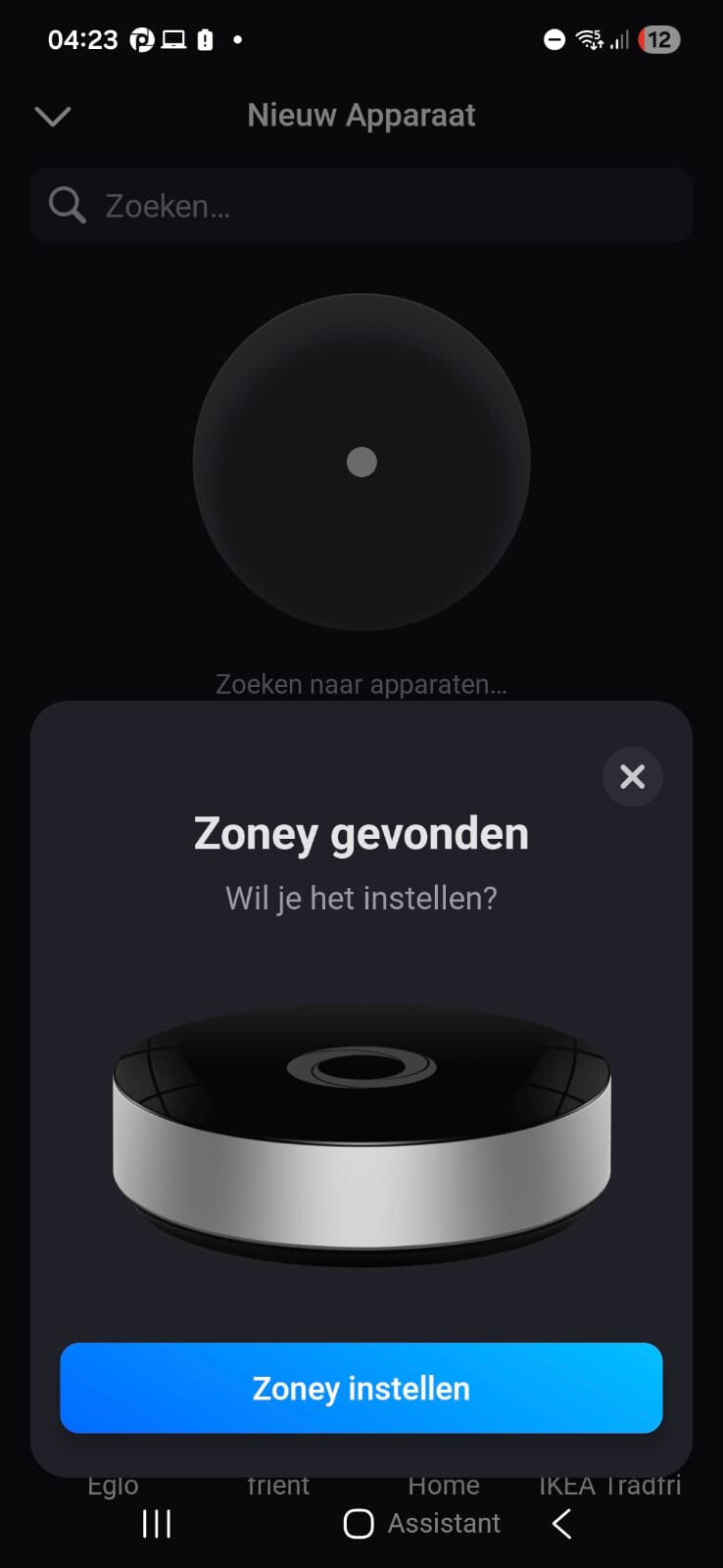
To me, this seems more like a prototype/test that accidentally got into a production build. The request timed out when it needed to scan for networks, since my ESP32 sketch doesn’t have that implemented. Not that there’s much more to look at anyway, since to me it seems mostly just like the regular Homey Bridge setup. And even if it wasn’t, it would not link to the Homey Cloud instance anyway, I’ve already tried doing that by installing the OTA for the Energy Dongle onto another ESP32, but it says that the serial number (MAC address) is incorrect. It can’t link to Homey Pro, since I have a Pro 2019 which doesn’t support Satellite mode or energy dongle.

#############################

Hello there,

I downloaded the Homey app APK from APKPure, and I ran the index.android.bundle React Native file in the assets folder through a decompiler. I saw something very interesting in there:

        r1['homeyBridgeDriverId'] = r4;
        r4 = 'BLUFI_HOMEY_BRIDGE';
        r1['homeyBridgeBluFiName'] = r4;
        r4 = 'BLUFI_ZONEY';
        r1['zoneyBluFiName'] = r4;
        r4 = 'homeycloud.net';
        r1['homeyCloudUri'] = r4;
        r4 = 'homeycloud.dev';
        r1['homeyCloudUriDev'] = r4;
        r4 = 'BLUFI_HOMEY_PRO';
        r1['homeyProBluFiName'] = r4;
        r4 = 'MINI_ETHERNET_HOMEY_PRO';
        r1['homeyProMiniMiniEthernetName'] = r4;
        r4 = 'homey:virtualdriverenergydongle:driver';
        r1['homeyEnergyDongleDriverId'] = r4;
        r4 = 'BLUFI_ENERGY_DONGLE';
        r1['homeyEnergyDongleBluFiName'] = r4;

These are the Bluetooth names for the devices. But what is Zoney? I did some further digging, and while most were not very interesting, I saw this:

        var _closure1_slot5 = r3;
        r3 = {};
        r9 = 'ZoneyInitial';
        r3['ZoneyInitial'] = r9;
        r9 = 'ZoneyStandInstallation';
        r3['ZoneyStandInstallation'] = r9;
        r9 = 'ZoneyWallInstallation';
        r3['ZoneyWallInstallation'] = r9;
        r10 = {};
        r9 = r3.ZoneyInitial;
        r10['key'] = r9;
        r9 = '';
        r10['title'] = r9;
        r9 = new Array(3);
        r9[0] = r10;
        r10 = {};
        r11 = r3.ZoneyStandInstallation;
        r10['key'] = r11;
        r11 = 'zoneySetup.installation.options.stand';
        r10['title'] = r11;
        r9[1] = r10;
        r10 = {};
        r11 = r3.ZoneyWallInstallation;
        r10['key'] = r11;
        r11 = 'zoneySetup.installation.options.wall';
        r10['title'] = r11;
        r9[2] = r10;
        var _closure1_slot6 = r9;
        r10 = r5.default;
        r12 = r5.default;
        r11 = r3.ZoneyStandInstallation;
        r5 = 6;
        r5 = r8[r5];
        r5 = r7.bind(r0)(r5);
        r9 = r5.SceneZoneyInstallationStandMemoized;
        r5 = {};
        r9 = r12.bind(r0)(r5, r11, r9);
        r5 = r3.ZoneyWallInstallation;
        r3 = 7;
        r3 = r8[r3];
        r3 = r7.bind(r0)(r3);
        r3 = r3.SceneZoneyInstallationWallMemoized;
        r3 = r10.bind(r0)(r9, r5, r3);

So stand and wall installation? Is it some kind of dashboard? Since it seems to detect the device type based on the Bluetooth name, I can attempt to name one of my devices with the same name to see if it does anything.

But has anyone ever heard of the “Zoney“ device? Or is it maybe a codename?

3 Likes

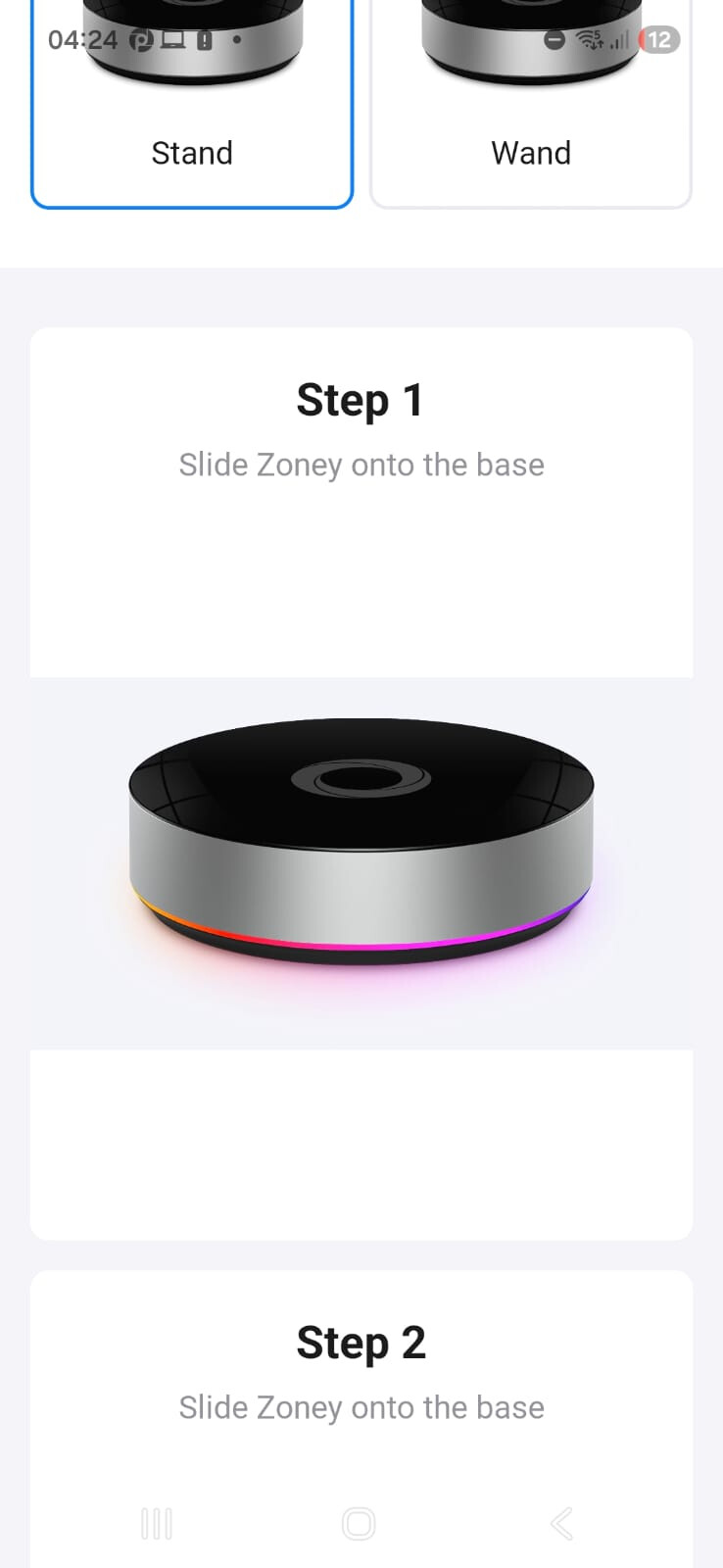
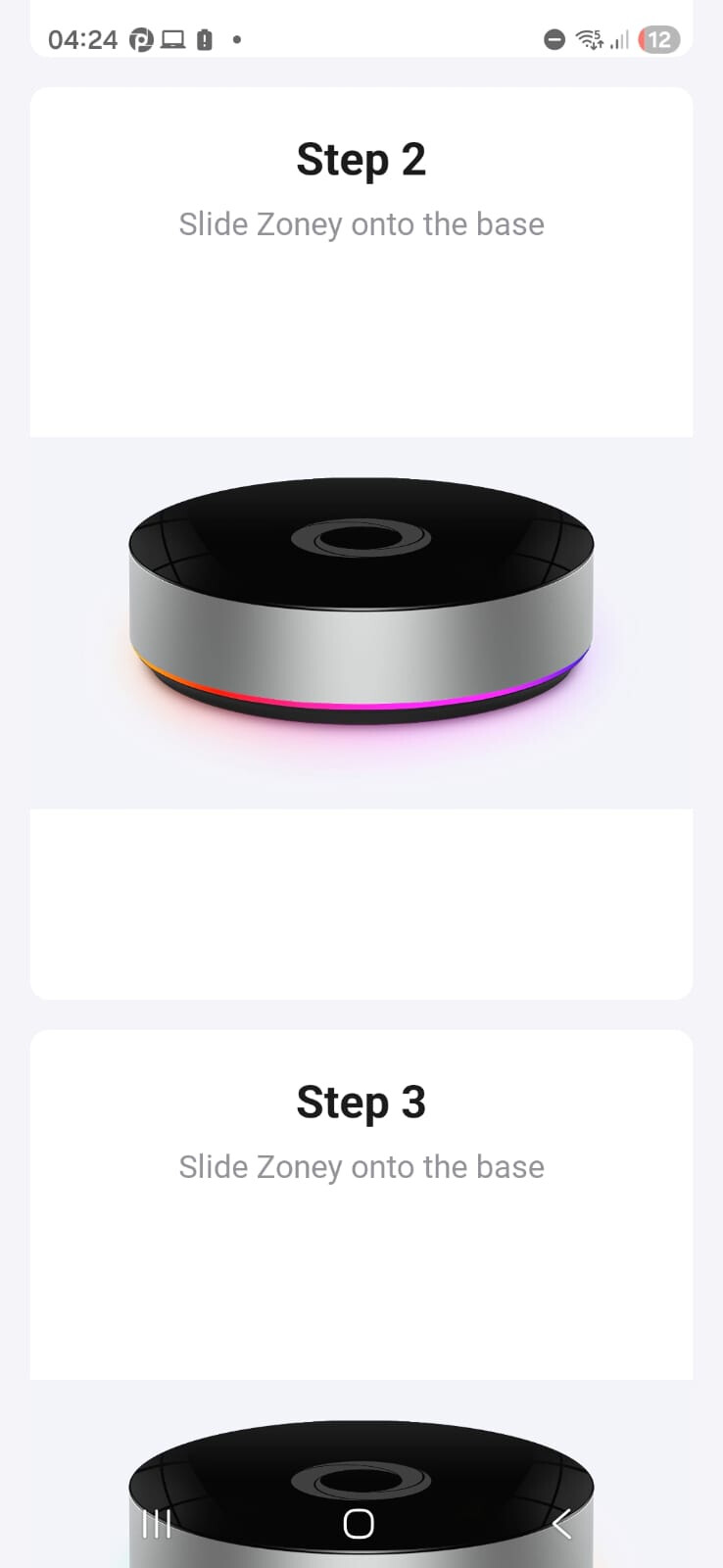
“Slide Zoney on to the base“

            r6 = {'title': 'Step 1', 'descripion': 'Slide Zoney onto the base'};
            r12 = r7.default;
            r5 = r12.getVideoForBridge;
            r13 = 'spectrum';
            r5 = r5.bind(r12)(r13);
            r6['video'] = r5;
            r5 = new Array(3);
            r5[0] = r6;
            r6 = {'title': 'Step 2', 'descripion': 'Slide Zoney onto the base'};
            r14 = r7.default;
            r12 = r14.getVideoForBridge;
            r12 = r12.bind(r14)(r13);
            r6['video'] = r12;
            r5[1] = r6;
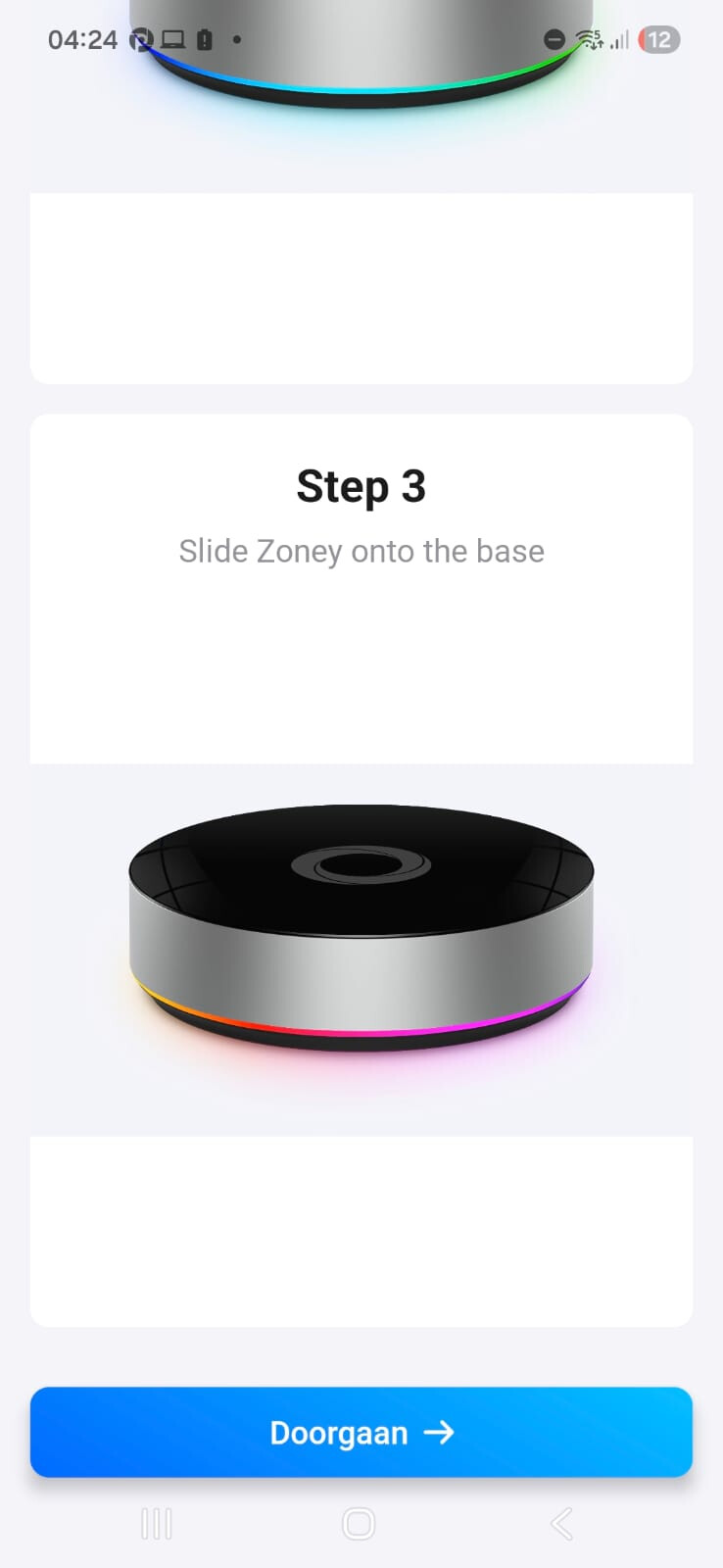
            r6 = {'title': 'Step 3', 'descripion': 'Slide Zoney onto the base'};
            r12 = r7.default;
            r7 = r12.getVideoForBridge;

Seems like it will use the regular video from the Bridge in this case, so probably no special image or video files in the app assets.

The name is actually Zoney

    r2['HomeyDevice'] = r0;
    r1 = {};
    r3 = 'Homey Pro';
    r1['Pro'] = r3;
    r3 = 'Homey Pro mini';
    r1['ProMini'] = r3;
    r3 = 'Homey Bridge';
    r1['Bridge'] = r3;
    r3 = 'Homey Energy Dongle';
    r1['EnergyDongle'] = r3;
    r3 = 'Zoney';
    r1['Zoney'] = r3;
    r2['HomeyDevice'] = r1;

And there’s a ManagerZoney on Homey?

                        r15 = r17.call;
                        r5 = {'method': 'post', 'path': '/api/manager/zoney/pair'};
                        r18 = {};
                        r19 = r8.\_deviceSerial;
                        r18\['serial'\] = r19;
                        r5\['body'\] = r18;
                        r5 = r15.bind(r17)(r5);
                        SaveGenerator(address=380);

It appears like it should be in some kind of development version, since the endpoint returns a 404 in both Homey Cloud and my Homey Pro Early 2019

Oops, looks like they made a typo in the function name:

            r0['showZonyDialog'] = r1;

It really appears to be just a concept, not any real product right now (except for maybe 1 prototype). When I look at the code, it seems like it would show a Homey Bridge image during pairing, so we will never know what it looks like. It might have not even had an enclosure in the first place, because this seems more like a prototype/concept to me.

Yep, exactly what I thought

These are some screenshots. It appears to be mostly a copy of the Homey Bridge pair process.

I got these screenshots by creating an ESP32 sketch that copies all advertisement data from the Homey Energy Dongle (since they work kinda the same) and then just changed the name to “BLUFI_ZONEY“, so the Homey app will see it as a Zoney device. Of course it can’t connect, because my ESP32C6 of course doesn’t respond to any commands sent from the Homey app, so it gives a timeout message. I don’t think there’s anything else anyway, the only references I could find in the app code was to the setup process

I can also check older app versions, to see when it was added to the app

Decided to decompile the 9.7.1 version as well. They’ve renamed it to Homey Portal it seems. I might install the ESP32C6 sketch again to get screenshots, but I don’t have time for that now so I’ll check that later today.

image

I did spot some more setup instructions and noticed that they replaced the Homey Bridge with a Homey Pro mini placeholder image/video.

Also noticed the homeyportal.net domain was created 1 year ago. It has a subdomain to ota-cdn, similar to the other Athom OTA services. I think it might be related.

I’ve just read through the source of playground.homeyportal.net and I think we can conclude that it’s a Dashboard screen/device based on the source code.

The Changelog:

https://ota-api.homeyportal.net/api/v1/changelog

Not much interesting for now:

[{"version":"0.0.1-rc.4","changelog":"<p>Version bump to upload correctly to AWS S3.</p>"},{"version":"0.0.1-rc.3","changelog":"<p>Add support for serial numbers</p>"}]

There is also broker.homeyportal.net. The Portal device appears to use a different chipset than the regular ESP32 that the Bridge and Energy Dongle use. The infra seems mostly copied from homeybridge.net, but since it uses other domains (and such a product requires many resources, which an ESP32 can’t offer), I think it’s a different SoC.

They’ve pulled the playground.homeyportal.net website it seems:

I did some more testing today and it appears that they already have protections in place. I tried the ESP32 Bluetooth trick but that didn’t work anymore. It seems like it needs a minimum FW version of the Homey, so I might be able to fake the current firmware version using HTTP Toolkit and an Android emulator (not sure if it’s possible to forward the Bluetooth adapter though). I was able to find some things in the decompiled app though.

  • There is a reference to PortalInstallationTabBar and TOPBAR_HEIGHT, which likely means something for a dashboard.
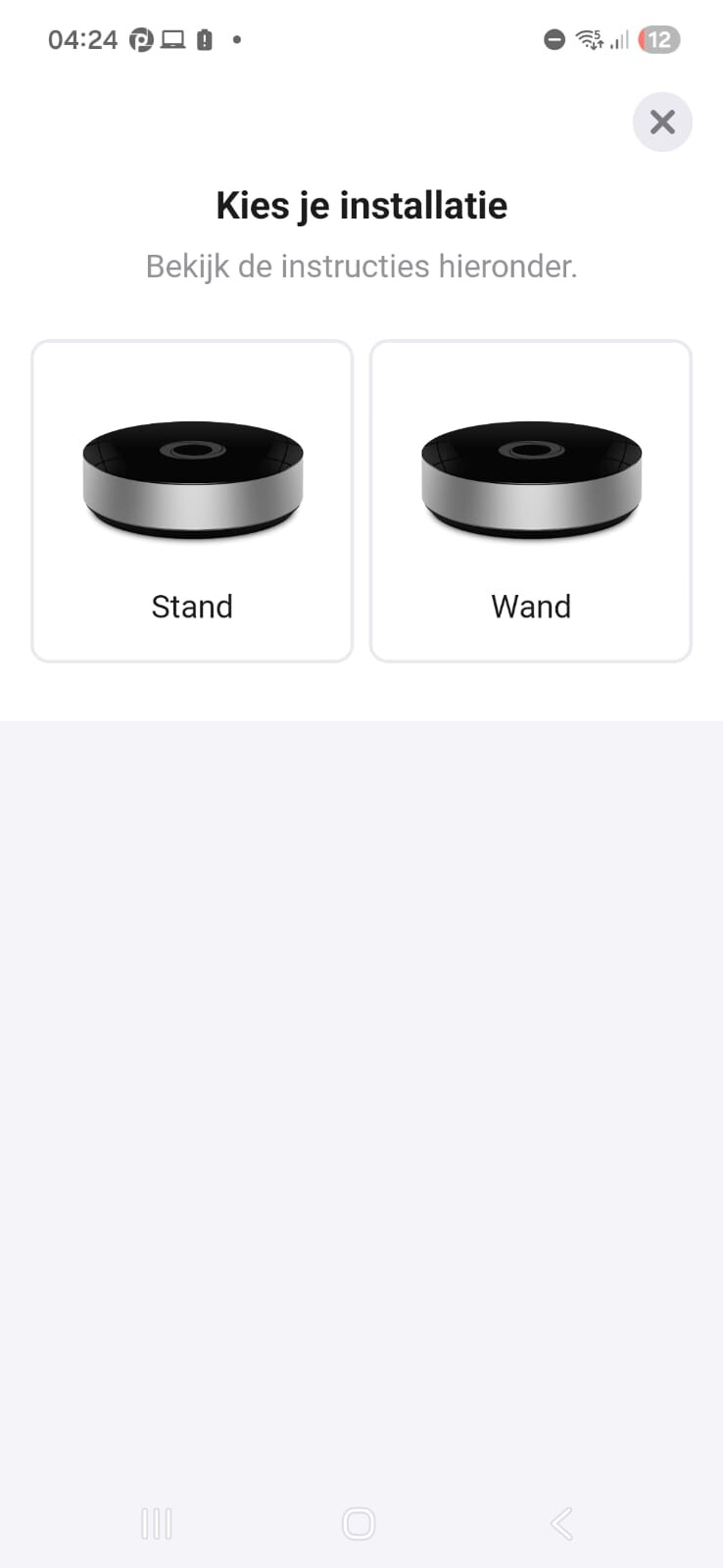
  • I found this inside the mobile app. These are the instructions for mounting:
        r2 = {'title': 'Choose your installation', 'subtitle': 'View the instructions below.'};
        r8 = {'wall': 'Wall Mount', 'stand': 'Desk Stand'};
        r2['options'] = r8;
        r8 = {};
        r9 = {'title': 'Step 1', 'description': 'Attach the Wall Mount to your wall'};
        r8['step1'] = r9;
        r9 = {'title': 'Step 2', 'description': 'Plug the USB-C cable into Homey Portal'};
        r8['step2'] = r9;
        r9 = {'title': 'Step 3', 'description': 'Slide Homey Portal into the Wall Mount and plug-in the power adapter'};
        r8['step3'] = r9;
        r2['wall'] = r8;
        r8 = {};
        r9 = {'title': 'Step 1', 'description': 'Slide the USB-C cable through the Desk stand'};
        r8['step1'] = r9;
        r9 = {'title': 'Step 2', 'description': 'Plug the USB-C cable into Homey Portal'};
        r8['step2'] = r9;
        r9 = {'title': 'Step 3', 'description': 'Slide Homey Portal into the Desk Stand'};
        r8['step3'] = r9;
        r9 = {'title': 'Step 4', 'description': 'Guide the USB-C cable into the slot so it clicks into place and plug-in the power adapter'};
        r8['step4'] = r9;
        r2['stand'] = r8;
        r0['installation'] = r2;
        r1['setupPortal'] = r0;

I did also check if it was possible to get the firmware from the ota-api.homeyportal.net, but that didn’t work unfortunately. It requies a serial number (and I can’t just copy a Homey SHS/Pro Cloud ID either) https://ota-api.homeyportal.net/api/v1/update?serial=test&version=0.0.1-rc.4&channel=stable&activePartition=0&targetPartition=1

Anything that you would enter in that serial field would simply return a 404 {"error": "Homey Portal Not Found"}. Attempting to use the .dev site (https://ota-api.homeyportal.dev/api/v1/update?serial=test&version=0.0.1-rc.4&channel=stable&activePartition=0&targetPartition=1) returns in a 400 {"error":"api.getHomeyPortal is not a function"}.

The mounting instructions are available in all languages already, so it might be getting released soon. The images and videos being used are simply copied from the Homey Pro Mini (the images are just placeholders for now it looks like).

1 Like

I did see some mentions of an LED ring, so I don’t know what the shape of the device will be. Of course you can also add an LED ring to a wall tablet, but it also mentions “ring tick volume“ which seems similar to the Google Home’s volume button/slider. So it might also be a round shape. But I think the most likely form factor would be square, like a tablet.

I did check the SHS beta source code but didn’t find anything related to the Portal or Zoney device at all. In the mobile app source code, there are clearly references to a ManagerPortal on the Homey, but it seems that those endpoints don’t exist in the production builds yet.

I checked the homeyportal.net and homeyportal.dev domains and they were registered at 29-09-2024, which is strange because Dashboards was released almost 3 months after the domains were registered (dashboards official release was on 04-12-2024). This would mean that they started this project around the same time as the Dashboards release.

I think it’s strange that the domain homeyportal .net was already registered, while the name remained “Zoney” in the app builds until now.

dashboards + mounting instructions + zoney = wall mount display (like shelly has) with thread radio, zigbee,wifi (next gen bridge)

It also has a speaker, according to the (now removed) playground.homeycloud.net website (you can see in the screenshots that I posted above).

I don’t know if that will also be the case, I’ve found no references to that. I think it’s not a Bridge replacement since the Homey Bridge is meant to be a cheap antenna for Homey Cloud. I think this Homey Portal or Zoney device will be more expensive, so it likely doesn’t have all Bridge features.

1 Like

It also says something about “Ring tick volume” which sounds similar to how the volume on a Google Home Mini works (where you tap to increase/decrease the volume and it makes a noise for each step). But I think this might be an LED ring based volume control. But it’s not only a speaker, it definitely also has a display since it shows stuff like “Screen timeout”, “Toggle performance overlay”, etc. I wasn’t able to find anything else on the playground.homeyportal.net website.

The website got pulled only a few hours after publishing the information here in this topic. But I knew that was going to happen, so I saved the screenshots of the website. Unfortunately forgot to save the source code, but I did look through it while the site was still online but couldn’t find any hidden settings/features.

1 Like