This works indeed
Hi, I’m thinking about getting a viessmann vitodens 200-w boiler…does anyone have this same model, and does this Viessmann App work under Homey? I noticed also there is a Viessmann ViCare App also available. What’s the difference between the 2 apps, and are both still fully functional? Many Thanks, Hung
Hey,
I am the developer of this app. I own a Vitodens 200-W, and the app works flawless here.
It is still supported although I did not push updates recently, since the app seems to fulfill the requirements of the users.
The ViCare app offers the same or similar functionality, up to you to choose which one you like.
Kind regards
Kenny
That’s superb! Thanks for letting me know.
What is your heating system setup like, as I’m curious if one has 2x CH zones and a 1x DHW zone configured, is the current temp of those CH/DHW zones reflected on the default app?
I understand the 200-W has a DHW cylinder probe that can be fitted to track the DHW temp in real time. So curious if all this is surfaced?
Also, i understand the Viessmann have a smart TRV product (not sure if its released in UK but understand its available in EU). Does your app accommodate these TRVs?
How long have you had the Vitodens 200-W? All positive?
I want this for the low modulation, and just so happens its the only boiler that appears to have open API access; and obviously integration with homey.
Thanks so much, and appreciate your great efforts on this app!
Look forward to using this if i end up getting a 200-W.
Cheers,
Hung
Hey Hung,
I have 1x CH and 1x DHW. I don’t have multiple heating circuits. The app supports having multiple heating circuits though, they will show up as two separted devices.
The Viessmann TRV product is not supported. There have been requests in the past, but it is behind an expensive paywall of Viessmann. Basically to be able to use the app, they will charge you for it… and it is not cheap. Since no-one pays for that here, I don’t support it.
I have my Vitodens since 2018, still pretty satisfied with it.
The API access is though not so open as I personally would like. You need to go over the servers of Viessmann, and as said, they lock some features after a paywall.
Kind regards,
Good morning,
I own a Viessmann Vitocal 150, the apps works for most of the data. But the ‘warm water’ indicator always indicates 'No". Can this issue be solved?
Kind regards. Jos
Hey Jos,
Maybe. I’ll need more info for that.
Can you supply me the installations.json and features.json? You can find them by going to the app settings.
Thanks!
Hi Kenny,
How are you? I haven’t heard from you for a long time, your app is working really well, I’ve been able to optimise my fuel cell really well, it now hardly generates too much electricity, I use more than 95% myself, the rest is fed into the grid.
Today I received a mum from Viessmann with the following information. Does this affect us?
Domain Change for the Viessmann API
Dear Developer Portal user,
As part of the continuous optimization and modernization of our services, we are currently in the process of switching our applications and websites to the new domain viessmann-climatesolutions.com. This change will also affect the domains for resources such as the Developer Portal and the API Documentation.
For your integrations, this requires the following technical updates:
1. API Endpoints:
- The base URI for all API calls is changing. You need to update your code to use the new domain.
- Old: https://api.viessmann.com/…
- New: https://api.viessmann-climatesolutions.com/…
2. Identity and Access Management (IAM):
- The domain for our identity services will also be updated. This needs to be updated in your application to ensure authorization continues to function correctly.
- Old: https://iam.viessmann.com
- New: https://iam.viessmann-climatesolutions.com
3. API Response Body:
- The uri value within the JSON response from the Features API (/iot/v2/features/…) will reflect the new viessmann-climatesolutions.com domain in the future.
The API endpoints under the new domain are already available, and we ask you to please use the new addresses with immediate effect. The old viessmann.com domain will be deactivated during Q4/2025, by the end of the year at the latest.
We understand that these changes may require adjustments to your existing code. To assist you in this process, we recommend referring to the API documentation.
Support Channels:
If you have any questions or require further assistance regarding these updates, please don’t hesitate to reach out to our developer community forum or send an email to developer@viessmann-climatesolutions.com.
We appreciate your understanding and cooperation as we continue to improve the Viessmann API.
A Note on This Service Communication:
You are receiving this email because you have an account with the Viessmann Developer Portal. This is a mandatory service communication regarding critical platform changes. If you no longer wish to receive these essential service updates, please send an email to revoke+api@viessmann-climatesolutions.com. Please be aware that by doing so, you may miss critical information about future platform changes that could affect the functionality of your applications. This action will not affect your Viessmann account or access to other applications like ViCare.
Hello,
Yes this will affect us, I’ll update the app during the next weeks.
Kind regards,
removed
removed
removed.
Hello,
v1.5.1 is pushed to test, it contains the URL changes of the API.
@Sjoors
I would not post your installations.json / features.json here, a PM was sufficient. Nevertheless, I looked into it and your device does not expose if the hot water is charging or not, so I cannot expose it.
The next version (v1.5.1) will hide the option in the UI if your device does not support it.
@KeHo
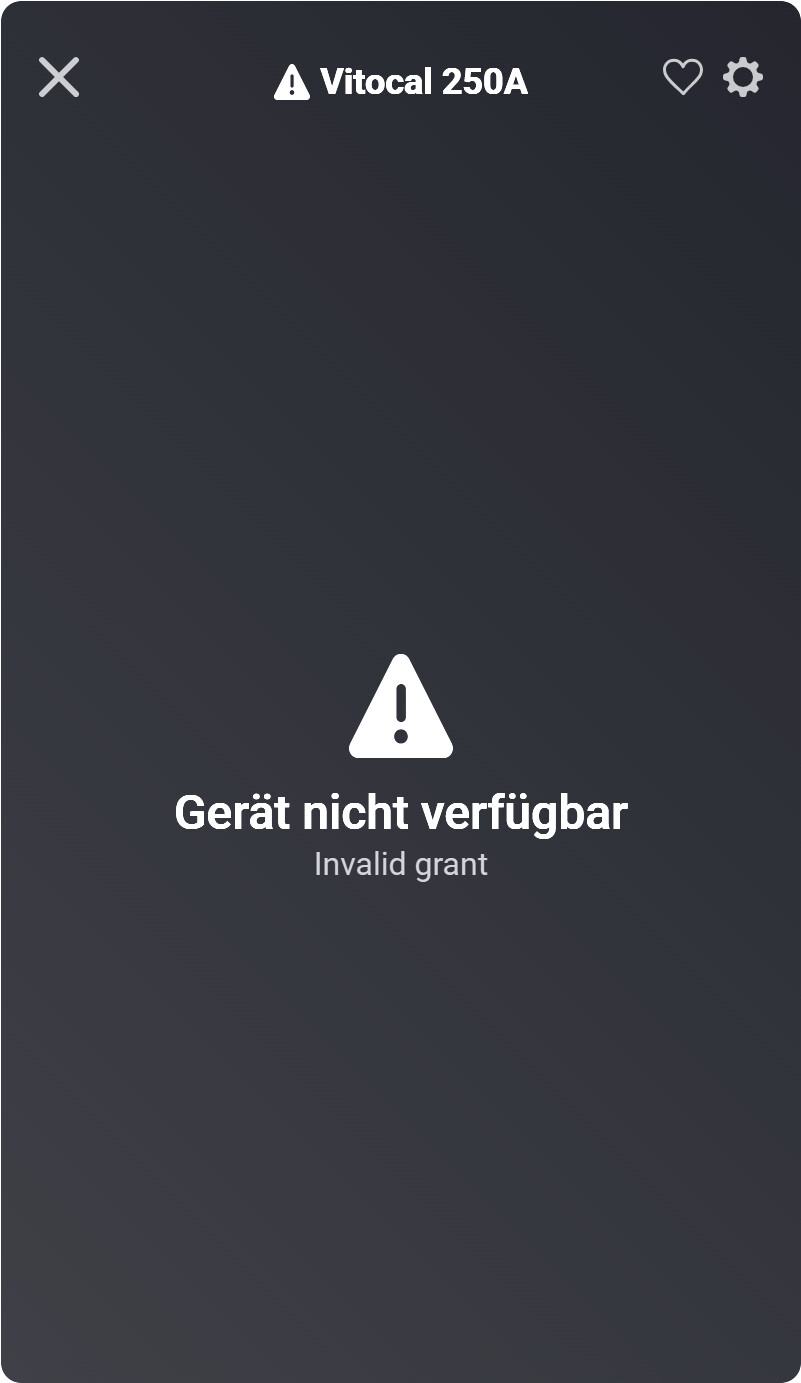
This looks an authentication issue, I would suggest to repair the device.
Kind regards,
Being new I activated my developer account at Viessmann. On the app I aim to add my Vitocall pump. The app announces I leave the app in order to complete the coupling process “De app blijft tijdelijk actief op de achtergrond om het koppelingsproces te voltooien”. When I click Doorgaan I shortly see the call back in the browser. Next I get an error page. What is wrong?

Hey @Lucky ,
I would suggest to try again - I suspect a temporary hickup on their side.
The Viessmann API is not that stable…
Kind regards,
thank you Kenny! Just tried with same result. I will try later today again.
Despite several attempts I still get the same “Proxy error” page. To be sure I followed the “Getting Started” guide in the Wiki once more. Copied and pasted the Redirect URI to the Viessmann “Your clients”-page. Without result. Can I do something else/more @KennyMoens ?
Please try another browser first.
thank you all! I was able to complete the installation. Root cause: while installing I visited the pointer to the Wiki. But failed the find bullet 3 about installing the Client ID in the Homay App first. The Wiki talks about “step 1” but not about the other steps. Maybe this can be added.
How to get it set up
-
Log in to Viessmann dev portal with your existing ViCare app user.
-
At Viessmann dev portal add a new client to get a Viessmann Client ID. Name it Homey, ensure Google reCaptcha is turned off and set redirect URI to https://callback.athom.com/oauth2/callback.
-
After installation of the Viessmann ViCare Homey app go to settings of the app and enter the ‘Client ID’ generated in the step above.
-
Now add your new Viessmann device in Homey and log in with your ViCare app user when asked to.
