Hi
The application is good, I tested it from the start and I think that version 20 resolved error ‘unauthorised’ and test with 4 cameras it works.
Only problem that persists is that some detection do a snapshot but not every time and it don’t appear on the thumbnail of homeydash.
I tested version 0.0.20 and everything described above in this chat is working. Super, I am very happy with it. many thanks to Ardian
I will try and stress that more to see if I can replicate it and track it down.
Oops, removing the user defined URI entry broke adding new cameras. Version 0.0.21 is now available for test.
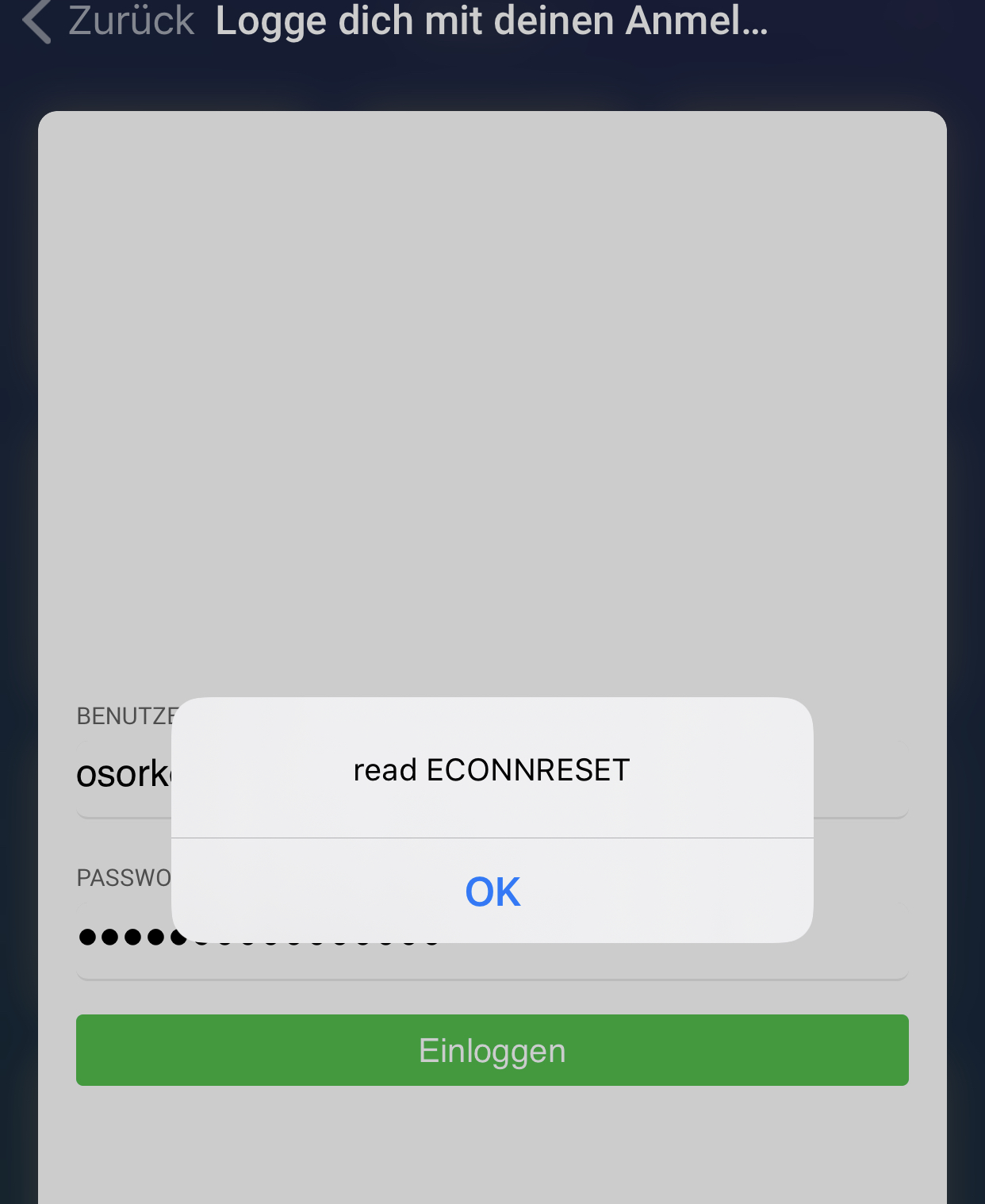
Hmm, that error message suggests a connection issue
Hi Adrian, great app, thanks. But the log shows my Dahua HDBW1320E does not support pullpoint events so now motion triggers for me  otherwise the cams connect and show screenshot fine. Any chance this is configurable in the camera?
I haven’t come across a camera yet that where it can be configured but I have only seen a few cameras.
I have a Foscam camera that also has no pullpoint support so I understand the frustration. I am investigating basic events (push points) but the Foscam doesn’t support those either so I’m not sure if it will help you or not.
Hello and thank you, I finally have my Neo CoolCam NIP-55 working brilliant on my Homey. Thanx.
There is a new test version available (0.0.22).
I have started to implement ONVIF Basic WS_Notifications (push events). I have one camera that sort of supports this method but it is not returning the information specified in the protocol. I am not sure if I am doing something wrong or if it is the camera. Unfortunately I can find very little information about this method. However, it is working better on one of my cameras than Pull events as it doesn’t flood me with notifications so the app uses less processor time. The app detects if this method is available and defaults to using it if it is.
It ‘might’ also add motion detection to some cameras that currently don’t work with this app, although that is sadly not the case with my Foscam camera.
So if people are will to test it form me to at least ensure it doesn’t break things I would be grateful.
The second feature is a new flow trigger card for ‘Motion Image Ready’. Using this instead of ‘Motion detected’ ensures the image is available to send out, especially if you have a delay specified, (more reliable when using the @Gruijter Face ++ app).
Hi, did you get the S6 to work? I could add the camera, but the camera doesn’t provide a snapshot URL. So no chance at the moment. I asked HiKam Support to forward this to the development team…
Unfortunately not. The result is the same like you are describing.
Do you know if there is a snapshot URL for this camera?
I have searched on the internet and I can only find a URL for a live feed. Most of the posts on the internet are in German so maybe you will have better luck finding something. The camera doesn’t seem to be available in the UK so I guess that is why I’m not finding anything.
If there is a snapshot available from the camera I will add the option to manually enter the URL back into the app but at the moment it seems the camera just doesn’t support a snapshot.
The HiKam support approved there is no http-URL and so no snapshot for the S6. They will forward my wish to implement a snapshot url to the Develepment. Let us hope they include it in the near future.
Thanks for letting me know. It seems there might be a few cameras like this.
Just out of interest does the motion detection work?
I will update the first post with the compatibility info.
Hopefully they can do something for you.
Adran, do I need to re-add the devices with new version of push service?
Shouldn’t have to as it checks each time the app starts up. You should be able to see in the device advanced settings if it has detected any motion service.
I tried 0.0.22 version and I get triggers!!! Yey. But stupid me I had the motion disabled in the device before. So you can note Dahua works in your first post.
Nevermind I believe one must delete and add again the device. See difference between re-added and maintained device. New triggers appeared while second device only old triggers. Shots taken after new version installed.


That is good news, thanks for letting me know.
Interesting, the triggers that are missing are old ones, while the new one (Motion snapshot ready) is there. I will investigate further but thank you for the information as it is very useful.
My HikVision camera arrived today and I can confirm everything is working with my app version 0.0.22.
Can you let me know if it is working for you now?
