The log shows some promise for possibly selecting the channel that the snapshot comes from. Unfortunately the event information I log doesn’t show the source of the motion.
So I will have a look later to see if I can add more diagnostics to the event capture to see if any other information is presented. If I can then I will publish a test version for you to use to capture that.
Then I will need to work out if I need to make each channel a separate device in Homey or somehow incorporate all the channels into one. Each way has pros and cons so I need to weigh them up.
I have published a test version where you can select the channel number in the advanced settings page of the device. Can you try that and tell me if changing the channel number does actually select a different cammer in the Now image?
It works!
Tried all 4 channels and they all work for snapshots.
I guess this is just an experiment. Would it be possible to set it up so I get a push with a snapshot from correct channel?
Yes, it’s just an experiment to see if it works, so now I know that it is possible.
Do you currently get motion events in the app from all the cameras or just one?
If I set snapshot to “Now” I get a snapshot from a correct channel depending on which one I set in the advanced settings. However if I set snapshot to “Motion event” then no matter what channel I set in the advanced settings, I only get a snapshot from the main 1st channel.
Edit: scratch that, “Motion event” behaves the same as “Now”.
So if I set any channel, that’s the channel I get a snapshot of no matter which channel had the motion alarm triggered.
That is what I expected as far as the captured image goes.
What I would like to know is if ALL the cameras trigger a motion event?
So could you walk past camera 1 and check the motion alarm triggers. If it does, wait for it to become inactive again and then walk past camera 2, etc, etc, etc
If all the cameras do trigger an event then I will publish another version tonight that logs the full message from the push notification to see if the channel is specified somewhere. If it is then I can extract it and act accordingly. If it’s not then I need to think harder.
Excellent. Now I just need to find a way to determine which one
If I can’t find any way to determine which camera triggered the motion then I might have to setup an image for each and capture from them all. However that might put too much load on Homey so it’s not ideal and I would think you would prefer to know which camera triggered.
Great. Let me know when you want me to test it.
It would be nice to receive a snapshot from a correct camera for the motion evens though, yes. Just see what you can do I’m glad you are helping at all
I have published a new test version. This will log extra data from the push notification to see if the channel number is included. Once you have updated can you turn on logging in the ONVIF app configuration page and then trigger motion events from the cameras. Once you have some data in the log could you send it to me please.
Looks promising. I can see what appears to be (sort of) the channel number in one of the properties.
“source”: “00000” or “00100” or “00200” or “00300”. So I can work with that. I will get on to it tomorrow evening.
@Sierra OK, new test version is available. As I don’t have a way to test this myself I might have broken the push events completely and the pairing might fail. It has taken a fair bit of recoding to implement and a few different failed methods before reaching this stage.
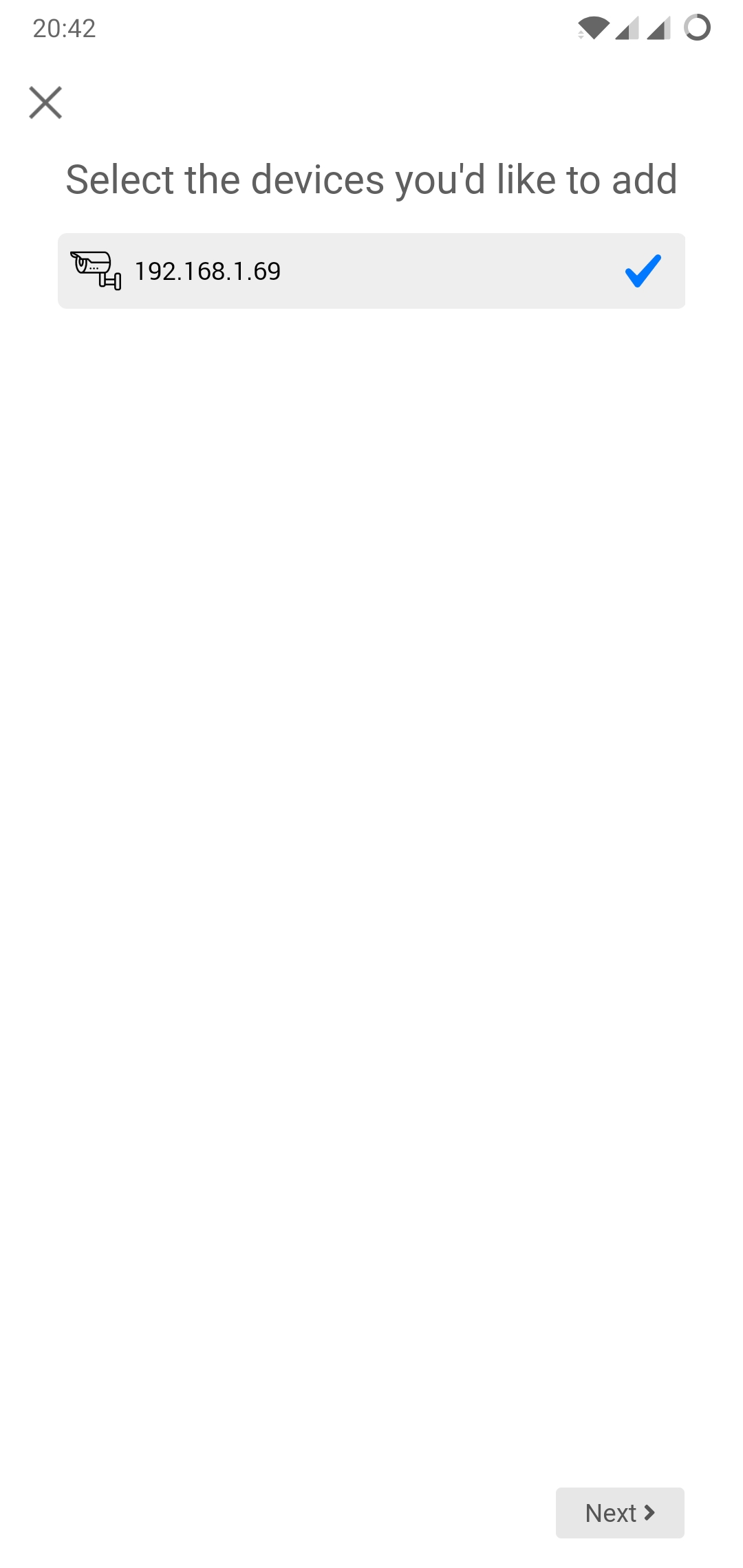
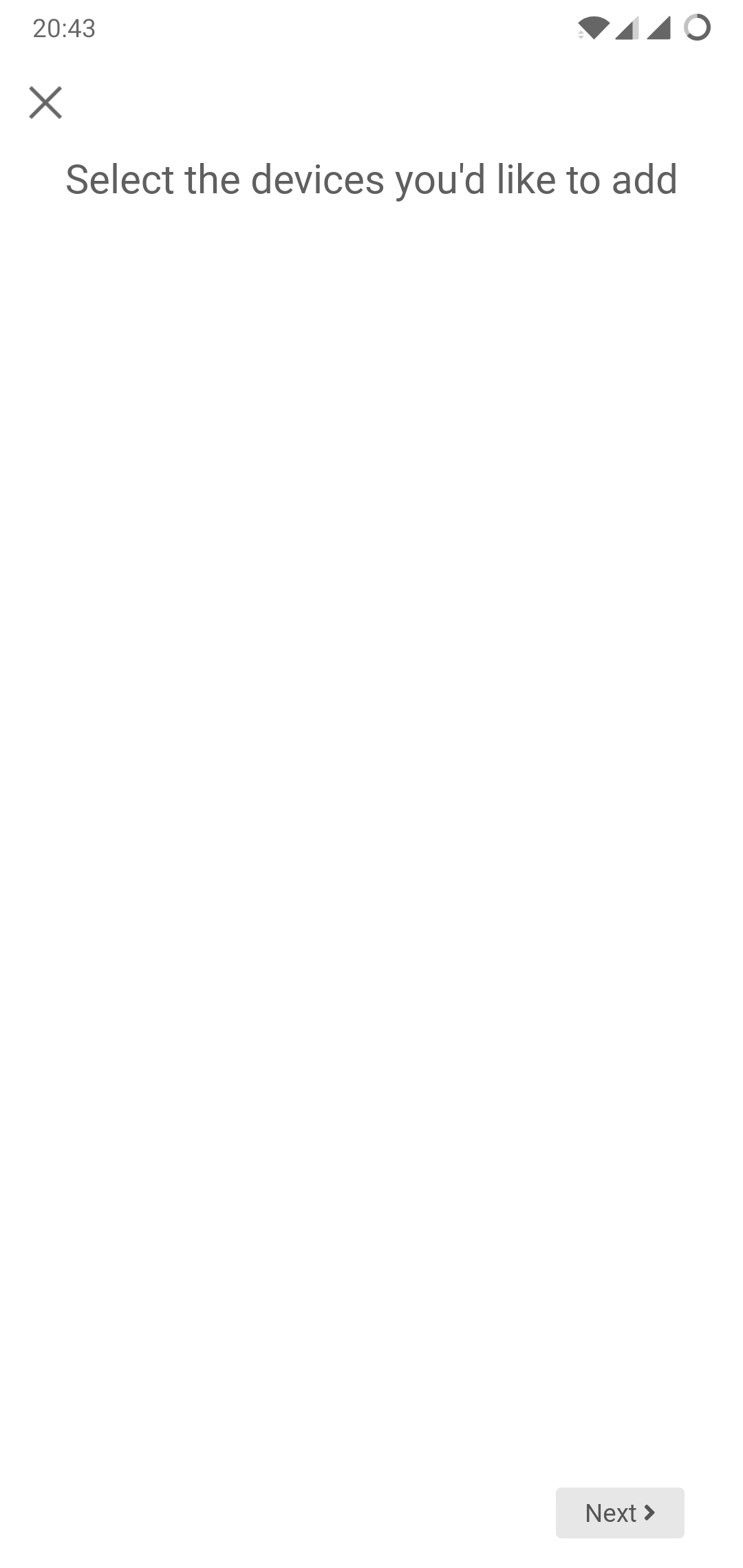
In theory you should see an extra stage when you add a device where you can select each channel. So you get to select the IP then login and then select the channels.
So you will need to delete the existing camera from Homey and add again. At the end of the process you should have a camera device for each camera.
I would be interested to see the logs from the add process and events just to make sure things are going as expected.
I just downloaded the new test version.
Prior to doing that I made sure to delete the camera and previous version of the app just in case.
After I launched the app, it found my ip camera, then I clicked next and was met with a login/password screen, and then on the next screen where I supposedly had to pick the channels, it said choose devices you want to add with no options, it was just blank and I couldn’t click anything except next, and then it just added to my devices as usual.
Log ID: 2020-08-08T17:42:45.310Z
App version 1.0.0


 I’m glad you are helping at all