Set it up your way.
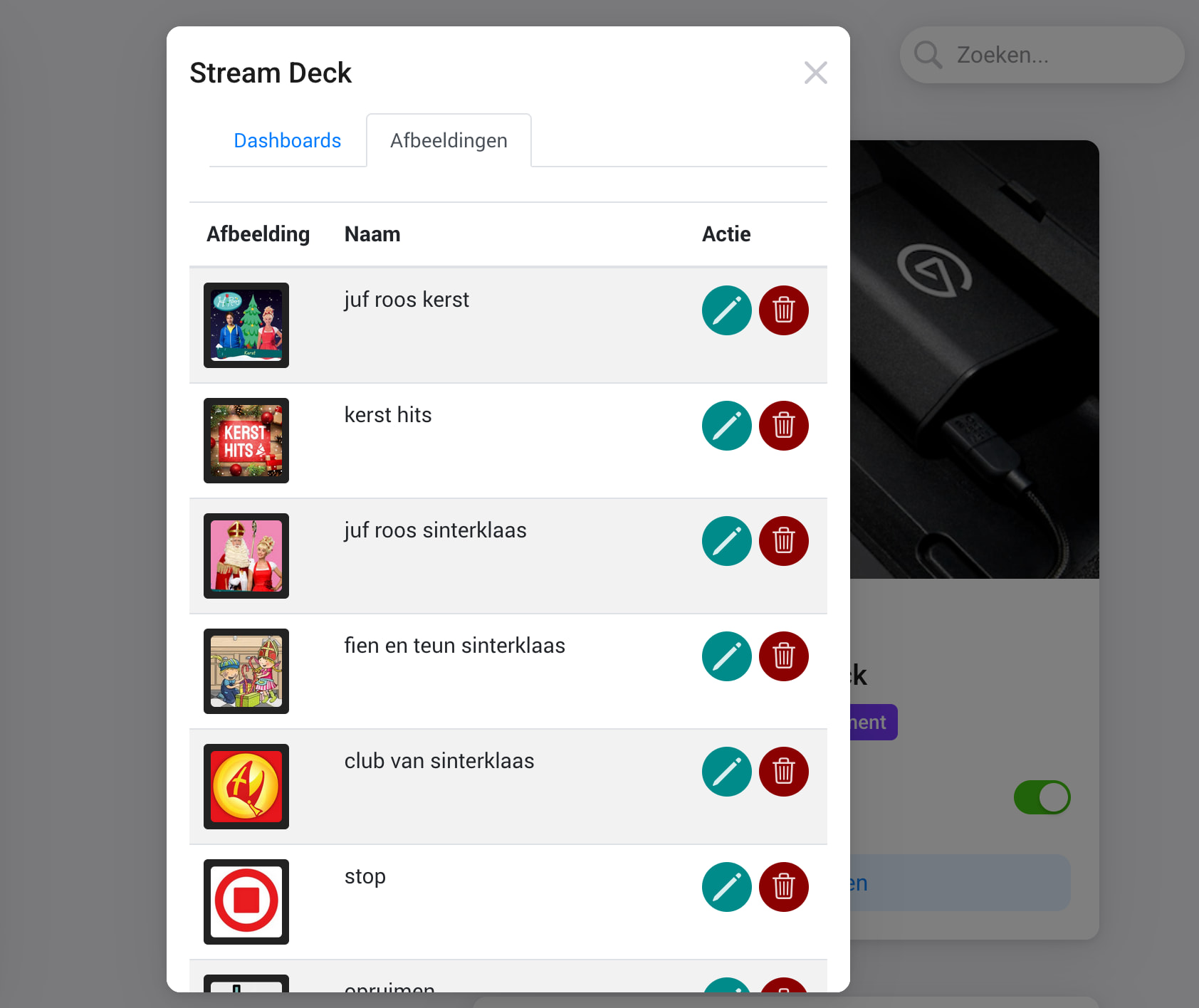
Upload custom images, build personalized dashboards, and assign unique payloads to every button press.
One tap — and Homey takes care of the rest.
Requirements:
Stream Deck Studio
Stream Deck Network Dock, with one of the following devices:
Stream Deck Module 6
Stream Deck Module 15
Stream Deck Module 32
Stream Deck Mini
Stream Deck Classic
Stream Deck Scissor Keys
Stream Deck XL
Stream Deck neo (only lcd buttons supported)
Stream Deck + (only lcd buttons supported)
Flow:
Act on specific button presses or process a send payload
Apps looking great, but one small issue so far, it seems after uploading an image, I have to close the settings window and open it again to upload another. The button gives feedback, but nothing else happens.
I also saw I crash coming in, was that you? Just published a fix for the crash
And I am doing some strict caching to make the app settings load fast so I assume there is a bug there, I will create a fix for that before tomorrow
Well the stream deck studio costs €1000 so I can’t buy one to validate but I assume because it’s a network device and the underlying node Lib supports studio devices it should work just like a network dock. What happens if you try to pair a network dock device? Also nice to mention the app currently only supports lcd buttons and not the rotatable buttons.
Well it’s just not found in the setup process, so I’m wondering if there’s anything that needs to be added in order for it to be discoverable by the app?
Hi,
I’m very excited to see it’s possible to control a streamdeck.
About what I would love to do here are some features that I think it could be usefull :
display a text variable (time, etc)
change one button icon on a dashboard (If I want to see my alarm state and weather & etc and each with a specific icon depending on the states i will need a huge amount of dashboards)
ability to connect/disconnect from homey if the network streamdeck is used for multiple purposes (or reconnect if something gone wrong)
Display text is something im working on as we speak, and the first version is almost done
I’m now building something where you can display one or two lines of text where the text of the second line can be updated.
I have just submitted v1.1.3 and this version introduces:
Ability to create a variable which can be used to display text buttons
Double press support
You can create a variable from the app settings screen, assign the variable to a stream deck dashboard position and update the text from a flow.
Hope you guys like it
I don’t know if the Stream deck (soft-/firmware) or hardware is supporting it. But I would really love to see moving/non - static gif?? Images supported as uploaded as button images.
And maybe you could give the buttons a less complicated coordinates like in the old/classic game “naval battle/fleet hunter” (on paper) with letters and numbers.
So button “A3” is pushed single/double etc.
That homey logo screen that is now shown ehen no dashboard is configured should show the current homey app version installed , the ip adress that the panel/network dock is connected and the panel firmware version (if possible to retrieve) . Maybe also the firmware version of the Homey Pro currently installed.
Thus logo screen should be shown every time for 2 till 3 seconds when the panel is reconnected to homey a sort bootup screen and through a hidden/default push button sequence that doesn’t need any flow to be configured at all. Like 911 you press the lowest most right (corner) button once and the top left corner button twice to get this boot screen with these information.
Also adding a value of any device/sensor in the text and this would (automatically) update as this value changes would be highly appreciated. (Without having to create/specify it in a flow).
So s button could always show the current for example "total energy consumption " or the Homey Pro system temperature.
Also copiing the icon (as image) of the device/sensor that is operated/shown in/under a button.
Last but not least: maybe offering some standard icons as images as the “advanced virtual device” from the app “device capabilities” does.
The homey logo screen is only shown when a device is added and connected to homey, the streamdeck default screen shows a IP-address and the ability to switch between DHCP and static ip. So in other words the moment you see the homey logo screen your device is already connected and therefore I think showing the IP-address is not relevant anymore? what do you think?
Showing moving gifs is not supported by the underlying library and therefore I think to stream deck itself
You can create a dashboard and add variables to it, then using homey flows you can update the text for a variable and that way you can show for example "total energy consumption " or the Homey Pro system temperature.
And I will work on exposing more data as variable like IP, firmware version etc to the advanced flow so that can also be used in a custom dashboard.
And I will dive into the ability to offer some standard icons.
I love your idea to increment to a less complicated coordinates, I will create a first version this week, something like this I guess?
o in other words the moment you see the homey logo screen your device is already connected and therefore I think showing the IP-address is not relevant anymore? what do you think?
Its more for the error handling. When suddenly your panel is not working you would like to know if an IP has been issued and which IP to the panel/ network dock. In case your network dock or cable or even router with your dhcp server is malfunctioning you need to know what the current state/configuration of the network dock / panel is. also any error code that your app is generating could be interesting to show on the panel. So if you specify certain error codes/numbers to common errors the panel could show it on one corner button.
Why are you reInveting (dynamic) variables that has to be updated by flows and not like in "advanced virtual device: by the app “device capabilities” automatic by the system ??
I mean just adding a “tag”(value) of any device or current variable like in the many text/message possibilities .
Changing the text that is shown on a button as dynamically as possible with the use of tags (and) operations on these tags.
Are you 100% sure that this information is always 100% accurate and up to date ?
In case of a malfuntion / connecting error it could be necessary to know on which ip is the device. Or isn’t it possible to get/pull the real ip adress (like shown in the initail setup screen without a connection) from the network dock and pnly the configured ip adress in home. I’m trying to make your “boot/start” screen as useful and informative as possible and not just for a logo. Maybe in the left lowest corner a preconfigured “more info” button with the same information elgato offers at startup.
Exactly ! And giving every dashboard a roman number at creation like I , II , III , IV so you can be very specific of button A3 on dashbaord IV vpushed down, released, pushed once / double etc. This Dashboard numer should be show in the list of dashboards of the app toether the (friendly name) the user gave is a creating the dashboard. The dashboard should always keep the same number that it got at 1st creation even othe ealier dashboards has been deleted and/or the dashbaord has been reconfigured/changed/altered. A cool feature would be also the possibilty to duplicate dashboards in the app list an to copy a whole button configuration and past is in a different button. Because smaller dashboards could be duplicated to enlarge it for other bigger dashbaords/stream decks. And many buttons could be useful to have on other dashboards as well.
also making sure that a roman dashboard number is not used ever again after the dashbaord that got this roman number at creation is deleted. Just to prevent strange mixups.
This dashboard roman number is like a person’s birthdate & time. Once Born/created it never changes)also not after death/deletion) and no other dashboard will get the same birthdate(=dashboard number) and time ever. A dashboard can change / evolve as many times the user wants, the dashboard number its gets at its 1st creation stays the same. (and roman numbers to prevent confusion with button numbers.)
And instead of “variable” add 3 drop down /selection menus for the coordinates : 1st the current available! Dashboard numbers ( I , II, III, etc. ) the second the letters of the particular panel available (A … Z) and 3rd the numbers of the particular panel available (1 … 32). You should see it as a 3 dimensional space where the Z-axis are the the dashboards and the X & Y axis are the buttons.
So for example [WHEN “IV”/“B”/“3” button is pressed/released/ pushed one / pushed twice …]