When did you get your tokens?
Samsung changed their policy a while ago so new tokens are only valid for 24 hours.
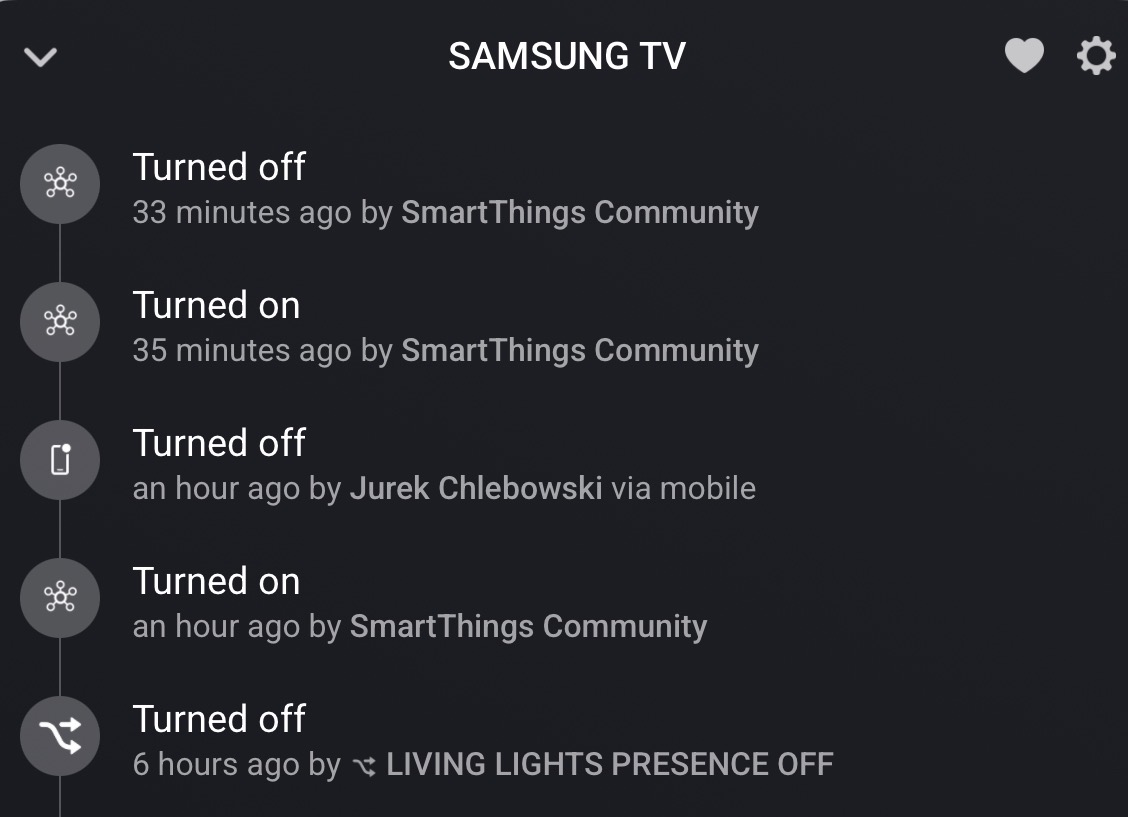
@Adrian_Rockall, We just purchased a house that has 75 Lumary smart lights connected to dumb switches. I have installed a Zooz Zen71 switch (smart bulb mode) with a Homey Pro and everything seems to work with your app (can still use the switch and the lights retain power). My only problem is the 24hr lease on the token. In previous threads you mention that your app can work with oauth2. Do you have any information about oauth2 and how to set it up. I appreciate any insight.
Unfortunately, since SmartThings changed their policy, 24hrs is the limit. I have tried to request the tokens to use OAUTH2, but SmartThings never gets back to me.
I believe Athom had the same problem and not sure if they ever solved it.
Basically, SmartThings want to control everything and don’t want third party solutions involved.
I ended up dumping all my SmartThings lights, etc and only have my washing machine left, and I won’t buy a Samsung again when it dies.
@Adrian_Rockall when I turn on the tv manually in homey te tv will not update to on do you know what this is ?
542a7c62-3bb3-4b4d-a192-274257bd2206
So in order to get this app to allow me to integrate my Smartthings devices into Homey I need the $3 subscription?
Sow the token i get for my smartag 2 will expire within 24 hours? The tagg is seen as a RGBW lamp but i can select button status stanged en use that as a trigger for my flows.
That was the announcement they made, so unless the went back after lots of pressure, I believe that it the case. Tokens obtained before the announced date will continue to work, so I don’t want to try with a new one as it will invalidate my old one.
I’m not quite sure what you mean as I doubt a Smartag 2 will be picked up as RGBW lamp.
All the smarttags are when added a RGBW lamp. I cannot help that. I see here in this tread someone else had the same?
Ok, very strange.
Added support for using a 24 hours token to login via OAuth2. Hopefully this should allow the app to be useful again.
Also implemented a smoother polling systems to reduce CPU load and spread the API calls out.
@Adrian_Rockall I got this error when I try to add devices

Thanks for reporting the issue. I have published a new test version that hopefully fixes it. Could you try it and let me know?
This is the new readme that explains how to use the new pairing.
Add devices from SmartThings to Homey
The app uses the updated SmartThings Personal Access Token (PAT) flow during pairing and repair.
Pairing Procedure (PAT + OAuth)
-
Start pairing (or repair) in Homey and press the “Get Token” button on the first screen.
-
This opens the Samsung token page: https://account.smartthings.com/tokens/new
-
Generate a new Personal Access Token and assign at least the following permissions:
-
Devices:
-
List all devices
-
See all devices
-
Control all devices
-
-
Applications:
-
See all apps
-
Manage all apps* (required to continue to OAuth setup)
-
-
Locations:
-
See all locations
-
Control all locations
-
-
Scenes (not currently used but maybe in the future):
-
See all scenes
-
Control these scenes
-
-
Custom capabilities:
- See all custom capabilities
-
-
Click “Generate Token”. The token is shown only once, so copy it before leaving the page.
-
Paste the token into the Homey pairing/repair screen and continue.
-
If the PAT includes *Manage all apps, Homey will show the next screen to connect your SmartThings account with OAuth.
-
Review and accept the permissions on that OAuth screen, then complete the connection.
-
Note: The PAT token expires after 24 hours, but OAuth tokens are refreshed automatically by the app after a successful connection.
-
Important for existing installs:
-
If you already had devices installed before this change, they will keep using their existing (legacy) PAT after update.
-
Those devices will continue to use the old PAT until that device is repaired.
-
-
Samsung put a limit on the number of times the server can be accessed, so make sure you don’t set the polling time too low. The actual time will depend on the number of devices you add to this app, as each one will need to make an API call to get the current status.
-
Troubleshooting: If you see an authentication error later, run Repair on the affected device and reconnect SmartThings.
- Select the items you want to add to Homey and then tap on Next.
So far the app has been tested with:
-
Lights (on / off and dim)
-
Sockets (on / off)
-
Contact sensors (contact alarm)
-
Some features of Samsung washing machines
-
Some features of Samsung TVs
-
Samsung Home / Away detection
Other devices might work if they have those capabilities. However if you have any devices that are not detected then let me know via the forum or GitHub.
It’s working now !
Hi.
Might be the wrong place to ask but I have been wondering for a while, if it would work to connect the SmartThings hub to Homey via Matter and thus get any Zigbee or Z-Wave device paired with the SmartThings hub into Homey via this route.
Would that work?
What would be the drawbacks?
@Adrian_Rockall when my dryer is ready I don’t get a notification.
When reboot the app the status will be refreshed ?
