There is, it’s called pinctrl. I’ve read somewhere that it uses (almost) the same command line parameters as raspi-gpio so it might be an easy fix.
Was just reading about it
Migrating from sysfs to pinctrl: Modern GPIO Control for Raspberry Pi Migrating from sysfs to pinctrl: Modern GPIO Control for Raspberry Pi
Version 2.0.0 is ready for testing: Raspberry Pi | Homey
- Fixed GPIO Trixie support.
- GPIO usability improvements.
- Translations to all languages.
- node-ssh@13.2.1
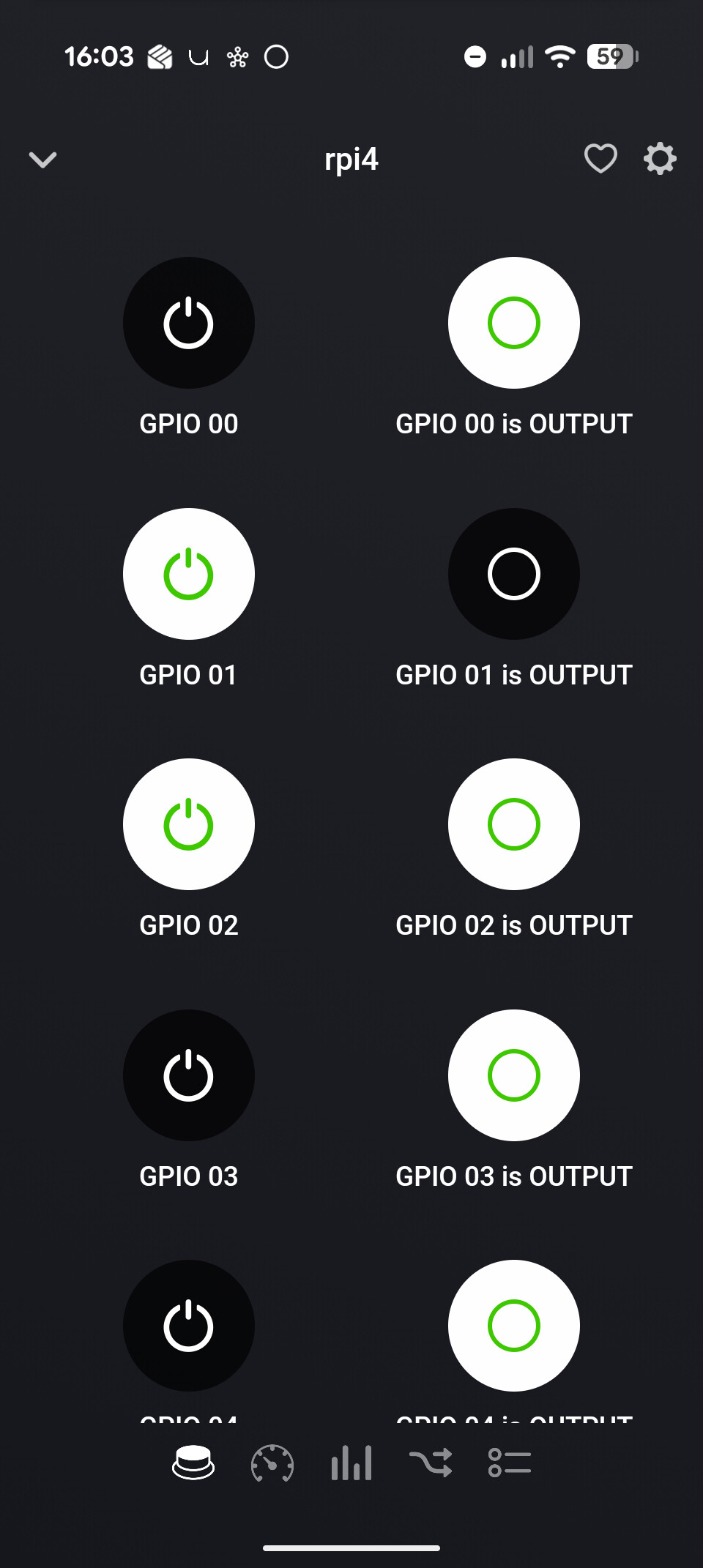
This fixes GPIO control on the new Trixie based OS (hope I didn’t break it for older OS versions, couldn’t test that anymore). Furthermore the GPIO control from the mobile app GUI has been significantly improved. If you try to switch a GPIO that is not set as output, you get a failure message. And I added the possibility to set pin 0-16 as OUTPUT from the mobile app.
Now who is your favorite community member  : 🏆 The Homey Community Awards
Smart! I’m going to add this as permanent footer 
New version 2.1.0 is ready for testing:
- SSH Key usage implemented
- Reparing added
- Improved support for non-rpi’s
- Reduced CPU load
- SSH fixes
- Memory leak fixes
- Code refactoring
This version will run more stable for longer periods. Also it significantly reduces the load on the RPi CPU.
And another big change is that it now tries to use SSH-key pairs for authentication. If during (re)pair the key creation was successful the password will not be stored anymore in Homey (@cbeerse , especially for you  ).
).
And lastly, support for other linux distro’s and systems besides RPi is improved. But please do not ask to add (more) support for a non-Raspberry OS system, because the goal of this app is to support RPi’s on Raspberry OS!
@tlangelaar Many Thx for your donation! Much appreciated 


I’m loving the app, and have almost everything sorted for my various RPi projects that I wanted.
All except 2 things. The first being on the hardware stats, it would be really nice if it supported CPU fan speed. Both displayed on the device card stats page, and less than and greater than When cards in flows.
The second is the “A user logged in” When trigger card doesn’t appear to be working. When I log in to one of my RPi’s the device card stats page shows an increase in number of users, but the Flow I have to send a notification to my mobile, and log it to my SysLog server via the TelemetryCollector app doesn’t get triggered.
Your assistance with this would be greatly appreciated, especially the logins flow.


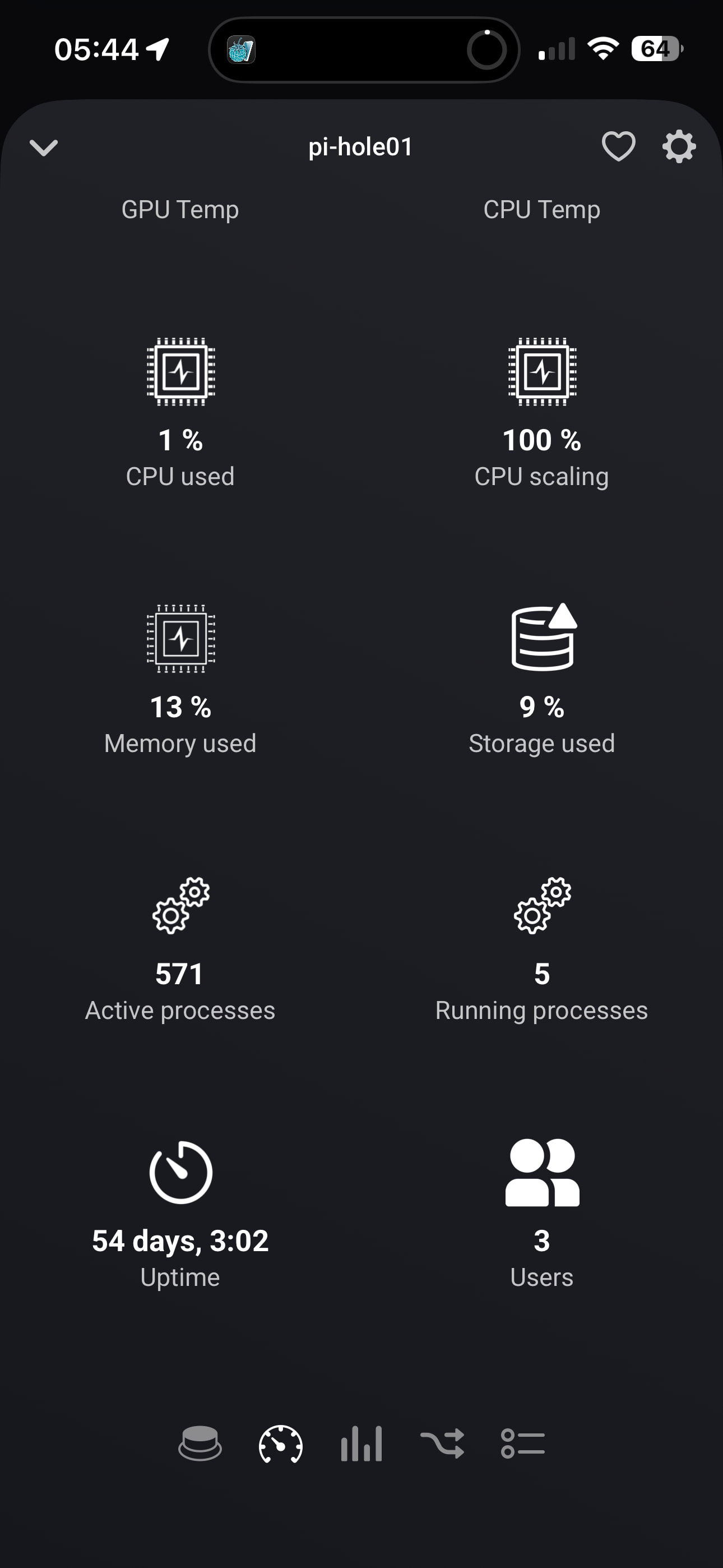
I manually triggered one of my NTP server check Flows to show the TelemetryCollector connection to my SysLog server is working, but the time stamps show the login Flow didn’t trigger (my mobile Homey app didn’t receive the notification either, but that’s harder to show in a screen shot)


New version 2.2.0 is ready for testing: Raspberry Pi | Homey
- Added fan speed monitoring
- Added more non-rpi monitoring support
- Reduced RPi load
- Fixed flow cards
- Improved edge case stability
Please test @Drako74
Thank you so very much for all your work on this excellent app, hugely appreciated.
I will install and start testing immediately. I’ll report back over the next couple days as I test it all. Thank you.
After a few minutes of loosing the connection to all 6 RPi’s, a few attempts at Repairing n resubmitting the password, then a couple of app restarts. All RPi’s are now re-connected and showing stats just fine.
I’m not sure if it’s related, but since my Homey Pro (2026) updated to the new version 13.3.0, I have noticed it running at a consistently higher CPU load. It’s gone from averaging 10-15% to averaging 20-25% since the update. And when I installed the test version of your app it stuck at an average of 80% for about 5 minutes, before dropping back down to the 20-25% average. That’s when my RPi’s started reconnecting.
Diagnostic Report: c0484c14-d38c-40f3-a78e-eae732b19e8c
The fan speed is working perfectly, thank you


And the user login When trigger card is now working great, thank you

I will keep testing, and report back any findings/issues. If you want any more information, just ask. More than happy to help in any way I can. Thank you 

EDIT: I have noticed, but not sure if this is your app or Homey, that when I send a Push notification to my iPhone for a new user login, and include the tags of Username, Host, TTY & Login Time… the Username gets truncated to 8 characters (but the longer Host & Login Time come through fine, and Username is not at the end of the Push notification, they’re in the order mentioned).

that and the high cpu load after app upgrade is caused by the capabilities being migrated. This is a one-time action, so after 10 minutes or so the cpu load should be good again.
Mmh. These cards are created by Homey itself. Seems it doesnt show the name of the gpio. Not sure if I can influence that since it is auto-generated by Homey itself.
That is consistent with what I observed. Thank you for confirming that.
Ahh, so they are just for GPIO ports On/Off events. Good to know.
Is there a reason the device card’s GPIO page, and these triggers only cover the first 15 GPIO ports, when the 40 pin header actually has 27 GPIO ports? Most of my current projects use the higher numbered GPIO ports, which is why I ask.
I do have an advance flow checking the state of GPIO ports 16, 20 & 21 with the When turned low/high cards working. So their state can be accessed. Is that another Homey restriction?

Apologies if I’m asking too many dumb questions… just trying to find and push the limits of what I can do with Homey, and automating my home and home lab.
Hi Andy,
This is most probably due to an upgrade of the Debian version, which changed the CPU “manager”;
Abe tried his best to explain here:
https://community.homey.app/t/sudden-cpu-frequency-drop-from-1-3ghz-to-0-9ghz-since-v13-3-0/156562/14?u=peter_kawa
I am aware of the newer ‘schedutil’ CPU frequency governor in the newer versions of Debian. It’s the same for Raspberry Pi OS. Although I am currently looking to upgrade my Raspberry Pi’s to the latest version, from Bookworm to Trixie. Homey seems to be running on last gen Pi hardware (CM4 rather than the latest CM5) and software (just updated to Bookworm, when Trixie was released in August 2025)
I have seen better CPU scaling and efficiency since the update. But I have also noticed a slight increase in timeouts with some devices and flows not always triggering, which was the only reason I mentioned it. Perhaps I’m just asking too much from my Homey Pro…

Just a thought  Would it be possible to create “on for” and “off for” cards for the GPIO ports that allow you to enter a number, similar in functionality to the “GPIO nn Turned High/Low” cards. That way you could presumably test all 0-27 GPIO ports, and it would save miscounting the unnamed cards and make future changes/debug of your flows a lot easier as you’d be able to see the GPIO port number in your flow.
I hope that makes sense.
