I just installed it on a Debian 12 thin client, and it shows 3 of your missing sensors as well; these are not missing in the app I guess?


And thanks, my storage needs some maintenance as it seems 
@Peter_Kawa
But your properties are active:
CPU Used
User
Uptime
Do you have SNMP installed on your Debian?
For the NIC (ETH) , it could possibly be this?:
RaspPi: eth0
Debian: enp1s0
No sorry:hugs:. Only RPi is targeted, all other linux systems are lucky if stuff works 


@Peter_Kawa what kind of thinclient do you have?
Hello @gruijter
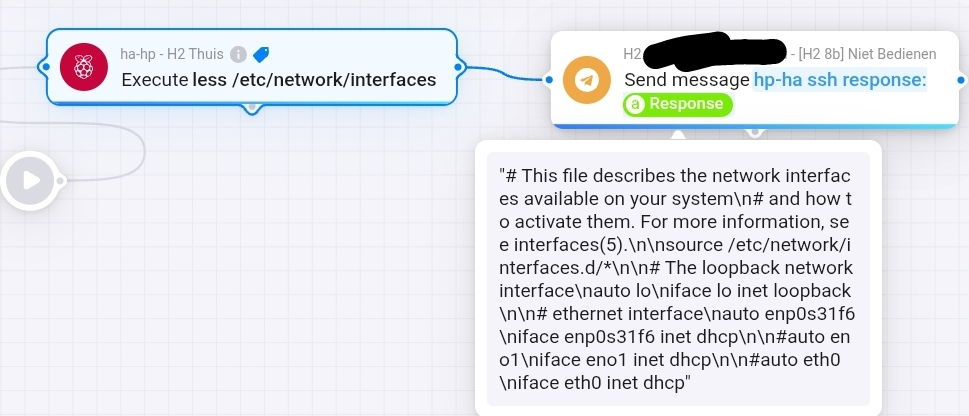
Perhaps you could tell us the commands for querying the RPi values via SSH?
If I send commands like “top” or “uptime” to my Linux server via SSH, does it work?
Are there any differences between Debian and RPi?
RPi is also a Debian OS, isn’t it.
Have a nice Sunday 
The Homey app for Raspberry Pi does not seem to work for the RPi 5. This is the error message:
raspi-gpio is not supported on Pi 5 - use `pinctrl`
Is there really no way for Homey Pro to read and set GPIO on a Raspberry Pi 5 without some sort of programming? If that is correct, can you offer any details?
What App are you referring to?
The Raspberry Pi app, v1.0.3. Is there an alternative?
Pls use the App Topic in that case,
[APP][Pro] Raspberry Pi - Monitor and control your RPi
Therefore moved.
I haven’t been able to find any documentation of what I need to do on my Raspberry Pi 4B - other than enable SSH - in order to use the Homey Raspberry Pi app. I have the app communicating with the RPi and reporting things like CPU temperature and memory used. But what do I need to do on the RPi so that Homey can read and write GPIO? And where is this documented? Thanks.
There is a link to gpio info in the first post.
If this is the link you are suggesting:
it makes no mention of the Homey Raspberry Pi app by Robin de Gruijter. Apparently I need to add programing or configuration (in addition to enabling SSH) to my RPi so that the app can set and clear GPIO pins. But what do I need to do? Or - what am I asking that isn’t making sense?
Besides having SSH enabled, no config is needed except for I/O.
But you need to know what you are doing to use outputs, that is why I didn’t explicitly provide instructions for that. But here is what you need to do for every pin you want to use as output:
raspi-gpio set X op
Where X is the pin number.
And while you are at it, don’t forget to vote for your favorite community member:
Thank you. I have been trying this with a non-default username, and am in the process of going back to pi as a username. My hostname is still raspberrypi. Thank you for the extra information.
Once this is working on one device, I intend to have a total of six that Homey needs to communicate with – so I assume I’ll need different host names on each. Is this going to work?
John Rex
You only need different (fixed) IP addresses. Hostname is not used then
Well, it’s too bad that the raspi-gpio tool is no longer supported on a RPi running the Trixie OS. Guess I’ll switch to Arduino.
Ow, didnt know that. Will drive into that when I have spare time. I guess/hope there is a replacement under Trixie to do gpio stuff from the command line.