Note that some firmware versions do not communicate all values over the local API. Are the values populated as expected (example screenshot):

Yes, but does local API imply access over modbus?
No, local API is over TCP/IP (UDP broadcast) using port 30000. Modbus is different protocol, and different hardware is needed to connect the battery.
Ah, great. Thanks for the clarification. Modbus it will be then 


Hi, is there a roadmap when we can test the BT version? (So hopefully with out the API problems over Wifi)
A first TEST version with Bluetooth BLE support is expected on monday. It needs some finetuning testing and documentation before first public release.
This is a problem with firmware, this has been mentioned a number of times in this forum and I always give the same advise:
Unfortunately the Venus V3 with this firmware does not seem to communicate the values for ‘power’ anymore. Since the API is not sending this value, there is nothing I can do. If enough people contact Marstek about the missing ‘bat_power’ property from the ‘ES.GetStatus’ API call, perhaps they are able to fix this?
I have found the solution with the app Unreal Battery using the on-grid power for bat-power.
Sorry for the delay, the new TEST version with Bluetooth driver support has been released.
NOTE: It might be that you need the experimental firmware for Homey to support the Bluetooth connection.
Since the API does not send this value, I cannot do anything about it. If enough people contact Marstek about the missing ‘bat_power’ property in the ‘ES.GetStatus’ API call, perhaps they can fix this?
[Upload failed]Marstek2026-07-16 14:20:11
Dear customer, I understand that the absence of the `bat_power` data in your API responses may be preventing your integration. To work around this issue, it\'s possible to calculate this power from the other fields (grid, PV, inverter) present in `ES.GetStatus`, but I first need to verify whether this data is permanently missing or only in certain states. To provide you with a suitable solution, could you please send me the JSON returned by `ES.GetStatus` (anonymizing your data) along with the exact model of your Marstek equipment? This will allow us to precisely identify the source of the problem and guide you toward the most reliable solution.
We remain at your disposal for any further information. Sincerely, , Toch antwoord van marstek met de api problemen nu
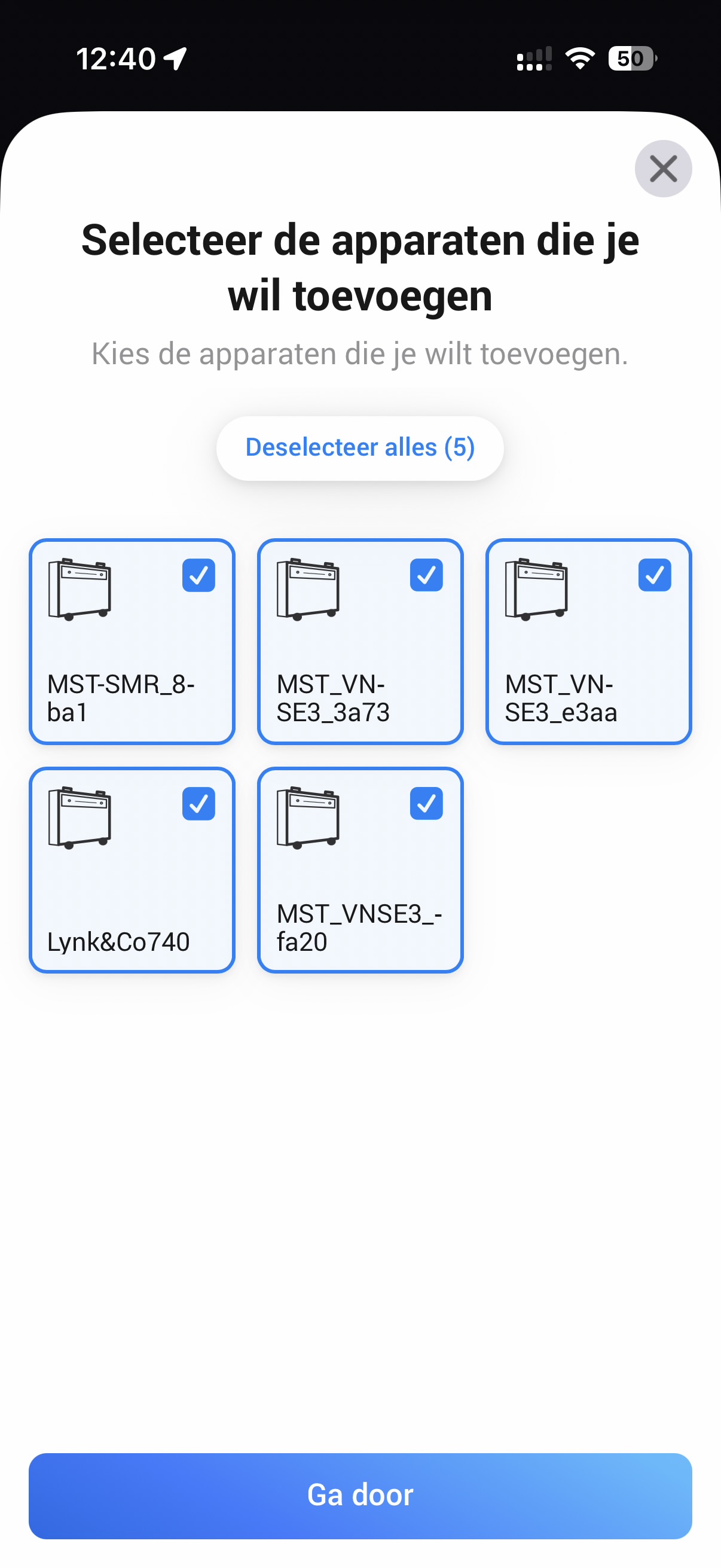
I’ll check if it is possible to filter by type of device…
Hello, here are my first test results from the past few days using the Bluetooth version.
The connection dropped a few times, but in most cases it recovered automatically. Only once did I have to restart Homey.
Reading the data seems to be stable, only battery healt is not working and the status have no figure.
Also flow triggers and actions don’t appear to be working. Because of that, I haven’t been able to test the different automation features any further.
Has anyone else been able to get the flow triggers or actions working?
Also, a big thank you for developing this local Bluetooth solution that bypasses the local Wi-Fi API (which is unfortunately very unreliable). My system has never been this stable before
FYI: after making a complaint in the Marstek app on my phone, I almost immediately got an update for my Marstek Venus 3.0 Battery: now I am on version 148.119.115.
At least the updates of the power usage is more actual. So I hope the battery will no longer loose its configuration.
Hi,
How can I change the IP address manually as I had to reconnect the battery to a new IP range at home?
Thanks and best regards

Hi since a short while I have noticed some problem with the cloud connection to my Venus 3 battery. I don’t have the impression it is updating correctly the energy values anymore. I restarted the app i also removed the device an readers it. Yet when looking at insight I see that it just gives a constant value. So it seems to be stuck somewhere. Not sure how to resolve this?
I have not changed anything on the Cloud Connector in a while, so not sure what happened here. It might be a change on the Marstek cloud side? I will try and find the cause…
Normally the IP address will be auto-detected when a device responds to the broadcast messages from a different IP address/range. But if that detection does not work, you might need to remove the device from Homey and re-discover it.
