I will see what I can do without distrupting users already using this setting (and thus inverting their usage due to the update)…
- Homey Pro
- Marstek Connector 0.8.1
- 2 × VenusE
- CT003 present
- Firmware 155
- Local API
- UDP 30000
- CT003 drops within a few minutes after enabling Periodic Retrieval (30 s)
Homey pro 2026
2 marstek venus 5.12 kw v 156
Ct003 v 122
Marstek connector app v 0.8.1
So now i have three V3’s. And one is charging the other.. Yep, not what you want. Sofar the smart part of Marstek. Installed the app, enabled API in Marstek app. All is connected.
So i created a Homey flow that calculates how much is needed (charge and discharge) and devide that between batteries.
What i am missing is a way to simply tell: supply x power (where x might be negative to charge).
Or should i use the passive mode card for that? But why the amount of seconds? Is that some sort of safe guard. So when you set charge with 2700, the sun disappears and you are charging from the grid. But then, if is say, passive 100w for 200 seconds, and within the 200 second a say, passive 500w for 10 seconds. Will the latter overwrite the first?
I ended up with this, but i think the batteries don’t like it if you set this every second.

Is there a way? Of not.. can a card be created?
Furthermore, i am missing some values. If i hover over them, the update time is days ago


This makes sense. If you use a battery, its goal is to supply power. Positive value. Giving it a negative value will charge the battery.
No it does not. If a device consumes energy the value is positive. I’ve never seen a washing machine with a negative power 
We are not talking about a consuming product but a power delivery product. If we would follow the logic, solar panels supply a negative power? This in a flow: If solar power is -2000, then… That would be confusing. Same with the power out of your T1. If we use more than postive 1000W, then.
Not saying it is right, but i think Spock would say that it is logical. it depents on the role of the device. Consumer or supplier. .. 
Kan iemand me daarbij helpen? Ik krijg ook geen gegevens van de batterijen door in homey
Before we can help, please let us know the following:
- Was the app installed successfully?
- Did you manage the add the batteries to Homey?
- Are you using API or Cloud connectivity?
- Have you read and tried the ‘Troubleshooting’ part of the README (see top of this topic)?
I’ve justed release v0.9.0 to the LIVE branch. This has the same code-base as the v0.8.13 as has been running on the TEST release branch.
Since the TEST version was running for some time now without much issues, it was time to actually release these for all. The version should be backwards compatible, the update will be executed silently, and all things should keep operating as normal. But as always, please keep your eyes open and let me know if you spot something new!
Thank you for all the support!


Thank you for the screenshots; you should enable periodic retrieval of data. don’t retrieve details too often, since the Marstek local API port becomes overwhelmed quickly. I use 120 seconds. After some minutes the details should be available when you select (hold touch on mobile) a battery in the homey app.
If no data is retrieved; use the BLE tool as mentioned in the troubleshooting to reset the communication module. That usually kick-starts the API communication.
Hey Edward,
I have already set the port to enable and tried different values (30, 60, 90, 120). The battery details do appear, but the CT connection drops and sometimes the battery also goes into passive mode. I use Homey to control my Peblar charging station. I am going to try again now; I received a notification this afternoon that the Marstek connector app has been updated to the latest version. I am going to try again on enable 120 now.
Thanks

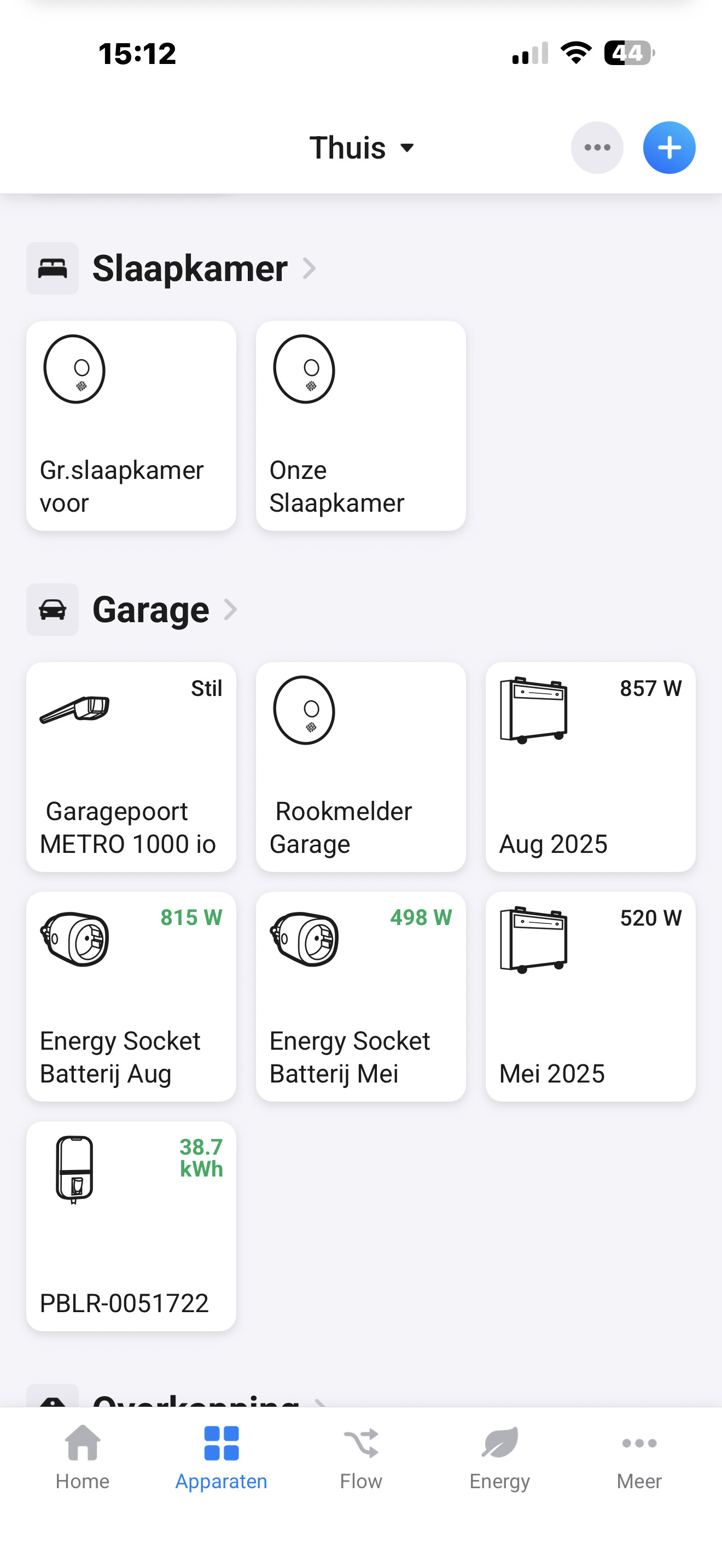


API commands are broadcasted over the network (using UDP), so if you enable one battery in Homey, all of batteries with local API enbaled will respond, and thus give details back to the Homey App…

The CT of 1 battery still sometimes switches off, but nevertheless starts back up spontaneously.
Hey Edward,
After 6 hours of proper operation, both batteries are in passive mode. I manually switched both batteries back to self mode. The ct of one of the two batteries is no longer connecting. Greetings…
You seem to be hitting the common problems with the Marstek batteries, their API communication module just stops responding correctly or alltogether. Especially if you are also using the mobile app and/or a CT002. You might try to contact the Marstek support for a firmware update, sometimes that helps…
