Hi Michael. I’m with the same problem as you. Are you also using Homey Self-Hosted or Homey Pro? I have exactly the same errors (400) of you. When I try to just call the URL:
https://MY_HOMEY_ID.connect.athom.com/api/app/nl.scanno.owntracks/OWNTRACKS_USER_ID
It shows the error: Cannot GET /api/app/nl.scanno.owntracks/

Oh, nice to know @Peter_Kawa! Thank you for your feedback! I didn’t know that was a normal error.
After some time trying to make it work I just installed the MQTT Broker app and after some long time configuring it it’s now working with MQTT!
Hi @Meruem ,
I’m actually glad to hear that I’m not the only one experiencing this problem!! It’s really frustrating, as the combination of OwnTracks and L&P is exactly what I need for some automation flows I’d like to create. Is the original developer of L&P (@scanno) still active in this forum?
I am using a Homey Pro (2023). I did have a go at trying to get MQTT working using the Homey MQTT Broker app. I got it working (OwnTracks sending location data to L&P) within my home network, but this is not very useful for detecting when people enter and leave geofences outside of my home. I was able to setup port forwarding through my home modem, but I couldn’t get OwnTracks to send location data to L&P via my phones mobile network (ie. the internet). Are you able to explain what setup you used in Location and Presence, MQTT Broker and OwnTracks to get this to work?
Hi @Michael_Stephens, sure, I can try to help you. I’m using Homey in Self-Hosted using docker. I’m using Cloudflared Tunnel as DDNS and also to remote connection.
In my OwnTracks app I used Connection MQTT with my router Asus DDNS (because I don’t have fixed IP) and in my router there is a configuration witth Port Forwarding TCP connection in the port used in MQTT (EX: TCP 8880) to Internal IP Address of my Homey Self-Hosted internal IP (EX: 192.168.X.X) and I also fixed his internal IP in my router DHCP though MAC
This worked and even when I’m outside of WiFi it connects successfuly.
I’ll try again soon the configuration without MQTT and see if I can see anything to make it work.
Hi was trying to install this app and get them
Connected main goals is to make sure the presence works correctly based on the locations my Phone. I followed the instructions but how do I give/create a geofence location? This is in homey or in Owntracks?
The connection error will it occur in the Owntracks app or in homey? Because don’t see much possibilities in own tracks
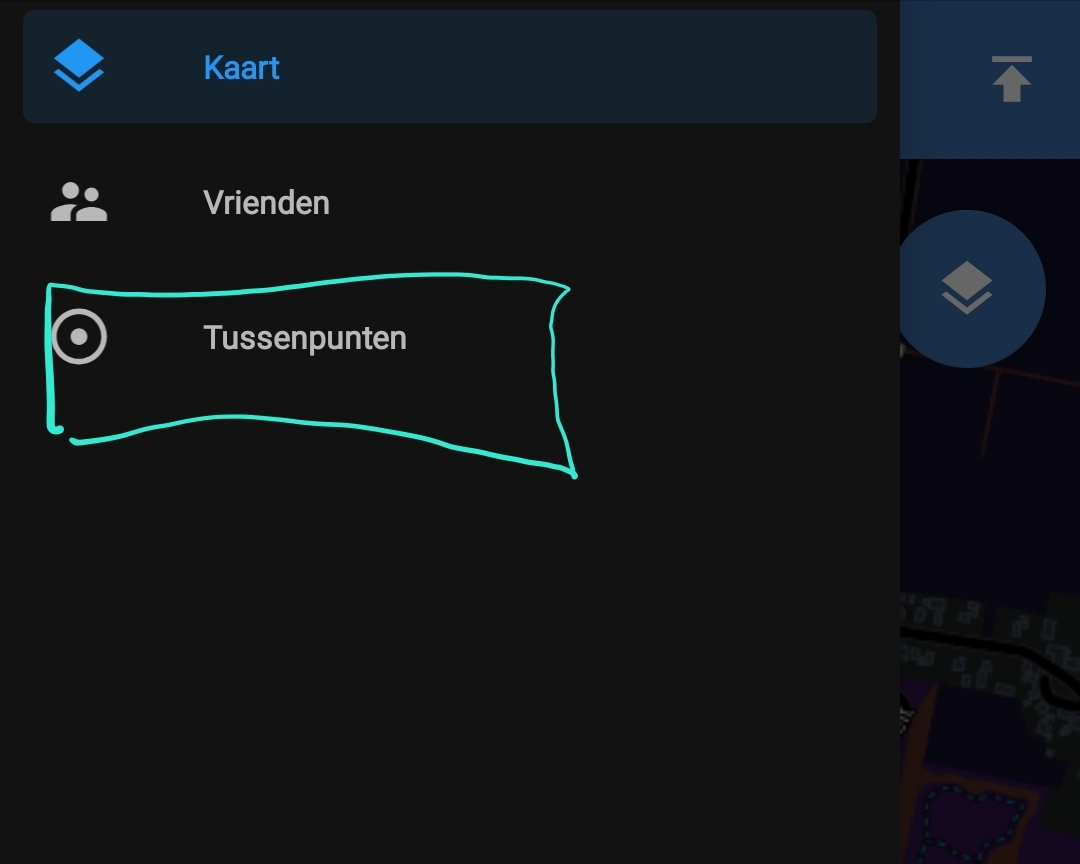
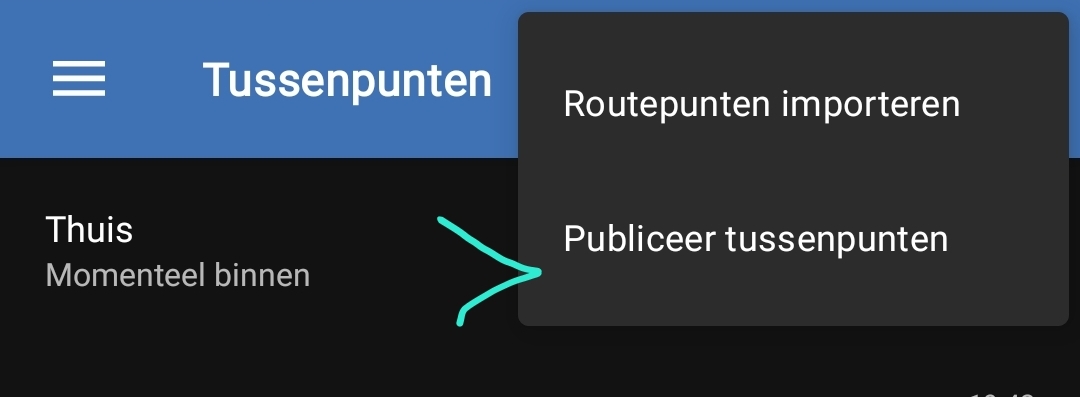
Thx added a waypoint in Owntracks suppose it takes a while before seeing it in homey? Or is their a way to force a retrieval call?


Error 404 means “not found”
“Invalid key specified” most probably means: the key is not exactly the same
‘https://663xxxxxxxxxxxx.connect.athom.com/api/app/nl.scanno.owntracks/events/54f9xxxxxxxxxxxxxxx’

The last token in that URL should be the same as the one which was generated here @ the L&P app:

Yes I checked this and seems the same also double checked the cloud ID. I did try to press the # symbol to once generate a new one but this doesn’t seem tondo anything
Maybe the Homey ID you entered in the URL is not exactly right; in that case Owntracks isn’t allowed to connect to your Homey:
That one gives ok
For the user id it is the full number yes from beginning to end?
I know have this
OK, thanks.
Yes, you should use the complete string.
However, your used URL is not right
The part with ?token= shouldn’t be there;
The correct URL, as shown before, is:
Maybe that solves it, Maxime.
Perfect indeed apparently I copied too much from above  now I have the impression it works
Ah I see, the manual in the start post is still using an older URL version:
@scanno Is is possible to adjust the example URL,
or
are you willing to convert the start post to a wiki post?
Changed to
The URL you have to enter here is as follows:
https://[homey cloud-id].connect.athom.com/api/app/nl.scanno.owntracks/events/[tokenid]
where is the Athom Cloud ID of your homey that you can find in Settings/System.
The tokenid is the id that is generated when you added the user.
I am willing to change to a wiki post, let me know the best way to do so
Thanks! Much appreciated, Menno.
I found this howto
https://meta.discourse.org/t/editing-and-creating-wiki-posts/30801.
In case you’re not allowed to convert it, you’ll have to request it to a moderator
All I know about wiki posts is any member with the proper rights is allowed to edit the post.
I’ve not seen a wiki post here getting f-d up just because of this.
Probably mainly just because it’s a relatively unknown feature 
Example:
The Tuya Cloud community app starting post was turned into a wiki for example, so I could update the info (dev Jurgen moved to H.A.).
Menno (@scanno ),
Great to see you back in the forum. Are you able to explain what might be the cause of “HTTP code 400”?
