I have published a new version that has fixed the issue so the mqtt:// prefix is not required and it will be inserted automatically.
thanks! that worked!. if you have a cashapp I can donate. I dont have a paypal acct.
I only have PayPal so don’t worry.
Sorry for the delay. I have added an attempt at the old eMotion sensor in the test version. Could you install that and see what happens when you try to add the device to Homey.

I have published a new test version to try
It works! That was the one major hangup keeping me from running Homey full time. I truly appreciate the hard work. You’re a rock star. 
Adrian,
Really need help here!
I have tried so many combinations but my Linknlink eMotion Ultra 2 will not connect. Could you please assist with these few questions?
- Do I just need the Linknlink app or do I also need to install MQTT app?
- can the username/password be anything as long they match in the device and Homey?
- Should the port address be the same in both locations or set to the defaults?
Appreciate any assistance you can provide.

Thank you so much for your quick reply.
I just don’t understand… I have set it up exactly as you describe but just never connects… I think I must be missing something.
Just confirming, the MQTT homey app should not be installed?

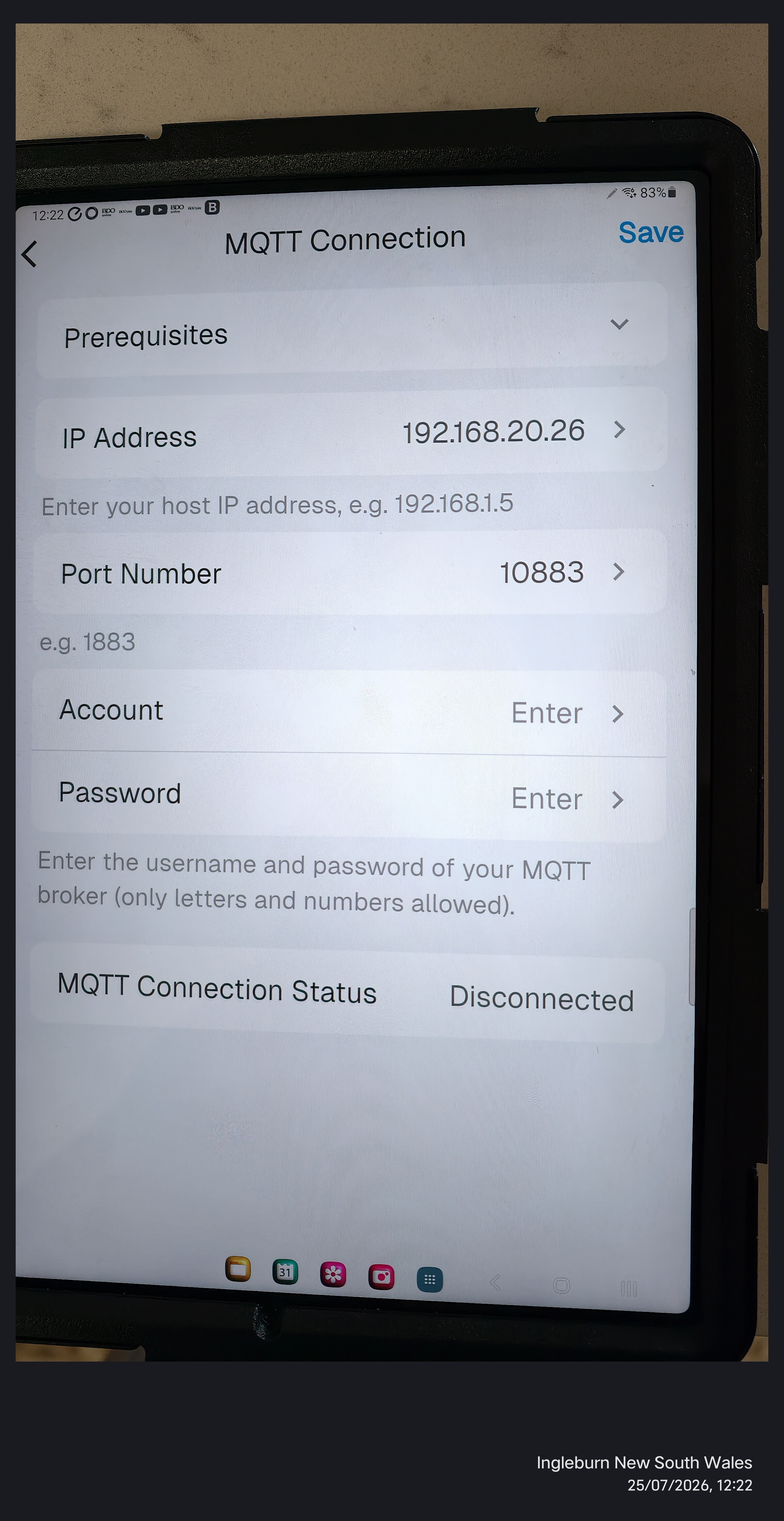

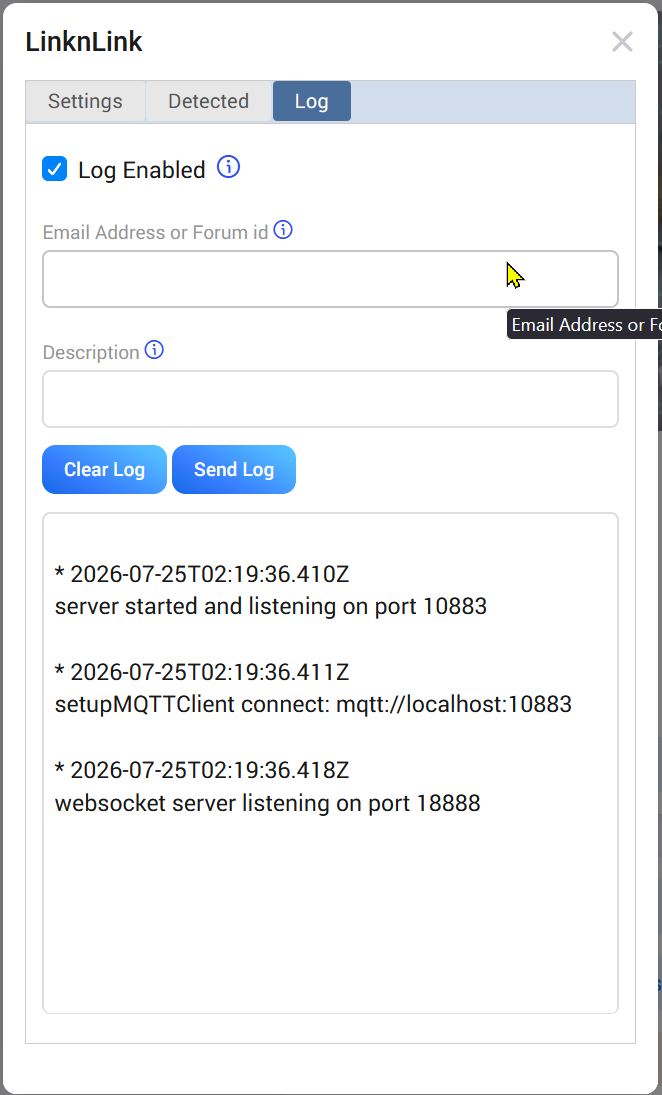
Thank you so much for all your assistance… I have now resolved my problem. I plugged my Homey Pro into ethernet, then noted the new IP then entered that and now all good. 
OOOPS… not quite fixed… it does work correctly if the Homey Pro is connected to ethernet but doing this disconnects my Matter over Thread blinds. If Homey Pro hub is connected to (the same) WiFi the Linknlink eMotion Ultra 2 will not connect. Any thoughts?
AFAIK that shouldn’t happen.
Has Homey’s IP address changed?
Definitely shouldn’t happen…
Yes the IP address changes but I change it in the app settings, but refuses to connect. Very frustrating…
Unfortunately, all I can think of is something strange with your network configuration.
I presume the WiFi and Ethernet are on the same network segment?
Yes, I have checked they are both connected to 2.4GHz network
I think I will re-setup the pressence sensor…
What are the IP addresses and subnet masks?
Does your router separate the WIFI from the Ethernet?
From a PC, can you ping both Homey and the eMotion?
Came back to this today and surprisingly it is all operating correctly (with Homey Pro using WiFi).
So thank you very much for all your support, very much appreciated.
