I have published a new test version with support for a TV remote and an AC remote. They seems to work for me, so hopefully they should be universal.
There seems to be a bug in the LinknLink system for the AC remote that prevents the temperature being set if the Auto Mode is active. It is an issue in the LinknLink app as well, so not just an MQTT issue. I will report that to them to see what they say.
Hi Adrian- thanks for all your work here!
Do you expect to add support for the eMotion Air when it ships? A $13 mmWave sensor that’s also a button is really appealing.
I have pledged on kickstarter and should receive some when they launch.
I hope to add support for them, but they use a different technology, Zigbee, that I haven’t worked with before, so it will be a bit of a challenge  .
.
I’ve tried the new version and it’s not working for me. I have connected the TV and the AC in the LinknLink app and it works normally. But in the Homey app, when i try to add the TV or the AC it doesn’t find any device. I don’t know if it has to do with the same problem as before, the Ultra 2 version.
Thank you for all the work you do
Could you open the app settings and select the Detected tab, then tap on Get Devices followed by Send Log.
I get this in the log:
[
“4101a675beac00009ff59624266e”,
{
“deviceId”: “4101a675beac00009ff59624266e”,
“name”: “TV”,
“model”: “TV from eMotion Ultra”,
“manufacturer”: “LinknLink”,
“entities”: [
and the app uses the model field to identify the type. maybe yours is coming back with something different.
For the TV I match either of theses [‘TV from eMotion Ultra’, ‘TV from eMotion Ultra2’].
I’ve sent you the log, I’m not getting any device
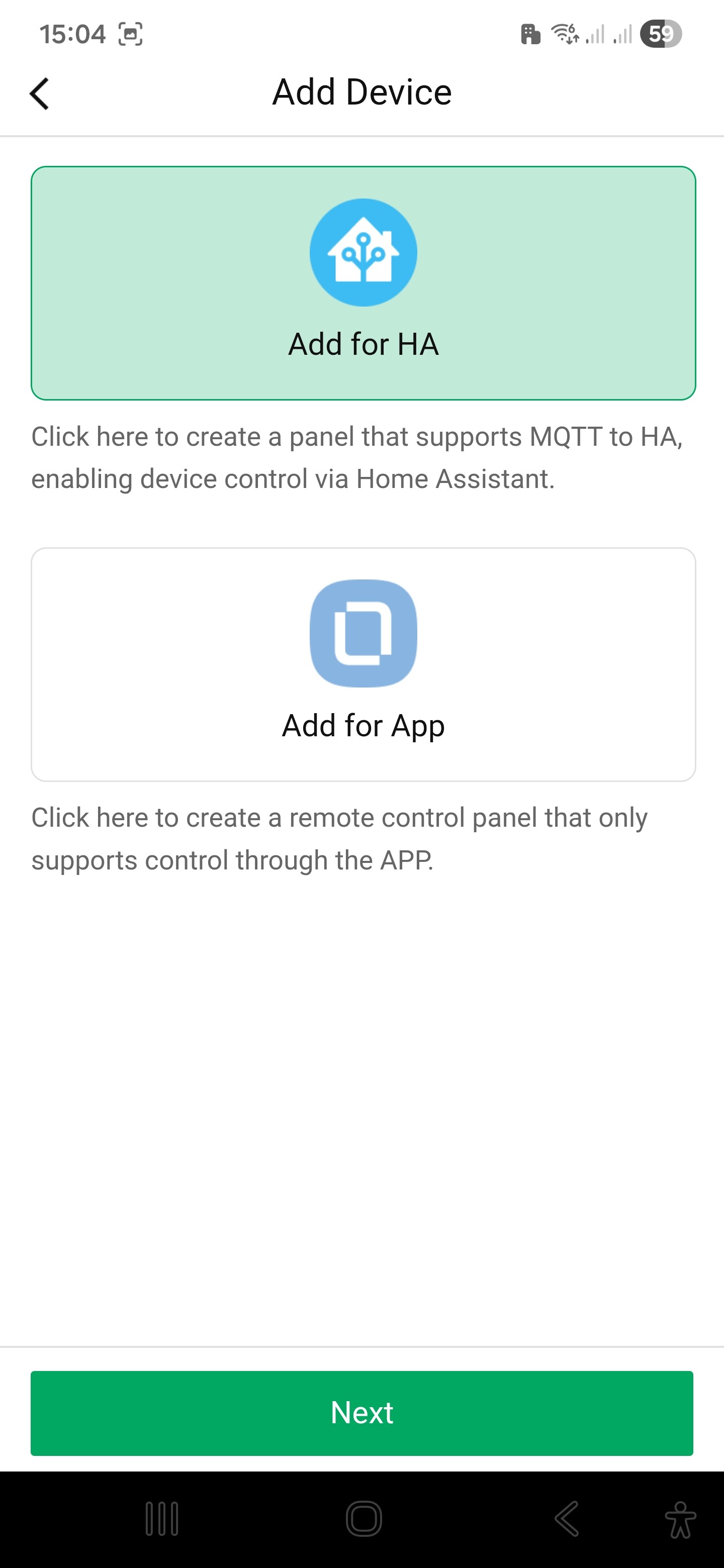
When you added them to the LinknLink app, did you select the Home Assistant option?
Know, I’ve connected them via HA, I can see the TV device but not the AC device. Even thought I can’t connect the TV. I’ve send you the log
I don’t know if this could help. The Homey app recognise the TV as an AC remote so I can add it to Homey but it doesn’t work for obvious reasons. (Homey error: No MQTT climate entity found for AC device)
I have been working on using a different method to identify devices as the model name is going to be very unreliable. I’m not how HA copes, but the interface is a bit wishy wishy.
Thank you Adrian, I appreciate it a lot
I have published a new test version that now looks for entities rather than the model type.
Remote TV is now working perfectly. Homey app can’t see the AC device
If you look in the Detected Log, do you see any entries that start with “climate:”?
If you have access to something like MQTT Explorer, do you see a climate entry in there at all:
This is what I can see in MQTT explorer. In the log there is no climate entrie. If you need more data let me know
Hello Adrian. Thank you for your work on this. I’m a novice and been trying to get this to work over the last few days.
I wound up using the homey built-in mqtt broker.
Used localhost and the broker port 10833
On my phone it says the MQTT status is connected.. but when I go to the app to add the emotion ultra, its still not being discovered. Any ideas?
Can you open the app setting page and select the Detected Tab, then tap on Get Devices followed by Send Log once the list has populated. Let me know when you have sent it and I will check. While you are there could you select the Log tab and check for any errors.
You could try installing MQTT Explorer https://mqtt-explorer.com/ and connect that to Homey to make sure the device is publishing data to the broker.
Hey Adrian,
I’m having an issue that might be out of this app’s scope, but I’m trying to get the Original eMotion sensors to work in Homey. It seems to be an issue with a lot of platforms (HA, etc). These are not Pro or Ultra models. I got them to work in HA with a normal MQTT Broker, but can’t get them to show up in Homey with the MQTT Server App. Any insight?
Cant generate a log in the app configuration… homey asks me for a description and even if i put one in… still doesnt generate log. here the MQTT explorer… noew to this so not sure what i’m looking at. thanks
OK, it appears there is a small bug in the Settings when you select to use homey as the MQTT broker. The app defaults to localhost, but that needs to be mqtt://localhost.
The broker is started OK with either setting but the client doesn’t find it without the mqtt:// at the front.
So, set it to mqtt://localhost, save the settings and then restart the app. Wait for a minute for everything to start up and register and then you should be able to add the device.