I have a little problem, and not sure how to handle.
In Modbus you can set a max A for charging (like the select we have with 6-63A).
But I can not get this value back from the charger. I can get back the max value, I instead get back the max value that it uses based on the car etc
If i select 8A it can send back 6A and so on…
Not sure how to handle this yet…
EDIT:
I can handle it so that i keep what we set in Homey and use that - but that does not guarantee the value - it can be set by another integration / app and Homey won’t know about it.
Homey set it to 8A, and that is what we use etc. but then if you use another app and set it to 16A Homey wont know and our UI and so on still thinks (and in some cases set to 8A)…
I have added ev charger / energy so it should show up for those having that function (I cannot test myself)
I have added “P40” support, via Modbus (this also works fine for P20/30, thinking I will change those to use modbus later - much easier and less problems can arise).
For the modbus version, there are 2 changes to how the P20/P30 works
There is no onoff (suspend) - no support to set for P40 (works in P20/P30) and no way to read if it is suspended or not.
the “Charge power” is set when you select it (or initial to what your hardware has as supported), but we cannot read the actual value set on the machine so Homey will act somewhat as master and set this on intervalls based on what is set at Homey.
If anyone want to test it, and give any feedback or such I have submitted a test version.
(note, you need to manually add your IP for now, I have not yet added the MAC address for P40)
May I suggest to keep UDP for the P20/P30 and only add Modbus for P40.
I understand it would be easier for you. But the UDP interface is absolutly rock solid. It never misses a beat and it is unlikely they change that interface for P20/P30.
You have done an amazing job and I do not want to see that being crippled by the missing functionallity in Modbus.
Also I rely on that functionallity in my automations for load balancing.
Note, a user with P20/P30 can still use the P40 just fine, if he/she wants to use modbus version instead (maybe it should be called Keba UDP and Keba Modbus as devices instead, but a but technical names…?)
Strange, I will check this - hopefully later today.
To be able to add to energy-thingy I needed a “meter_power” capability that would have duplicated the already existing capability… so it is removed but should look the same and exists as an option.
Have you tried to restart the Keba APP (i guess it already have, because of install), it is in the INIT it registers the capabilities (and removes old ones).
You could else try to send a diagnostic report directly after restart and I could see if I can see aything.
When I check both P30 and P40 at home I have the “Energy Total”
Do you see it in capabilities and/or in statistics correct for all chargers?
EDIT
@aste there is a new version for testing, some clean up but not sure if it will help..
Else I think i need to add the old one back and follow this guideline to let it work, but not use in the APP UI (in parallel) - strange that it works for some of the devices for you…
Hallo Jonathan, vielen Dank für deine Arbeit, ich kann dir leider nur mit Bildern helfen da ich keine Ahnung habe was du machst. Also Garage ist auf keba wird auch erkannt. Mehr kann ich noch nicht sagen da das Auto erst später nach Hause kommt.
TypeError: Cannot read property ‘value’ of undefined
Component stack:
at DevicePickerControl (address at index.android.bundle:1:5056890)
at DeviceGeneratedControl (address at index.android.bundle:1:5048091)
at RCTView ()
at View_withRef (address at index.android.bundle:1:2408518)
at SceneView (address at index.android.bundle:1:4836232)
at RCTView ()
at View_withRef (address at index.android.bundle:1:2408518)
at RNCViewPager ()
at PagerView (address at index.android.bundle:1:7658367)
at Animated(Anonymous) (address at index.android.bundle:1:5679059)
at PagerViewAdapter (address at index.android.bundle:1:4834098)
at RCTView ()
at View_withRef (address at index.android.bundle:1:2408518)
at TabView (address at index.android.bundle:1:4833235)
at Carousel (address at index.android.bundle:1:5069471)
at RCTView ()
at View_withRef (address at index.android.bundle:1:2408518)
at DeviceControlsView (address at index.android.bundle:1:7757191)
at RCTView ()
at View_withRef (address at index.android.bundle:1:2408518)
at anonymous (address at index.android.bundle:1:4301719)
at RCTView ()
at View_withRef (address at index.android.bundle:1:2408518)
at DeviceScene (address at index.android.bundle:1:5038748)
at withNavigation(DeviceScene) (address at index.android.bundle:1:7207160)
at ThemeProvider (address at index.android.bundle:1:3160445)
at WithThemeDarkComponent ()
at SurfacePortalProvider (address at index.android.bundle:1:3912397)
at SurfacePortalBoundary (address at index.android.bundle:1:3912535)
at SurfacePortalHostWrapper (address at index.android.bundle:1:6842780)
at StaticContainer (address at index.android.bundle:1:3214242)
at EnsureSingleNavigator (address at index.android.bundle:1:3187293)
at SceneView (address at index.android.bundle:1:3213215)
at RNSScreenContentWrapper ()
at ScreenContentWrapper ()
at DebugContainer (address at index.android.bundle:1:3922570)
at RNSScreen ()
at Animated(Anonymous) (address at index.android.bundle:1:5679059)
at Suspender (address at index.android.bundle:1:3918612)
at Suspense ()
at Freeze (address at index.android.bundle:1:3918678)
at DelayedFreeze (address at index.android.bundle:1:3918344)
at InnerScreen (address at index.android.bundle:1:3916487)
at anonymous (address at index.android.bundle:1:3918181)
at ScreenStackItem (address at index.android.bundle:1:3921040)
at SceneView (address at index.android.bundle:1:4443204)
at RNSScreenStack ()
at anonymous (address at index.android.bundle:1:3920913)
at ScreenStack (address at index.android.bundle:1:3920342)
at RCTView ()
at View_withRef (address at index.android.bundle:1:2408518)
at FrameSizeProvider (address at index.android.bundle:1:4400964)
at SafeAreaProviderCompat (address at index.android.bundle:1:4407631)
at NativeStackView (address at index.android.bundle:1:4442897)
at PreventRemoveProvider (address at index.android.bundle:1:3188625)
at NavigationStateListenerProvider (address at index.android.bundle:1:3215011)
at NavigationContent (address at index.android.bundle:1:3214767)
at anonymous (address at index.android.bundle:1:6218951)
at NativeStackNavigator (address at index.android.bundle:1:4449598)
at NavigatorRoot (address at index.android.bundle:1:4373439)
at ThemeProvider (address at index.android.bundle:1:3187488)
at EnsureSingleNavigator (address at index.android.bundle:1:3187293)
at BaseNavigationContainer (address at index.android.bundle:1:3179519)
at NavigationContainerInner (address at index.android.bundle:1:3217412)
at AppNavigationContainer (address at index.android.bundle:1:4357927)
at SurfacePortalProvider (address at index.android.bundle:1:3912397)
at ThemeProvider (address at index.android.bundle:1:3160445)
at Provider (address at index.android.bundle:1:3172368)
at RNGestureHandlerRootView ()
at GestureHandlerRootView (address at index.android.bundle:1:2823922)
at RNCSafeAreaProvider ()
at SafeAreaProvider (address at index.android.bundle:1:3174281)
at ErrorBoundary (address at index.android.bundle:1:6286398)
at App (address at index.android.bundle:1:4355797)
at RCTView ()
at View_withRef (address at index.android.bundle:1:2408518)
at AppContainer (address at index.android.bundle:1:2562293)
Stack trace:
TypeError: Cannot read property ‘value’ of undefined
at DevicePickerControl (address at index.android.bundle:1:5057421)
at renderWithHooks (address at index.android.bundle:1:2444071)
at beginWork (address at index.android.bundle:1:2475890)
at workLoopSync (address at index.android.bundle:1:2493055)
at renderRootSync (address at index.android.bundle:1:2492890)
at performWorkOnRoot (address at index.android.bundle:1:2489774)
at flushSyncWorkAcrossRoots_impl (address at index.android.bundle:1:2438174)
at processRootScheduleInMicrotask (address at index.android.bundle:1:2438569)
at anonymous (address at index.android.bundle:1:5549024)
A new version is added for testing (1.1.17), added back the old capability (not in UI now, but accessible in flows) and named it …(deprecated) - so the app is backward compatible and should not throw errors or break flows.
@Gabriel_Kreutzer - what version of the app are you running now? Also do you have the P30 or P40 device? If you still have any problem after updating to the newest testversion - try this,
install the “old” version, the public version (1.1.13) - Keba | Homey
check that it works as it should
install the new “test” version again (1.1.17) - Keba | Homey
Hello @Jonathan_Cohen thank you for your app. I’ve installed it and I was able to pair it with my P40. In my first attempts to use your app, I was not able to set the max. A value. But I’m not sure if the problem sits in front of the monitor I’m going to test it for the next few days.
thank you for the app — it is working well with my P40. However, there are a few open points I’d like to discuss.
Charging power control
At the moment, the charging power can only be adjusted in amperes (6–63 A). In the KEBA app, this can be set directly as charging power (from 4.1 kW to 11 kW, or up to 22 kW for the Pro model). It would be great to have a similar option in your app, allowing the user to define the maximum charging power in kW.
Start/stop charging control
Currently, there is no flow card available to start or stop charging on the P40. Would it be possible to add this functionality?
My goal is to automate the charging process based on the state of charge of my home battery.
Thanks in advance, and I’m looking forward to your feedback.
I’ve just noticed that these are current limitations of the Modbus protocol. I’ve contacted KEBA to address this. At the moment, the P40 cannot be used for the charging automation I would like to achieve.

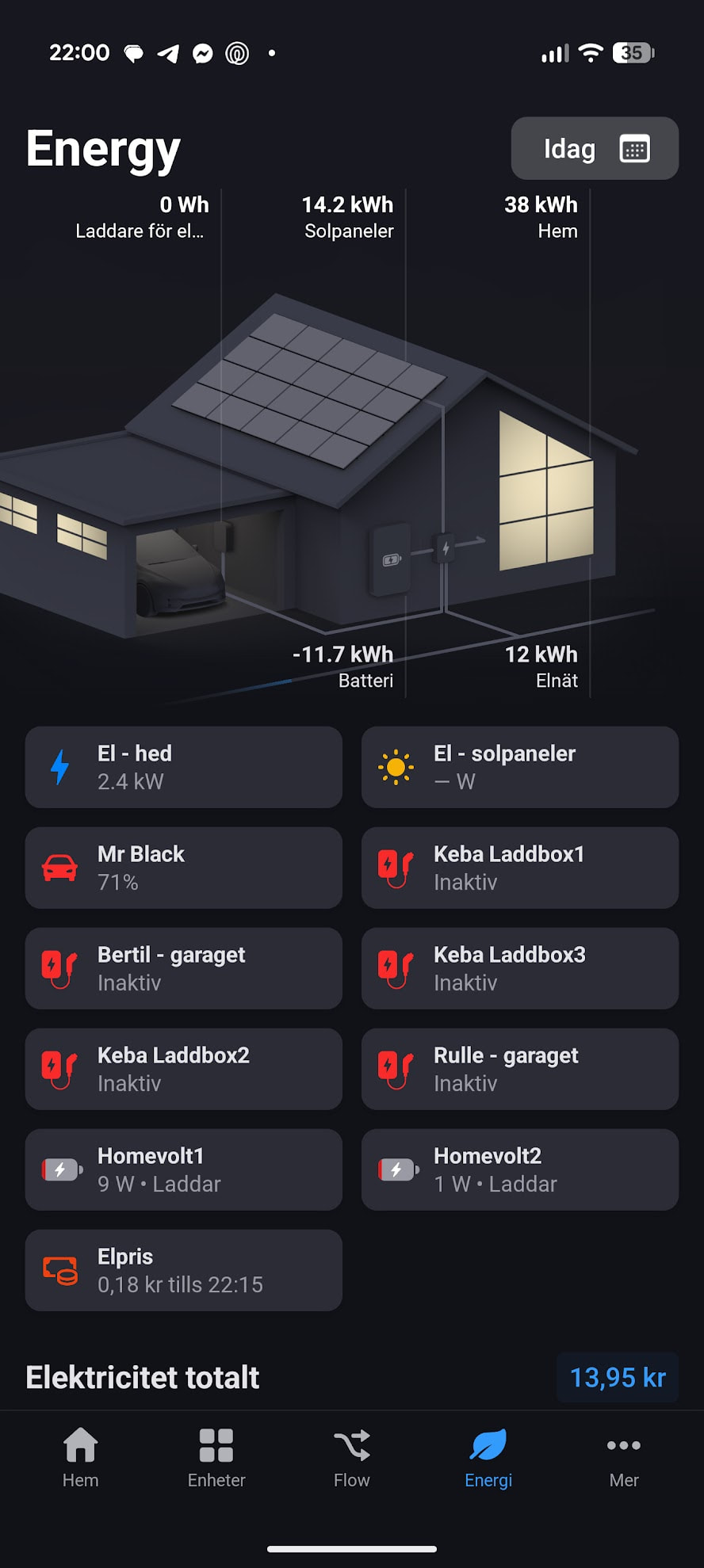


 , funktioniert, brauchst du noch die Daten? Kann ich gerne schicken. Vielen vielen vielen Dank


