Hello everyone,
I’ve been working on a Peblar charger app for Homey using its REST api.
It is working very well for me and I would like others to test and provide feedback!
Version 4.0.0 is a major update with a much broader charger control and monitoring surface.
Screenshots


What’s new in 4.0.0
- Added Force 1 phase control and readable 1F/3F phase mode
- Added separate live charge limit and configured maximum charge limit values
- The live charge limit is now adjustable as a slider in the normal Homey device UI
- Added per-phase voltage, current, and power measurements for L1, L2, and L3
- Added separate warning and fault capabilities
- Added a readable alarm code list
- Added better online/offline and authentication-failure handling
- Added more descriptive alarm timeline text
- Added more Flow triggers and conditions for charger state, charging state, cable state, smart mode, faults, and warnings
- Added new Flow actions for charge limit with phase mode, phase switching, and starting charging with limit and phase mode
- Added a new Charger Management Widget for live charging control
- Updated the Smart Charging Mode Selector widget styling
- Added optional web-login features for LED brightness, buzzer volume, firmware/customization version info, firmware update availability, and reboot
Current Features
- Displays charging speed
- Displays amount charged in current session
- Displays current charging state (plugged in/out etc)
- Ability to turn charging on/off
- Ability to change the live charge limit
- Ability to switch between 1F and 3F charging mode
- Shows configured maximum charge limit and live charge limit separately
- Shows per-phase volts, amps, and watts
- Shows warning/fault state and active alarm codes
- It uses Homey EV Charger template so you can start flows when charging starts/stops or when the power changes etc.
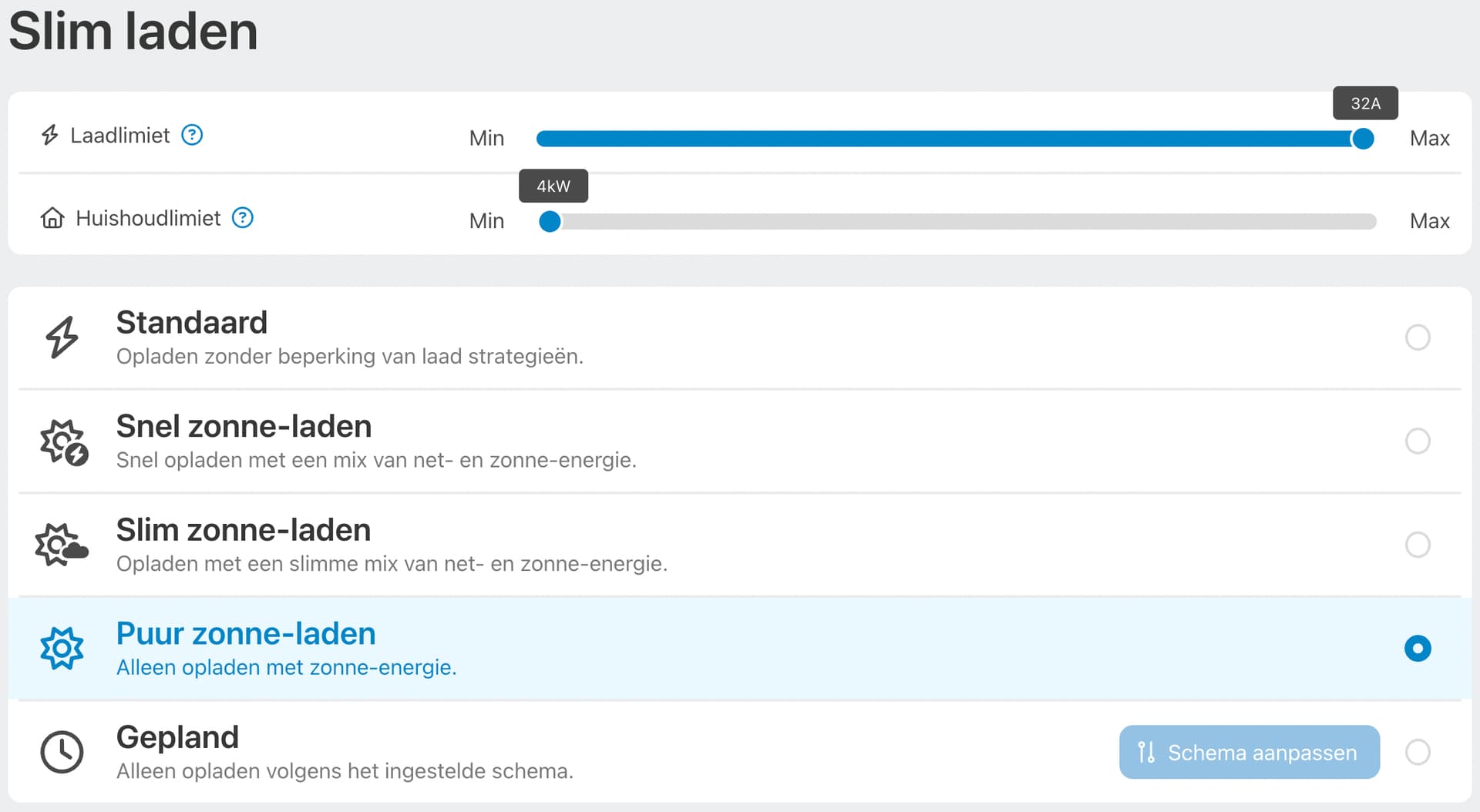
- Support for Peblar’s custom charging modes, requires the Peblar web-login password
- Optional Peblar management features such as LED brightness, buzzer volume, firmware version info, update availability, and reboot
- Widgets for charge mode selection and charger management
- Supports all Homey languages
How to add a device
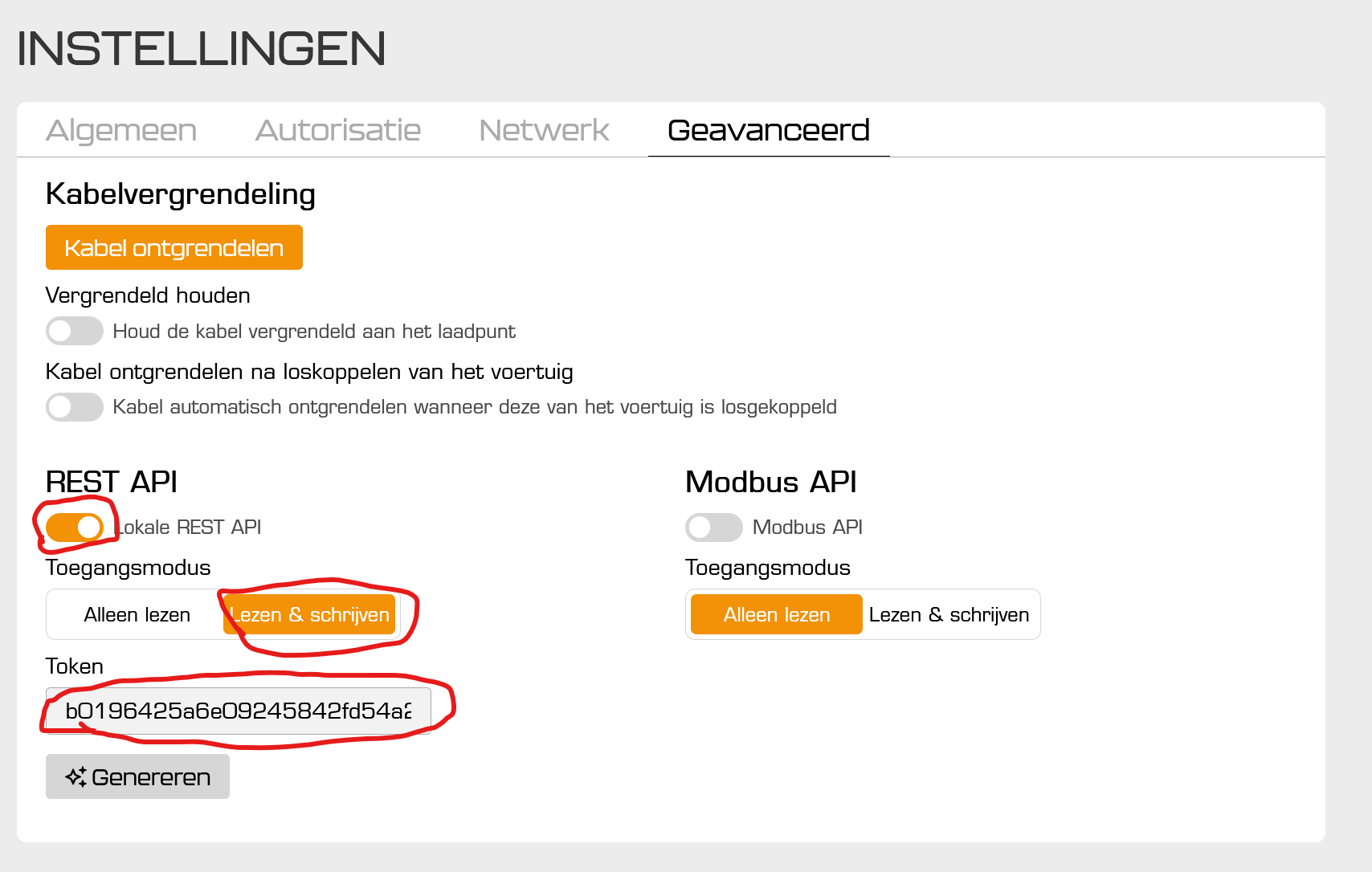
On your mobile phone or computer go to your Peblar charger and login,
go to settings, advanced and enable the REST Api with read/write access and copy the token.
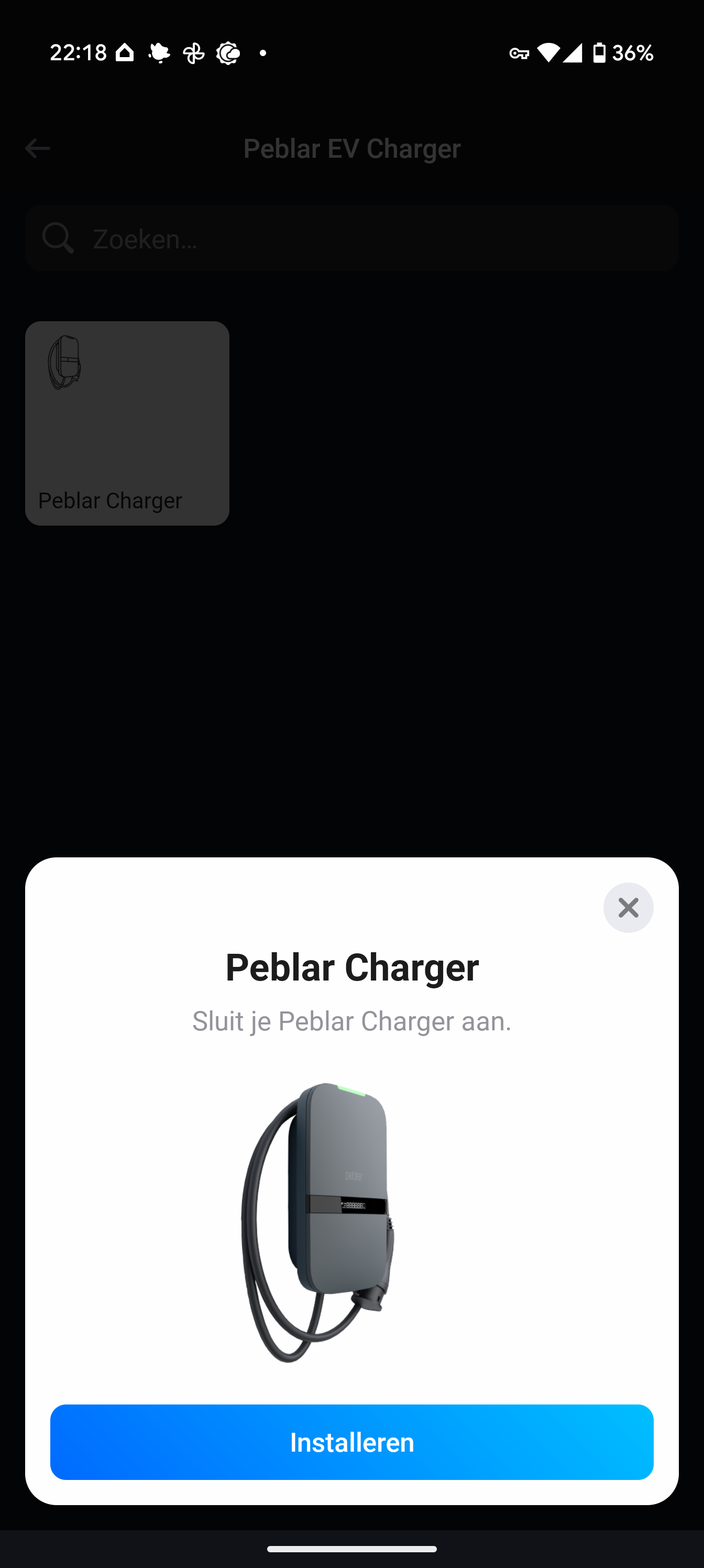
Then write the IP and token down or copy it over to the Homey app:


The Peblar web-login password is optional. Without it, the normal REST API features still work. If you add it, extra features like smart charging modes, LED brightness, buzzer volume, firmware information, and reboot become available.
All feedback is welcome!
Link:
With the kindest regards,
Kyle Michiels