Great!
I have also spoken/written to IDLock support about adding Homey/ID lock 202.
I have solved my problem by adding a delay between some of my z-wave actions. So i suppose the problem was that there was to mutch traffic at the once.
Hi @TedTolboom, I had the Zigbee module for more than a year now, but still waiting for Homey support. I need to consider to get the zwave module. Do you have updates on the timeline for supporting Zigbee in the app?
@TedTolboom : Is there any updates regarding Idlock 101? Is there any hope of getting support for this on HP2023?
Agreed
Will the 101 be solved my 150 works fine.
Is it possible to add ID lock 150 as unsecure?
I have a flow that unlocks the door when I set “home mode” and locks in away- and “sleep mode”.
Problem is that when the flow locks or unlocks the door, then the whole z-wave network is getting very bad reponse, and lights does not turn on/off by flows as they should for some minutes.
I was hoping that my problem was caused by the z-wave issues that should have been solved with v10.1.0, but it seems like it is even worse now.
I have 3-4 metres from my HP23 to the doorlock. I have tried two different z-wave chips, reinstalled the app, excluded/included the device several times, but no luck.
Was also looking for this, as the ID Lock 202 is on sale right now  Seems like 202 is the flagship product, and ID Lock themselves have no official app either…
You can add the 202 as 150, works fine.
Anything for 101 ?
So i orderd a homey today. Am i able to use it for my idlock if i choose to get a zwave or do i have to get the homey pro? And if so why does it not support the normal homey?
Apps are only released for Homey when they are supported by the manufacturer. Although proposed (and initially agreed) to ID Lock, ID Lock will not support the Homey app (development).
The Zigbee implementation, since locks are not defined within Homey’s Zigbee driver will require a significant amount of work (>60 hours to get it implemented and validated). Without support of ID Lock, I will not be able to implement this driver.
See comment above.
I guess ID Lock doesn’t see how many locks are being used in combination with Homey and underestimates the demand for these updates.
I suggest to contact ID Lock to ask for these updates (Zigbee driver, further implementation of the Z-wave driver and official app)
Until then, the app development of this app will go into a stale mode.
I suggest that people start to send email to ID lock so they can se a reason to do it. I got this answer from them today
Takk for innsendelsen, jeg sender dette videre internt til produktutvikling. Om eventuelt når dette vil komme kan jeg dessverre ikke si noe om på nåværende tidspunkt.
Ha en fin dag videre.
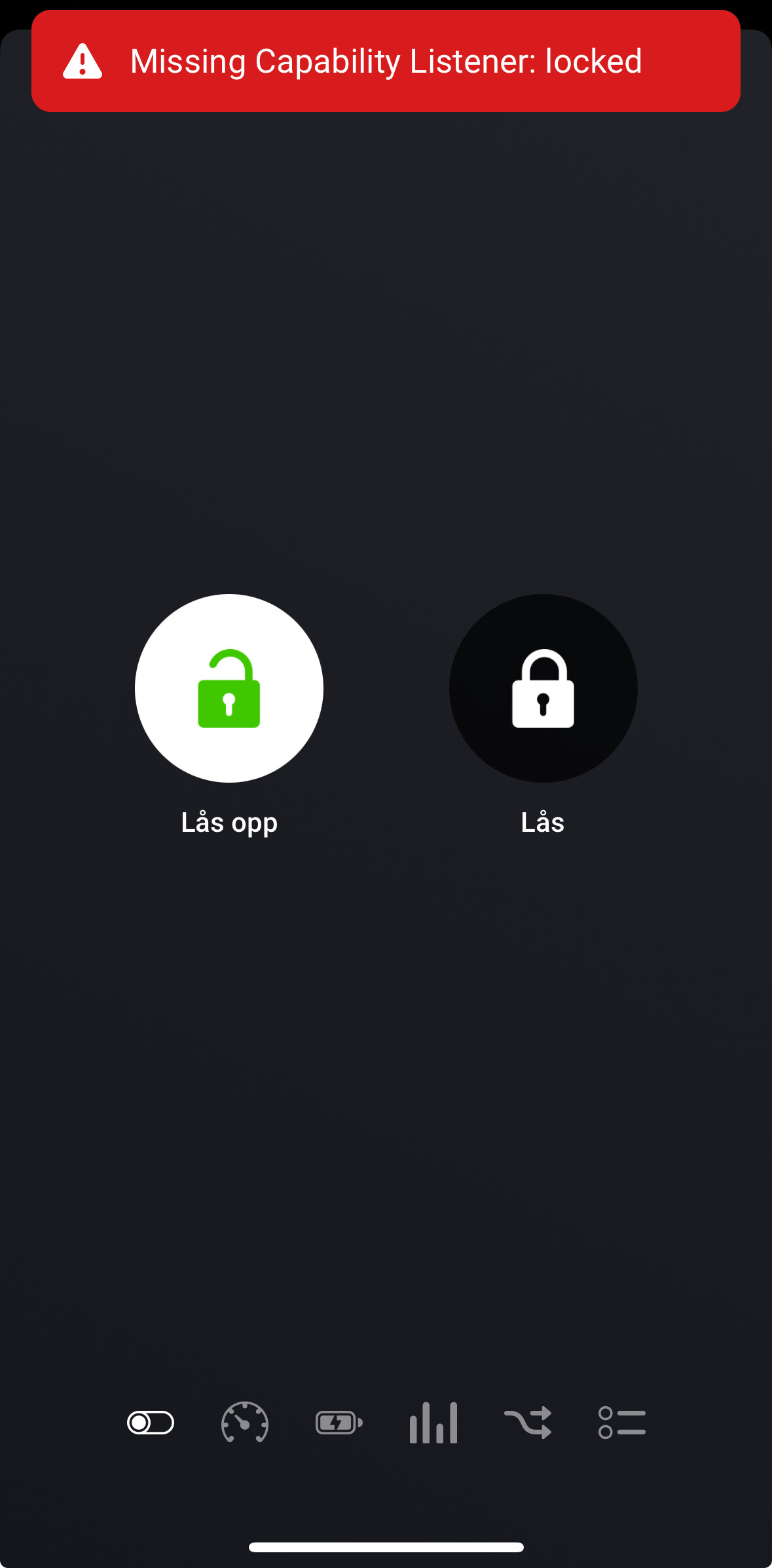
Seems like there are alot of people with this problem.

@Bananfluen did you ever fix this problem?
Worked fine with my old Fibaro hub…
Same issue here. Been running on Homey Pro 2019 for a few years without problems. Migrated to Homey Pro 2023 today, and now I get the same errors as you guys. Tried going back to the Pro 2019, but when I excluded/included the device it now register as ID lock 150, and I experience the same issues as on Pro 2023. I also noticed that the app changed name from “ID lock” to “ID lock 150” on the Pro 2019 as well after re-adding the device.
Another observation done when I migrated to Pro 2023, and immediately tried to lock/unlock, I got a notifications saying that the lock was busy doing a firmware an update. When testing 30 seconds later I got an error saying it was rolling back the firmware update.
Is there a way of forceing the device to be configured as a 101 model? Selecting 101 during inclusion does not make a difference.
It’s a bit strage. My 150 lock identifies as a 101. And it works. I can at least lock and unlock. And it tells me when someone has opened the door etc. my 101 lock doesn’t work at all. Can’t include it or anything. Even with the same z-wave module. So 150 recognizes as 101 a work. 101 don’t work at all
Hi
Anyone else having issues with idlock 150 where the unlock/lock command is sent, and the lock reports that’s been unlocked or locked, even if the lock is not actually in the correct state
I am using an advanced flow to retry unlock/locking the door, and that work for the most part, but when the lock is reporting that it’s been unlocked/locked the flow does not work of course.
This is an old re-occuring issue, I have contacted idlock about it, no help from them.
Also been in contact with homey about it, they helped with troubleshooting of the z-wave network, bu the issue remains.
Either there is a bug in the firmware or the homey app driver
This is my second 150, so I don’t think the issue will ever be fixed.
I am also locking for a sensor that could detect the actual state of the lock bolt, and use that to re-trigger lock/unlock
Last resort is to get a new lock from another wendor with an official homey app.
Idlock does not seem to grasp the impact not addin official support and app for homey
I have also contacted Id lock about making an app for homey. But it seams like we have to change lock to some with an official app. That sucks. Does your 150 identifies like a 101 on inclusion ?
Looks like it’s identified as 150.
Looking at nimly, they have developed official app for homey, last update 3 moths ago
