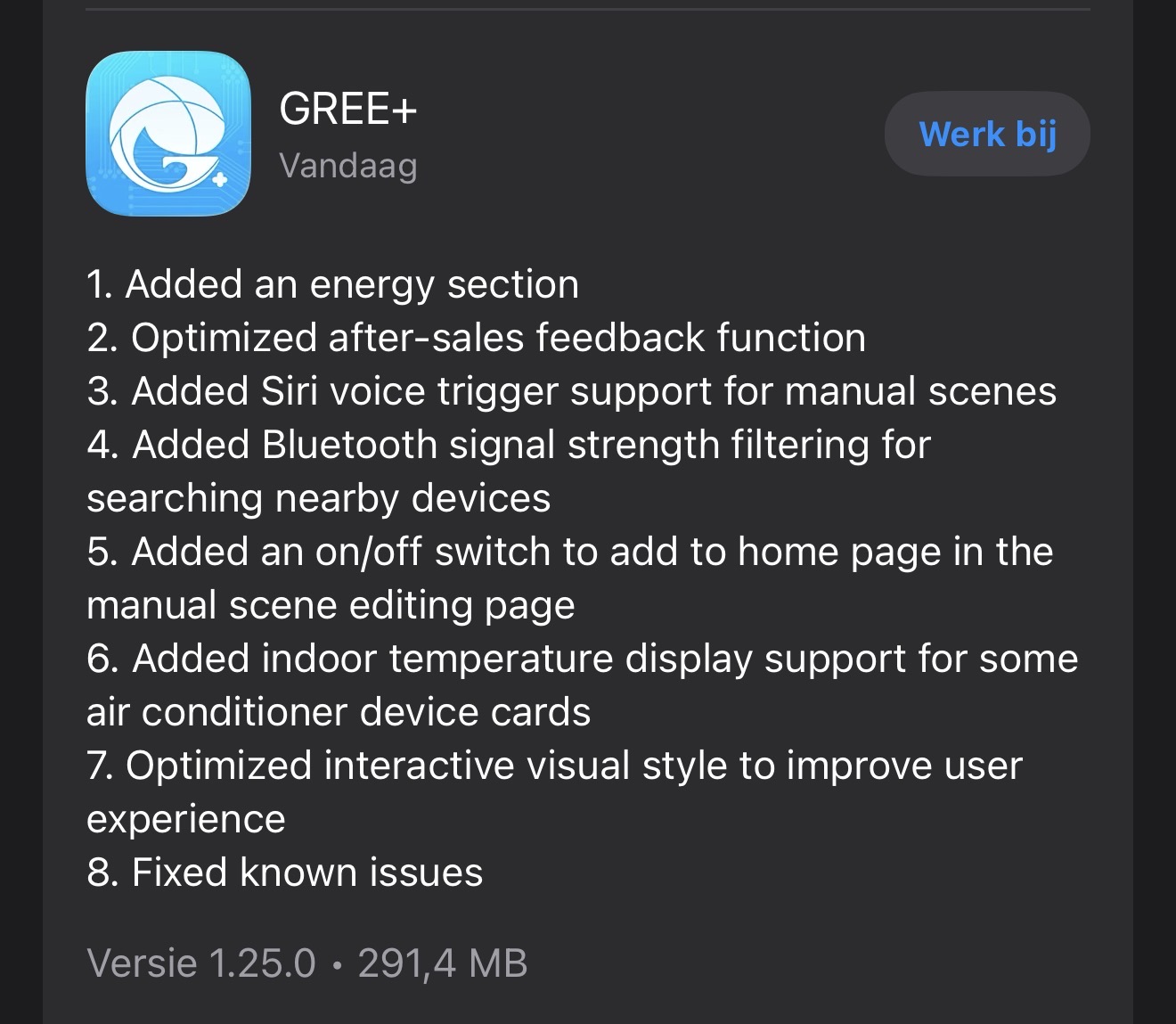
@aivus How are you? I just saw a feature in the Gree app for adding energy management! Is it possible for you to add this to your app as well? 
Hi Forum and @aivus
I am trying to utilize the 8 degree heating mode but after activating the mode it automatically resets after a few seconds. A few times i could see a short mode change in the Gree app before changing back. Anyone experienced the same behaviour? Do i need to take something specific in consideration when creating a flow to switch between 8deg heating mode and normal heating mode?
I use a Gree Amber 25 with firmware V1.31 and
Thanks!
Hi @aivus,
I found (courtesy of the Home Assistant component) that there are some newer devices that use AES GCM encryption for the scan command too.
As it happens I have 2 v1 devices and 1 v2 device and would like to include my v2 too.
Is there any chance of this happening in the foreseeable future?
What can I do to help?
Thanks!
@aivus Is this app still being maintained? I haven’t noticed much activity lately…
Hello there,
@Linden85 yes, it’s still maintained with no active development. Regarding the energy management: not it the nearest future.
@Jochem_Kempe The app supports AES GCM starting from January 2025 (from version v0.9.11). Maybe there are something new that developers of Gree have implemented.
@Kenneth_Schulz When you enable “8°C heating” mode manually using the remote, what is the behaviour? Are you enabling it when “Heat” mode is activated?
@Roberto_Fasano If the app doesn’t see AC, it means AC uses unsupported protocol.
@Jochem_Kempe please check latest test version (v0.11.1): Gree | Homey
I’ve just pushed possible solution for new firmwares.
Awesome, as far as I can tell from a quick test, it can now detect my Vaillant VAI8/5-i and control on/off.
Thank you very much!
Hello,
Are you planning to add support fot the Tosot HOMBASK By GREE warmtepompboiler R290
Thanks Ronald
Hi @aivus,
I have two tosot airco’s:
1x 3,5kW Clivia and 1x 5kW Clivia
The 5kW connects perfectly to Homey, but I can’t connect the 3,5kW. I keep getting the message “not available”.
I tried everything: changing the ip adress, disconnect the device from Homey and Gree app and restart both apps. Nothing works.
Can you take a look? 074b7c41-ac37-4321-b832-2105f647d4e3
Thanks in advance!
Hello @Homey_user1
From the logs, I see the the second device doesn’t answer.
- Does it have the same firmware version as 5kW device?
- Is it in the same LAN subnet as 5kW device?
Hello @Ronald_Bok
If it doesn’t work with current version, I would say no.
It requires to have the device or to have at least API documentation, which Gree is not publishing. So, current solution is based on the reverse engineering by open source community.
Hi @aivus,
- The 3.5kw uses v2.07 and the 5kw uses v2.10. both are the latest fiirmware for the devices.
- They are in the same subnet.
Thanks
Is there something on your path to allow the devices to be on a different subnet? I keep my IOT devices on a different subnet that is routable from my mgmt network where my Homey lives. The IOT devices are not able communicate with other devices.
Hello @jgaswint
It’s already there since v0.10.0. You can set static IP address for the device during the paring as well as adding static IP address for already existing devices.
Only one condition, Homey and HVAC should be able to send and receive IP packages from/to each other.
I attempted to use the static IP address and the discovery didn’t work. But I do not have special rules for bidirectional traffic yet.
I have gree units if that makes a difference.
It depends on the configuration of you network.
Usually, if the Homey or HVAC is in so-called “guest network”, they cannot interact between each other.
After the wifi module of the valliant ac (ACf39a) was updated to 2.12 the gree app is not connecting anymore, it can be installed with fixed ip but after finishing installing it disconnect and has no connection anymore, previous firmware of the ac had no issue.
Any tips would be nice (cannot downgrade)
Hello @Fred_Schaap
please send a diagnostic report via app settings after you manually added the device
I made the diag
Here’s the code:
220a2209-3d44-4aad-ae0d-1080f5507bc0
Brgfds,
Fred.
Are Homey and AC located in the same network?
AC’s IP 192.168.178.* look like a guest network, if it’s the case, do you have “client isolation” disabled?
