Hi Aivus,
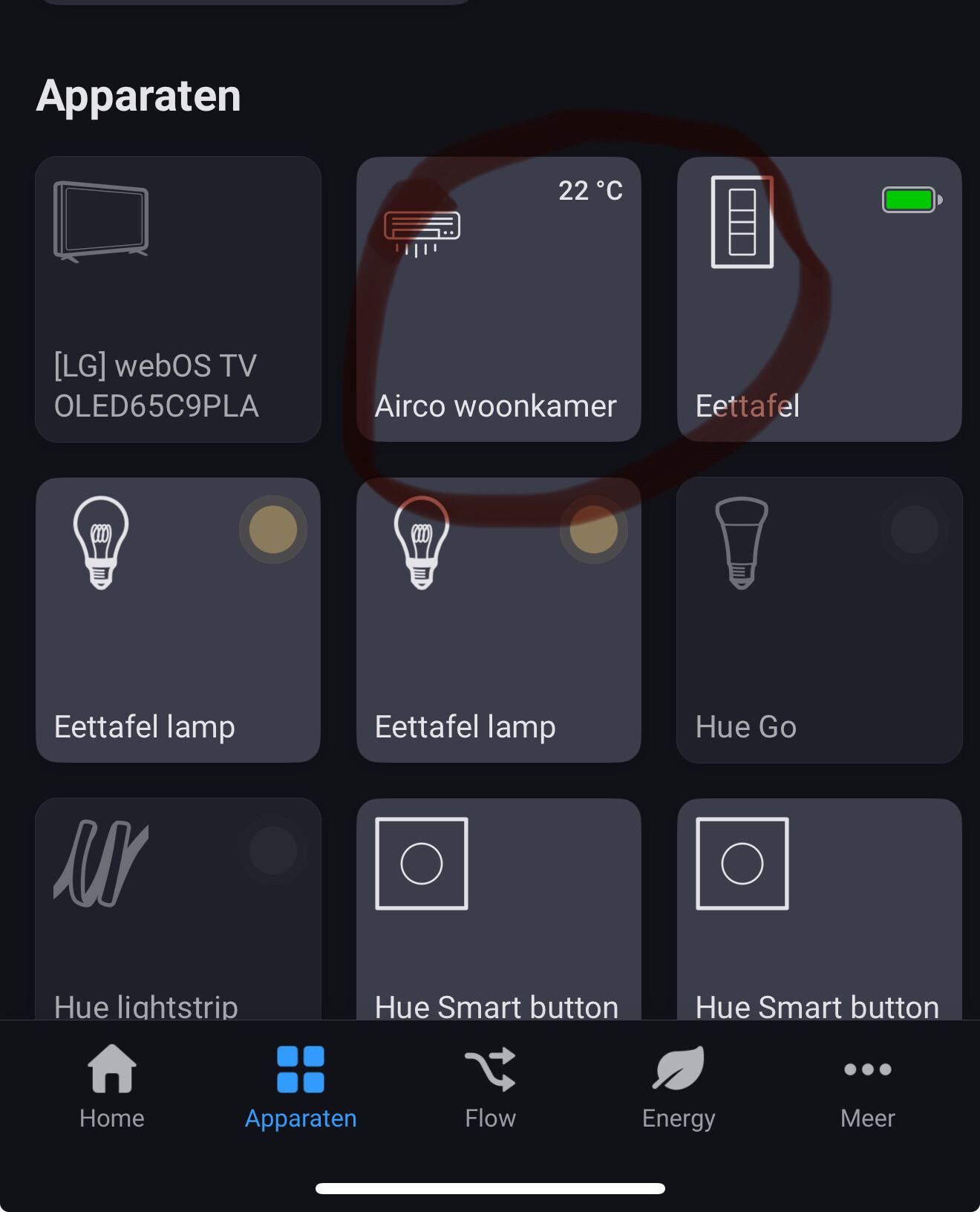
Restarted app and waited 10-20 second my bedroom Gree on V1.23 is still offline.
9c93674e-8a83-4a23-986f-1d09d4af524a
Hi Aivus,
Restarted app and waited 10-20 second my bedroom Gree on V1.23 is still offline.
9c93674e-8a83-4a23-986f-1d09d4af524a
Same problem here
39dc472d-2890-4d85-bd66-175137577616
Please check again in v0.9.9
Works fine now, tested with the 0.9.9 version, all 3 airco-s are online after the restart of the app. See the report: 23be2372-c11e-4c42-9c2c-93e851582db2
Thank you, great work!
Works fine now with v1.23 both airco’s ar me online without any adjustments.
I remain in v0.8.2 on the app at homey pro, probably have to wait for an automatic update ( is this country specific ? ) and the aircos remain unconnected. I will let you know when the update is done. strange that it does not take the latest version from the web.
Anyway thanks for your effort, if it starts to work i will let you know.
There are 2 versions:
You can anytime upgrade to test version and receive latest updates, but this version might be unstable and be broken any time.
Stable version is updated less often and receive updates after they properly tested on the test version and ready to be widely delivered to all the users.
Feel free to upgrade to test version and check
Great, i worked that out myself this morning, and both aircos have been added and are working accoridng to plan, thank you for taking the time to make this update especially in your situation. This is of great help to me !!
When will there be support for Braemar AC units?
Hello,
Last summer I controlled my Gree AC via homekit by experimental options of homey pro, but not that is not visible on homekit.
Anything changed?
I tried to add again, but nothing happens…I have a lot of devices on homekit, so that is work fine, but the AC is not visible 
Anyone can help about what can cause this?
Thanks!
Hi,
Is there an option to add an “and” card that checks the target temperature ?
I want to run something every 10 minutes saying if the target temperature is greater than X - set the target temperature to Y
Thanks a lot.
Hello Yair,
You can use “Logic” flow cards where you can access to the temperatures (both target and current)
Hello Bernie,
If it doesn’t work with the current app version, most probably no.
Hello Bence,
It’s hard to say. I don’t have HomeKit configured, so I cannot check it.
Hi aivus,
I think that there have been upgrades to the app but also on the gree side, since yesterday the communication between the homey and the aircos is lost again ( while fully functional on the app from gree themselves ) after stable operation for 5 months the issue reoccurred but now i have seriously included the aircos in my home energy management.
Any idea what has changed, i was happy with the test version, now there is only the .11 version of your app i believe.
Thanks for any help
Hi the problem solved itself after a full restart of the homey, and the app. I had to repair all flows with aircos but its working fine again with version 11 experimental. Thanks again for releasing that version !
Please help me!
I have a Clima from Eca Technology and it works regularly in the Ewpe app, but if I try to unplug it in homey pro it doesn’t see it, how can I solve it?
thanks
Aivus. This works great. You are a champion. Thank you and I wish you all the best in these horrible times of war. Thank you so much

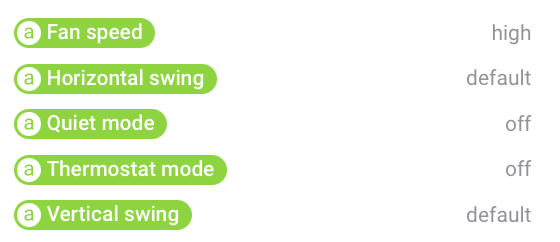

 ). Is it possible to fix this issue.