App version 2.0.2, HP2023 10.0.0-rc.78 and yes tried different formats and pictures
Just installing.
Yep, from app store (previously had CLI when I was testing some modifications)
Will report back, thank you !
Btw, I guess that’s the channel for developers only …not part of it unfortunately.

Will be back on Friday and will get back with feedback shortly
Hi @Gruijter ,
on latest RC88, I get following errror :
2023-04-27T04:44:35.5152 [err] Error: MISSING_ARGUMENTS: image_url, image_file,
image_base64 at FacePP_makeRequest (/app/facepp.js:203:34) at
process.processTicksAndRejections (node:internal/process/task_queues:95:5)
At least it’s not Image buffer errror 
And you only get an error on HP2023 right? On your old Homey Pro it works?
Yep, on HP2023, don’t have old Homey Pro anymore as I’m using HP2023 as daily driver ;-(
Btw, could it be the infamous “bug” being discussed for long time Athom not able to reproduce ?
Hello all, I have the same error on my Homey 2023. running release 2.0.2. I have installed the app also on my Homey 2019 and that is working fine. Hope you will find the solution for Homey 2023.
Error fw 90 HP2023
Report 569288e1-9054-4399-9290-9a8f2a9f5cd7
Error: Invalid Image Buffer at Remote Process at HomeyClient. emit (/node_modules/@athombv/homey-apps-sdk-v3/lib/HomeyClient.js:44:23)atObject.emit (/node_modules/@athombv/homey-apps-sdk-v3/manager/images.js:66:32) at Image.pipe (/node_modules/@athombv/homey-apps-sdk-v3/lib/Image.js:121:26) at Image.getStream (/node_modules/@athombv/homey-apps-sdk-v3/lib/Image.is:132:30) at FaceApp.analyzelmage (/app/app.is:303:36) at /app/app.is:428:58 at FlowCardAction._run (/node_modules/@athombv/homey-apps-sdk-v3/lib/FlowCard.js:92:30) at ManagerFlow._onFlowCardRun (/node_modules/@athombv/homey-apps-sdk-v3/manager/flow.is: 179:17) at process.processTicksAndReiections (node:internal/process/task queues:95:5)
@Gruijter , can we help somehow more please ? Eg. asking Athom?
for me it is working at the moment. Rc.95 (HP2023)


Thank you for sharing, I actually found out now that it’s not issue of Face++ but in my case most probably Netatmo Doorbell - it do not included the Image tag upon trigger (tested using other app, not just Face++)
I wonder if that’s the case of @pcherkash or @Borkeons ?
@Sharkys I use the Ring app. The tag is working, if use automation with the telegram application, the actual photo comes.
everything works when testing automation, but errors occur in real life.
Interesting, so my issue is also with the Netatmo Doorbell and I can confirm that the Test app image also works. Btw, Ring had some issues with Image tag as well…
Hi @Gruijter ,
I use the face++ app a long time now. The last time i noticed that the time it take to recognice my face is longer than before. Now most of the time it takes 17 seconde to recognice my face after initillazing the photo. When there is no recognicing it is done after three seconds.
Do you have a clue what that c
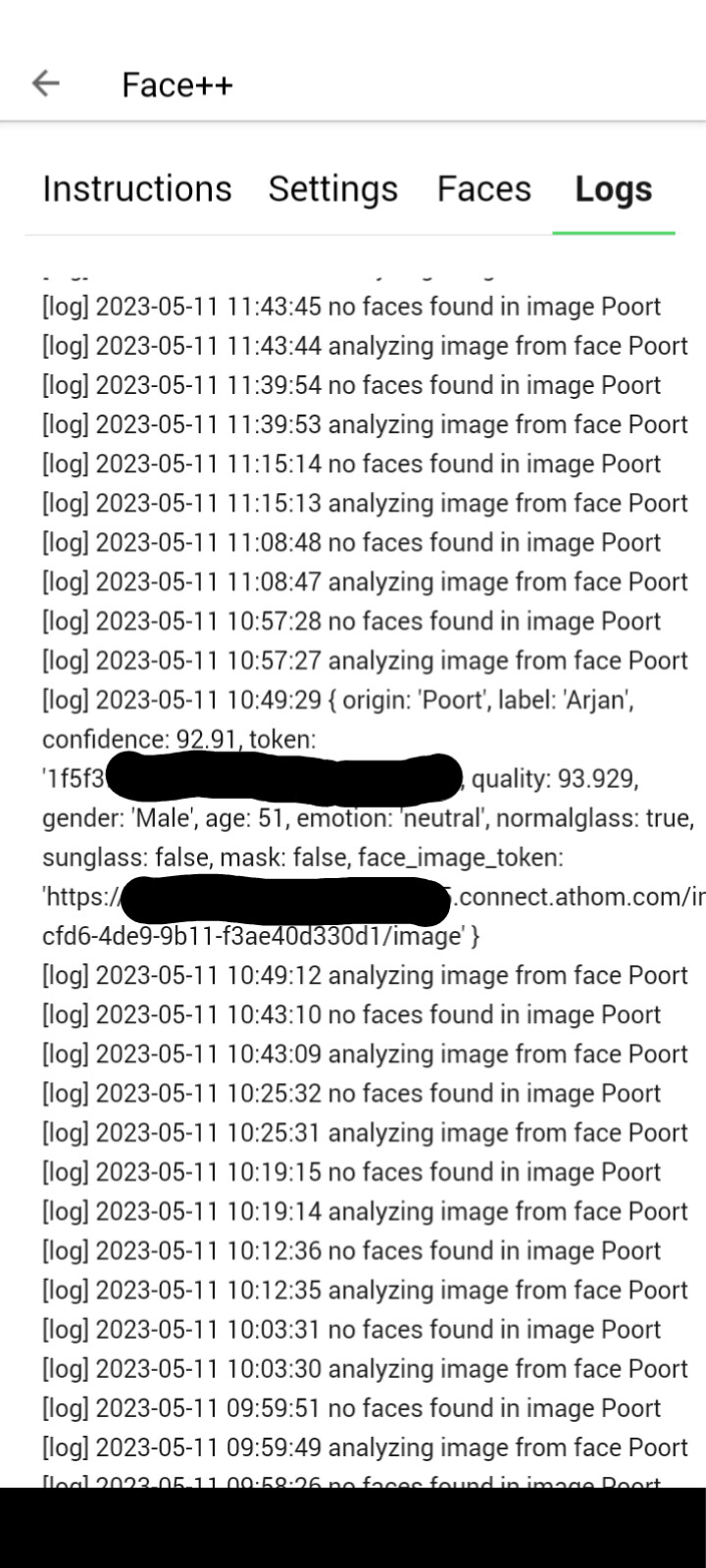
an be ?
Is it my Homey (early 2018, Up to date) or is it something in the app ?
I use this to open the garden door and wait for about 20 seconds is a little long.
I hope you can help me !
@Gruijter Robin are you still around please ? Re my problem with analyzing Doorbell picture, I found out actually that it seems other apps, like eg. Telegram, can transmit the picture but Face++ reports error.
Any idea if that could be fixed please ?
I was hoping that recent fixes in firmware would address it but unfortunately it does not ;-(
Eg. this works for Telegram…

But Face++ says :

Diag > aeff79c4-d3a5-4cf7-b6d6-21855d1cde00
I see Telegram process Images from spkesDE this way - not sure it helps :
export default class SendImage {
    constructor(app: TelegramNotifications, card: FlowCardAction) {
        card.registerRunListener((args) => {
            if (app.bot != null) {
                if (Utils.validateURL(args.url)) {
                    app.bot.telegram.sendPhoto(args.user.id, {filename: "", url: args.url},
                        {message_thread_id: args.user.topic})
                        .catch(app.error);
                } else {
                    app.error('ERR_INVALID_PROTOCOL: Protocol "http:" not supported. Expected "https:"')
                    throw new Error('ERR_INVALID_PROTOCOL: Protocol "http:" not supported. Expected "https:"')
                }
            } else {
                app.error('Failed to start bot. Token most likely wrong.')
                throw new Error('Failed to start bot. Token most likely wrong.')
            }
        });
Face++ API reports :

And this is on HP2023 with latest experimental firmware?
Yep, 115
Mmh. Have to look further into that. I waited for the firmware fix, but that didnt solve it apparently.
