Hey @Peter2 ,
Athom is working on it (checking with Eufy if we can use their API)
No update yet
What I can say is that the functionality will be limited for the Homey Bridge. But at least you’ll be able to make flows based on triggers (doorbell press / person dectection / motion detection etc)
Once there’s more info I’ll share it in this thread and will tag the people who are interested
I am trying to use eufy security app together with heimdall. This way I can use other devices (non eufy) as triggers for the alarm.
However I am having problems with the alarm state in Heimdall. Setting the alarm state ‘away’ or “home” is working great but whenever I set the alarm state to “off” (eufy keypad) heimdall is not changing the alarm state and will trigger an alarm when motion is detected.
Hi @martijnpoppen
is it possible to have a camera take a picture from another trigger (e.g. a motion sensor in another room or any other event)?
It’s possible to take a manual picture in the native Eufy mobile app (pressing the scissors icon). Perhaps this is also supported in the Eufy API?
I searched the forum, but couldn’t find my answer…
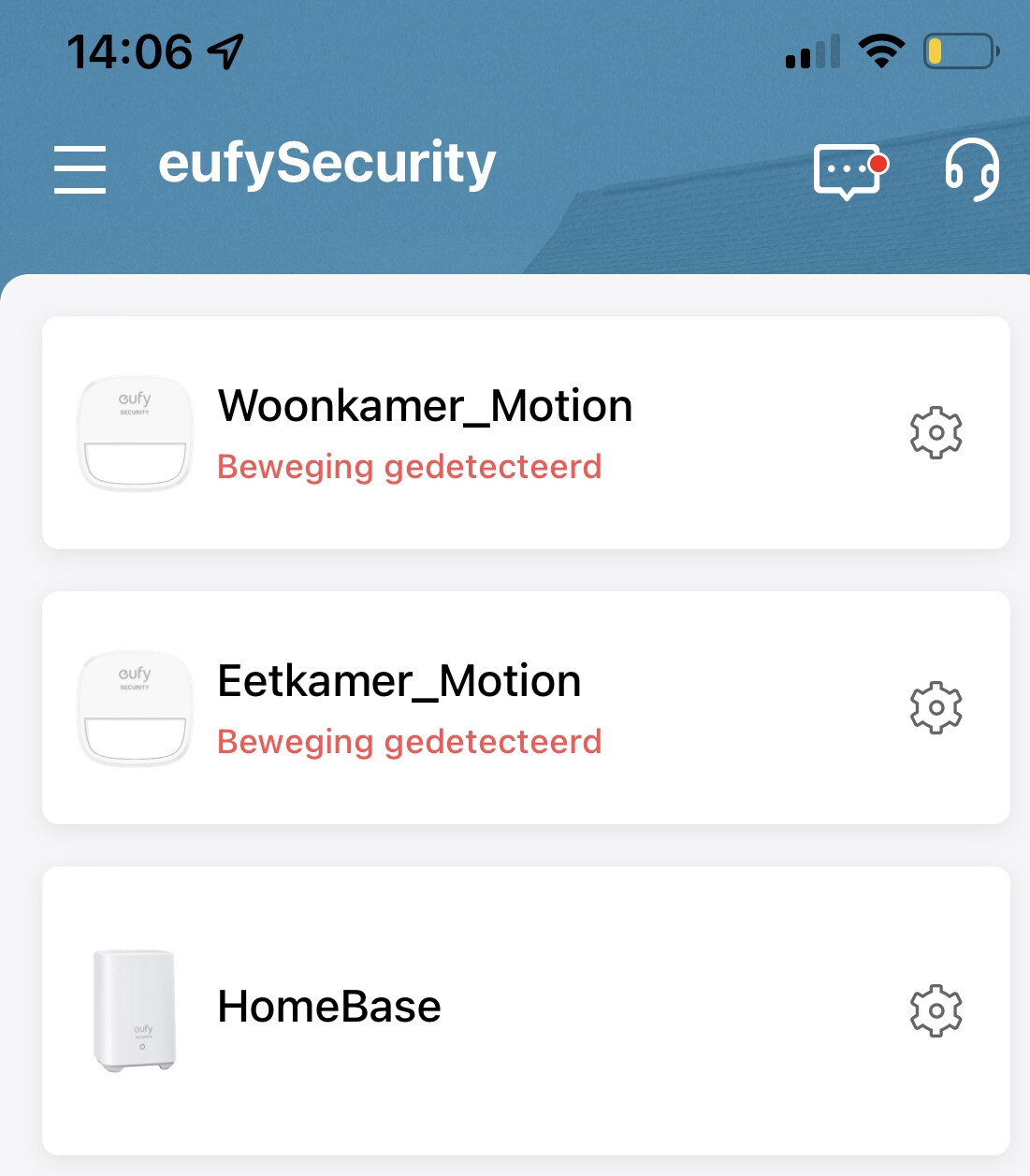
I’m using the motion sensors from Eufy, connected to my Homebase. The Eufy App does register every motion perfectly. After setting everything up with Eufy, I added all my devices to Homey. I made a Homey modus in the Eufy App and for the motion detectors I checked “React to movement” and even the “ Pushnotification”. I left “Homebase-Alarm” unchecked.
The motion sensors in Homey don’t register movement, where Eufy is sending me al lot of push notifications and registers everything.
Hi Martijn, thanks for taking the time to find this out! I have installed the test version, but it still won’t register the motion sensors in Homey. Tomorrow I’ll remove them en install them again under the same name and test once more!
@martijnpoppen I’m desperately trying to have them installed into the Eufy Homey App again, but it’s not finding the motion sensors… It does find the Homebase and Doorbell, but not the motion sensors. I’ve shared them with another account, so I use different users for the iOS Eufy app and the Homey Eufy app.
@AdvaLa Thanks for your report. However it doesn’t contain any event of the motion alerts. Can you make sure to trigger som motion and send me a new report?
That worked as a charm… I have send you de logs (6ab672e8-81a0-4d70-9afa-9eac00c15650) since the earlier problem stil exists… Hope you’ll find the solution Martijn!
Sure… one min… Again: 14a8cfa7-e8f1-46ba-9f01-6948aa017e53.
Strange thing is that the Eufy iOS app does detect movement but the Motion Sensors in Homey remain silent.