Yes…T8410
So let me know what the issue is
Sorry but I really don’t know how to explaint this. I sended print screen with all my cameras. You see in this print screen that 2 T8410 are off in Homey.
At this state everything is working ok on Eufy app. there is video on my T8410 cameras.
When turn on cameras on Homey app video doesn’t work in Eufy app.
On/Off function is reversed.
And when T8140 is Off/On in Homey at Eufy app it still shows like it is active but stream doesn’t work
On/off function doesn’t really turn on/off camera in Eufy app. Only disables the video stream
@Lukasz_Kostek And both cameras are connected to the HB3?
Can you also check the firmware of you T8410?
I added it today to my HB3 and it works.
I doesn’t turn the lens?
It doesnt turn the lens off and on.
2.3.1.0 version of software
In app I see info that my camera whas shut down but lens did not hide
And this info is only when in Homey camera is turn on… When it is turn off everything is ok
I also have HB3 - 3.6.5.9 - 1.4.0.8 version
My camera is still on 2.2.0.0 
That might explain it, let me see if i can force update it
will come back on this
I was writing in my first post that this weird situation started after camera update to version 2.3.1.0. I think software update is a problem.
Thank You for Your work and pls give some feedback when You test it
Hi Martijn, at first thanks for this great APP and your effort with it! I use the EUFY indoor cam C210. I enabled snapshots in the Homey APP. I can use the flows to send a snapshot from an event via Whatsapp - that works. I want to take a snapshot without any event/alarm (I want to take a snapshot when the smoke sensor gives an alarm to Homey), but this did not work. I only get the default EUFY picture when I want to get the snapshot (not event snapshot). So can I not trigger a snapshot without any event from the EUFY camera? Thanks Martijn in advance and best wishes from Austria, Christian 
@Christian_DS enabling snapshots requires a restart of the app. I did this on purpose otherwise the app eats trough all your memory.
so make sure to restart the app once and see if it works
Thanks @martijnpoppen it works now  Thanks for your support!
Hi Martijn, maybe I’m doing something wrong but it seems that the problem with nightvision on the C220 isn’t fixed. Also the turn 360 isn’t working in the test version but maybe it isn’t suppose to work in this testversion I made a diagnostic report. Thanks in advance
49250fef-0a74-4de0-9dba-4c2b8297121c
Ciao, yes if it can be of help to integrate this cam in homey pro. Explain to me what I have to do to share my device.
@Mike73 hmm i see, will try to fix!
can you check if you have nightvision on/off or also auto/on/off? In the official eufy app
@Emanuele_VANINI I DM-ed you 
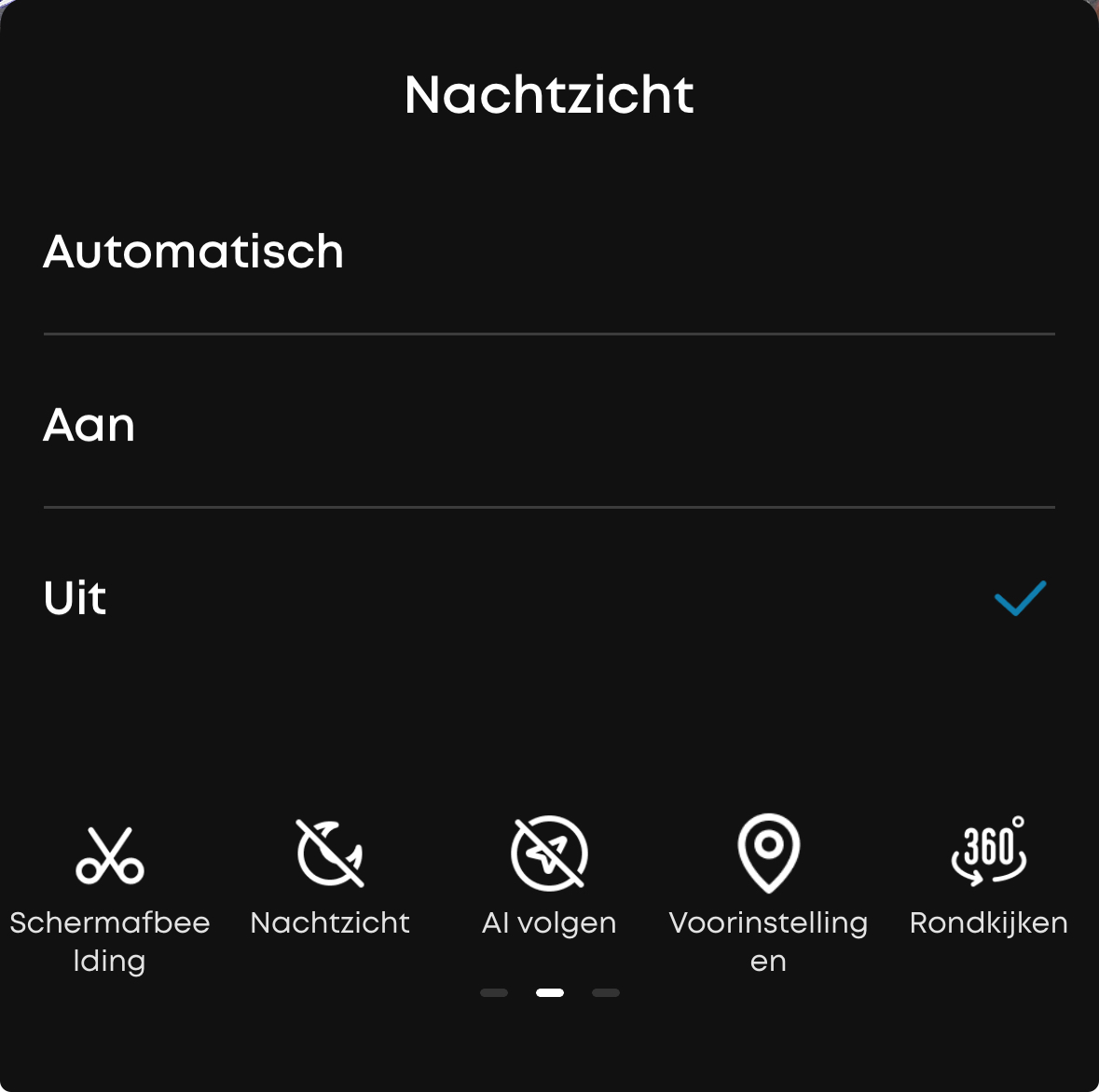
@Mike73 thanks! will make the fix
Dear Martijn,
First of, take this as a “not a critical issue”, as I know you have a lot elsewhere that might be more important than this. For what its worth I’ve sent another diagnostic report.
So, I’ve had some time to look into the snapshot-situation again. I still haven’t figured it out though. A reminder: I sometimes get an error “invalid image buffer”, and sometimes I get a photo but its from the previous snapshot not the current one.

So I tried to use the self hosted snapshot, but realized that it was a bit more complex than expected since I do not know anything about Synology or docker. I’m more of a “front-end guy” hehe. Do you have any tips for how I could store the snapshot locally (or fix this in any other way)? I have both Home Assistant and Homey, and have a reasonable understanding of programming. One way I thought about initially was to send the image to HA, would that be possible?
All the best,
Zack
Hi @Zakarias_Mortensen
I’ve already responded to your report. However, the snapshot service has been quite overloaded lately and needs a size increase—but that would be quite costly.
For the self-hosted part, you could deploy the service on Koyeb. I also have the snapshot service running there; it’s fairly straightforward. I might even have a how-to guide I wrote for someone else
New app update ( TEST: 3.32.2):
Changelog:
NEW:
1: NEW: Add Doorbell C30
2: NEW: Add Doorbell C31 @Henk_NachtegaalFIXES:
1: FIX: Indoor cam C210 & C220 - NightVision @Mike73
2: FIX: Doorbell E340 (and other cameras) - Device Alarm - @Bear84
3: FIX: Wall Light Cam S120 - Pet detection - @loy80y
4: FIX: On/Off Indoor Cam Pan Tilt - fix for new FW @Akeran @Lukasz_Kostek
If you find any issues, send a report via the mobile homey app
More - apps - Eufy Security - settings wheel right top - send diagnostic report (put your email in the input field to make it easier)
You can install the test version by clicking the link above and press install
Don’t want to be part of this test version? Install the live version → Eufy Security | Homey
