Just an update:
I registered a new mailadres for my Eufy account, with that I was able to add the vacuum
Thanks for your help!
I tried again just now and now it works. Not sure what I did wrong.
Hello,
I bought a new eufy X10 pro Omni and tried to login with honey but he ca not find the Vacuum.
I am already logged in the official app, is that a problem?
Login data is correct.
Thank you for your help
@Jerome_Wohlfarth please send a diagnostic report (howto)
@Jerome_Wohlfarth I don’t see a issue. It does find a robovac?

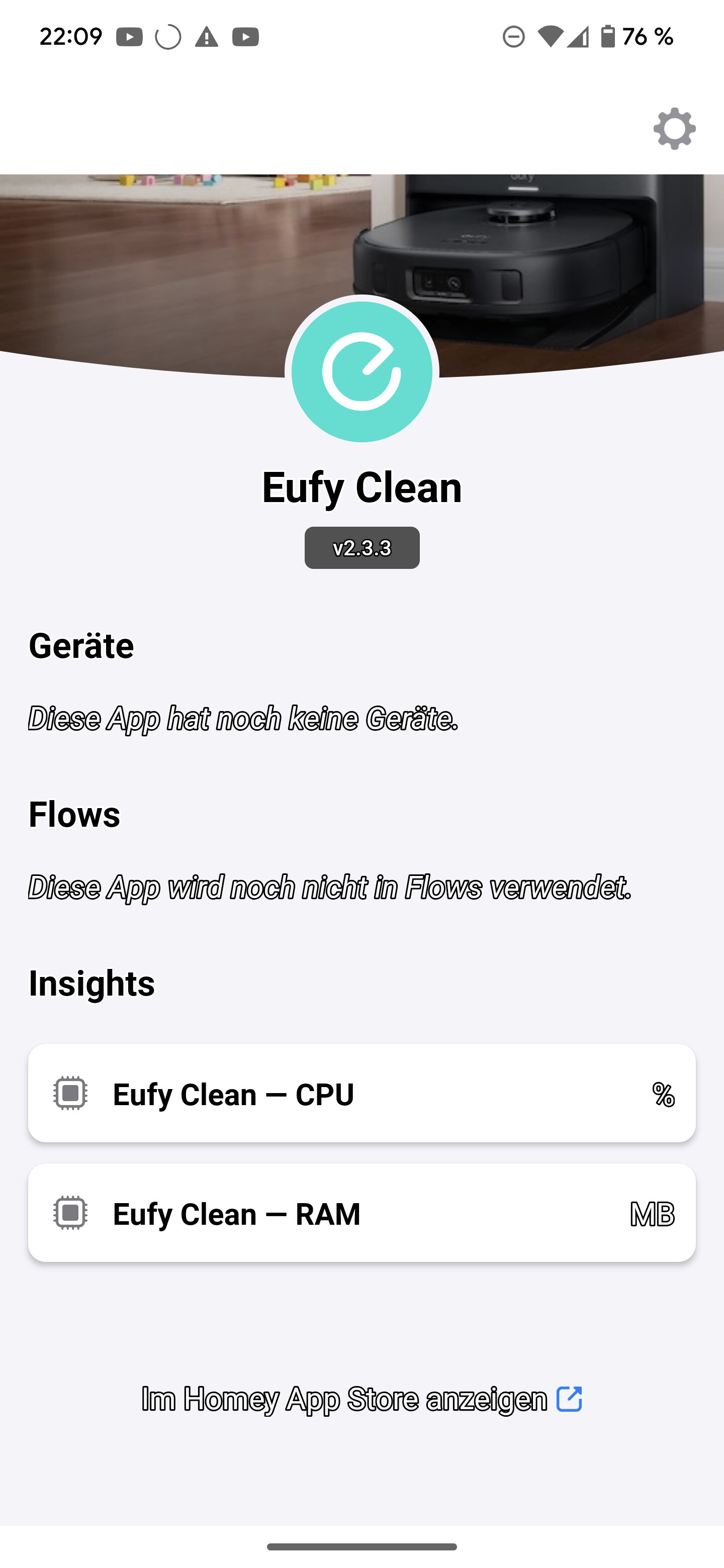
@Jerome_Wohlfarth it doesn’t show up automaticallty right, you have to add it first via the add devices like you would do with a light bulb
That is the problem when I choose add device > choosing the app > add robovac > login
And at that point it tries to search for more than 20 minutes without finishing
@Jerome_Wohlfarth can you try via homey webapp?. I don’t see errors in the report,
Yeah it worked flawlessly on the Webbrowser I am sorry ant thank you for the app
@Jerome_Wohlfarth Great!
I will ask Athom why it fails in the mobile app, see that happening with more apps 
Thanks!
Hi Martijn,
Many thanks for this app - in fact is was a dealbreaker for me to buy a robot with was supported by Homey! Thank to you we now sport a very noice X10 Pro Omni.
I currently have set up a daily cleaning via Homey flows. Works like a charm.
I see that I can select scenes also - how can I see which scene contains what? It would be nice to be able to select scene in order to perform specific tasks. Please let me know!
Hey @Mr.Li
Thanks
Ehm for now only by trying it and see which scene it starts. Unfortunately i haven’t found a way to retrieve the scenes from the robot
Hi,
Thanks for creating the app.
I’m trying to add my 30C but I keep getting “no devices have been found.”
Am I missing something?
Report - c27ae45d-2a48-4b07-98cf-9e50608de6fe
Thanks
@Joao_Pinto I see
What might help create a extra eufy account and share the robovac with that account and login in the homey app with that account
Thanks for the quick reply.
I created a 2nd account, shared my device and tried to use that account with honey but I still get the same message.
Thanks
@Joao_Pinto hmm strange. Do you have any blockers in your network? The Robovac tries to connect to Tuya. As Eufy is using Tuya under the hood
Not that I’m aware of.
I use a Google nest pro mesh system that’s connected to my ISP router (working purely as a modem).
My 30C is connected via WiFi and Homey via ethernet.
I also have a few Tuya devices (all WiFi) connected to Homey using the Tuya Cloud app.
Does this help?
@Joao_Pinto actually not because I still have no clue why it fails 
Do you want to share the device with me maybe so I can check?
Hello, thanks for the app. I tried to integrate my X10 Pro Omni into Homey. Unfortunately, the Robovac is not found. When I log in with my data, I get the message that no devices were found. What can I do to find the device? Please help. Thank you.
