Hi Arie,
Mea Culpa, I posted the script at the preferred location. 
Hi Arie,
Mea Culpa, I posted the script at the preferred location.
Do you know how to change the order in which multiple lists are shown?
I have 3 lists in a device. But when I click the drop-down menu the order is different then how they were created:
1 - ALL screens
2 - Screen voortuin
3 - Screen achtertuin
Well, it depends om certain changes.
The last chsnge should be the bottom one.
Change the type/list of the Voortuin, press save and than change it back and save.
Now it should be the bottom one.
Yes! Once again, thank you @Arie_J_Godschalk
Version 2.15.0
I have just finished the rewrite to use the “new” homey-api v3.
I have pushed it to test.
Please all test this, because it was a lott of rewriting.
@Heula
Let me know how the memory/performance goes please!
Thanks Arie, I will test this version in the next few days.
In test now.
This version (>2.15.0) has had a lott of work, so please test it thoroughly. 
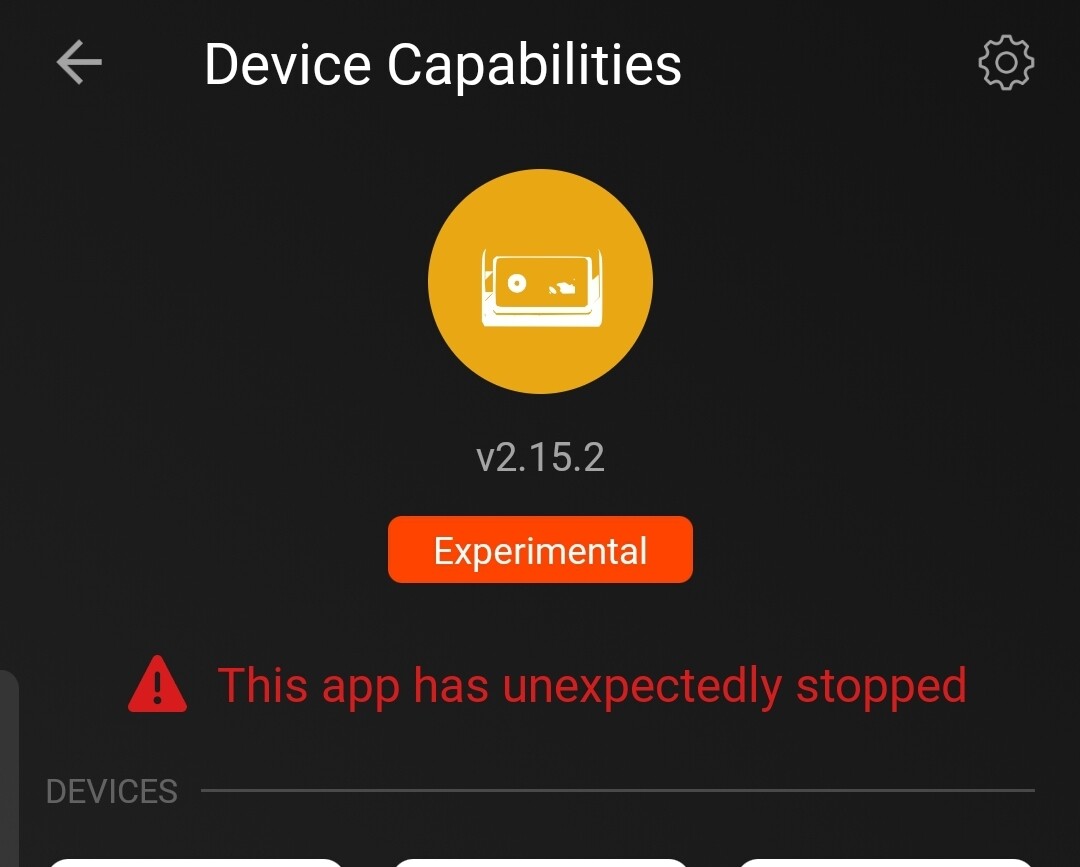
v2.15.1 crashed on homey early 2019 after installation and restart.
Does this mean, when using Homey app v6.x I can’t use status anylonger with new AVD’s?
Will existing ones keep functioning?
App v6.x can’t show text capabilities as Status Indicator
(App v7.x is still unusable for me, the flow editor takes up to 5 minutes to open a flow😴)
What does this mean? 
Yes you still can, you just need to click on the message and the field becomes available.
And existing ones keep functioning, yes.
The flowcard Getflows contaiting x, when you searched for flows containing a device or app etc., it would not find the triggers from Normal-Flows and not show it in the result.
It does now.
Okay i’ll hope i can fix it tomorrow.
You can swith back to the live version 
Thanks m8!
Hi guys,
Back again with a question.
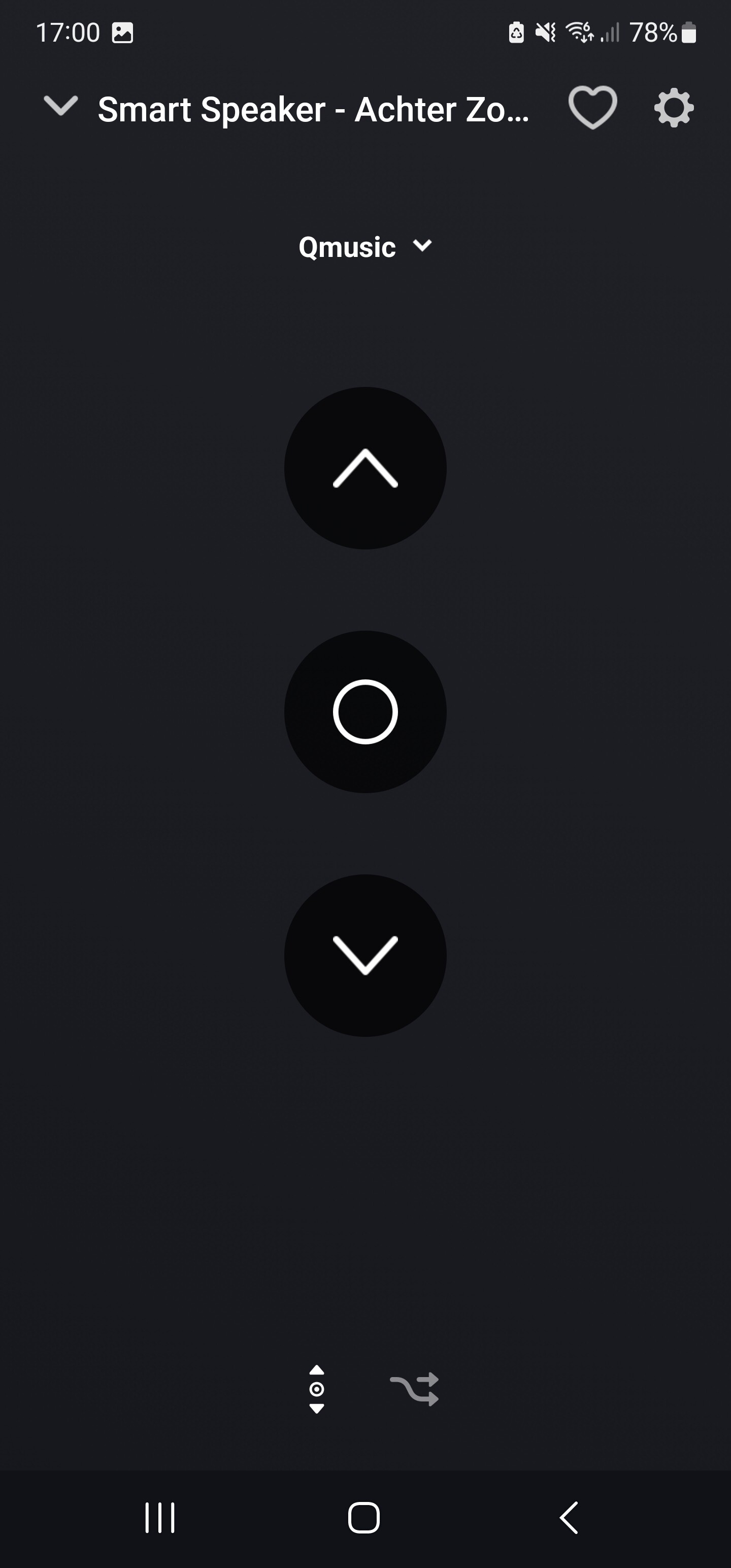
When creating multiple lists in a device and choosing for “window covering state”, the device shows the created lists and the “up”, “idle” and “down” button. I’m wondering if it’s possible to show a set of media control buttons, mainly the “previous”, “play/pause” and the “next” button.
I could use the “window covering state” buttons to create the same actions, but it doesn’t look that obvious for the rest of the household.
The goal is to create lists which will be named after a radio station. The user selects a station from the list and then controls it with the media control buttons.
Not sure what you mean, but you can request for a custom picker list with radio station names
Yes you can, just add multiple Buttons and set the correct ShowAs (playing etc.) (and check the CreateRealFields and flowcards checkbox).
Then you will get the default media buttons.
Thank you both @Peter_Kawa and @Arie_J_Godschalk
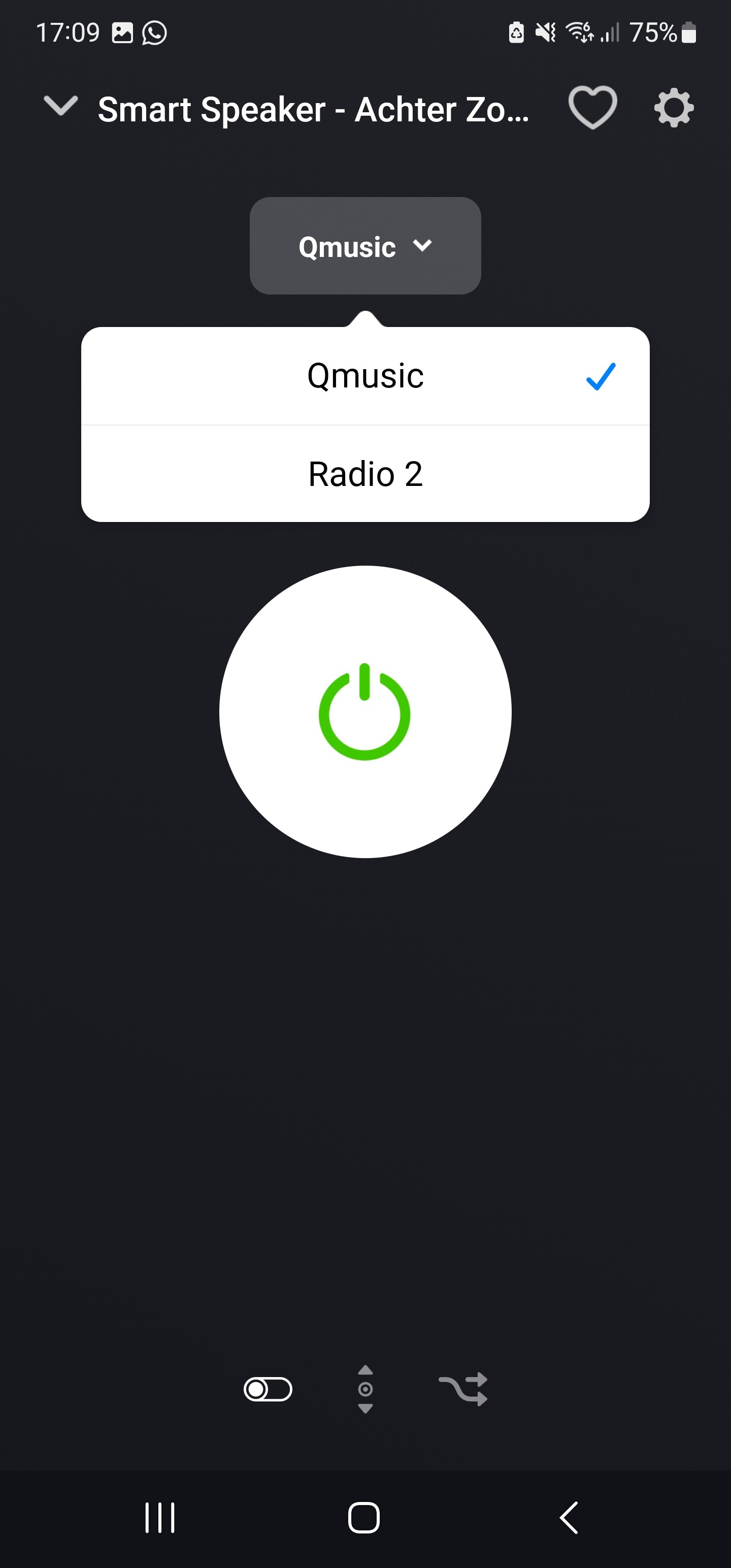
What I want to accomplish is to have the dropdown menu showing the lists and the media control buttons on the same page like with the “Window covering state” buttons. If I do it like you said Arie, I get the media buttons on a separate page.
I can also just add 2 on/off buttons both named after a radio station. This also creates a dropdown menu. But in that case I can’t change the icon from the standard to let’s say a “play” button.
Yes you can use icons. But for that, disable the CreateRealFieldandflowcards checkbox. Than you can set custom icons for on/off buttons.
But would it not be more easy to request and place on picker with all radio’s that you want, and have the default music buttons?
Than you dont have a dropdown at the top of one tab, but have directly one picker on that tap, and swipe to the music buttons.
Just a thought.
Thanks Arie,
This will fulfil my needs. Come to think of it, it’s just a sort of remote for radiostations. So the “previous” and “next” button aren’t really needed.