Shared Flow | Homey Here is my flow that is used.

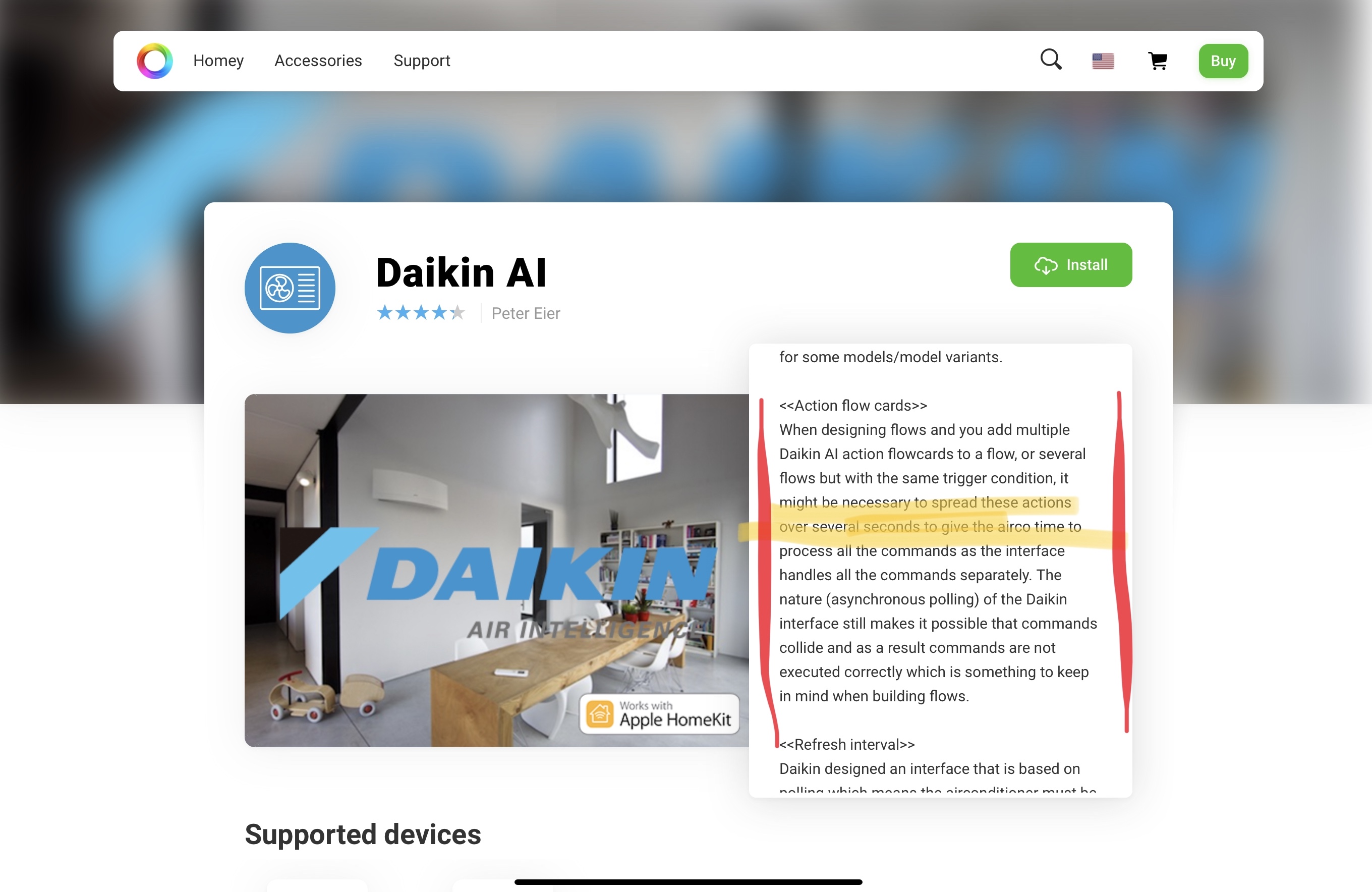
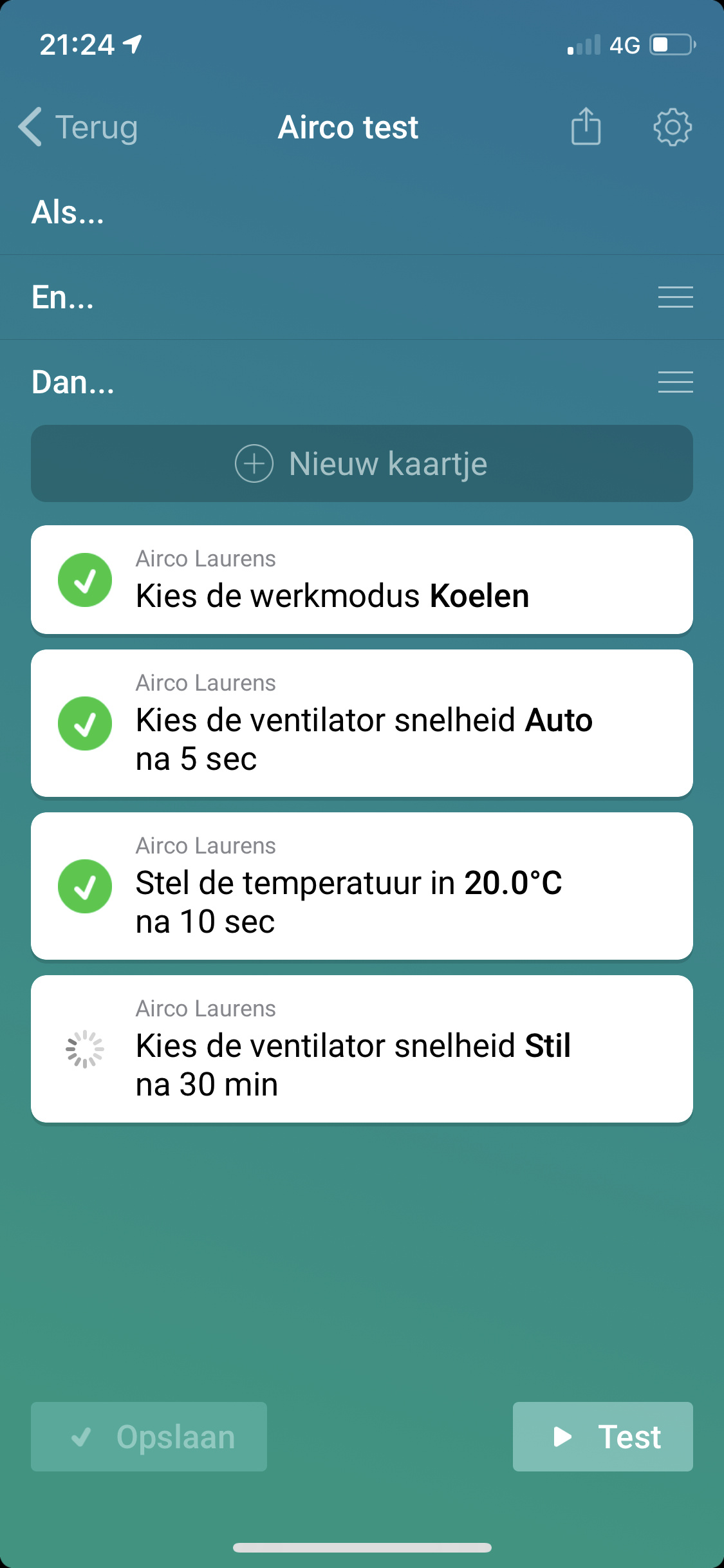
Well I know for sure it does work… like 550+ user of the app… try to reboot (see post above…).
For some reason indeed the flow is working after a reboot of homey. And some functional question, is there a reason why tapping the icon in the devices overview is not triggering a switch on or off signal like almost any other on/off device in homey works?
That is a perfect question for Athom  It is the way this particular tile works, and out of control for me as a developer.
I experienced the same thing. Restarting the (exceptionally great) app was what did it for me 
Would it be possible to add an action to increase or decrease the target temperature by a set number of degrees?
Also here. Flows with devices with old driver are working, new not working. Restarting the app or homey is not working for me.
Hi @Jahn_K I will look into this. If possible I will add this feature in a future (mayor, v4) app update.
… Must say that my flows are not working anymore as well. Not sure what is happening. “Daikin control” works though, so not a netwerk/connectivity problem…
The Daikin Device Control and Devices into Homey is working, only flows are not running here.
Sorry to hear… flows are working fine for me. Firmware stable 4.2.0.
@Viktor @Jan_Peeters for the first time I did experience the behaviour you both reported “flows not working (sometimes)”. I have to investigate, clueless for the cause.
Note: the issue started for me after adding, then removing, then adding again a device over and over again for testing purposes.
@Viktor @Jan_Peeters @Jahn_K on the test channel of the App Store you’ll find version 3.4.0.
Changes:
1/ added new action flow card “change-target-temp-by”.
2/ old HomeKit driver deprecated iso reuse with only rename to Air-to-air Heatpumps (HomeKit).
3/ added new Air-to-air Heatpumps (HomeKit) driver.
4/ hopefully, item 2 and 3, fixes the bug that prevented sometimes flows from executing properly.
Note: the bug that I myself encountered this afternoon and prevented my test flows from executing properly is fixed by the above, hopefully it was the same bug you reported. Please report (preferably using PM).
Peter, Thanks!
Ready for a test drive, fixed a bug that might have impacted user that have enabled “Special Modes”.
NOTE: Late September version 4.x.x will be released. In version 4.x.x the support for all the old drivers like Emura, Sensira, Comfora, “Model HomeKit” will be removed!! Upgrade now to the new drivers…
Thnkx!
Just downloaded the beta version and will test tonight.
Werkt!
Perfect, bedankt!
Hi All,
I just tested the beta app with my brand new Daikin AC (units in the ceilings) and the wifi module BRP069B42 (https://www.daikin.eu/en_us/products/BRP069B42.html).
This Homey App can turn on the AC modules (good news!) but that’s it. I can’t turn it off or edit the temperature.
Any chance to improve the app ? If it can turn it on, I pray for the other functions (at least turn it off).
Thanks!
