Yes, both devices have different administrator accounts. How about this on Homey Pro, I assume that OAuth2 is also used for authentication.
Nope, this is cloud independent and works with a local DoorBird user with API credentials.
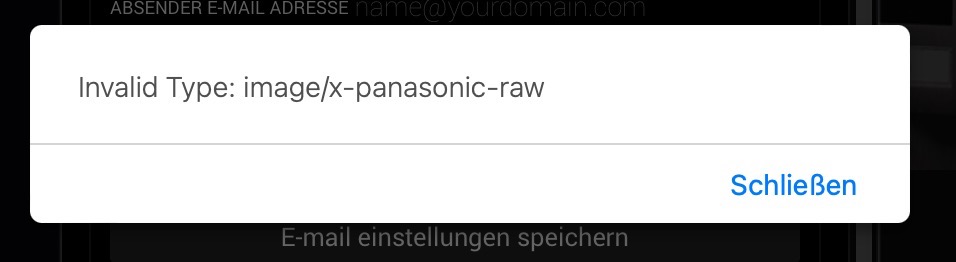
Not a strange error. The error is telling you this isn’t the correct format. It seems you didn’t save the file with a header-less header but used Panasonic raw header.

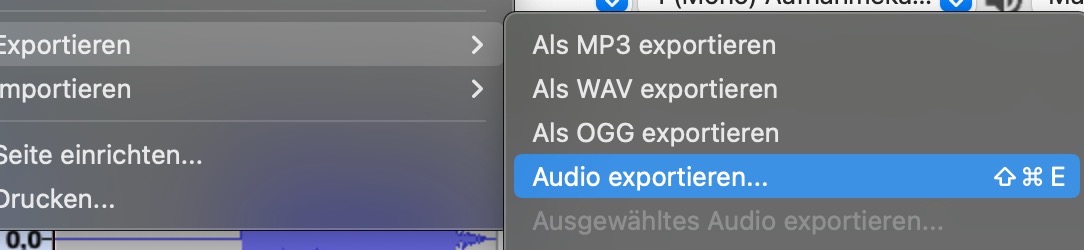
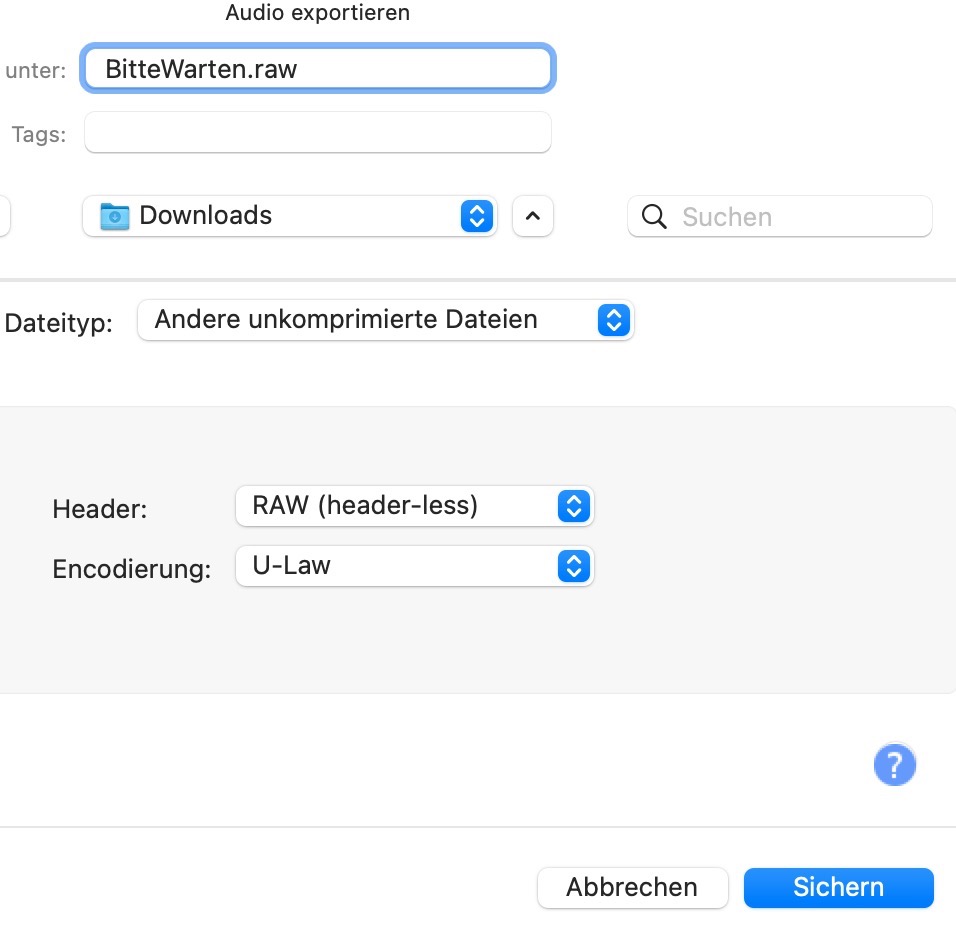
Seems alright, perhaps macOS is adding something funny. I’ll just add that file type to the allowed list of formats with the next release. I assume it shouldnt matter if the file is still encoded properly.
Never mind - I missed an update or two… it´s working when using the latest Audacity version… 
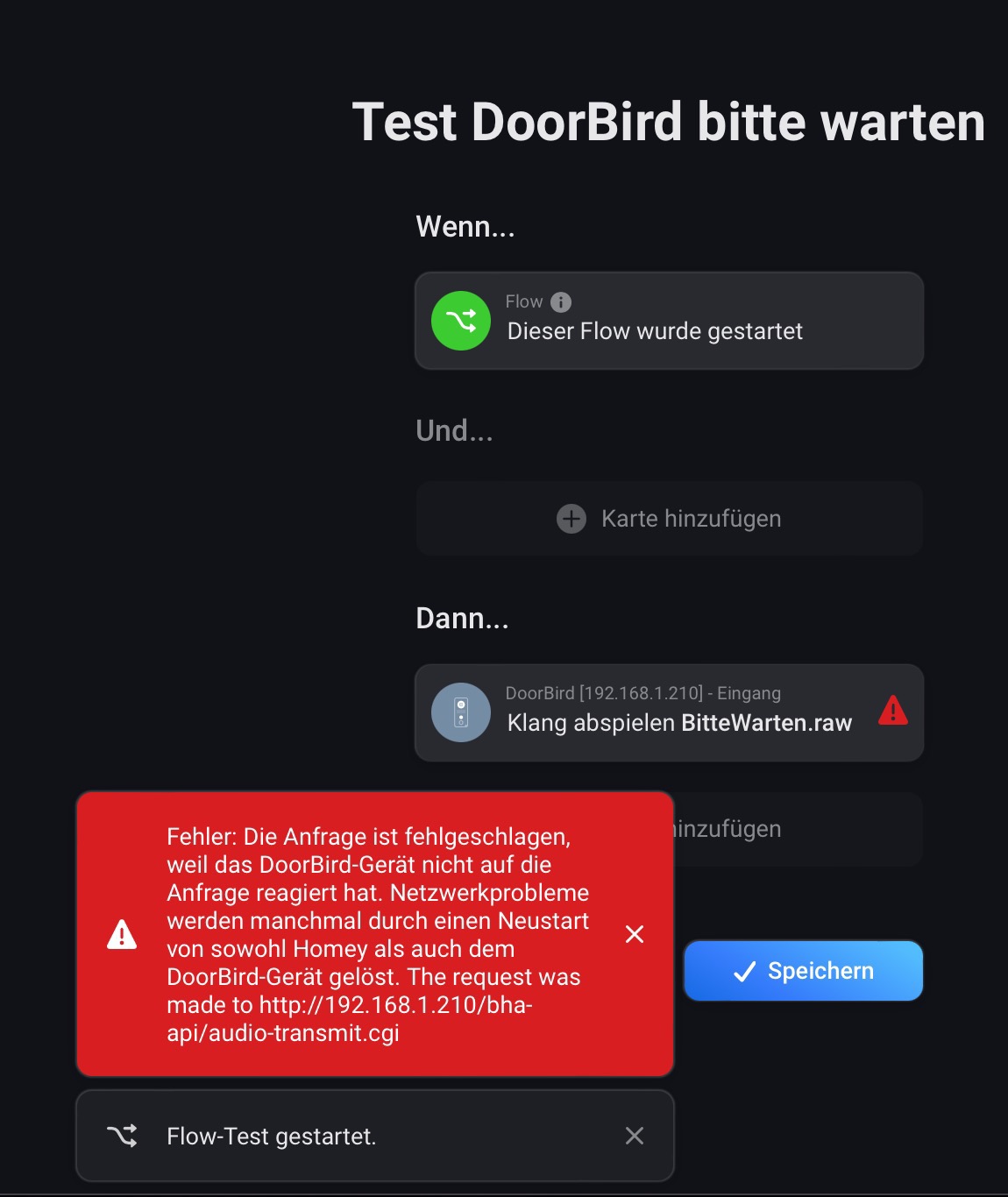

That suggests it changed after pairing. You should make sure it has static assignment. For now you can change it under the device settings.
You’re right - I must habe assigned a static ip after initial pairing… Thanks!


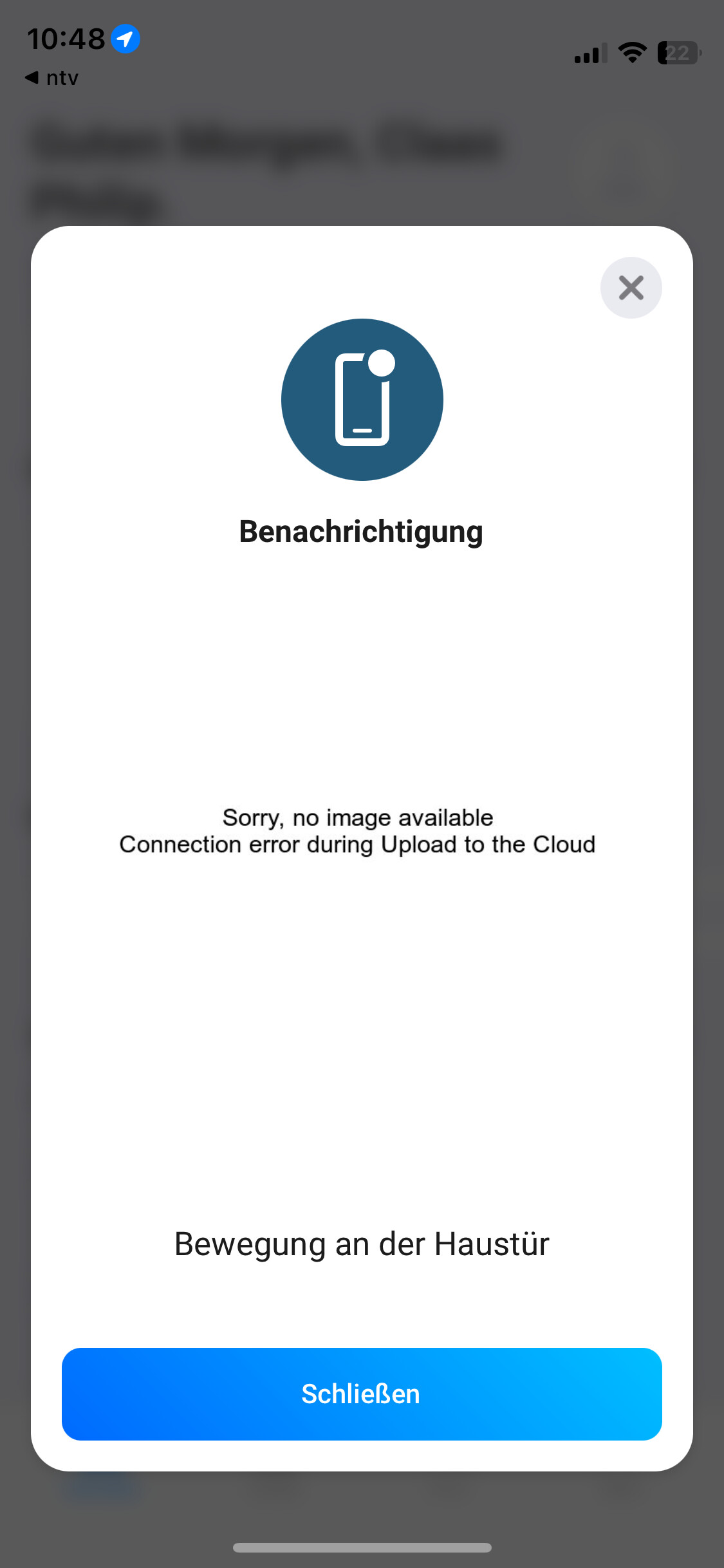
Yes, complain about it to Athom. There is a bug in Homey cloud with the image tokens.
This is a bug on Homey and Athom had to fix it. I’ve opened a support issue for some time now and I’m waiting for them to make a fix.
Latest response from their support team:
I will forward your report to Development so they can take a look at it. I can’t give you any guarantees on when your issue will be found and solved, but please know that it will be placed in the right hands and will be investigated.
Homey Pro (Early 2023) Changelog
v10.3.2
- Fixes an issue where the image of a virtual IP camera could not be send as a push message to an Android device.
So this patch is still missing only for the cloud.
Is it correct thet the motion sensor of the Doorbird (which is visible in Homey and works fine) does not show as a motion sensor in the zone it is in? I have two motion sensors and the Doorbird in my driveway and only the two motion sensors show up when going in the ‘Activiteit’ tab. FYI the Doorbird is not excluded in the relevant settings, it does not show up at all.
You will need to set the status indicator of the device to the motion_alarm under the device settings.
Thank you, I would not have guessed that. I immediately tried but in my case nothing changed? I tried restarting Homey.
Could you post a screenshot from the screen where you would expect the DoorBird motion to show up. Perhaps I’m misunderstanding you.
This is when you go to ‘Apparaten’ and then select the zone (in my case ‘Oprit’) and then you select ‘Activiteit’ in the top right corner.
Here you see the two motion sensors whereas in the zone itself the Doorbird is also located.

In the settings here in the top right corner the Doorbird is also not present, so I do not have the option to exclude or include it.
I see. My guess is that it doesnt show here because the device class of the DoorBird is a doorbell and Athom decided to filter this page based on device class sensor instead of the more logical filter any device with the motion_alarm capability.
It’s not for me to fix as I wont be changing the device class of the DoorBird because of this. You can report it to Athom though, perhaps they can change the filter for this page (assuming my guess about why this is happening is correct).
Ok, thanks for thinking along. I know it used to work because I changed my flows when the ‘zone is active’ functionality became available. So I will change it back to seperate flows again and will ask Athom if they can change anything in that area (or why they changed it in the first place, perhaps it is a bug).
