I just told you the issue with not being able to select the snapshot or relay is an issue with the smartphone app …  Athom has already been made aware of this but though.
Click on my username and then the big blue button which says message …
I just told you the issue with not being able to select the snapshot or relay is an issue with the smartphone app … Athom has already been made aware of this but though.
Click on my username and then the big blue button which says message …
Hello, i switched to Homey Pro 2023 yesterday. Now i’m not able to add the doorbird as a device anymore. Also not in the older Homey Pro invironment. All goes well, but after logging in to doorbird with my credentials the screen turns white. Can swipe it down and start all over. But can’t actualy choose the device to add to the Homey invironment.
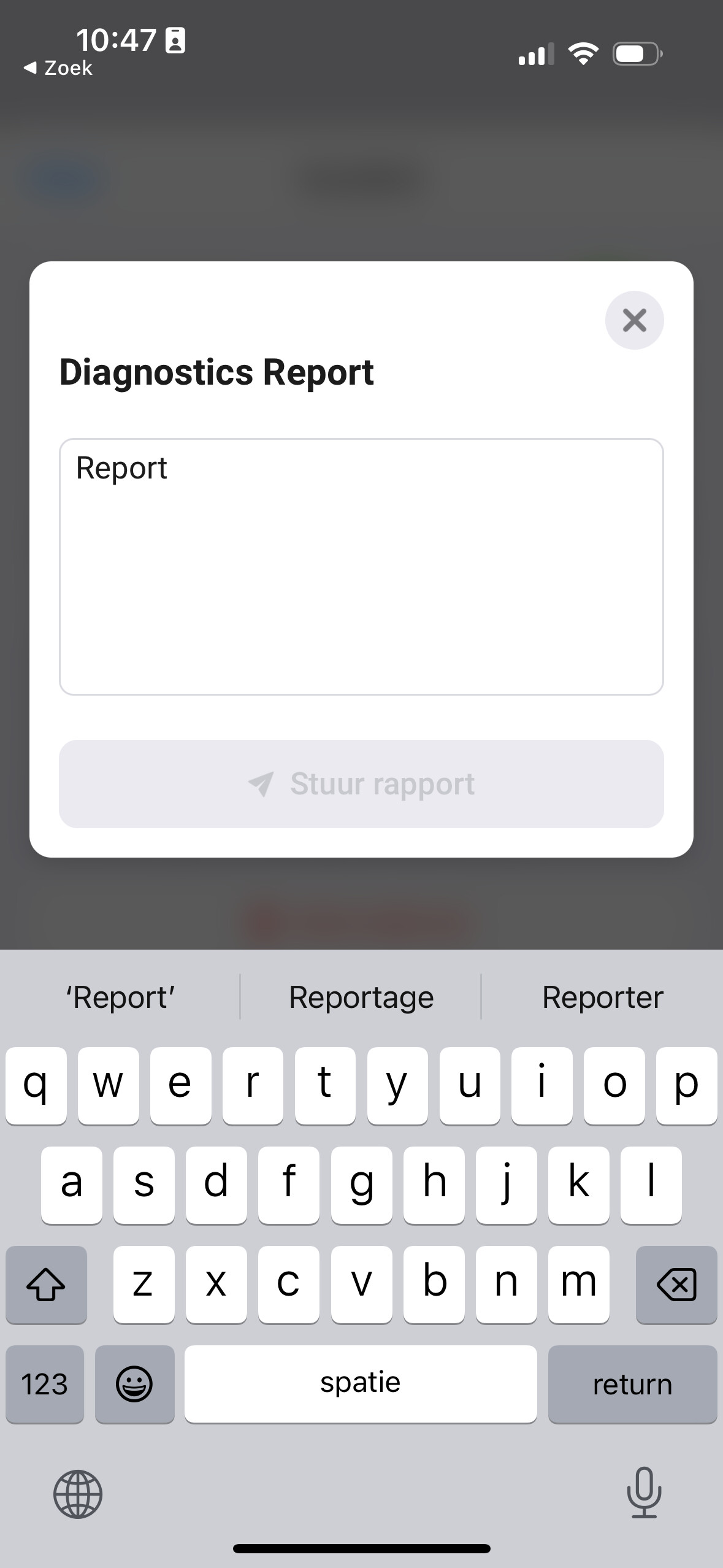
Send a diagnostic report from the app settings.
You need to describe the problem before you can send the report.
 text was not long enough…
8356351a-25b8-4b4c-9ead-ec426db0562d
Groeten
I didn’t receive it …
b392c14c-87b8-40ce-bb91-3b9ffe9a3b05
Do i need to do more than this? It only gives me the choice to copy the code after i pushed “send report”
Nothing in the report. Don’t think it’s an app problem. More users would have reported it. Try rebooting router, doorbird and Homey and use the web UI at my.homey.app.
it’s the app on the phone. Did it on the webversion on my iPad and it worked… Thnx for the tip*
649c7b8c-889a-44af-a339-e53723285dcf
App chrashes when Homey restarts, newest Homey pro
Seems like a Homey firmware issue. The current firmware is far from stable. I asked Athom if they are aware of this issue.
Ok 
I’ve a doorbird that was working for the past 1-2 years. The doorbird app start showing unauthorized user. That user has always been allowed API operator. Created another user but faced the same error.
So I removed the doorbird from the homey, removed the doorbird app, restarted homey, installed the doorbird app and try to add. On the app the doobird will not appear after adding, no error shown.
On the web UI, the connect button will again state that the user is unauthorized. If I don’t click on the connect button and just click on continue, I’m eventually presented some SQLITE_CONSTRAINT: NOT NULL constraint failed: Device.name error.
Both app and webUI is not able to add the doorbird. Firmware issue? Sent a diagnostic report right after the SQLITE_CONSTRAINT error as well.
Sounds like a Homey firmware issue indeed. What Homey and on what firmware version does this occur? And can you send a diagnostic report from the app settings after this error has occured.
752ddcce-e541-46d9-85e3-8030dfc17a0a
Pleas refer to the the above generated after pairing doorbird. The doorbird icon simply doesn’t appear after the pairing session.
This is not an issue with the app but something with Homey. Just try again after rebooting and if it still doesn’t work ask Athom support about it (or just manually select a different icon from the device settings).
Yes have rebooted the homey but the behavior was the same as previous described be it from app or the webUI.
How do we choose another icon when the tile doesn’t appear in the first place. From the logs, is it an icon issue?
The tile not appearing is not the same as the icon not appearing. Please be specific with describing your issue. What steps did you take and what error did you encounter. There is nothing in the log you send.
Please allow me to copy and paste the detailed description from a thread 10 days ago:
I’ve a doorbird that was working for the past 1-2 years. The doorbird app start showing unauthorized user. That user has always been allowed API operator. Created another user but faced the same error.
So I removed the doorbird from the homey, removed the doorbird app, restarted homey, installed the doorbird app and try to add. On the app the doobird will not appear after adding, no error shown.
On the web UI, the connect button will again state that the user is unauthorized. If I don’t click on the connect button and just click on continue, I’m eventually presented some SQLITE_CONSTRAINT: NOT NULL constraint failed: Device.name error.
Both app and webUI is not able to add the doorbird. Firmware issue? Sent a diagnostic report right after the SQLITE_CONSTRAINT error as well.
You have requested that I sent a diagnosis report right after adding. I’ve done that and the reference code is 752ddcce-e541-46d9-85e3-8030dfc17a0a.
Please let me know if you require any more steps to determine the error on Homey end.