Flows can be silently disabled by Homey, because of an unknown condition ‘too many triggers in x seconds’
Good that you told me : After your reply encountered situation where restart did not resolve tricker-issue, so seems that landed to wrong side with latest additions and finally removed 5sec (and 10sec and 1min ) stopwatch (and kept only 5+min ones) and went back to use “Every xx yyy” cards on effected flows.
Hi all, first to the creator of the chronograph app, thanks for making it! works like a charm:) I do have a question however which I did not find in this forum: is it possible to see the timers/stopwatches/transitions also in minutes instead of seconds?
Well perhaps, but you can already create a device to show its timer on the dashboards i believe.
And for more customisation you can use an Advanced Virtual Device from the Device Capabilities app and use it to show the Chronograph timer any way you want.
Hi! Thanks for a great App! I’ve used the Timer function for several years now, but just recently started to use the “Timer has reached a duration of X units” function. I don’t know if I am understanding it wrongly but it appears to me that it is rather triggering when “X units is left on the timer”? Is that correct? And if so, can one implement the option to choose either of them? I rather use the Timer with a set end time than a stopwatch with no end time. Thanks again! And thank you all for this Forum! It is very helpful! //Alex
It’s possible when you create an AVD, and add a text field,
at “Reflect” > select ‘Chronograph’,
and select the elapsed or remaining time of a timer.
Now select that textfield as status indicator.
D is for days, DD is also possible for timers with a duration of >10 days
When it’s below an hour, just use 'mm:ss'or 'mm.ss'
Want to show only seconds? This is the timer value unit, so no need for a time() expression;
just enter: $value
Dash:
This is possible as well, by additionally using the neat DataVista widget:
Well, just create a device, select chronograph and pick the timer/stopwatch/transition.
(Thats the easy default way, if you want to be able to customise, use the AVD as @Peter_Kawa described).
Maybe if you can add a “remaining time” tag to the timer devices, it should be possible to sele t it as status indicator?
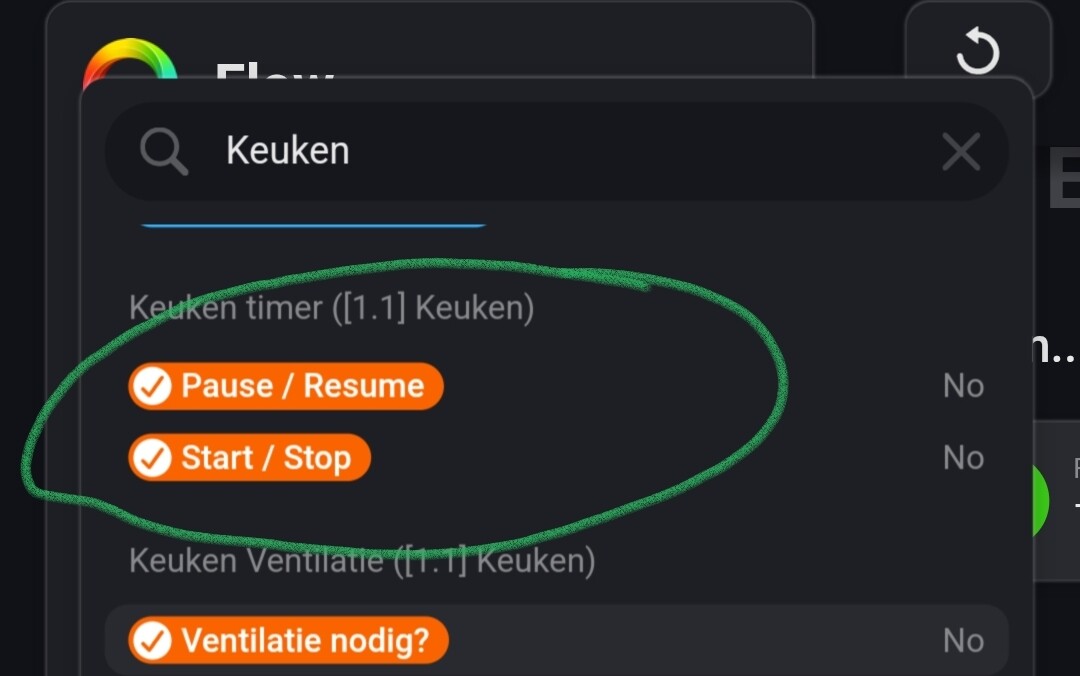
As you can see, only both buttons seem to be (user) available as tag.
Could anyone help me out . I want to get the elapsed time a pump has been on on the day .
when i start an stopwatch than i have the possibilty with a card in chronograph to get the elapsed time but it seems i can’t save or click the tag with the hours
 : After your reply encountered situation where restart did not resolve tricker-issue, so seems that landed to wrong side with latest additions and finally removed 5sec (and 10sec and 1min
  ) stopwatch (and kept only 5+min ones) and went back to use “Every xx yyy” cards on effected flows.