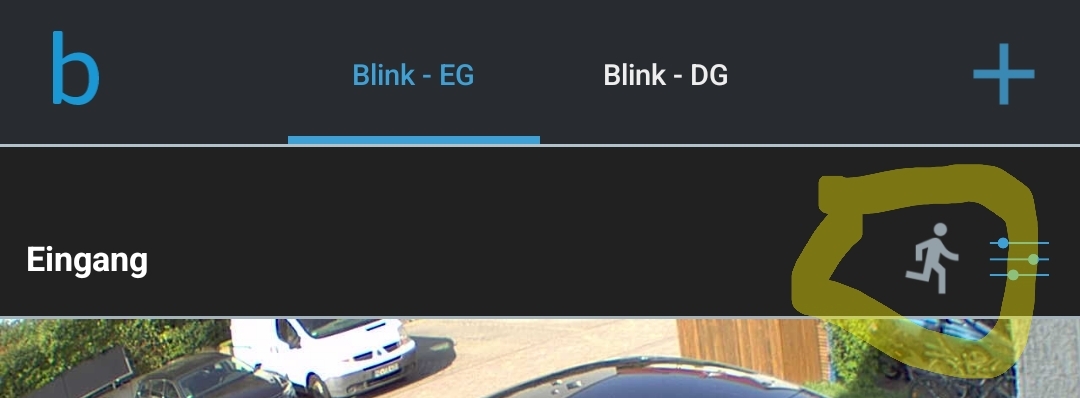
I just use the on/off and device tile quickaction for that, so you can easily access it and see the state. That doesn’t switch the camera on/off (because it’s not possible vie API).
Same is for the system/LinkModule. The Homey on/off action arms/disarms the Blink system.
hmm, in my case I’m missing the THEN card for switching Motion Detection Off, because my videos are triggered only if a door is opened, MD is off to avoid to many videos. I understand the API doesn’t give you access to it. It’s however strange that the status of the MD is available, as an AND card, if you can’t set it.
yeah, I think we talk past each other for some reason … I do use the card you shared already, my only wish is to turn of motion detection while having the camera set to on.
you have a presence sensor that’s triggering presence (instead of using cameras motion recognition)?
you want to switch of motion detection for your camera? On time?
And then you want to do what action? record a video? Or what is meant with “set to on”. The camera is always on, but records only on motion or flow action.
Please note what’s your trigger and waht actions should be done then.
I think I managed to get it working, thanks. The cause for the confusion was, I guess, that for some reason a flow which should trigger the recording of the video was disabled. And I thought the Cam was disabled. My bad. Thanks for staying with me
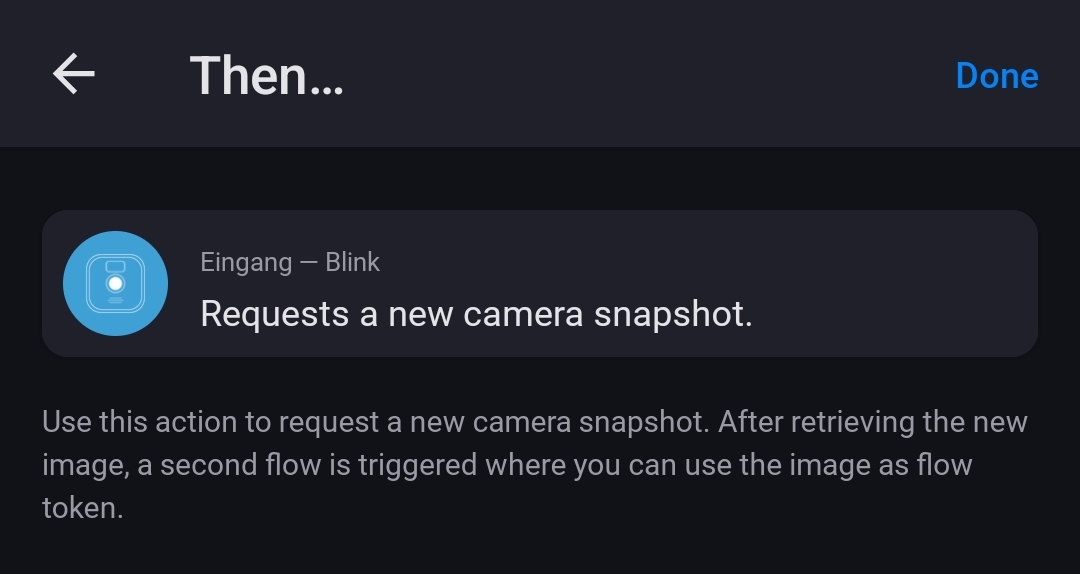
Please keep in mind that when you record a video or create a snapshot fom Homey, the camera is busy while recording. So it won’t work to create a snapshop and directly try to record a video. You have to wait berween such actions or the flow card will error (due to a http error from Blink cloud).
Currently, I have one Camera “Outdoor 3 Blink”, One doorbell “Video Doorbell Blink” and a sync module with USB installed for local storage. I don’t have cloud subscription
I can see the stored video in the Blink mobile app of both camera and doorbell
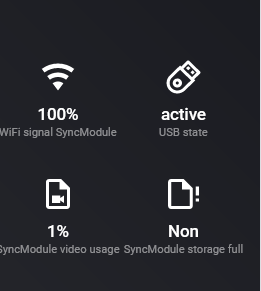
Below the status of the sync module (in homey app)
I’m considering investing in some Blink kit and of course want a great integration with Homey. This app looks excellent - thanks @RonnyW.
I’m planning on not using the subscription, and instead using local storage on the SyncModule 2. I understand this will result in slower response for motion detection in Homey which I am fine with.
I was hoping someone could answer a few questions before I hit the button.
Without a subscription, will a button press on the video doorbell still trigger in this Homey app more or less straight away?
If my internet (not my wifi) goes down, will a button press on the video doorbell still trigger in this Homey app?
with cloud storage, the app can “see” the new video with start of recording
with local storage, the video is available after refording (e.g. 30sec recording time) plus some time to read data from SyncModule (~30sec interval).
And if the SyncModule is working (Blink app access, video recording…) it will take another interval. So it can be somethign between 30sec and 2min.
No, there is no instant alarm. That’s only available via push message to your mobile phone (Blink app).
For Homey, the video doorbell is just a camera that records a video. So you will habe the same delay like other cameras.
No, all is done via cloud API. The app can’t access devices directly.
It’s the same API that is used by the Blink app (unofficial, reverse engineered). Every request is going to teh Blink cloud and the cloud is calling the devices in your home.
Thanks @RonnyW much appreciated. I understand now how this is implemented. I think the no instant alert from the doorbell might be a killer for me. Shame as the Blink kit otherwise looked really good value for money.
Thanks again for the rapid and comprehensive response.