@Rodge, @Hakan_Tillberg . Can you test it again.
Daikin just send me a mail that the issue is resolved
Just tested. Same error.
I’m on 3.7.0.
I removed the App from Homey, restarted Homey. Then logged out from Daikin’s app. Then removed all cookies from my browser. Logged in to Daikin’s app again, and reinstalled your app on Homey. Logged in on it, but after entering my credentials, same 403 error.

Thanks for testing, report send to Daikin development
Was just able to add my aircon units!
Got my Daikin airconditioning today , after trying to connect it to Homey I get a error 403 message.
Hi everyone.
I’m looking to buy the new Daikin “Synergi 3” model designated FTXTM40R (or 30R). It’s suposed to be Onecta compatible - but it’s not in your devices list?
Also: Is the app able to read the energy consumption in Watts from the unit?
If the new Daikin Synergi 3 model is controlled by the Daikin ONECTA app it can be controlled bij the homey ONECTA app.
2 options:
- Use the general driver, these driver should have all functionalitys
- I can integrate a new driver for the new model, only need temporary your Daikin onecta credentials.
Second question about the energy consumption.:. Yes it can be read out by the API in (k)watts but it’s not usable in homey.
The integration of the energy in homey is much different(nearly realtime) as the Daikin energy consumption is per day(in blocks of 2 hour) , week and yearly.
Only thing is possible is are 3 sensors in homey that shows the consumption but basically thats useless.
With the 3 sensors the homey energy will not be used.
Thanks Mickel!
When or if I install one, I’ll get back to you about the credentials for a driver!
I’ll probably just connect the heat pump through a 16A smart socket at least for the first months to get a reading on the energy consumption then.
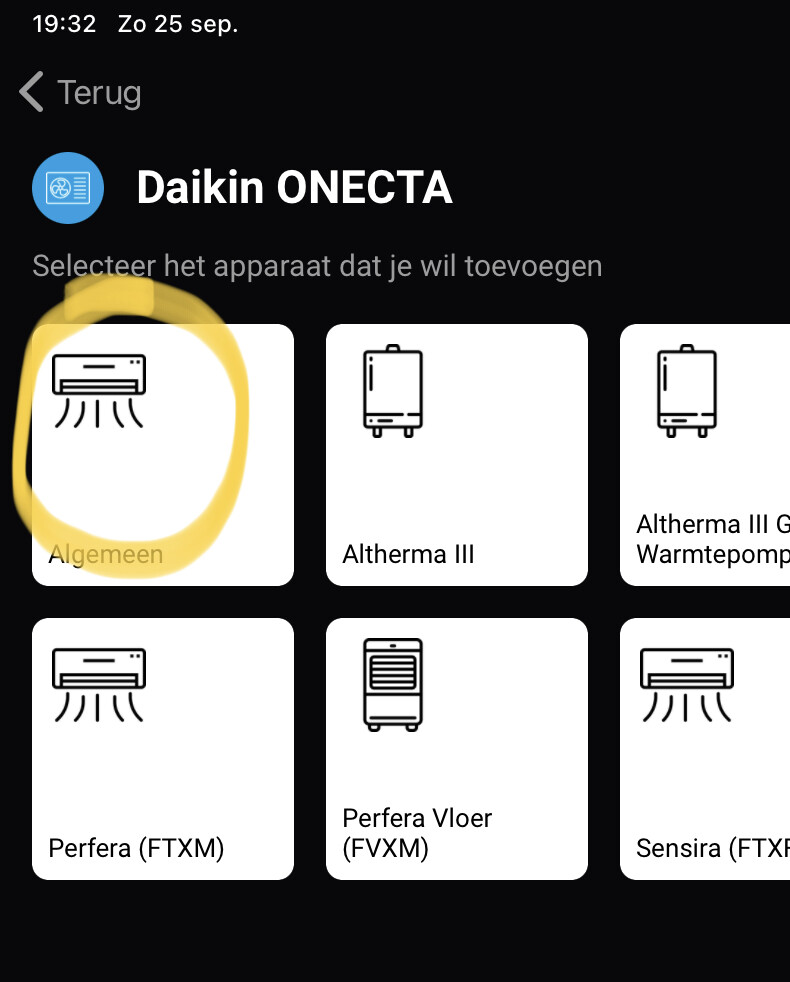


@BadBennie69 ,. I assume that you added the unit first in the Daikin ONECTA app before adding it in homey?
If not please do so.
Try also to log out the Daikin ONECTA app and log it back in.
After that try a new pair session in homey.
If this is not working at all please send me a PM so we can discuss how to solve this issue
Hi Mickel,
Is the forum still open for questions?
2 minor ones:
-
One of the trigger variables is called ‘temperature has changed’. Is this the ‘indoor’ temperature? In my flow it doesn’t seem to trigger.
-
I’m very busy building energy consumption through z-wave smart plug’s (Hank/Qubino). The ONECTA app however shows daily energy use. I’ve nearly completed my flows and calculations but have you ever encountered the possibility to use energy data in the api?
But I really like to say again, many thanks for the development! The ONECTA app proves to be extremely functional and robust. A very happy homey user!
Kind regards, Eric
Yes, that the indoor temperature, and just tested it and it triggers. Thats one of de default flows athom creates on the capabilty measure_temperature
This is not possible, Homey Energy uses (nearly) realtime energy consumption and the Daikin API exposes the energy consumption on daily(in block of 2 hours) , week and year.
So its not possible to intergrate the real useage of an daikin unit.
Best way is to use a 16A smartplug with energy capabilty.
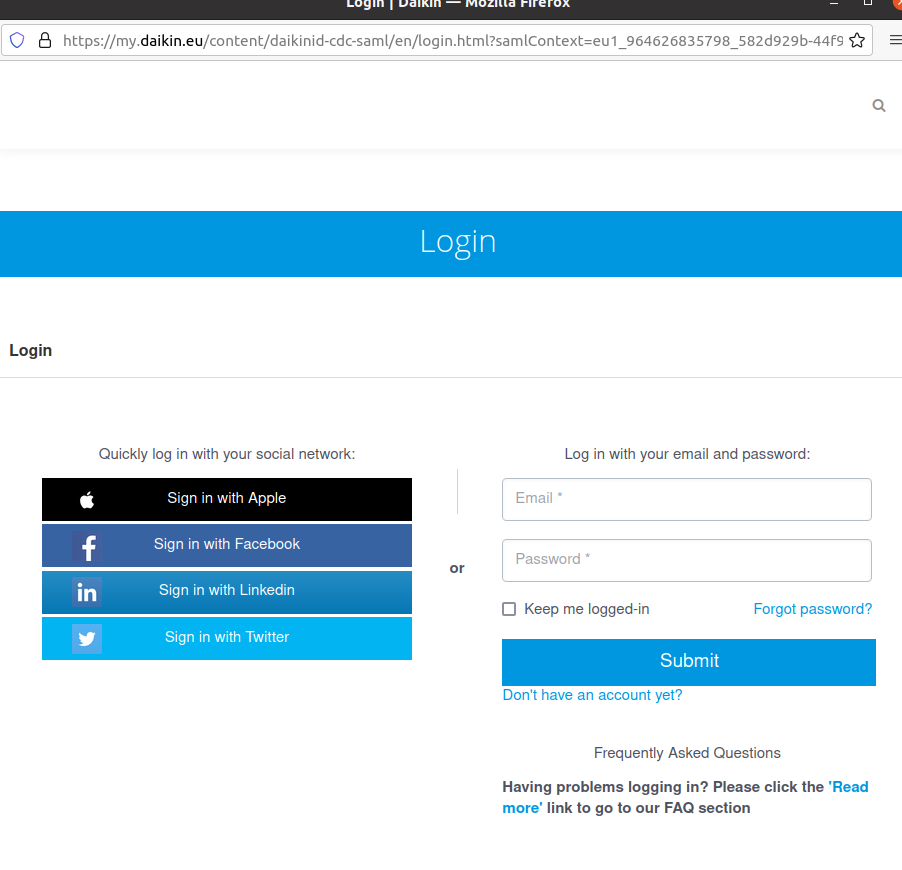


And what has this to do with the Homey Daikin ONECTA app?
Make sure all you have acces to the Daikin ONECTA app and units are registered in de Daikin ONECTA app before you trying to pair the unit in Homey.
Hi Mickel,
Thanks for the reply. Very clear. No problem. Installed Qubino and Hank smartplugs. Works perfectly. Almost finished with calculation flows.
Kind regards,
Eric
Hi Mickel,
Sorry to bother you but having issues on 3.9.5. Not recognizing starts or stops of Perfera’s and Stylish. After restart of app status do come through and flows are triggered.
Worked fine and robust before. Perhaps on my side something? Will keep close eye on it but wanted to mention it.
Kind regards,
Eric
