Reporting again that another one of my Roller shutter 3’s has stopped responding with the blue led. On the other side of the house from where i replaced the faulty one.
I had to update the homey Fibaro app to include the new RS4, because i turned off the Auto-Update, afraid that more would stop working. i think this has to do with the failing of another one of my RS3’s.
Ill be contacting Fibaro again, last time i got the response that they still dont know how they are failing. Anyone else who heard something from them in the meantime?
Just by any chance, did it happen maybe somehow related to the Homey restart ? Eg. Homey got restarted and soon after you found out FGR-223 not working… ?
Nope, I didn’t restart Homey, i just updated the Fibaro app for Homey. last time one of my RS3’s died, Homey had just updated the fibaro app to a new version, and because of that i turned off auto-updates for the Fibaro app. Maybe the problem lies when the Homey app updates, it tries to do a firmware update on the RS3’s, which then fails?
Another RS4 is on the way to replace this faulty RS3, It’s just that these modules are supposed to make life easier, not to keep replacing them every other month… Hope the new RS4’s dont suffer from the same problem.
Not really - Homey do not have any capability for updating any other ZWave firmware other then it’s own ZWAVE Silicon Labs chip (and Zigbee etc…).
Just for explanation, yesterday I saw some issues after I updated Homey firmware and reported it to Athom. I saw the whole network start misbehaving transmitting to one of the FGR-223 too many Tx packets based on dev. portal - I had to restart Homey again and then even cut to power from majority of my ZWAVE devices, then the situation stabilized. I captured some logs, provided it to Athom but I know this is really difficult to identify the root cause, it might be FR-223 but also Silicon Labs. So in my case, I believe the trigger is Homey restart in combination of misbehaving FGR-223.
I have only one, it works so far without any issue.
I was trying to add a Fibaro device (Dimmer 2 and motion sensor), but when I click any device in the fibaro app overview, it just keeps on loading: I’m not reaching the instructions menu to connect the device:
That’s weird, have to tried to re-add the device ? Anyway, probably Athom support would be good next step with both diag. from system and from Fibaro app ;-(
I want to connect a new Fibaro FGS-224 Double Smart Module to my Homey Pro 2023 (V12.1.2)
Using Fibaro app v3.8.0
Need to connect UNSECURED as I need to set some specific parameters using Z-Wave Raw commands
Following the standard Homey method to add a new device and using “00000” as PIN to add it unsecured.
Receiving following message : “Can not connect, something went wrong during the communication with the device. Please try later again”
Tried again multiple times, even with the device next to the Homey, waiting more than 30sec before adding PIN … unfortunately without succes.
PS: When I connect secured (using the device PIN code) it connects every time successfully !
PS: I’ve a Fibaro Smart implant connected unsecured successfully.
Is there another way to connect a device unsecured ?
Actually this is something I never understood. I’m using RAW commands and they do work, despite of devices added securely. I read about this condition multiple times but I wonder why it work for me. So is it still valid assumption ? Or better to say - have you tried your RAW commands even when added securely ?
For similar sensor (FGS nor FGR), it works.
Are you close to Homey when adding it ?
Hi Sharkys,
Yep, tried to sent to Raw commands when connected secure … without succes.
Have also red the topic about putting it close to the homey and trying waiting 30sec … all without succes.
Funny thing is that when I connect with PIN of device (secure) … it goes without any problem … even far from the homey … but can’t sent Raw commands.
Even more funny but very intriguing:
I’ve now installed unsecured the Double Smart Module as a Double Relay module … and guess … it works! It even shows it with the correct name “Double Smart Module” and have all correct cards !!! Very very very strange and indeed very hard to believe.
Made a ticket for Athom Homey Support … see what they will say (still waiting for a reply).
Hi Fred,
Parameter 20=0 sets your input type for switch 1 to “momentary switch (push button)”.
The output behaves as defined in parameter 150 for Q1 with default 0 (toggle).
So, without changing parameter 150 … the FGS224 Q1 output behaves as expected (what you probably call “normal switch”).
If you want the output Q1 to be a pulse … than you need to set parameter 150=2 (auto OFF).
It will switch off Q1 automatically after 0.5sec, you will have a pulse of 0.5sec on Q1.
The duration of the pulse can be changed by parameter 154 for Q1, default is 5 for 0.5sec (0.1sec steps).
These parameters (150 and 154) can be send to the FGS224 via the “Z-Wave RAW Configuration parameters” field in de settings of Homey FGS224 app , e.g. for a pulse of 0.3sec on Q1: 150,1,2;154,2,3 (parameters sent when you git “save”).
More details of these parameters (and many others) can be found in the FGS224 Operating manual available on the Fibaro web site.
About your remark:
“Actually this is something I never understood. I’m using RAW commands and they do work, despite of devices added securely. I read about this condition multiple times but I wonder why it work for me.”
Maybe this explains:
You have RAW Configuration Parameters and RAW Configuration Commands.
It is possible to send RAW Configuration Parameters to a SECURED module but not possible to send RAW Configuration Commands. To send RAW Configuration Commands, it needs to be connected UNSECURED.
Example of a RAW Configuration Command to seperate the Input1/Output1 for a FGS-224:
Node ID,0x75,0x01,0x02,0x00
Hi,
After updating to 12.3.2, my Fibaro Roller Shutter 2 does not show position indication field. It shows only Power or None.
I have tried different plugin as shutterblinds or sunshade but no joy.
Any ideea or have to wait for the next update?
So I have this Fibaro Implant that’s been acting up lately. It’s not stable at all, even though I’ve connected it insecure and have other nodes close by. When I send “Test” in dev tools everything is ok. It responds, and the log is showing nothing wrong. I also receive no errors when pushing “Output 1”. But nothing happens.. I paired the device once more and it was working for a couble of days, then nothing again. Anyone have a clue why it’s acting like this?
I’m really starting to get fed up with this device as everything else is working flawless.
Should I try to switch it for another device which has a potential free output? Which?
Log is:
2025-05-14T11:11:38.925Z
Command[161] start: sendData
2025-05-14T11:11:38.926Z
[ProcessSendData]: To node: 20 with data: 0x600d00052501ff and txOptions: TRANSMIT_OPTION_ACK,TRANSMIT_OPTION_AUTO_ROUTE,TRANSMIT_OPTION_EXPLORE
Is it still impossible to use the ternary UI with the Fibaro Roller Shutter 3?
Newer Matter-based blinds can present both the ternary UI (up / stop / down) and the slider UI at the same time. The slider UI is great when you want to set an exact position, while the ternary UI is much more convenient for quickly adjusting the slat angle or nudging the blind while watching its position in real time. In other words, both UIs are useful and complementary.
Both of my Matter blinds support both windowcoverings_set and windowcoverings_state, which is why I can use the slider and the ternary UI together on those devices.
Please, improve the Fibaro Roller Shutter 3 driver so we can have the ternary UI as well! Having only the slider UI is incredibly, incredibly inconvenient from a user’s perspective.
However, instead of posting your request here in the forum, which is not actively monitored by Athom employees, you should contact Athom directly, even though you will most likely receive a similar response to the one I received when I asked the question on Slack.
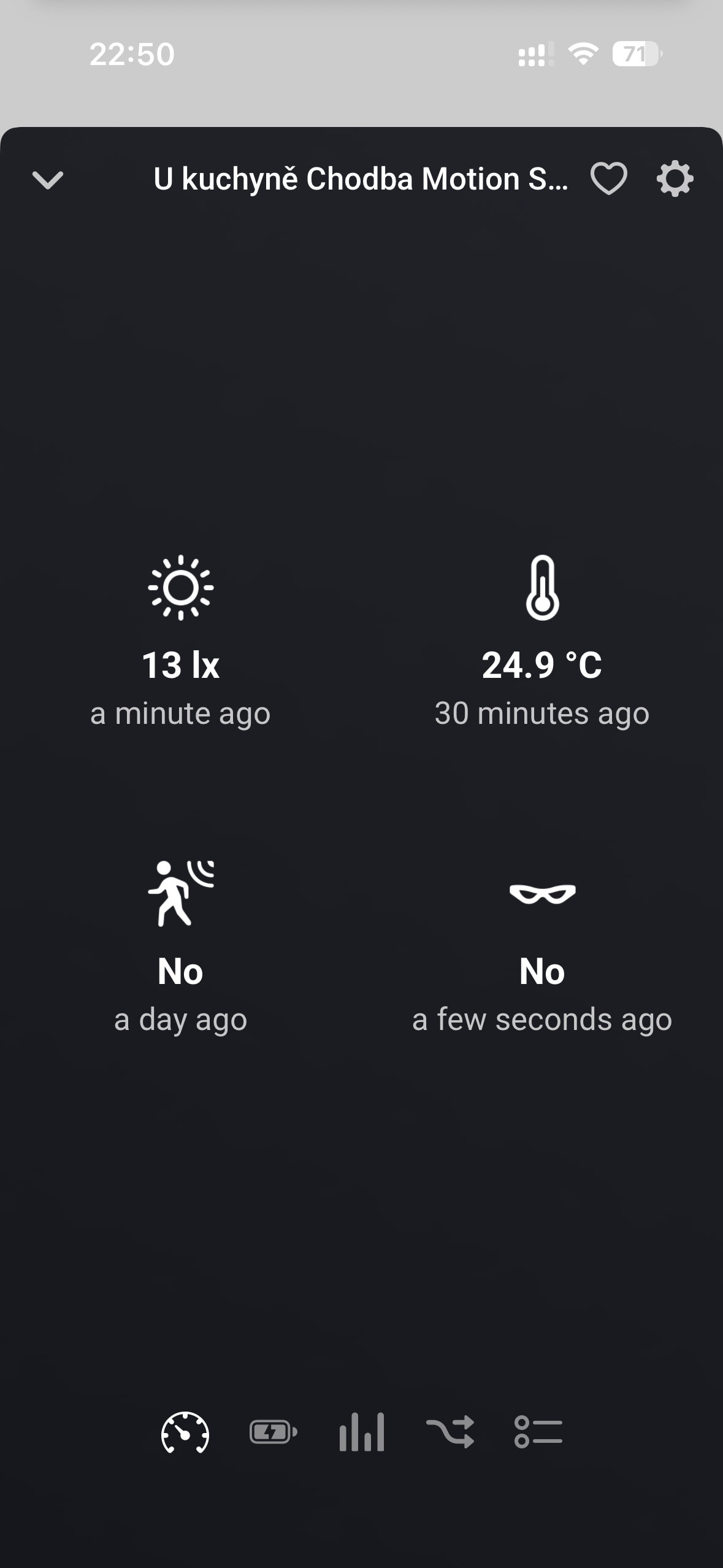
Hi, lately I’ve been noticing strange behavior with two motion sensors. The sensors record all other data, but they fail to detect motion. I usually only realize it when the light doesn’t turn on. Removing the battery and putting it back in always helps. Do you have any idea where the problem might be, please?