Yes
1 Like
Something seems to have changed at Switchbot tonight.
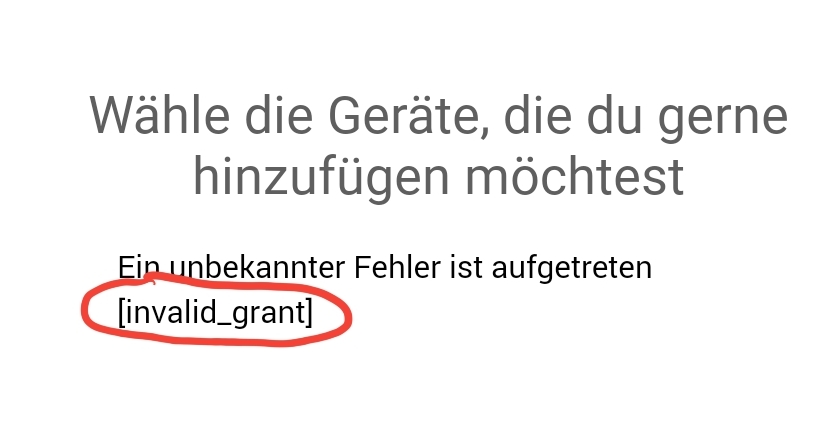
Some of my devices are no longer accessible. The attempt to add a new device aborts with an error message.
All devices can be reached via the Switchbot Android app.
Restarting the app and Homey did not bring any improvement.


Edit:
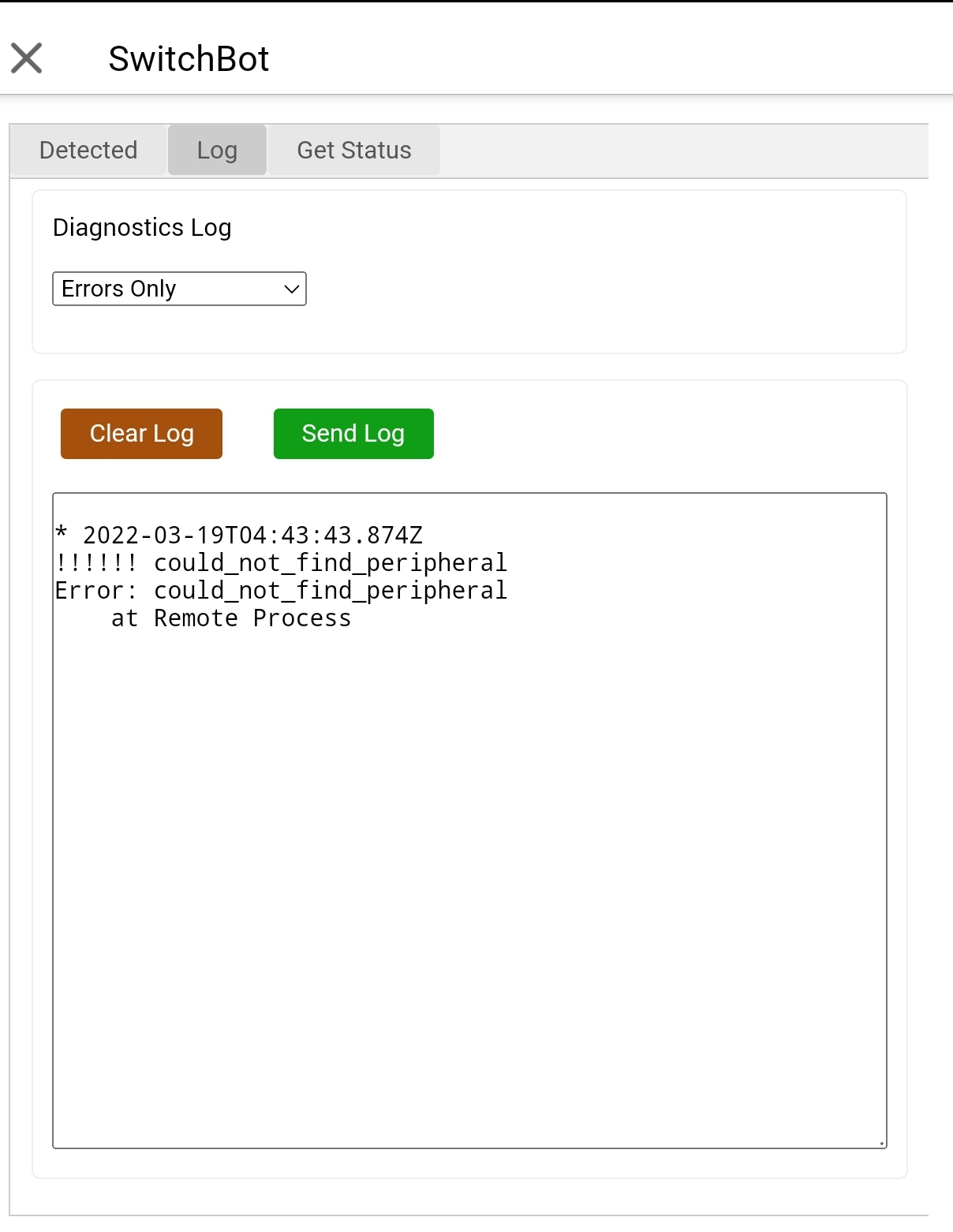
I found the error myself. For whatever reason, the Homey app had logged out of the API. 

1 Like
I got the same issue here. Can’t add new devices with the same error
Have you already added any devices?
If so could you select the repair option from the devices Advanced Settings menu (cog in the top right corner of the device screens)
When you try to add a device, at what point do you see the error (do you get to sign in to your account).
Updated to 1.0.5 and the Bot (BLE) stopped working. Deleted the Bot but could not include them again: No Devices found.
Tryed also with Beta 1.1.2 but now luck to include the Bot. The Bot was near to Homey while trying to inlude them.
With Switchbot-Phone-App all works fine.
If you have a Homey Pro can you:
- Go to the Configure app page,
- Then set the Diagnostics log to Full Information,
- Then go through the add device process until it says no devices,
- Go back to the log page,
- Send the log.
Just out of interest, what version is your Homey firmware.
The log is on the way and Homey-Pro runs Version 7.3.0.
Hmm, there really is nothing detected. Could you go to Homey Developer Tools and see if anything shows up in there?
If not, could you send a Diagnostics Log to Athom, as the BLE on one of my Homey’s is not working.
On Homey Developer Tools i get the error: Something went wrong for command: Discover. Made a Ticket at Athom.
1 Like
Do you think it’s since a particular firmware update that the BLE problems started?
On my new Homey, BLE hasn’t worked since I got it, but it started on 7.3.0. I basically get the same error message. If I check the BLE page straight after a reboot, I see many devices, but as soon as I try to connect to any ‘Unknown’ or secure devices it all goes wrong.
However, on my older Homey, BLE is working fine and that has also been updated to 7.3.0, so I’m not sure if the firmware version is related or not.
I tried to use the method of repairing the existing devices (Humidifer & Hub controlled Air Con). It has no problem at all. The existing devices are still controllable.
The only problem is adding new devices. It showing the error after successful sign-in “invaild_grant”
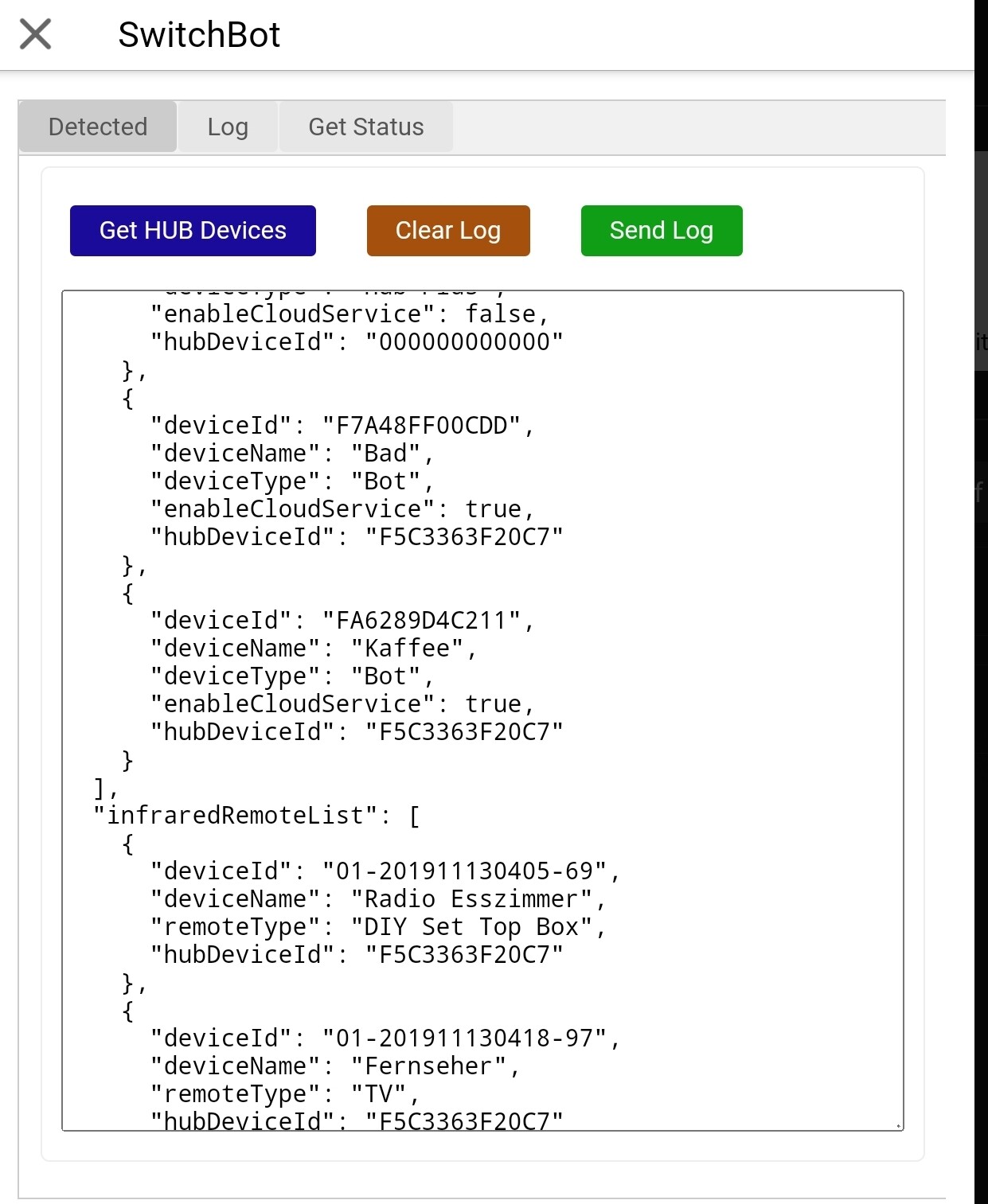
The same error occurs when I enter into “Configure App” → Get HUB devices
The app version is 1.0.5. Homey version is 7.3.0
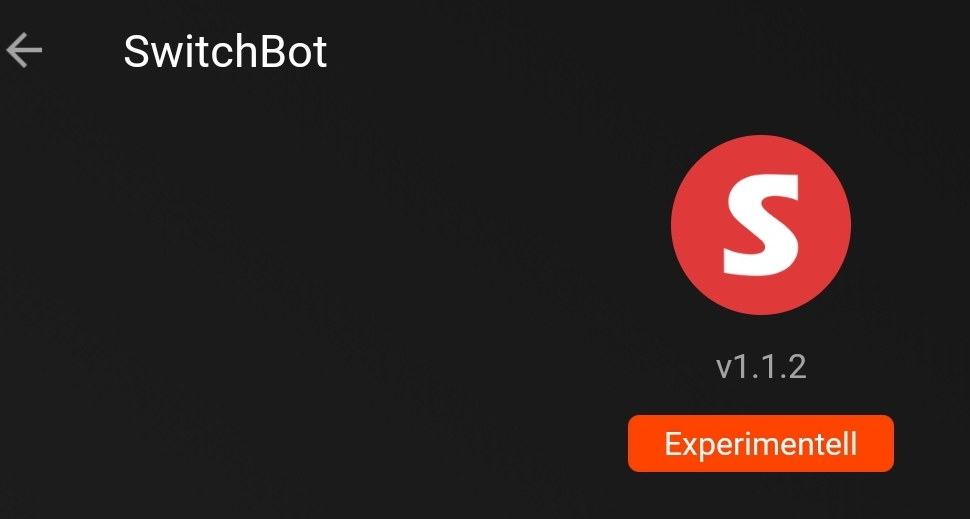
Could you try the test version of the app that @Undertaker has linked to.
If you still have problems then go to the Log tab showing in his posts, set the level to Full Information and then try to add a device. Once it has failed, go back to the Log tab and tap on Send.
@Adrian_Rockall it works fine with the 1.1.2 version now. I can add the new devices now. Thank you.
One more question. Seems that the switchbot devices cannot be recongized by the another Homey App “Homekit” and therefore it does not appear in the Homekit. Not sure if the right place to ask here.
I’m glad it’s working.
I’m not sure why Homekit is not finding them as I’m using standard capabilities that are available.
Which devices do you have?
Maybe @robertklep has a suggestion?
Thanks again for your help. I got one HUB IR Controlled Air Con, one Humidifier and one Bot
I need to know for each device which device class it uses, and which capabilities.
So, the Bot class is "button" and uses the "onoff" capability.
The other two devices he has are maybe a bit to exotic as the AC IR is a ’"remote" class and has:
"power_on",
"power_off",
"target_temperature",
"aircon_mode",
"aircon_fan_speed"
and the Humidifier is class "other" and has;
"onoff",
"nebulization_mode",
"nebulization_efficiency",
"measure_temperature",
"measure_humidity",
"alarm_water"
So I can understand if Homekit doesn’t see those.
HomeyKit doesn’t support button devices at all (only the button capability). I could add support for them, although onoff doesn’t really make sense for a button-type device (because buttons are typically stateless). But Homey strangely enough doesn’t have a switch device class, only socket or other that could possibly apply here.
The Humidifier should be supported, at least partially, because onoff, measure_temperature and measure_humidity is supported for device class other.
1 Like
The Bot is a bit of an oddball as it is a button presser, so “switch” would be better if it was supported by Homey. Maybe using the “other” class would be more suited to Homekit so it could show up as a simple on/off device?
