Hi Adrian, I just installed and tested the latest version (3.0.5).
I have an issue with the heaters.
I got this message when trying to start the heater (Heater bij deur).
I will send the log too.

From the logs I can see what the problem is so when I get home I will find out why it is happening and post an update.
I have posted an update to the test channel. Could you check that the issue is fixed?
I just did and it works perfectly.
Thank you so much!
1 Like
Firstly, thanks for the app!
I’ve literally just got a Tahoma hub and setting things up
I noticed that when integrating with Alexa the Somfy skill doesnt pull in iohomecontrol (velux) devices which was disappointing, so I thought maybe if I add to Homey I could pull in from there - seems that no devices from this app appear in Alexa from Homey tho 
Anyone know a way to get the Velux devices into Alexa? I found a way with a Scene in Tahoma app, but doesnt give status etc… thoughts?
Routines are the only way to go for me as my blinds / curtains are RTS so no feedback. Even though the Somfy skill says you can control individual devices, it has never worked for me. As far as I know the Somfy Alexa skill should support blinds, shutters, lights and routines but I can only confirm routines work.
I do know that Alex only added support for curtains and blinds about a year ago and the support has not been good.
I removed the Homey skill a long time ago as I found the induvial manufacture skills did work better and as there is no way to choose which devices are exposed to Alex it meant I had lots of double devices, which confuses Alex.
Ah, if it wasn’t for all my zwave devices I’d remove Homey skill but i need it for those. Agree the doubling up is painful tho!
Is there any way to set an RTS blind to a percentage via Alexa? Or even stop partway?
If I ask to close the blind or open the blind it works but if I ask it to stop it doesn’t
Not as far as I know. The nearest I can think of is to setup routines for specific positions.
I guess in the case of the blind that can only be the one (the MY position) if I’m not mistaken?
I seem to be getting some state issues in the And… Section
No matter what I put here I get an error?
Trying to set a flow so that a button will control it (if up send down, if down send up) but none of the states are working? Any idea?

Correct.
I will look into the conditions. Possibly something I have missed in the upgrade to SDK3.
1 Like
Hmm, is that an RTS device?
If it is then I can see the problem. The condition card is a built in one made available because the device has the Open / Stop / Close buttons. But as RTS has no feedback, the current state is unknown.
I will ask Athom if there is a way to remove the condition cards for built in catabolites as there is no way to make them work.
Oh I see, that would probably explain it
But the Somfy app seems to provide a state for it which seems to tie in with what I’m seeing
I presume that’s simply based on where it sees things based on inputs but it seems to align… couldn’t that status be used? (And isn’t that the point of the polling?)
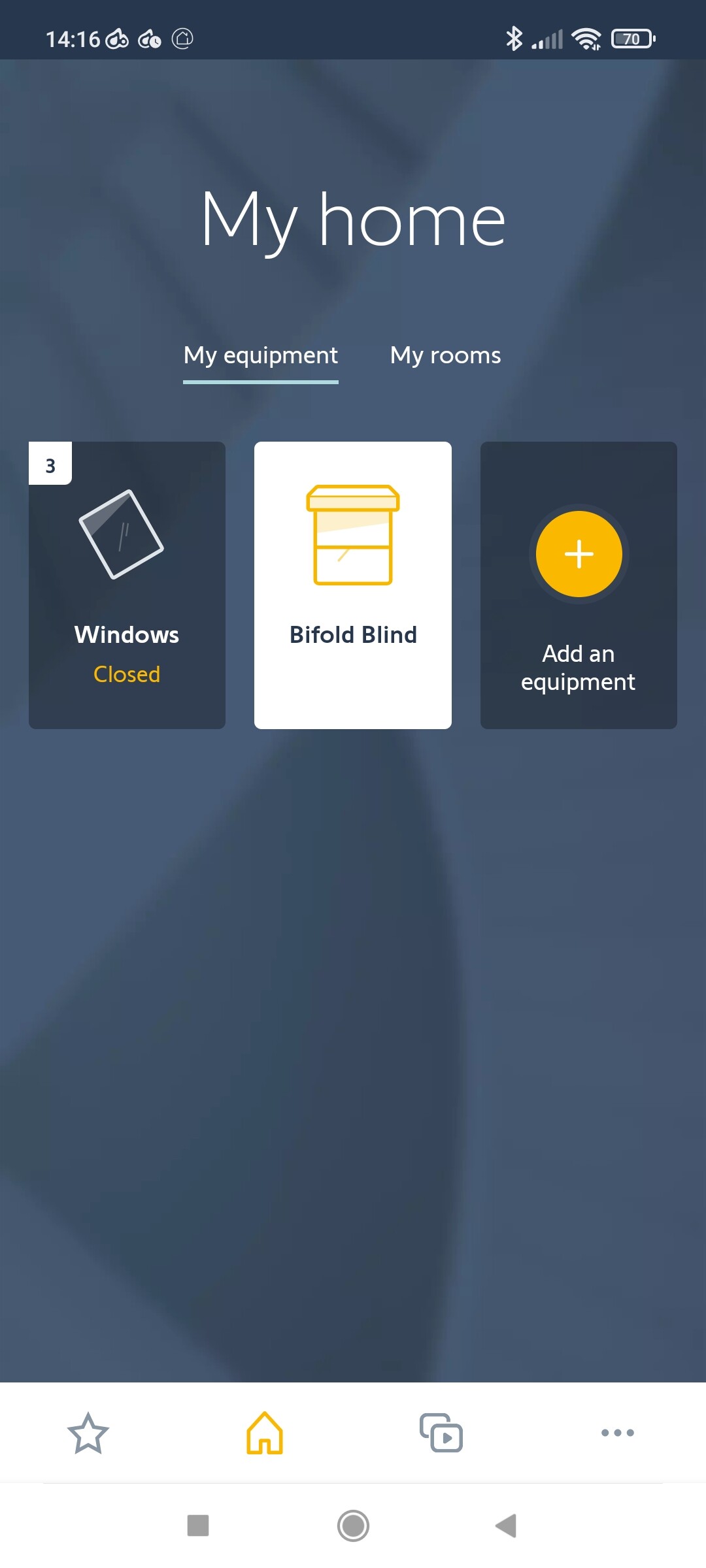
The Somfy API doesn’t return a state for RTS devices unfortunately. If you were to control an RTS blind with a remote control then Tahoma would not know and the state would be out of sync.
I could in theory track the state based on the last control used by Homey but again there is no guarantee it would be correct. Also Homey doesn’t respond to a control that is already in the on state. So if you closed the blind via Homey and then opened it via a remote, Homey wouldn’t let you close it as it would think it is already closed.
The polling is there more to get the state of IO devices but it does also serve to get the status of the RTS commands as in ‘has it finished sending’ or ‘has it failed’.
1 Like
Hi, I’m using the v3.06 version.
Today some of my devices were gone and others not reachable, and information for sensors was over a day old.
After re-installing the app, I only get “Failed to authenticate”. I’m sure my e-mail address and password were filled in correctly, tried multiple times, to no avail.
I have a Somfy Bridge/Cloud setup. My homey bridge regularly loses connection, not sure if that has anything to do with it.
Hope this all helps to make an even better app, cheers!
1 Like
Do you mean they were completely missing from Homey?
Thanks for the quick reply,
Two temperature sensors had disappeared from Homey.
My light sensor and screens were still there but reported that the data was over a day old.
And trying to add devices again I still get “Failed to authenticate”. I do have a “-” in my email address and a “&” in my password, do any of those pose problems? Both were the same when I first used v3.0.5 a little more than a week ago.
I am getting the “Failed to authenticate” problem when I install the app in Homey.
It is working fine from my Homey Pro and also works if I run the app in Docker (debug environment for Homey).
I have asked Athom if they know why it would fail on the live server but work in the test environment. It could be that Somfy have detected many request coming from the same source and blocked it (assuming many Homey users will be sending requests from the same IP).
Or it could be a configuration change on Homey.
Unfortunately, Athom have provide no way to get diagnostic reports from Homey like they have with the Pro so am completely in the dark.
Well, glad you could reproduce the problem, let’s hope Athom takes responsibility now.
It could be Somfy that is blocking the IP. It seems Homey will use a small range of IPs so Somfy might see many users all coming from the same IP as an attack and blocked the IP range. I am trying to get more information from Athom so I can ask my contact at Somfy (if he is still there) if he can check their end for me.
