It might be a quite easy solution to not immediately send the position update but to use the timer/timeout function to schedule it in a second. Each time one comes in you cancel the existing timer and create a new one. that way there is at least one sec between updates (or any other delay you choose) and the last will always fire, albeit the timeout later. I use those constructs myself in the Motion app (curtains), so I know how tricky it can be.
That’s certainly another option. I will look to see what is easier to implement given the existing structure.
Hi Adrian
I noticed the Somfy Tahoma app has been updated. Now I have a major issue - my velux windows appear to now ignore the rain sensor - I have two rooms where flows open the windows if the temp is too high. This has worked perfectly, with the windows self closing in rain. However, since the update, the windows keep opening , even when raining. It cannot be a rain sensor issue as it is affecting all windows.
Any ideas?
Thanks
That’s strange. My app is not able to influence the rain sensors as they are exclusive to the windows.
I have added a check to try and detect the state of the lock imposed by the rain sensors but that is just reading the status. Also the rain sensor should override any command to open the windows as far as I know.
Could you enable the Information log (blue tick) in the Apps - Configure app section of Homey. When the window opens while it is raining, wait about 30 seconds and then send the log. Hopefully it will show me what commands the app is sending so i can try and work out what is happening.
Great, thank you. I think I have sent the log correctly
There is def something odd going on – not all windows opened this time. Everything was fine until today. I will also try and clean all the rain sensors when the rain stops.
I can’t see anything ‘unusual’ in the log. It does show it is sending open to 50% commands and one to 47%, but they appear to be normal requests.
If you disable the temperature flow that close the windows does it behave then (as in doesn’t try to open them when it’s raining)?
When I was debugging with another user, trying to get the priorityLockStatus, it appears the velux windows don’t change the state, so maybe they the rain sensors just send a close command and don’t set the lock out like the wind sensor does on the canopies. When the windows have been closed by the rain sensors, can you still open them with Tahoma / Connexoon while it is still raining?
If that is the case and your temperature flow is constantly sending close commands then they will open again. Unfortunately, I don’t know enough about the way the Velux windows work
Hi Adrian
Yes, if flows disabled and I try to open via the app, they will still open – I have done more investigating now and tested with just the Tahoma app. It appears all windows, except two are showing a “A sensor has detected a risk to your device. It has been placed in safety mode and its movement is restricted” – which is what I would expect but that is not visible in Homey unfortunately.
I have booked a velux engineer to visit 12th July who will be able to test the sensors.
Is it possible to show the sensor status in Homey – that way we could use it to prevent flows from trying to open when raining?
Thanks for the prompt help again
Tahoma UI screen shot below

I have been trying to get the sensor information but so far no luck.
While Tahoma shows that status could you send be a device log from the Configure App screen. So tap on Get Log then when the list populates tap on Send Log.
For sun screens with wind detection there is a status that comes back to say they are locked but that didn’t seem to be present with another users rain sensor on his Velux windows.
Hi @Adrian_Rockall . Since the last update, I have noticed a potential bug. Not sure if it has already been adressed in this thread, if so, disregard.
The screens have a boolean tag “Open” to indicate open or closed status. However, I noticed that in several instances, the “open” tag of my awning remained on “true” after it was fully closed. Restarting the app sets the tag to the correct “false” value again. I have, besides the awning, also 2 roller shutters screens. On those I have not yet seen the same issue.
This issue has not occurred before the last update. I would have noticed, since a number of flows rely on this tag status to execute.
How was the awning close?
What is your polling interval?
One change I have made is to filter multiple events that come in for each device so it only uses the last event. This was to prevent the app from producing a burst of flow triggers that could have accumulated between checking the events. In theory this only applies if the device is operated externally to Homey as the automatic boost should kick in when Homey operates the device.
So basically when the awning is moved externally it will produce a stream of new positions. If the interval is set to say 1 minute then Homey will get all those position events in one go. Previously each one would be processed and that would trigger the position change trigger multiple times in a few milliseconds which could disable the flow. Now when it gets an event it searches forward to see if another event for the same device and action exists. If another one doesn’t exist then it processes it else it discards it in preference for the newer one.
I couldn’t see a “get log” option but have sent the log from the “information log” tab page
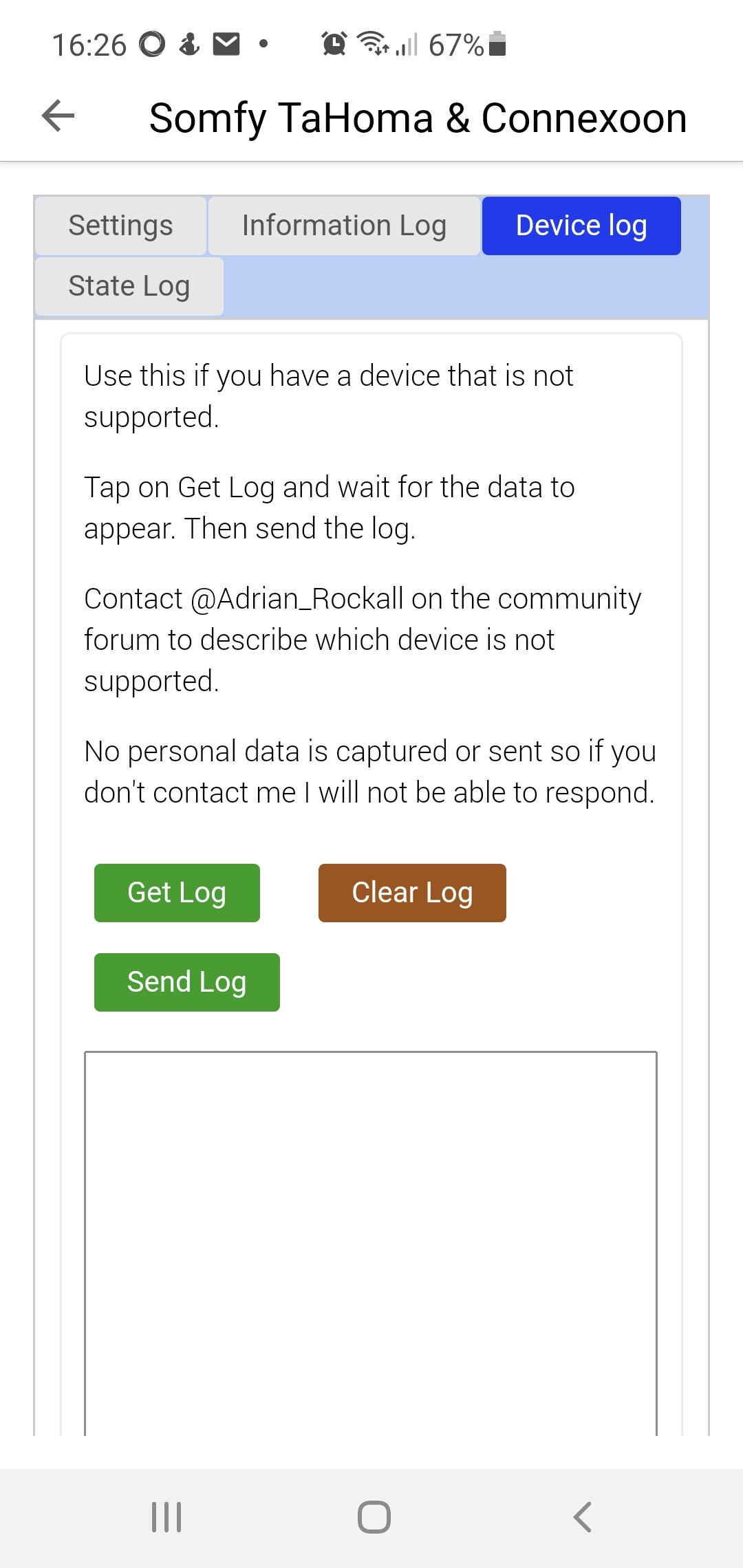
done
For ref these are windows , not awning if that makes any real difference
Poll interval is set at 3000
The awning is operated exclusively by Homey. The polling interval is set to 30sec
The reference to awnings was for Bas, the joys of multiple queries in a single thread 
As for the other user with Velux windows, there is nothing appearing for the “io:PriorityLockOriginatorState” apart from the definition and the “core:PriorityLockTimerState” is zero.
Can you confirm that Tahoma still had the warnings when you tapped on the Get Log button?
As you have given me your Interval setting, it might be worth dropping that down to 30 as your windows can close by themselves when it rains. That way Homey will be notified much sooner.
1 Like
Ok,thanks
Poll dropped to 30
I think the warnings were still active as it was def still raining at the time.
Ok, I will ask my contact at Somfy but I’m not sure what help I will get as one of the understandings of allowing us to use the private API is that they don’t provide support.
I now also have a case where “open” state remained on False when the awning was opened. So somhow, the state change update can be missed in both directions.
It does seem that the “position” indicator is updated correctly, so for now I think I can fix my flows by replacing any “open=true”-conditions with a “position is not 0”-condition.
Could you send me the information log just after the awning is open or closed.
I wonder if the filtering is too general so it’s filtering out the open/close events with the position events. If I can see what events are coming through I can check the conditions I check are different.
