Marstek Homebatteries - Complete Energy Storage Management
Transform your home into a smart energy powerhouse! This Homey app brings full control of your energy storage system directly to your fingertips, enabling intelligent automation and optimal energy management like never before.
Unlock Your Energy Independence
Take complete control of your home’s energy storage with sophisticated automation capabilities that adapt to your lifestyle and energy needs. Whether you want to maximize solar self-consumption, take advantage of dynamic energy pricing, or ensure backup power during outages - this app makes it all possible!
You need Modbus over TCP support for your Marstek battery for this app to work.
Using the Modbus we are in full local control of the device.
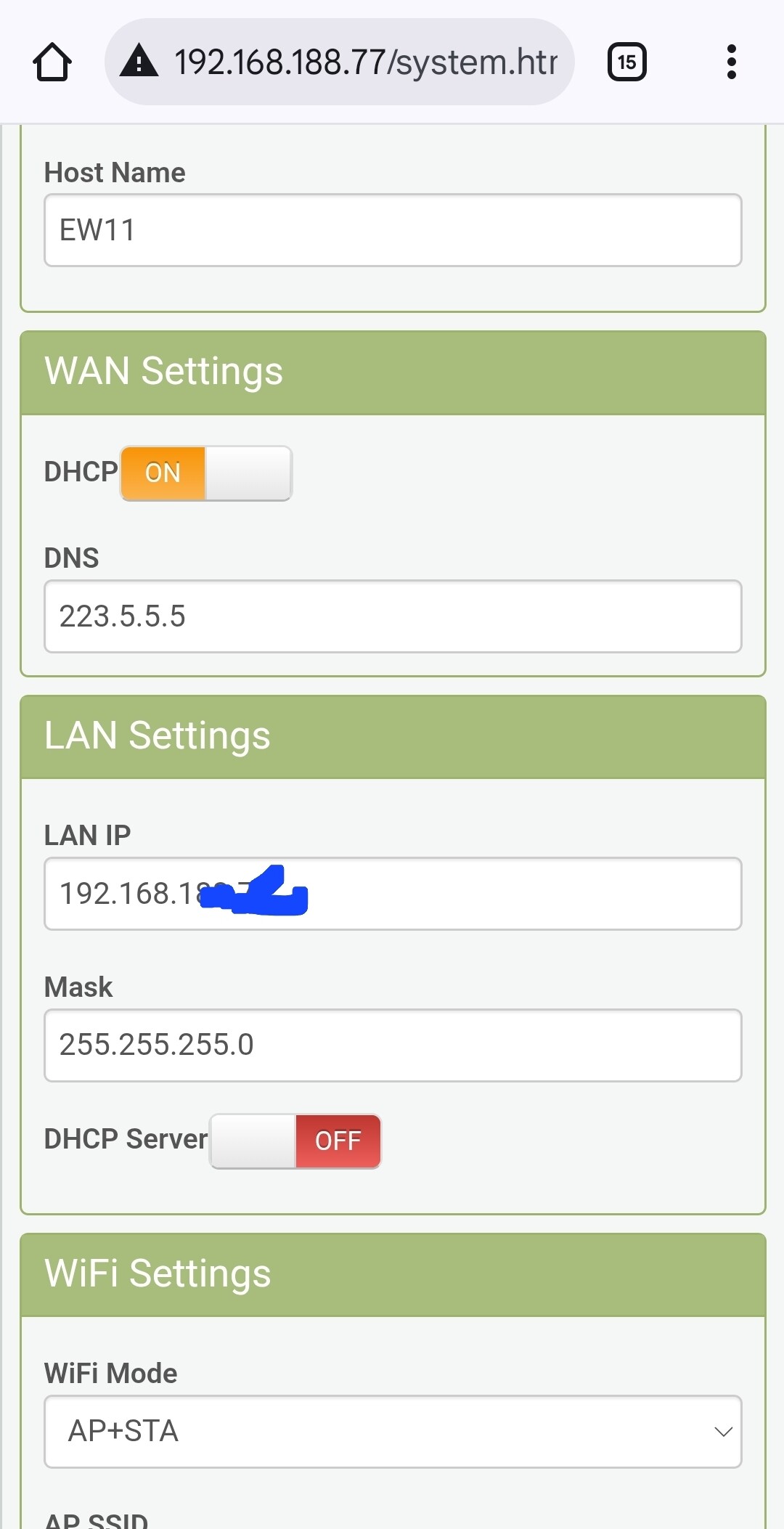
I uses an EW11 device (about 22 euro’s on amazon) to convert the serial Modbus port to TCP.
For more details on creating a modbus tcp gateway, check out this dutch community:
Once the device is added, use the device settings to configure it to match your IP addresses.
You can now control your device fully from Homey to allow smart charging for your desired strategies.
It has been tested with Venus V2 devices and is expected to work with V1 systems, just make sure to use the correct pin layout for your tcp gateway cable.
The V3 is very new and seems to have a different cable (pin layout in the dutch community) but more important uses different modbus registers, so while they are unknown we can not ensure the app works for those. Once they are known I will add support.
“First of all, it’s great that you’ve created a Homey app for the popular Marstek battery! Now, I’m curious why you developed the app using a Modbus connection. Marstek has also officially released an API. Wouldn’t it be easier to create an app using the API instead?! ”
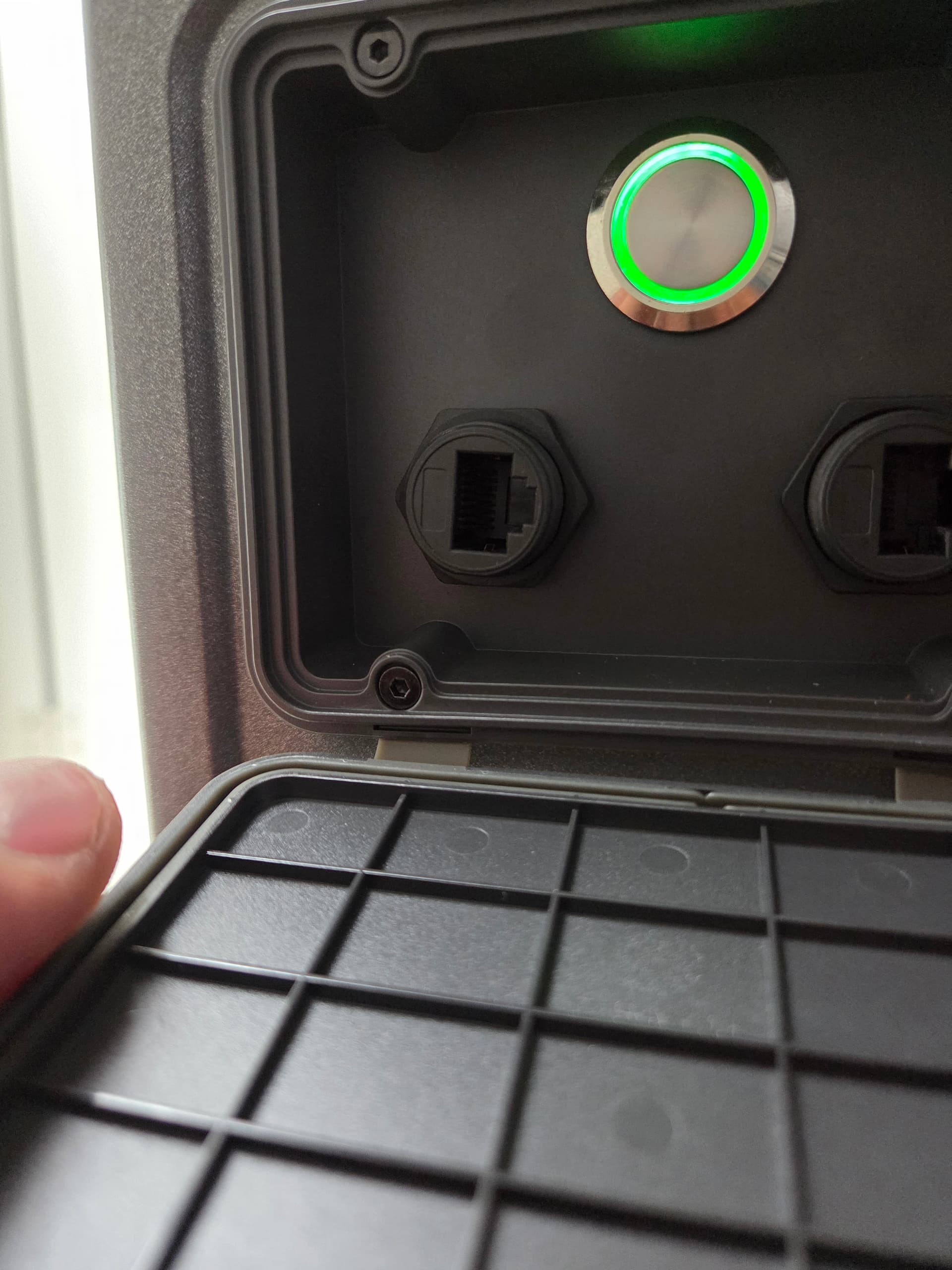
On my Marstek Venus 3.0 i have this port for modbus. Can You tell me how i can use this with your app? And i also wonder why you don’t use the api way?
The smart charging one uses the mqtt cloud api already if I am not mistaken. However this is completely local without a service in between by Marstek. It also provides more control than the mqtt service allows based on my reading. But I got pulled into this path early so I admit I did not do a full analysis of capabilities, I read the community responses from tweakers and I followed that path.
I used a EW11 device, you connect 4 wires from the modbus cable you received with the battery and screw them into the cable you get with the EW11, pair the EW11 with your network, default settings and it should work. 100% full fast direct local control. It is also powered by the modbus port, so no external power required.
Please check the wiring schemes in those threads based on your battery version it slightly differs.
Another comment on the potential of the local api, there are people who have a 0.5 version if a local api enabled by Marstek but that’s so new and not clear documented that I did not wait for it. Once that’s there I will make a version of my driver with that back end.
Also the app is tested against a v2 now, I need to check if there are modbus registers differences between them. But the device in Homey is so to easily customize for others, so if that’s the case I should be able to craft a v3 version easily
Based on the discussions online I believe v1 & v2 are the same on modbus registers, but there are some differences on the v3, so I will check those and see if their are difference that impact the app.
Based on the current state of info on the V3, early adopters get the boot. They indeed changed all registers, and people have not figured them out yet.
So until the community does, or that the Duravolt/Marstek organizations share some official modbos v3 documentation I can not adapt yet.
The new local api is also very ondocumented and all signs state its lacking functionality the modbos V2 did have.
But I would say, connect it (the modbus cable is figured out as posted up here) and let my app connect and shre the logging, lets see what it makes of it.
Just dont change any modes, sending updates might cause factory resets or other unpredictable at this time.
Correct me if I am wrong about that api you reference. But local api is not officially released yet. Next the MQTT cloud messages are not officially open for public. Community reverse engineered it partially.
Both seem to have gaps in functionality.
Once it becomes more feature complete and available on the V2 I will make a version for that one.
I see you setup port 80? That is a weird port for the modbus gateway, default it is setup on port 502. The 80 is normally the web ui to manage the ew11. Can you confirm in your EW11 settings that your Communication settings, ensure the settings from the tweakers thread are there ok also, just like on the serial settings page.