This app is the OFFICIAL Homey app for Sungrow. It supports Inverters (Solar Panels), Batteries, Car chargers and main meters. It works with the Sungrow iSolarCloud, so no local connection is needed.
Testversion:
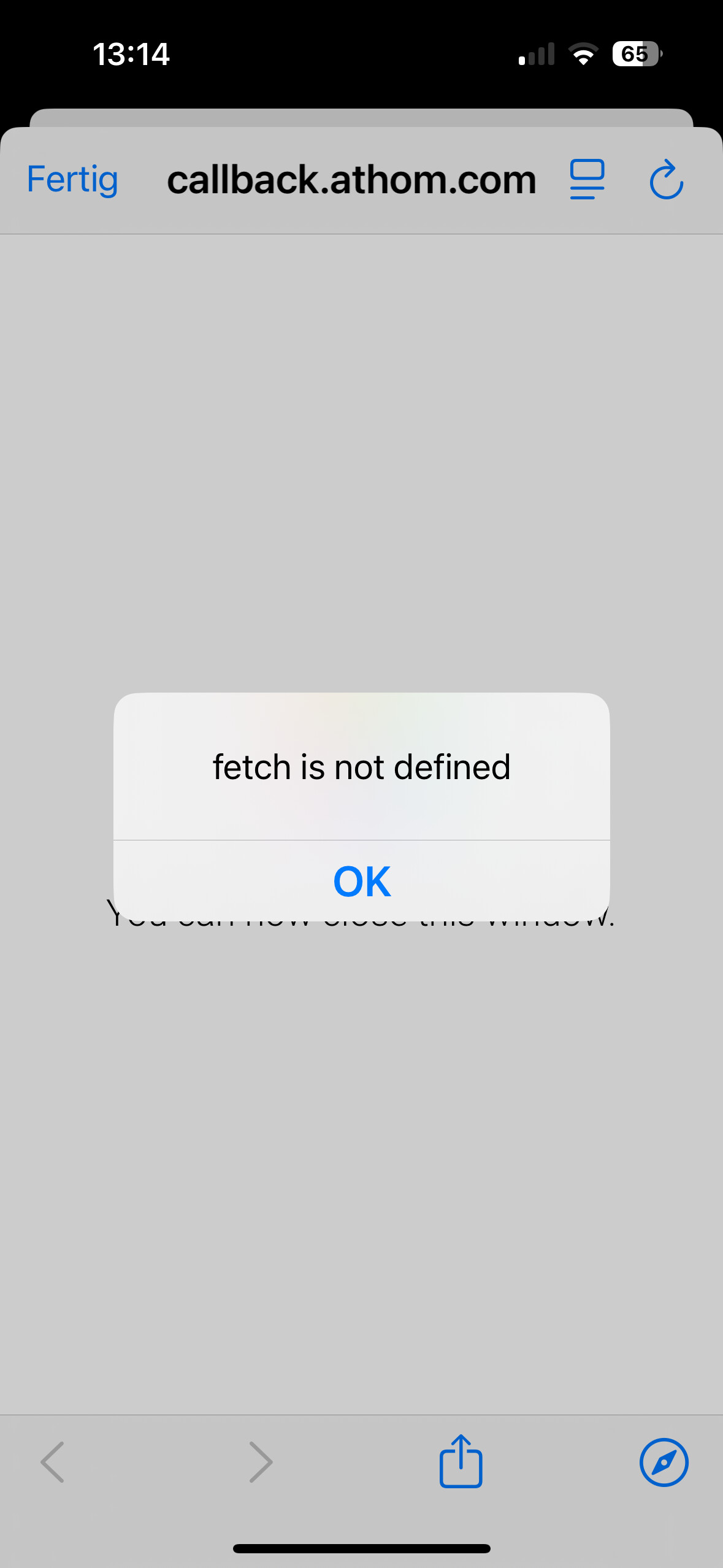
Note that when you want to add a device to Homey you must already be logged in to the iSolarCloud website. If not, the pairing will stop at a certain point, and you need to start the pairing a second time.
Thanks for the update, RM_de_Gruijter. Just to clarify, does the app currently support real-time data from iSolarCloud, or is that something still in development? I’d be interested to know what kind of data points will be available through Homey once it’s fully up and running.
A first test release of the official app is available:
Note that when you want to add a device to Homey you must already be logged in to the iSolarCloud website. If not, the pairing will stop at a certain point, and you need to start the pairing a second time.
Thank you for this nice and so necessary app.
To create a flow, it is important to find parameters in the „when“ and „and“ category. But under „and“ l can not find an entry of sungrow. Do i make a mistake? Is it because of the test version?
All in all i am really happy to get the parameters from the converter.
Hi Marcel. I do not know what you mean. I created a new device as written at the beginning of this treat.
But now i have a Problem. Every two days the transmission of data stops and i have to confirm the sungrow app. Someone has the same problem?