Update 23/02
There are more details, including the name Homey Portal and, by looking at the source code of a specific hidden website (playground.homeyportal.net, which they’ve now pulled so it’s no longer available), I think we can conclude that it’s a dashboard display/screen.


But there’s also stuff about volume. “Performance overlay“ is probably for dashboards, but the Volume part looks like some sort of speaker. I think it might be both in 1.
UPDATE
I was able to clone the Bluetooth signal with an ESP32, allowing the Homey app to discover it as a Zoney device. Here are some screenshots:
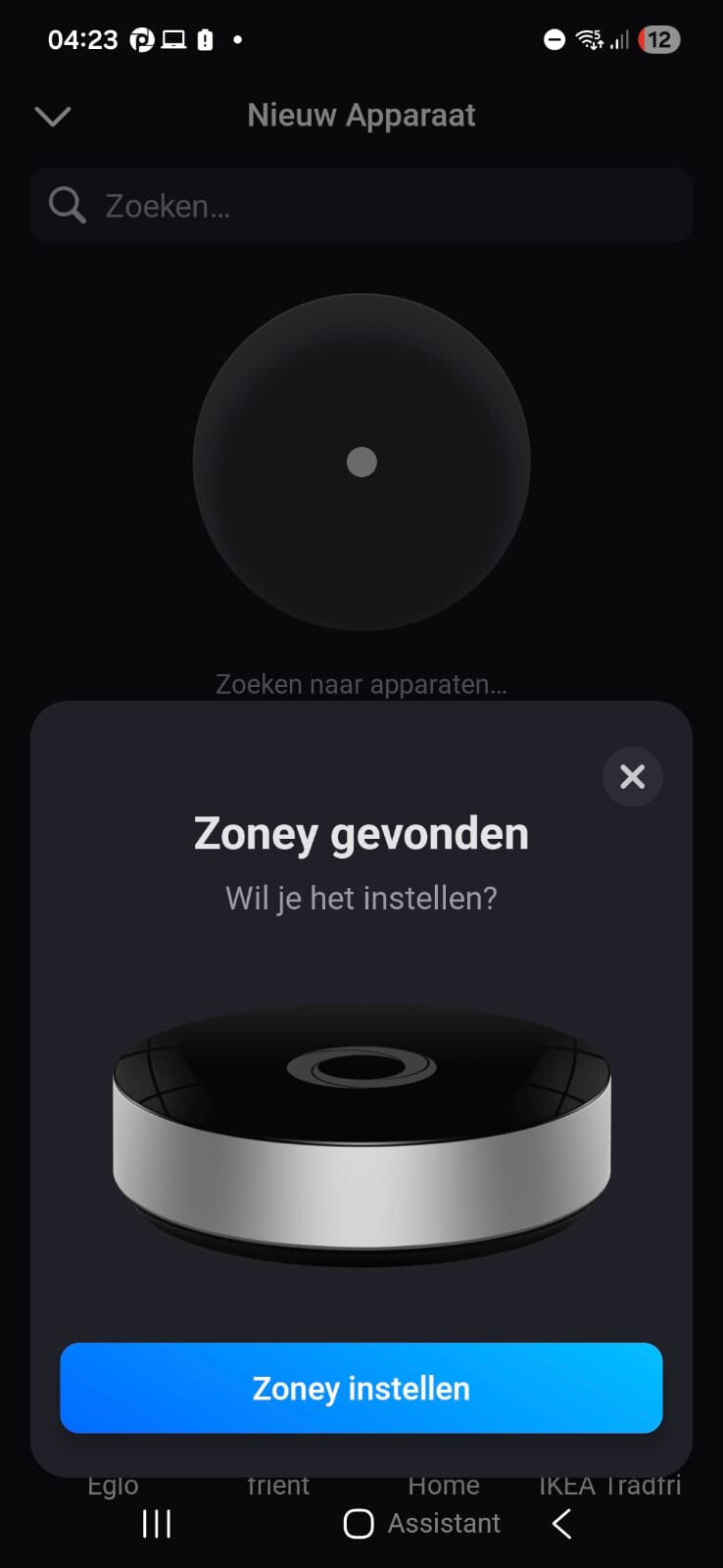
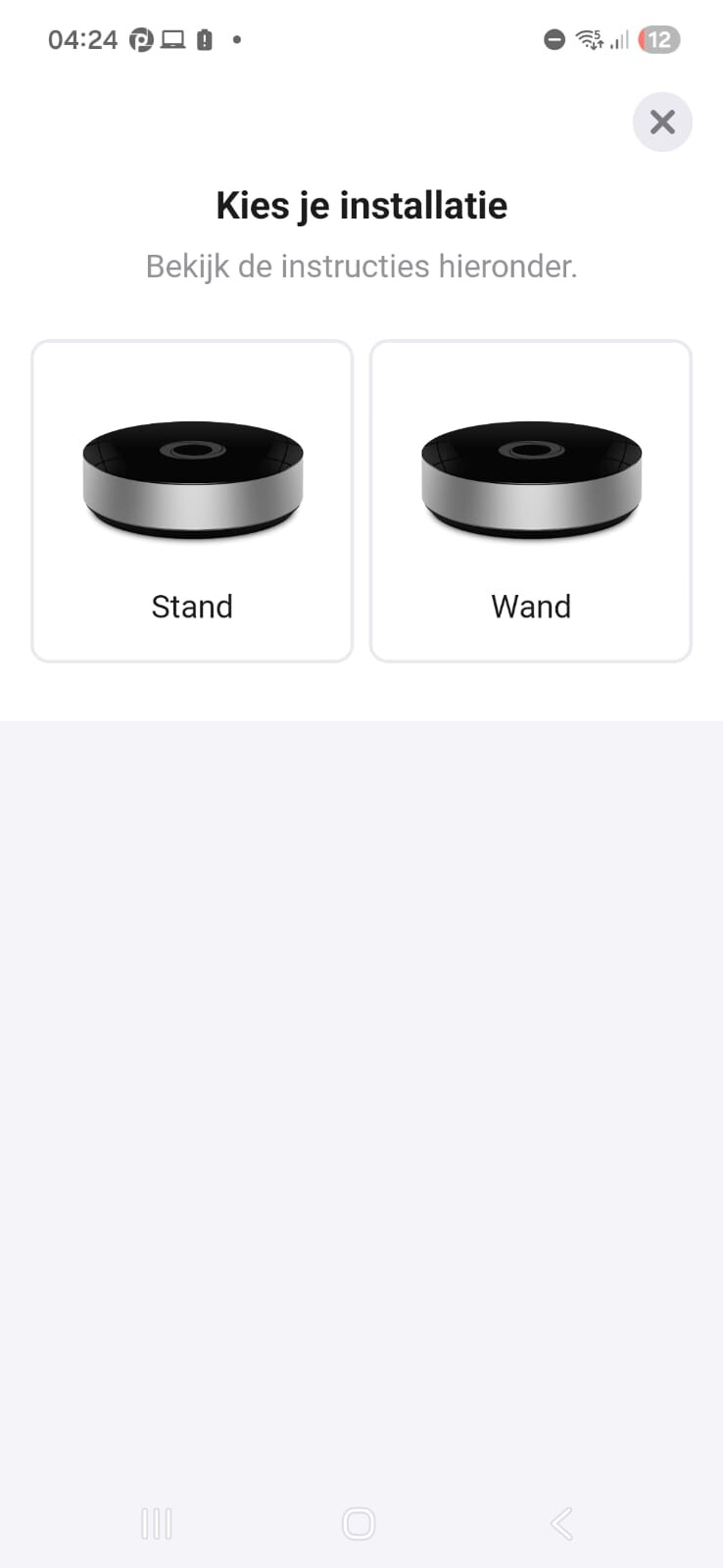
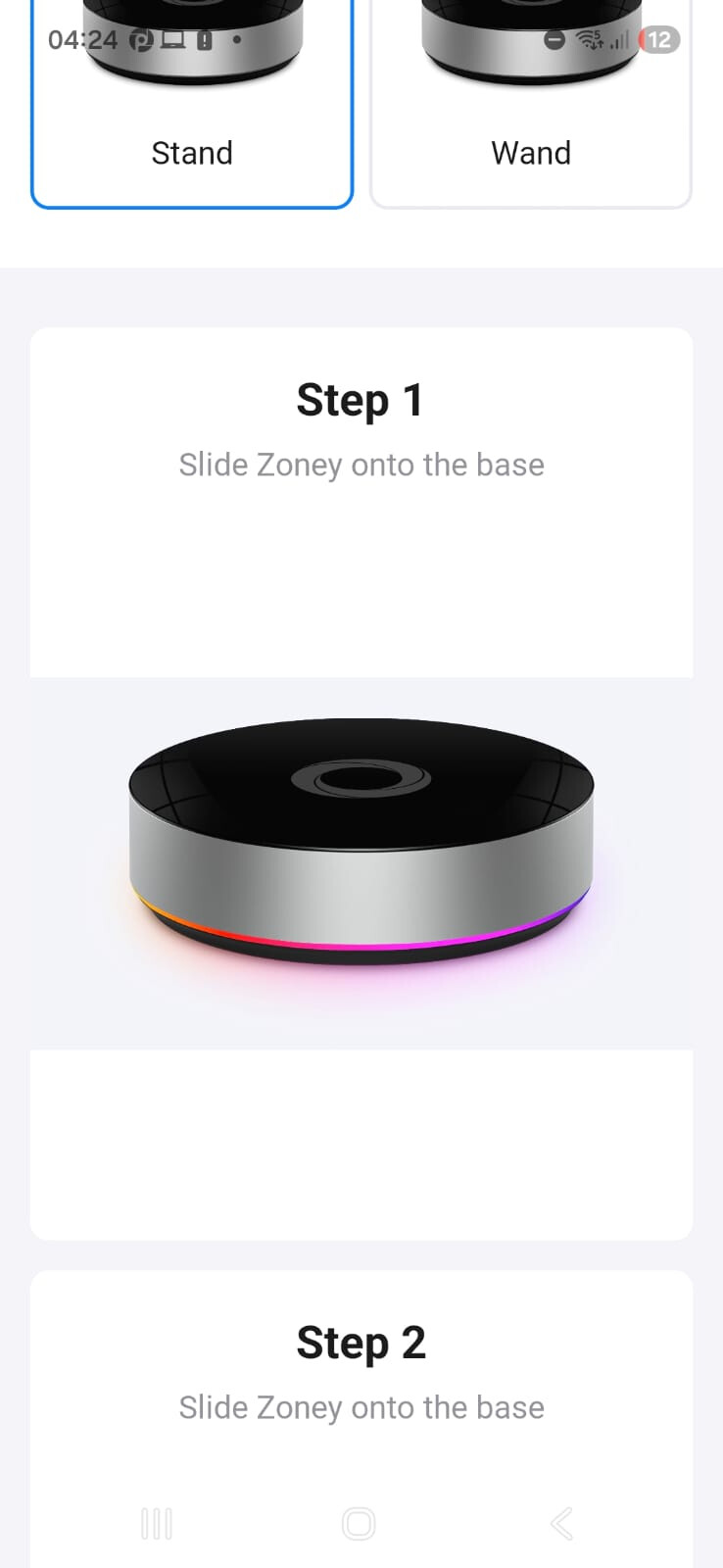
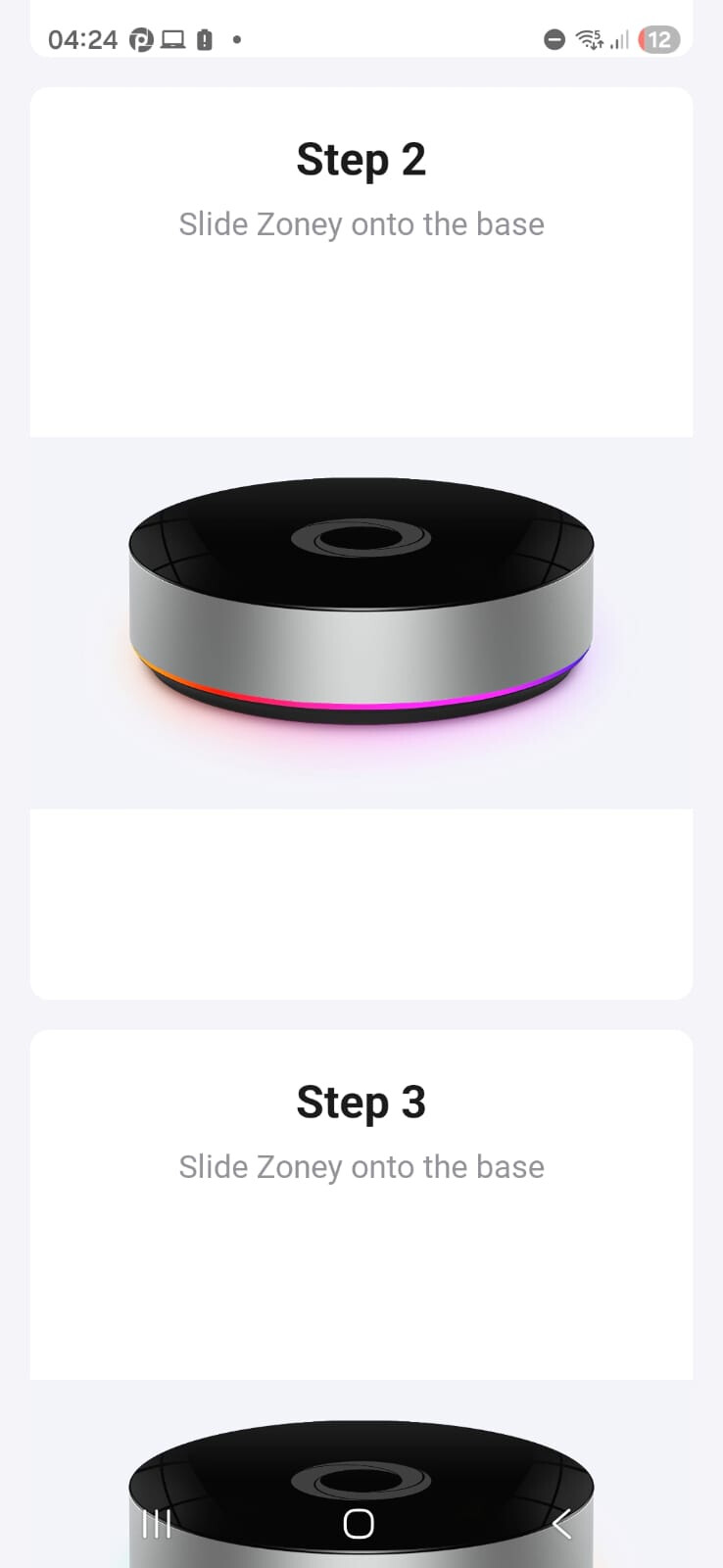
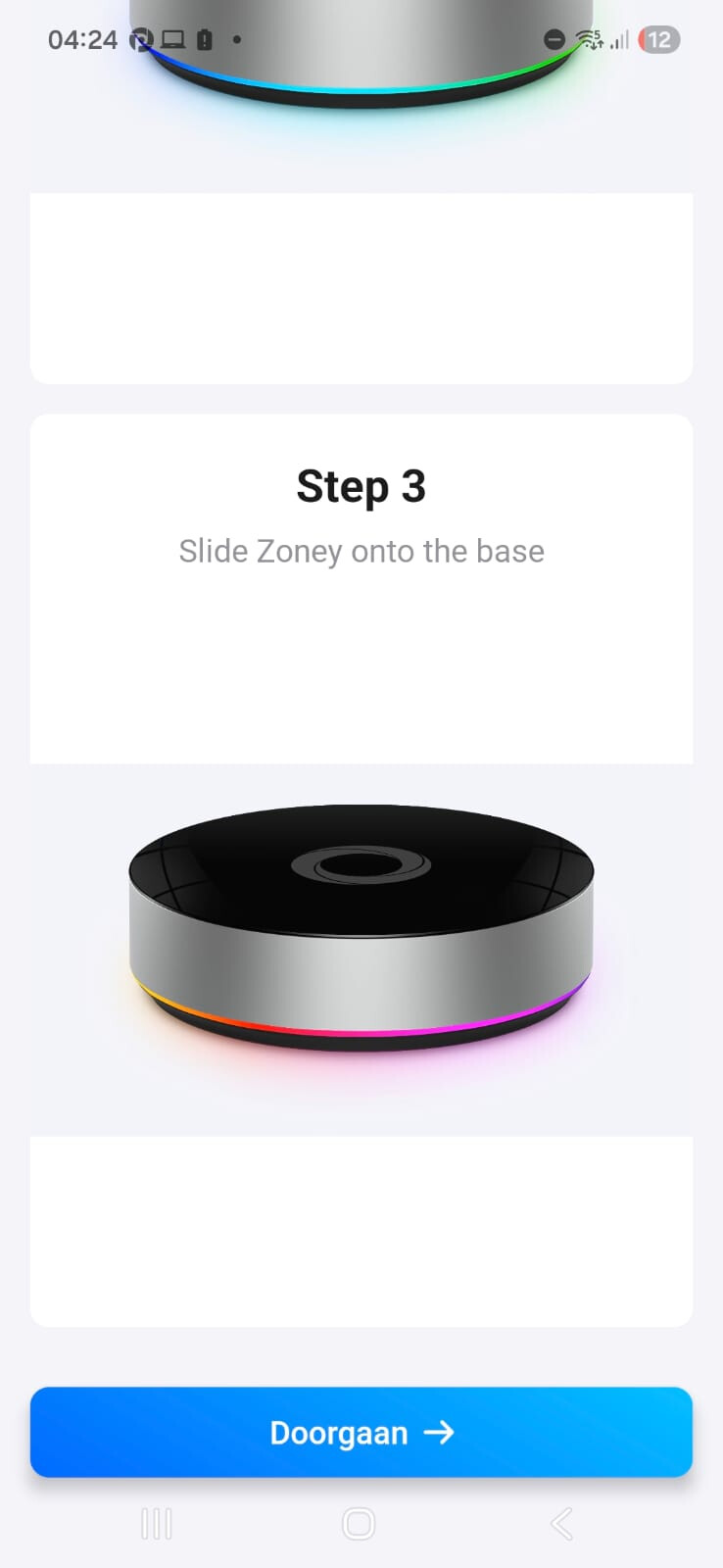


To me, this seems more like a prototype/test that accidentally got into a production build. The request timed out when it needed to scan for networks, since my ESP32 sketch doesn’t have that implemented. Not that there’s much more to look at anyway, since to me it seems mostly just like the regular Homey Bridge setup. And even if it wasn’t, it would not link to the Homey Cloud instance anyway, I’ve already tried doing that by installing the OTA for the Energy Dongle onto another ESP32, but it says that the serial number (MAC address) is incorrect. It can’t link to Homey Pro, since I have a Pro 2019 which doesn’t support Satellite mode or energy dongle.
#############################
Hello there,
I downloaded the Homey app APK from APKPure, and I ran the index.android.bundle React Native file in the assets folder through a decompiler. I saw something very interesting in there:
        r1['homeyBridgeDriverId'] = r4;
        r4 = 'BLUFI_HOMEY_BRIDGE';
        r1['homeyBridgeBluFiName'] = r4;
        r4 = 'BLUFI_ZONEY';
        r1['zoneyBluFiName'] = r4;
        r4 = 'homeycloud.net';
        r1['homeyCloudUri'] = r4;
        r4 = 'homeycloud.dev';
        r1['homeyCloudUriDev'] = r4;
        r4 = 'BLUFI_HOMEY_PRO';
        r1['homeyProBluFiName'] = r4;
        r4 = 'MINI_ETHERNET_HOMEY_PRO';
        r1['homeyProMiniMiniEthernetName'] = r4;
        r4 = 'homey:virtualdriverenergydongle:driver';
        r1['homeyEnergyDongleDriverId'] = r4;
        r4 = 'BLUFI_ENERGY_DONGLE';
        r1['homeyEnergyDongleBluFiName'] = r4;
These are the Bluetooth names for the devices. But what is Zoney? I did some further digging, and while most were not very interesting, I saw this:
        var _closure1_slot5 = r3;
        r3 = {};
        r9 = 'ZoneyInitial';
        r3['ZoneyInitial'] = r9;
        r9 = 'ZoneyStandInstallation';
        r3['ZoneyStandInstallation'] = r9;
        r9 = 'ZoneyWallInstallation';
        r3['ZoneyWallInstallation'] = r9;
        r10 = {};
        r9 = r3.ZoneyInitial;
        r10['key'] = r9;
        r9 = '';
        r10['title'] = r9;
        r9 = new Array(3);
        r9[0] = r10;
        r10 = {};
        r11 = r3.ZoneyStandInstallation;
        r10['key'] = r11;
        r11 = 'zoneySetup.installation.options.stand';
        r10['title'] = r11;
        r9[1] = r10;
        r10 = {};
        r11 = r3.ZoneyWallInstallation;
        r10['key'] = r11;
        r11 = 'zoneySetup.installation.options.wall';
        r10['title'] = r11;
        r9[2] = r10;
        var _closure1_slot6 = r9;
        r10 = r5.default;
        r12 = r5.default;
        r11 = r3.ZoneyStandInstallation;
        r5 = 6;
        r5 = r8[r5];
        r5 = r7.bind(r0)(r5);
        r9 = r5.SceneZoneyInstallationStandMemoized;
        r5 = {};
        r9 = r12.bind(r0)(r5, r11, r9);
        r5 = r3.ZoneyWallInstallation;
        r3 = 7;
        r3 = r8[r3];
        r3 = r7.bind(r0)(r3);
        r3 = r3.SceneZoneyInstallationWallMemoized;
        r3 = r10.bind(r0)(r9, r5, r3);
So stand and wall installation? Is it some kind of dashboard? Since it seems to detect the device type based on the Bluetooth name, I can attempt to name one of my devices with the same name to see if it does anything.
But has anyone ever heard of the “Zoney“ device? Or is it maybe a codename?


