I have a Homey-pro and just getting started.
But as I proceed, I start feeling dumb and frustrated as I can’t get something simple to work.
I have several Zigbee lights (Ikea Tradfri and Hue) and a few remotes (Tradfri 5-button and 2-button).
What I want seems very simple, but I am not able to figure out how to do it (without adding 20+ flows).
When I press the “increase brightness” button, Increase the brightness level with a 10 %.
So when it is at 20%, set it to 30%, etc. up to 100%
Similar when I press the “Decrease brightness” button, down to 10%.
Ideally this should be done gradually (in 1 or 2 sec), but that’s optional.
If I remove the bulbs and remote from Homey and pair them directly, it works perfectly.
Thanks so much for this thread as it’s exactly what I am trying to do.
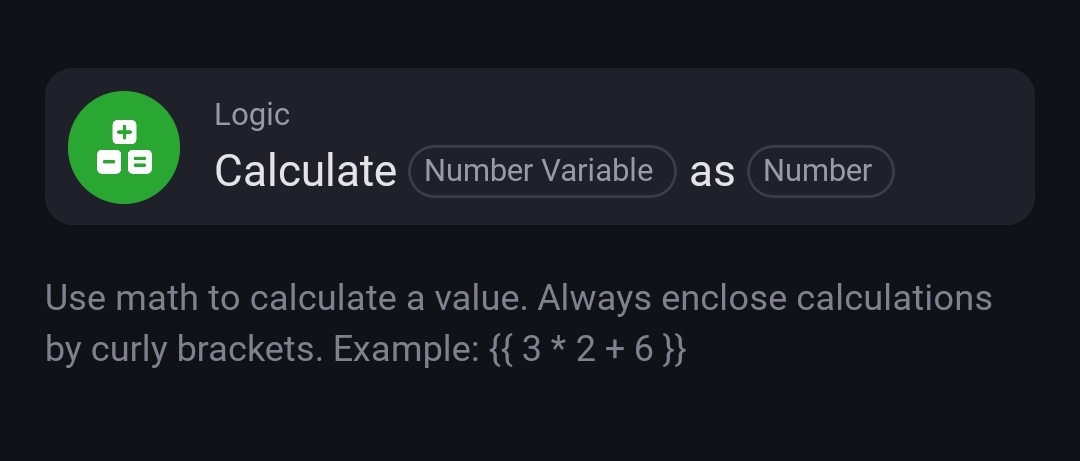
However, I am stuck with the very first part. I can create and set a variable for the Dim level, but how can I read the existing value of the dim level variable from a lightbulb. I can see the value, and adjust it, but I cannot read it with logic function.
Thanks for the quick reply Peter, unfortunately that didn’t help. Probably I’m not understanding the logic…
My smartbulb displays a variable named “Dim level” that states the level that the lightbulb is dimmed to.
When I follow this example and I create my own variable called “dim_level_var” I have to set an initial value, I cannot set it to equal the variable named “Dim level” attached to the bulb. This is what I believe I need to be able to do.
Therefore whenever I initiate the flow in this screenshot the calculation takes “dim_level_var” then adds 0.1. This means that the flow always outputs “dim_level_var” = 0.2. The var “dim_level_var” = 0.1 and then the flow adds 0.1. When I start the flow again it simply does the same thing.
YW, Mark
The lights should be driven by a separate flow, like
WHEN
variable ‘my_dimlevel_var’ is changed
THEN
Dim light to ‘my_dimlevel_var’ (during 5 seconds)
So deattach them from that flow, and start a new flow (on the same canvas), starting with this logic card

 !!
!!