Oh, I couldn’t tell. I asked the guy of the screenshot I shared last time.

Well, sometimes they listen, Robert 
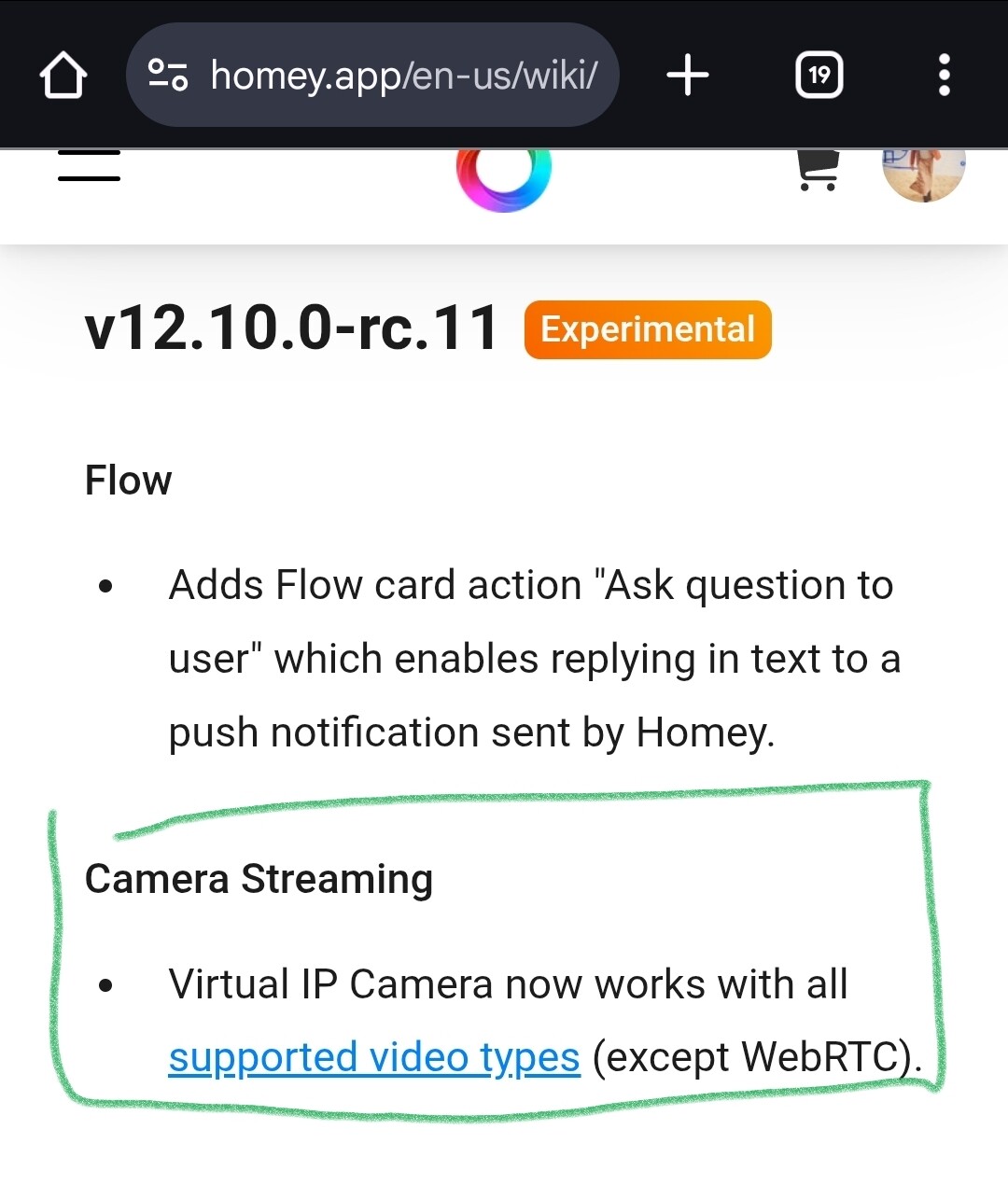
https://apps.developer.homey.app/advanced/videos#supported-video-types
When the test version is released as a standard version, can we add any webcam? Like Hikvision and Aqara?
Please follow the link that @Peter_Kawa posted, where it’s explained which formats are supported and how you can test if your own cameras will work.
I am trying to add my Aqara doorbell, which is an RTSP camera with a username and password.
When I add a virtual camera, I do not see any option to enter my username and password.
Does anyone have an idea how I can resolve this?
You could try putting the username and password in the URL:
http://username:password@AA.BB.CC.DD:554/...
Make sure to URL-encode username and password.
Thanks, that has worked.
I have a Foscam added to the ONVIF app. I am able to live stream from inside the device using my phone. When I add the live stream widget to my dashboard using my phone, the live stream still works as expected.
When I look at my Lenovo tablet used to display my dashboard, I see this message “This camera is not available”
Any idea?
When adding my camera it is being displayed in Homey Dashboards as 4x3 instead of widescreen. Any ideas how to fix this?
It’s a new Galaxy Tab. On my old one it works and also on my iPhone. The RTSP feed is widescreen.
Some Aqara cameras, e.g. G419 doorbell has an rtsp feed. with the following format. rtsp://username:password@192.168.1.15:8554/ch1
The problem comes from my username is an email address. So, I think Homey may be getting confused about the username. Any suggestions?
The way of escaping special characters is by encoding the characters into url encoding.
In this case you need to replace the @ in your email address by %40 and probably replace the dot as well, by %2E
like:
rtsp://user%40myemail%2Ecom:password@192.168.1.15:8554/ch1
(this way you can escape such characters in a password as well)
thanks so much
For several weeks now, Homey has been indicating that the player is unable to open the MRL.
This applies to both cameras, a Tapo and an Aqara doorbell.
Is anyone else experiencing this issue?

i have the same problem, did you found a solution?
on my phone it works but on the Tab A9+ (only opens 1 ore 2 stream a te time) it loads in a 3x4 frame but only fils the part of the camera vieuw so i have a black bar on top and on the botum
After weeks it suddenly changed to the correct format. I didn’t change anything, but happy it works. Very strange!
i saw you were helping someone else and was wondering if you could asist me also its to do with the aqara g410? and if anyone else sees this and can help that would also be greatly appreciated im at my wits end
Hmm Wyze added RTSP support so finally I can add them as Virtual IP cams but they always just show black even tough VLC just works. Anybody have any pointers on what the cause could be?
EDIT: Seem like some codec incompatiblity.
For reference the cams not working are Wyze cam V4. Which just got RTSP support.
I have one working which is an older Wyze cam V3. Which has RTSP a bit longer but I didn’t feel like setting up (the atttic cam, which well is there, for the sake of being there honestly)
Why I say this is probably a codec issue;
I have all of the working through RTSP on SmartRTSP Pro.
And also VLC understands them correctly
So it can not really be credentials, connection, or others.
For reference the setup urls are like;
rtsp://[USERNAME]:[PASS]@[CAM-IP]:[CAMPORT]/stream0/
Both username and pass dont use anything that fancy which should be encoded etc.
Homey always show me video loading and the shows _video.live but the picture stays black.
Except for the older V3 cam.
@Doekse is this something you can perhaps get the ball rolling on a bit? (PS Sorry for the ping mate) It’s been a long desire to get them setup in Homey. And real Wyze integration well Wyze is not really open to that it seems. But I would love for these to be able to be seen on my Homey Dashboard … also a a safety feature for my mum 
Wyze has been on my wishlist as well for quite some time, but I don’t see anything moving there anytime soon unfortunately.
