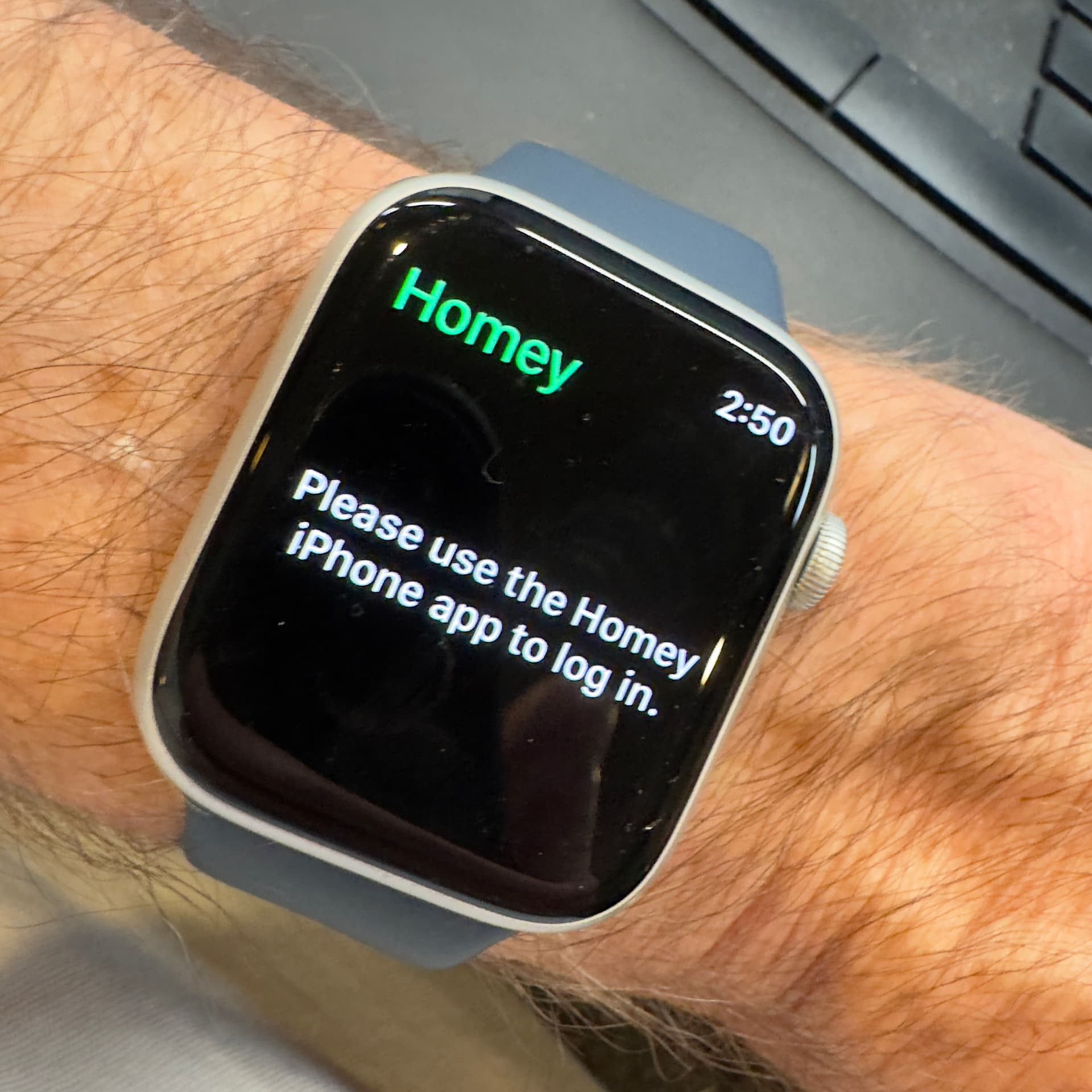
It might be different interpretations of the guide message:
It does not say you should login to the Homey iphone app as you responded.
To me it says:
USE THE Homey iphone app TO LOGIN (to the watch).
Thanks Peter for jumping in. Interesting observation. Unfortunately, there isn’t a way to log into the Homey watch app via the iPhone watch app. It appears to me there isn’t a free-standing watch app. The watch mirrors the iPhone Homey app. Both apps are the same version. I have Athom support looking at this as well and will report back what I find out. If other iPhone/Apple watch users are not experiencing this problem, it would appear it is something on my side.
I had closed the iPhone and watch apps before, but thanks to the comment from SunBeech, I decided to remove (delete) the apps from the watch and then the iPhone. Next, reinstall to the iPhone and then the watch. It works! Thanks everyone for the suggestions to (hello duh) consider the most basic things like a restart. Issue resolved!
Agreed. I assumed the Apple Watch app was causing the issue. I removed it and reloaded. What I learned is that the Apple watch app is part of the iPhone app. So, to reset the environment, remove the watch app first then the iPhone app. Next, reinstall the iPhone app then the watch app. Hopes this helps the next person.
The complication gave me the same error. I opened the actual Homey watch app using Siri by saying “Open the H O M E Y app (spell it out). This opened the app then the complication functioned again