Great! It works thank you for the tip
Hi, first of all thanks a lot everyone for this information!!
Is it somehow possible that some people share there code for there fully operation dashboard please?
Thank you
It isn’t practical to share a complete desktop. An individual example part with a specific purpose is way more helpful. Besides, everyone has their own setup / sensors / lights / peripirals etc… If you understand the basics you can probably create whatever you want. Otherwise, just ask what you want to do.
Hi mate, i understand your point, it is too much 
How did you do to put 2 slider next to eachother?
For example ‘binnenring’ and ‘buitenring’?
Is it also possible to do this:
I would love to put a button or something that i can press and open a new page for example 1 for my lights because i have a lot
and 1 page for my heating for example
the main page would be to see my electricity usage and gas usage, a weather forecast and image from my doorbell.
Thats what i have in mind
i’ m already experimenting with buttons and sliders and i’m able to switch them off/on/dim so its a beginning 
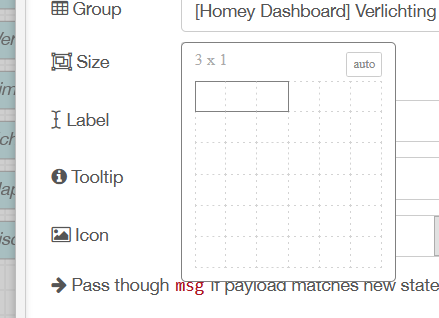
You can change the size of each element. If you make it small enough two (or more) elements automatically sit next to each other.
Sure, you can make as many pages as you like.
Just use a UI control (or enable the build in menu system). If you send the number of the page in the payload, it will go to that page:

You can also hide and show groups. Just read the info-help next to each element if you want to know more.
Ok, thank you so much.
I see on your main screen, you have 4 groups under eachother (Vandaag, Gordijnen, Beveiliging, Aanwezig)
Sorry to ask, how do you manage to put them under eachother? My new group is allways added completely to the right.
Thank you

Ok, that did the trick  thank you.
In this topic i read you are using a list to see when someone pushed the doorbell, i will try to implent this to, but this will be for the weekend; haha, now off to bed
I’ve got an old Ipad Air that i want to use to hang on the wall for this.
Hopefully it works
Here is another idea for who whants to display custom icons. I’ve a textbutton and just an icon next to it. Now i can use every icon I want. The icon isn’t clickable, but the textbutton next to it is!
Just using the ‘template’ node, with a code like:
<div ng-bind-html="msg.payload"></div>
<img src="https://img.icons8.com/dusk/48/000000/sleeping-in-bed.png" width="48" height="48">

-edit- like Satoer says, not the UI control, but the Templade node is used!
@Keverjeroen can you show more details, please?
I think you meant the Template node:

You can also create a switch directly in the template node (with icon). Just see the help portion of the template node how to send out a msg.
I’ve made a mistake in my post. Like Stoer says, I’ve used the Template node. That is just a node that you can drop some where in Node-red. Then edit it and paste a code like my code. Then you see the icon on your dashboard.
Hi,
Yesterday I started this interesting topic. the first example (reading information from homey) was successful.
the second example of sending information to homey via a switch in the node red UI is not quite successful yet.
When I read the debug it sends true and false as a boolean but the lamp does not turn on or off. see below :
Second example:
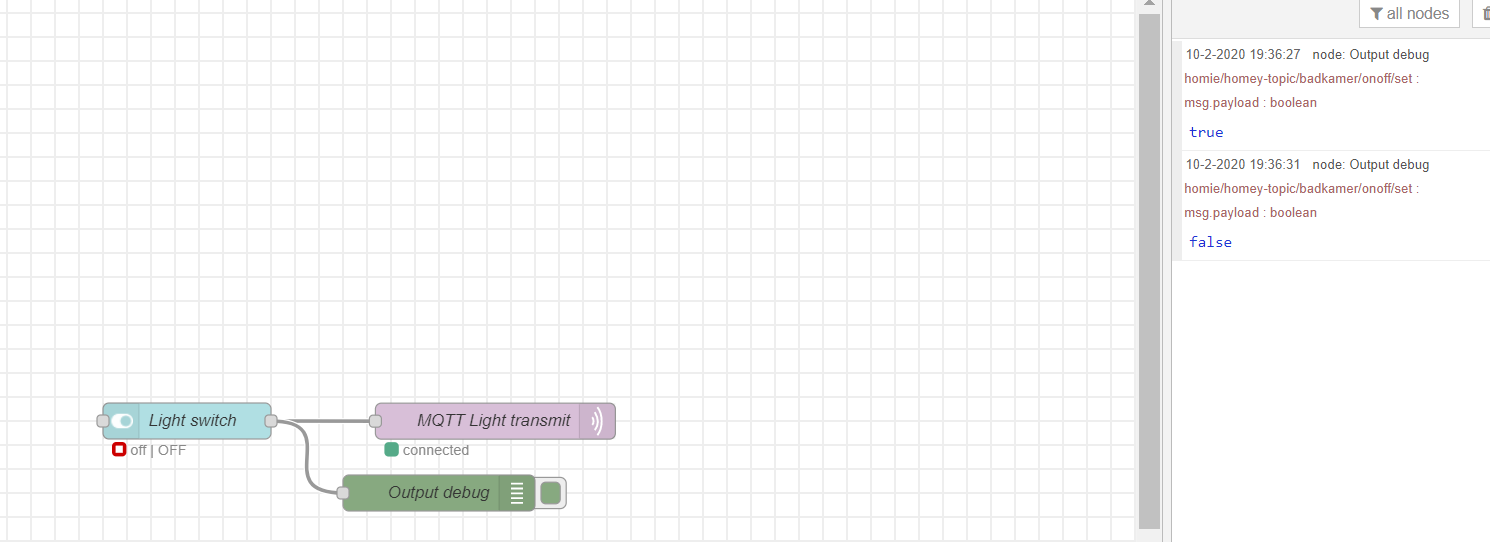
Does anyone know what the problem could be?
Thanks in advance.
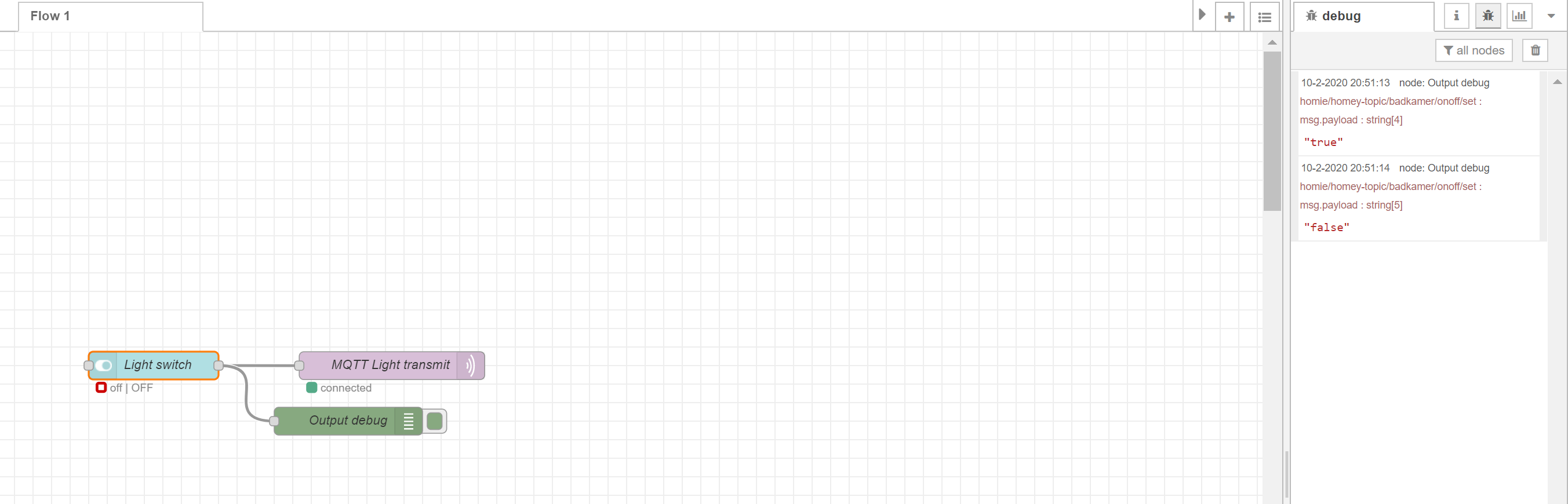
I think the output should be a “String” with “true” or “false”. The weird thing, If I use a switch and send out a boolean, it still sends out a string:

I actually think this is a bug, and it should be a boolean. Maybe the bug is crushed in a later node-red version (you are using).
Can you try to set the output of the switch to “String”?:

Let us know if this fixes it, then I will update the tutorial.
A question, does anyone have in their dashboard an example with integration with the spotify API.
To program it with Homey and interface it to node red is possible but working with the spotify API seems much more powerfull to me. At the moment I managed to show current Artist + Title playing, but would like to have a search function in my dashboard.
There is a wrapper for spotify:
https://flows-new.nodered.org/node/node-red-contrib-spotify
that uses the web-api:
So I guess it should be possible. But I think you can get more information on the node-red forums about this (has nothing to do with Homey).
So, you receive mqtt messages from homey, but aren’t able to send them. What kind of lights (brand / type) are you trying to use?
Let’s try something else to check if Homey receives MQTT messages.
Can you create the folowing flow inside homey?:

This will say every payload that comes trough the MQTT pipe (it might overwhelm homey if too much is pushed trough, so don’t forget to turn it off after testing). The screenshot is in dutch. Spraak = Speach. The
# is a wildcard.
Correct i receive the messages of homey. I use Philips Hue bulbs.
I just tested this, instead of “speak” I used a push notication to my mobilephone because i’m not at home.
Every minute I receive an notification, so homey receives messages from mqtt.
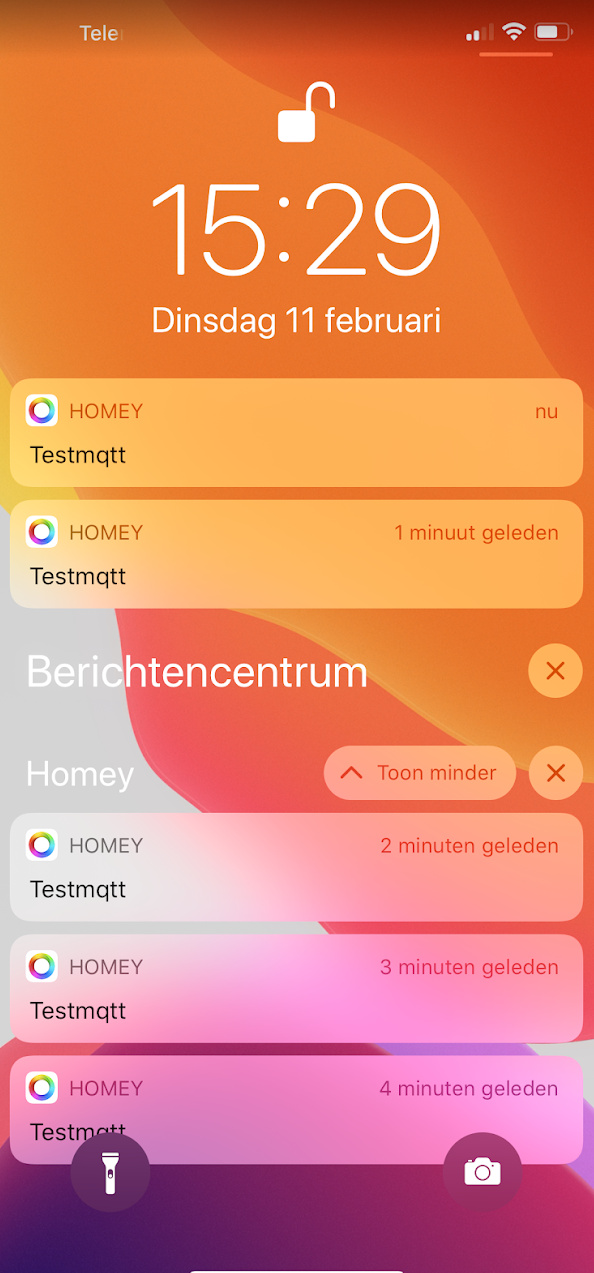
So maybe there’s something wrong in my ‘output mqtt’ in node red? Or homey just reacts after 1 minute, which should be strange I think?
There shouldn’t be a minute delay between the MQTT messages. That’s probably a delay from the push message system.
I honestly don’t know right now. It should work. I believe there are several Hue users over here that use mqtt. The only thing I can think of is that you have the wrong topic (maybe you’ve overwrite the topic inside the MQTT transmit?) If you copied the topic you received when you switch the light inside homey with the /set added. It really should work. Maybe you are using the wrong MQTT server? If you copy someone else his JSON it includes their server. Maybe you have several non working servers in the list?
Have you tried to check everything with MQTT explorer? You can send also from that application:
