Sorry for the late reply.
Try bending the fins. or use a very small wrench, or even very grippy precision tweezers.
They are a bit of a pain but it’s really the only hard part.
Sorry for the late reply.
Try bending the fins. or use a very small wrench, or even very grippy precision tweezers.
They are a bit of a pain but it’s really the only hard part.
Up and running..
And ? How is your experience? Better /Faster /More responsive??
Did you also expand the Partition to 32GB ?
Did you put back the hood/top if the Homey Pro?
Or is it now a cabriolet “special edition” Homey Pro 23 like mine?
Homey now uses 2.2 Gb out of 8.2. So my memory usage was to the limit.
Every 24 hours my homey crashed and restarted automatically. It needs a week to say if it is now more stable or not. Devices seem more responsive.
I did not expand the partition (yet). I do not need extra storage.
The cpu temp is below 54 degrees, same as before the modding. No need to let the box open.
Homey is definitely much faster. My (large) homescreen opens in stead of after a few seconds now within a second.
Hi,
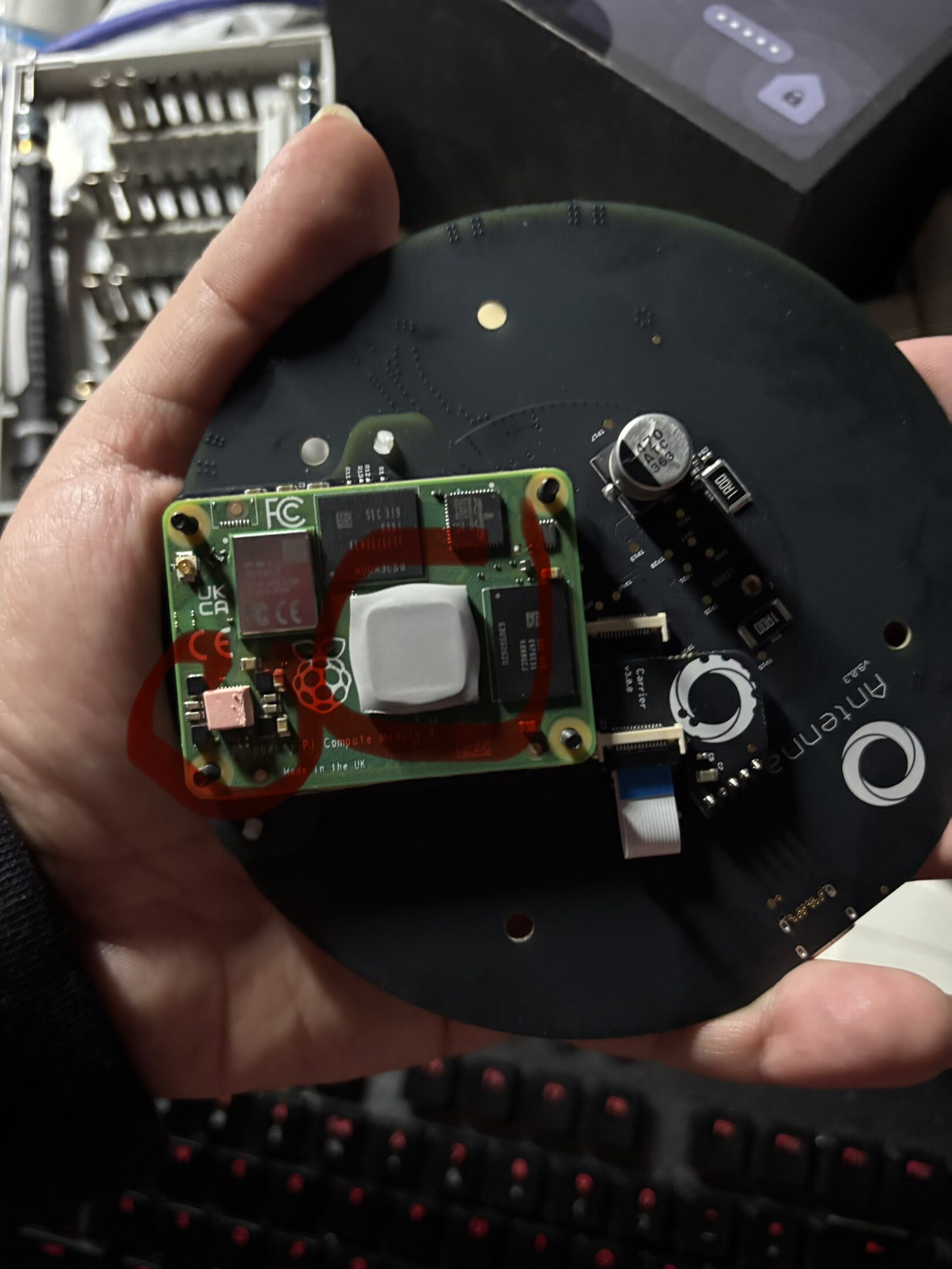
I am planning to upgrade the CM4 of Homey Pro 2023 to the 8/32GB version.
Question: how thick should the new thermal pads be when using the same cooling body from the original 2023?
I used 1,5 mm for the CPU and 2,5 mm for the PSU.
My Homey (with 8/32GB) is still at about the same temperature as with the old CM4; about 57º C with the original heatsink.
Hasn’t been above 58º C since I replaced the CM4.
My Amazon.nl package/order (see link above) came with 5 or 6 new roze thermal pads and heatsink included.
Ik used/installed all of them and not only these two like the original
So every surface of these 4 other “chips” would also have a thermal pad to touch the original heatsink.
Black Iphonitis rigorosa : level 15+
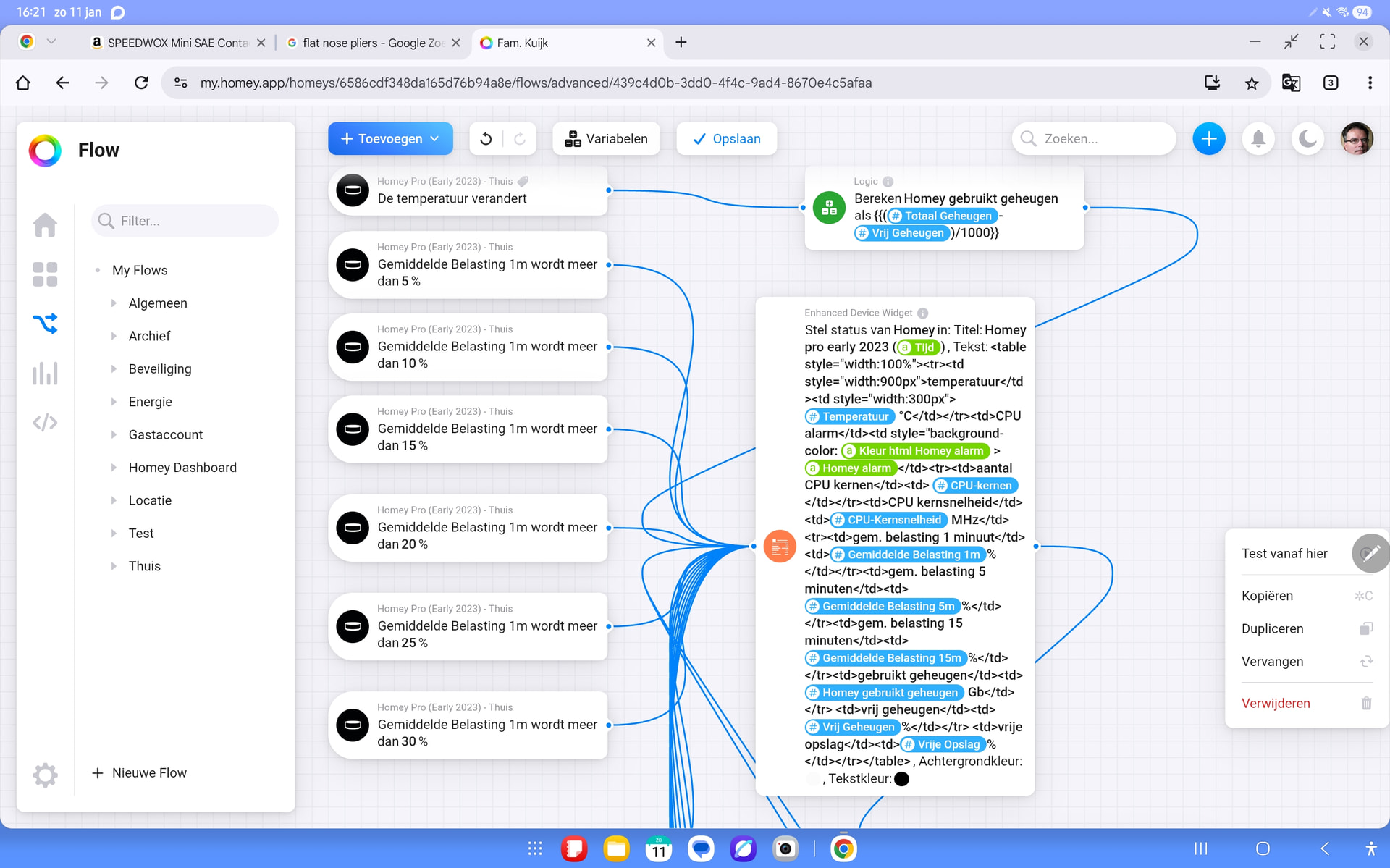
How did you get this information/specs(chart)/screenshot ??
I like it. Would love to have it too, please.
Chart: created with Homey dashboard, installed the app sysinternals and used insights in the dashboard
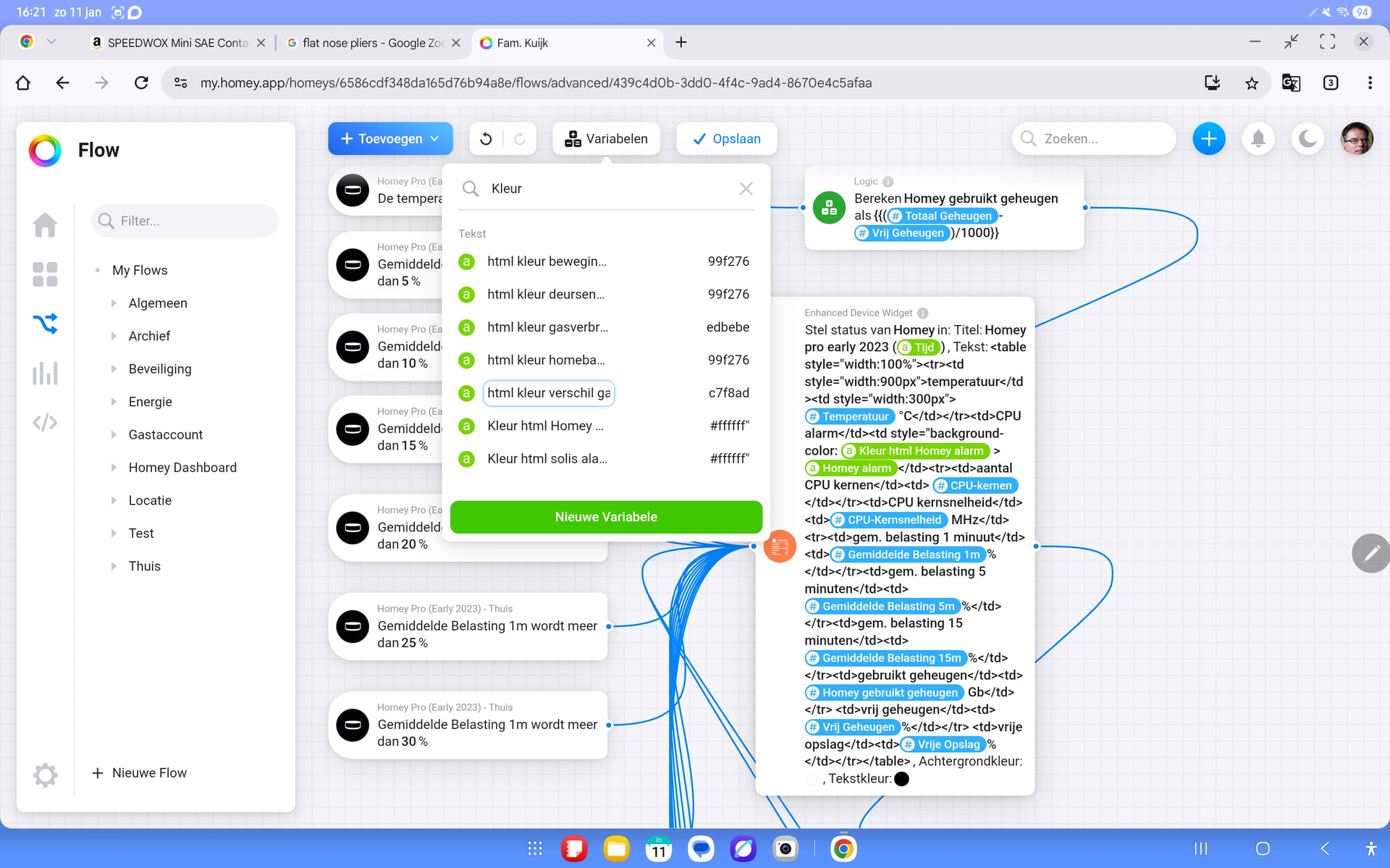
Table: - app sysinternals to get the device characteristics - dashboard with app enhanced device widget. Created a table with html. (Enhanced device widget supports html)
Could You maybe please  share: copy & paste that tekst/html ??
  Oreven share the complete flow ??
Copy does not work on my tablet. I ll try computer
<td style="background-color: Kleur html Homey alarm >Homey alarm</td><tr><td>aantal CPU kernen</td><td> CPU-kernen</td></tr><td>CPU kernsnelheid</td><td>CPU-Kernsnelheid MHz</td><tr><td>gem. belasting 1 minuut</td><td>Gemiddelde Belasting 1m%</td></tr><td>gem. belasting 5 minuten</td><td>Gemiddelde Belasting 5m%</td></tr><td>gem. belasting 15 minuten</td><td>Gemiddelde Belasting 15m%</td></tr><td>gebruikt geheugen</td><td>Homey gebruikt geheugen Gb</td></tr> <td>vrij geheugen</td><td>Vrij Geheugen%</td></tr> <td>vrije opslag</td><td>Vrije Opslag%</td></tr></table>| temperatuur | Temperatuur °C |
| CPU alarm |
Hi everyone. I tried to upgrade my Pro to 8GB last weekend. It all went as expected until the newly upgraded Homey started. I could access the Homey from App, Delveloper and Web, but I discovered that there was no sign of IP addresses for Ethernet Adapter or for Wifi on the Homey Pro. Also, I had no Z-wave. Tried resetting the Homey Pro, reinstalling firmware and restoring backup serveral times, but still no network or Z-wave. I then switched back to the old Compute module and everything was back in place. Performed a new local backup plus a cloud backup and repeated the process for switching Compute module. Still the same problem.
With the new Compute module, I can get the yellow light and connect to computer or Mac, but I cannot use the 8-second or 30-second reset functions. When I have the blue light, I cannot find a new device - even when the Homey can be seen from my local network.
My Homey Pro: Utilizing 1,85GB RAM
homeyVersion “12.10.1”
48 Z-wave devices
51 Zigbee devices
Any ideas of what to check next?
Used this module: CM4008032
And no info was available om Sysinfo for Zwave. I manually selected Europe, but it was still blank
There was no sign of IP in Homey info, but I could access Homey from computer and App. Both Wifi and Ethernet was enabled and available from my LAN.