@Pascal_Nohl I just found this about automations: 2026.7: Automations that speak your language - Home Assistant
Homey Self-Hosted Server can work with any 3rd party Thread Border Router which is on the same local network. There’s no need to set this up as Homey will simply look at the Pfeffered Thread Network on your mobile phone. Just like a platform like Home Assistant manages it 
Do the non-Matter devices show a red triangle with an “Unavailable” message? If so, could you let me know what error is being displayed?
Regarding the message you’re seeing with your Virtual Button: the Restart Homey Flow card has a built-in cooldown to prevent a Flow from accidentally putting Homey into a reboot loop. This message simply means that your Homey has been running for less than 10 minutes since its last restart.
Ohh thanks @Doekse I really have to try this out. 
Publish a knowledge based article on how to do this then with the most common third party (not just Apple Homepods) so people stop asking the forum how to do it.
I own three and I’ve still not been able to get it to work
You shouldn’t have to do anything. You’d want to make sure that the Thread network you want to use is set up as the Pfeffered Thread Network on your mobile phone. This usually happens automatically when you first set up such a device with your phone.
I came here for the same issues. In this last week or so I’m having trouble with matter and hue devices again. I’ve got matter devices randomly losing connection and hue bulbs becoming unresponsive when using the hue without bridge app
I can’t remember, having seen an error message. The red triangle is there and when I click on the device a just get the device unavailable message.
The error message should be show underneath the Device Unavailable message when you open the device.

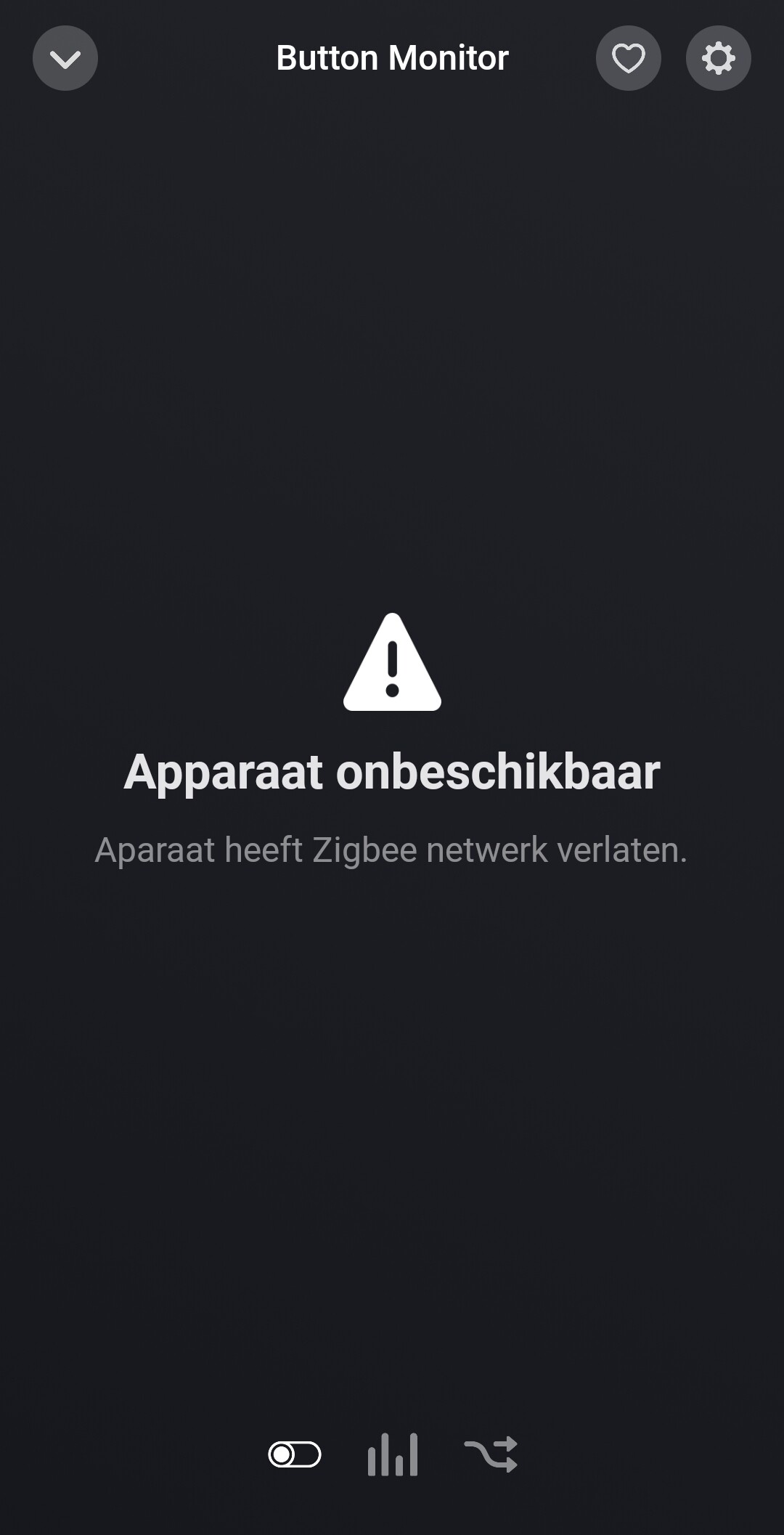
I know. That is exactly the message captured by my log. The text before the colon is added by my logging code; everything after the colon is the actual error message reported by the device.
Go to Homey support, they will just tell you it’s user error and can’t possibly be a software issue related to v13.3
Definitely not trying to blame anyone, but since I see a lot of Nanoleaf in the list here, and they were one of the first companies to really embrace Matter over Thread with a few bumps along the way, I was wondering if all of those Nanoleaf devices are running the latest firmware?
I had two of their GU10 spots in my bathroom for a bit but never got them to function properly. Swapped them out for a couple of IKEA KAJPLATS which has been pretty stable since their latest firmware update.
Next to that, are the devices still available on other platforms? That also might be a clue.
My ticket is open since two month, and yes they told me that it must be the charger or the cable. I changed the charger 2 times against a 60 Watt PD then a 100 Watt PD. The càble is an expensive Thunderbolt cable, but nothing helped. I don’t count on Athome to help me.
No, I regularly have large numbers of devices becoming unavailable, including devices from Bosch, Eve, Onvis, Heiman, and IKEA. When it happens, many devices suddenly show the red warning triangle.
I only monitor the Bosch TRV and the Nanoleaf LED Strip specifically because I use them as indicators to detect the problem and automatically restart Homey. Not every flow has logging enabled, so those two devices are not necessarily the only ones affected.
Sometimes everything works perfectly for an entire week. Then, without any obvious reason, the problem occurs once or twice a day for three or four days before the system becomes stable again for another week.
I also monitor my Thread network using the official tool from the Thread Group. I have only one Thread network, and it appears to be healthy. Since Matter-over-Wi-Fi devices sometimes disappear as well, although not every time, I suspect the issue is located in Homey’s Matter layer or in the interaction between its Matter and Thread implementations, rather than in my Thread network itself.
In any case, if these problems still exist after the summer, when I have more time, I will probably start migrating to Home Assistant. Recurring reliability issues of this scale, combined with Homey’s continued silence, are simply not acceptable for a hub that is marketed as a professional-grade smart home solution.
Good luck, LG.
You really think it’s a Homey issue? Well, I can say from experience that Matter is by far the most unstable protocol out there (at least in my setup). Even a mainstream platform such as Google Home can’t connect reliably to Matter devices. Just go with Zigbee, Z-Wave or Cloud devices, you won’t regret it.
Since every situation is unique I’d recommend creating a diagnostic report and letting my colleagues from support have a look. They can see what’s the origin of the issues.
Hilarious
I am regularly told by support that no one else has contacted them about the issue, but they are working on the background on a fix to help my “overloaded” thread network.
If this issue was affecting just one person, why would they risk changing the Thread implementation for “millions of users”.
All of this stinks and now we have them blatantly lying to me.
Support ticket open for TWO months. What a joke.
Any comment @Doekse
I had a perfectly functioning and stable 50 device Thread network for 9 months, until v13.3 was released
