See the Athom Blog for official presentation:
 Introducing Moods:
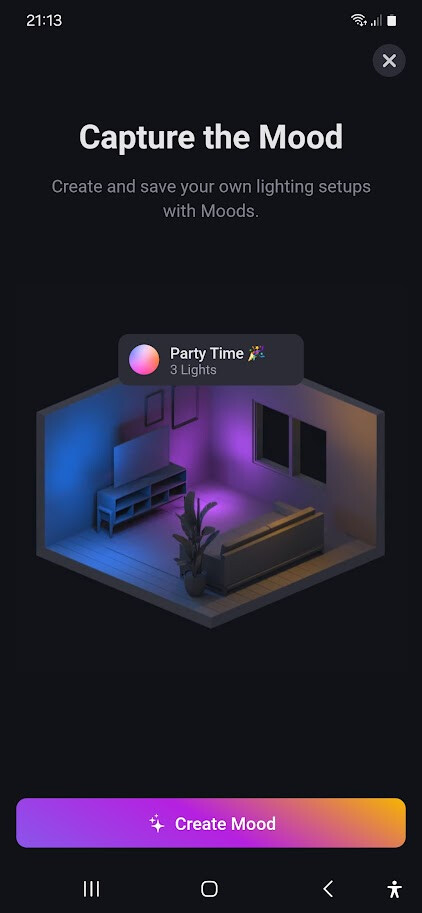
With Moods, you can create and save your own lighting setups effortlessly. Dive into this new feature by simply tapping the ‘plus’ button in the mobile app on the devices tab to unveil the “New Mood” option.
Some points to note:
— Moods works with Homey Pro (Early 2023) firmware version 11.0.0 and later, as well as Homey (Cloud).
Customers owning Homey Pro (2016 — 2019) will get the option to unlock Moods for a one-time purchase of € 10 .
— Available from Homey Mobile App - v8.2.0 
Homey Mobile App Changelog | Homey
Moods from The Mobile App from v8.20 (v8.30 for white Sphere Homey (Pro) 2016-2019)
You can create one of more moods from the Blue (+) Sign in the Devices/ Zones tab using [New Mood]:


Select the Lights that are part of this Mood
(Choosing Lights with less capabilities reduce the options after NEXT , so try one with only Color Lights and no dumb lights.)
Choose one of the Pre-set’s or create your own Custom Mood

optional Change the name and Save:


you can see Moods in Zone’s or onder the Favorites.
Moods from the WebApp
Moods can’t be created from the WebApp but can be Set (Activated) or Deleted or made Favorite.

Moods in Flows
You can create Flows (Both in WebApp and in Mobile app) that Trigger on setting a Mood and Create Flows that Set a Mood.

