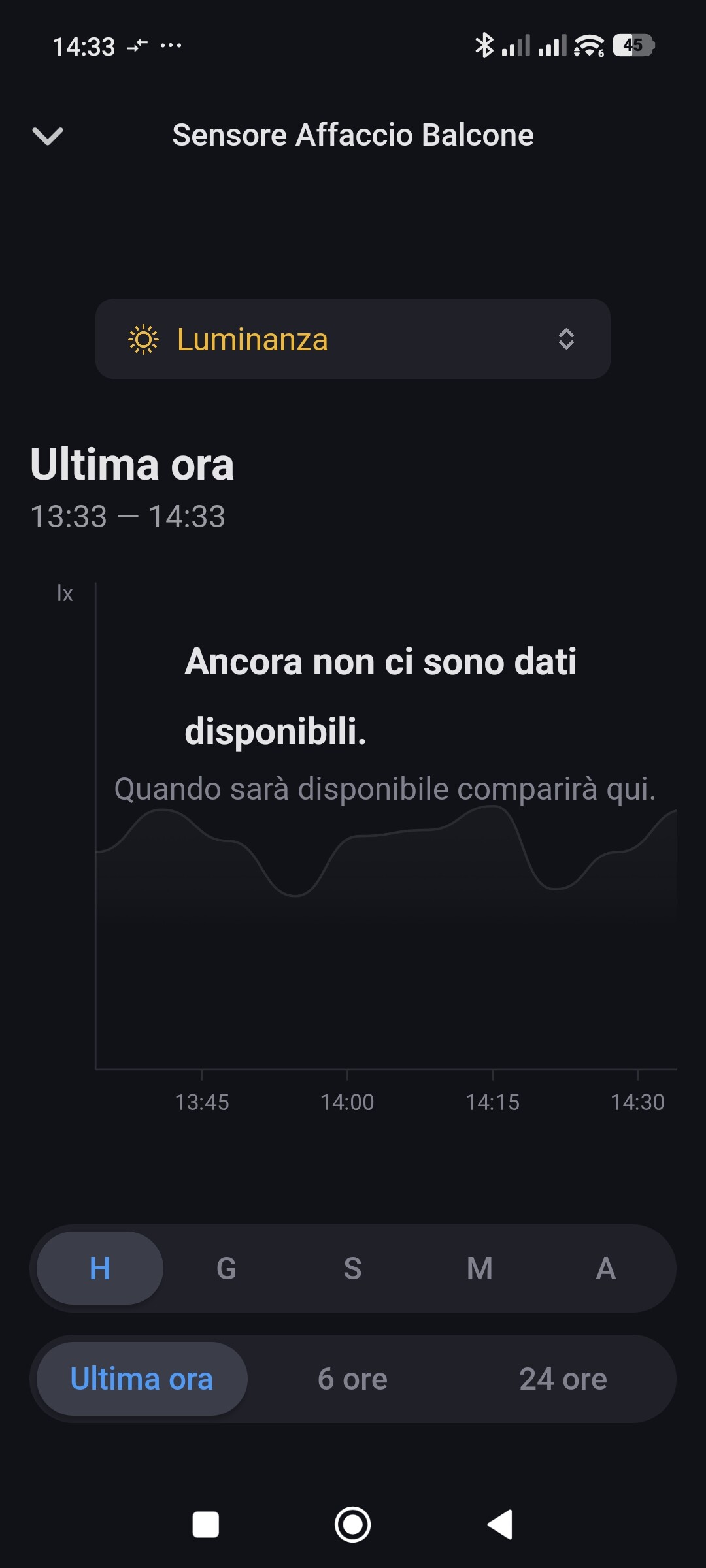
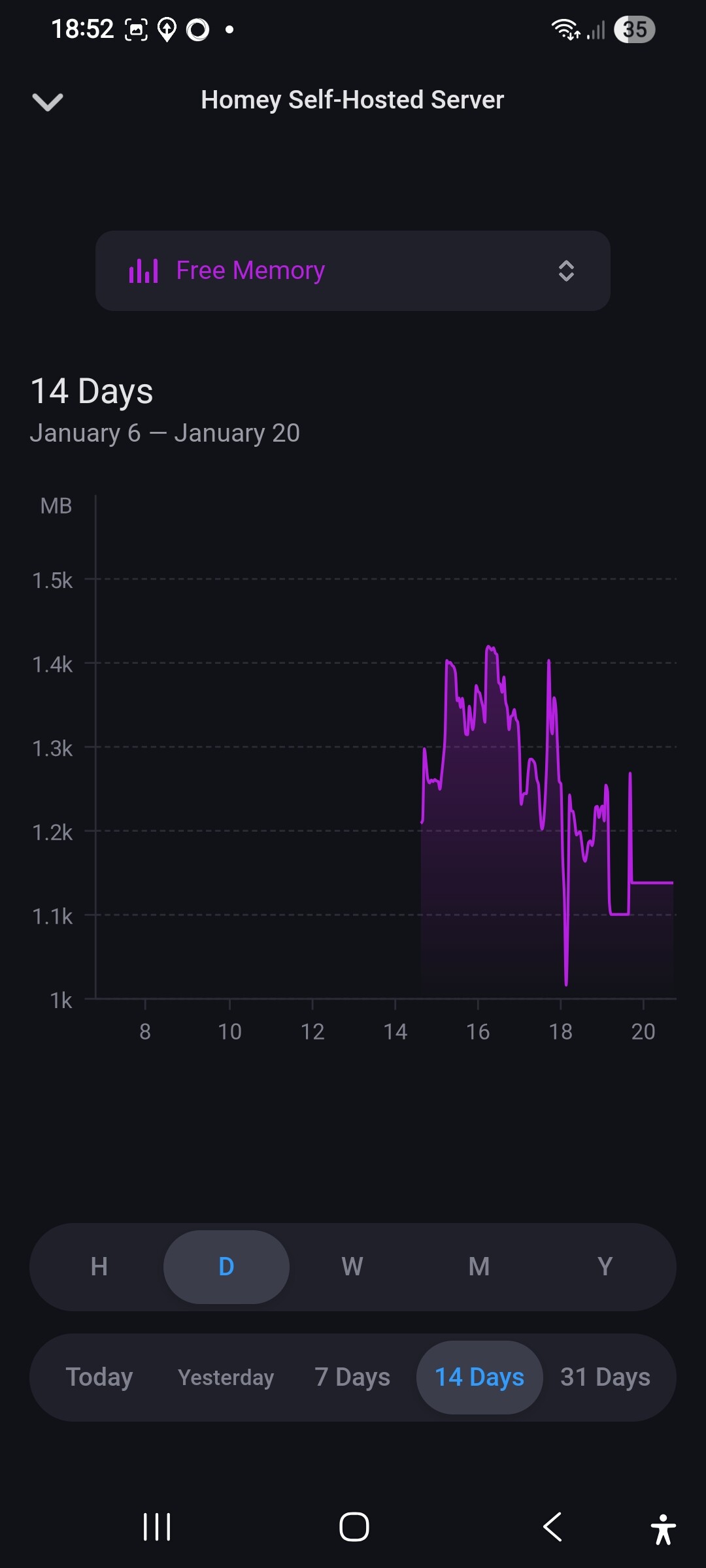
I am trying out the Homey system to see if it is a reliable way to expand my home automation system, allowing various devices from different manufacturers to interact with each other. I am trying out the self-hosted version installed on a NUC with Ubuntu, which acts as a multimedia server for the home.
Among the various issues I am encountering with Homey is the functioning of insights. Basically, I get a timeout error after 10,000 ms on the web,
I installed and started creating my Homey on 5 January 2026… so it’s been about two weeks now. I found a possibile solution in another thread that said to restart Homey or turn off the device for about 10 minutes. I created a setting that restarts my Self every day, but it does not solve the problem. I tried turning it off for 10 minutes, and when I turned the nuc back on, it seemed to work, but after a while, insights stopped working again.
Possible solution?
It isn’t SHS generic though, my SHS as HA add-on doesn’t have problems;
However, the mobile app takes it’s time for certain insights, so don’t conclude too soon
Sorry, you still have to add the homey-shs folder as well
When you performed a default “shs on linux” install, it’s probably /home/arceus/.homey-shs
First try the command below without ‘sudo’:
In the end, considering that I am conducting a comprehensive assessment, I ‘moved’ my Homey SHS from the Ubuntu version to the VMware version on Windows, and the issue appears to have been resolved.
If it should reappear on the Windows version, I will report it to support.
Not sure if this warrants a new thread, but I’m running into the same issue. When attempting to access Insights, I consistently receive a Timeout (10000ms) error, after which the server becomes unresponsive. In most cases, I have to reboot before I can access the GUI again.
I’ve tested this across multiple environments with the same result:
1× LXC Ubuntu Server
3× LXC Debian 13
1× LXC deployed using the helper scripts (I see this is running on Debian)
Anytime I attempt to access Insights, it just gives me that timeout error on the page and I see the “Still updating RRD” repeat in the log until I bounce the device.
Any guidance would be appreciated. If it makes more sense to open a separate thread, I’m happy to do so — just trying to avoid duplicating topics unnecessarily.